


A website which is supposedly safe (https , at least when opened in Edge) is shown as not safe in Firefox

Hello,
The website I log in for internet banking (https://www.sparkasse-rhein-maas.de/de/home.html) is shown as written in brackets when opened in Edge, but as www.sparkasse-rhein-maas.de/de/home.html when I open it in firefor. And Firefox tells me it's not safe when I want to log in. BUT - as I've only just discovered when I copied and pasted it in here - when copied it shows as https://www.sparkasse-rhein-maas.de/de/home.html, so safe after all? How can that be? I hope there's a good explanation.
Thanks in advance Bettina
Moderator note: This question has been edited to correct the formatting.
Okulungisiwe ngu Denys
All Replies (4)
Isisombululo Esikhethiwe
Where do you see Firefox tells me it's not safe when I want to log in? Can you attach a screenshot?
- https://support.mozilla.org/en-US/kb/how-do-i-create-screenshot-my-problem
- use a compressed image type like PNG or JPG to save the screenshot
Firefox hides the https:// protocol in the address bar. This in controlled in about:config by the browser.urlbar.trimURLs pref.
You can always hover/click the lock icon in the location/address bar for more info about the connection, see also "Tools -> Page Info -> Security".
Wow, that was fast.. thank you!
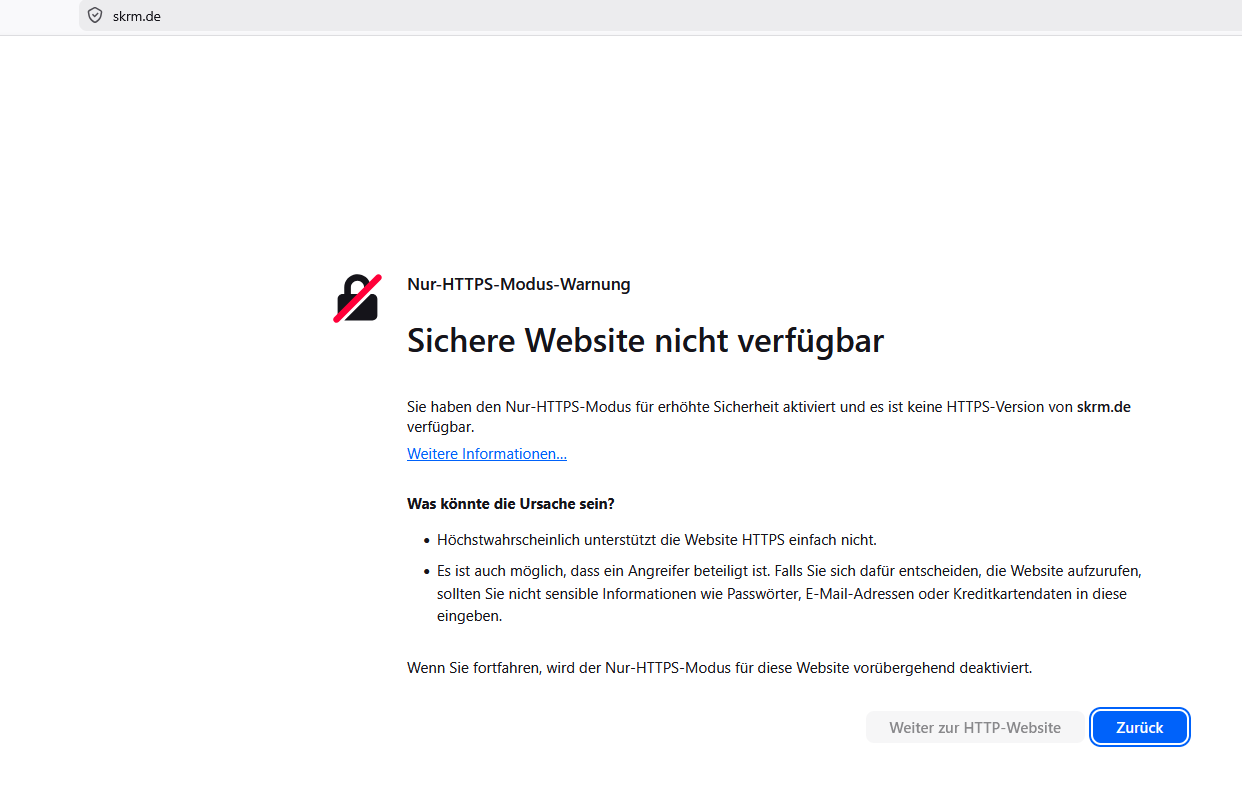
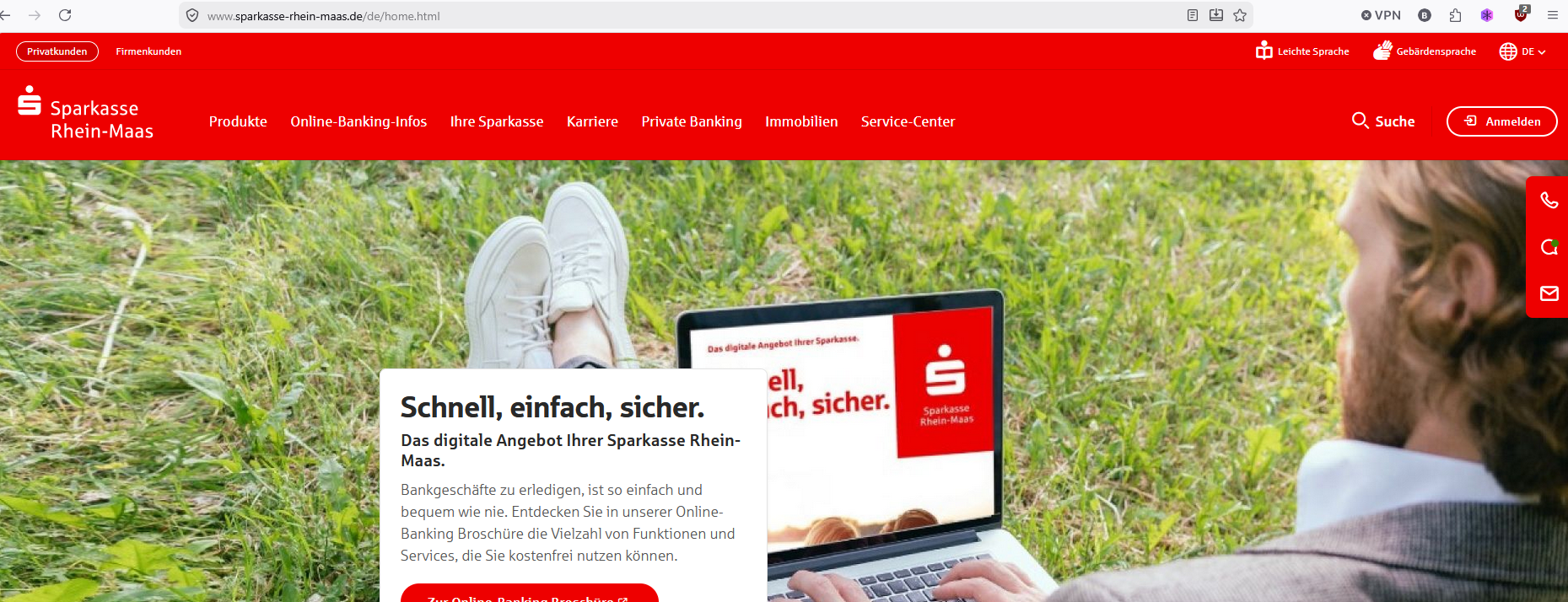
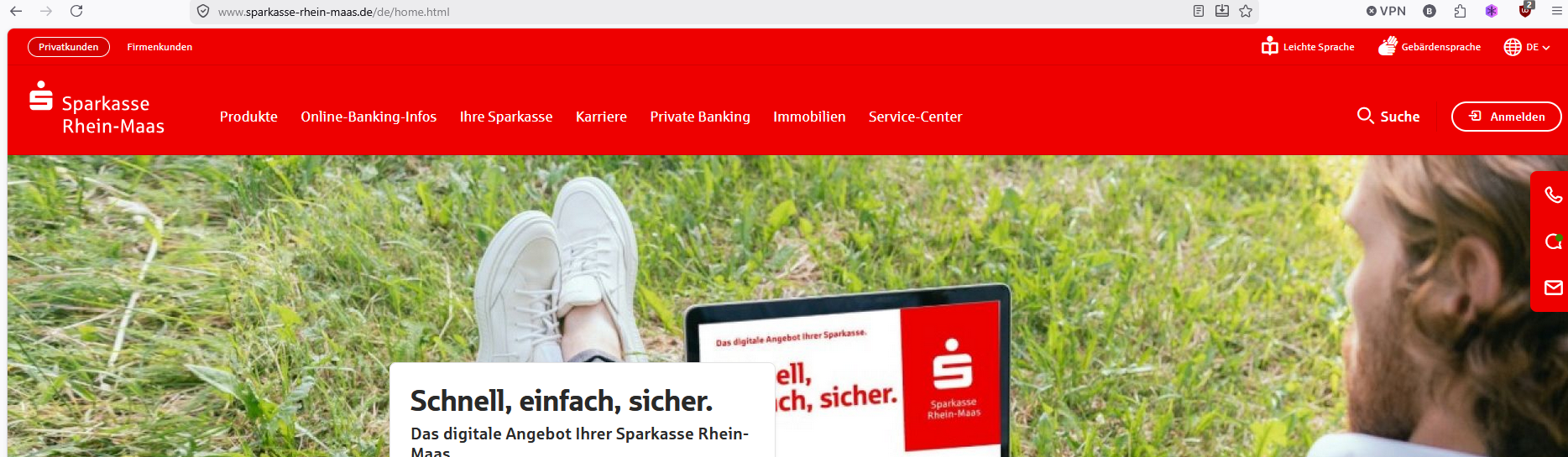
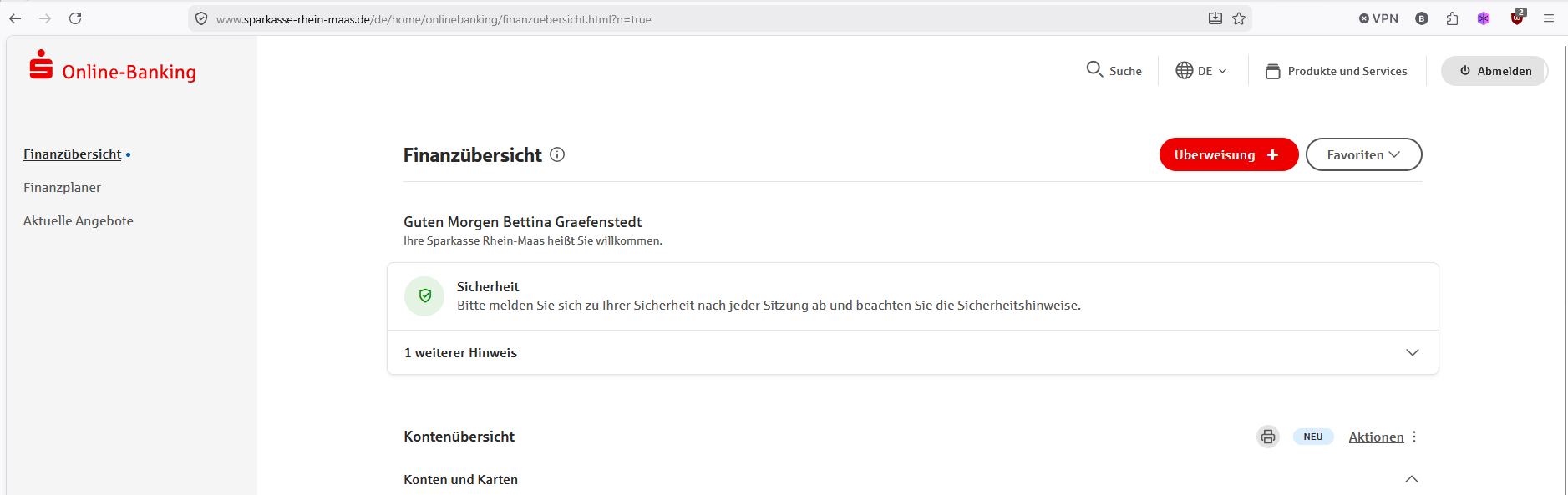
I was told I could put this abbreviation in to get to the site: (see first image) but even when I type in https://sparkasse- .... I get to this: (see second image) But when I copy and paste it into a new tab it shows as this (3rd image) But when I then press return, it shows without the https again (4th image, looks just like the second) The last image shows the site when I've logged in.
Firefox hides the https:// protocol in the address bar.
This in controlled in about:config by the browser.urlbar.trimURLs pref.
https://support.mozilla.org/en-US/kb/about-config-editor-firefox
Sorry, I don't quite understand that and don't feel confident enough to go into editing. (I might be able to get my son onto it one day.)
You can always hover/click the lock icon in the location/address bar for more info about the connection, see also "Tools -> Page Info -> Security".
But I cannot see a lock item! Or is that the little emblem with the tick in it in the address bar, to the left of the site name? (very last image) When I hover over that it says "verified by..."
I'm rather short of time this morning (it's 7:25 am where I am) and won't be back at my laptop till Monday afternoon. Just so you know why I don't answer later. But I will occasionally read emails on my mobile, just won't be able to try things or attach screen shots.
After checking all this, I'm pretty confident it's the case that firefox hides the https:// protocol in the address bar. (Just checked on another website for a different account for online banking - and it doesn't show https: either, but I'm sure it's safe.) So I'll have to go into that https://support.mozilla.org/en-US/kb/about-config-editor-firefox very carefully and slowly or wait for my son.
Thank you!


Hi,
The lock icon was removed in one of the recent updates, and all the info will now appear after you click the shield icon (which you mentioned). If everything's fine, there will be the "Connection secure" label with a lock at the top right corner of the panel (and you'll probably see "Verified by..." when hovering the shield). If the connection is not secure, the shield will be crossed and the "Not Secure" label will be displayed next to it (check it out by going to http://http.badssl.com/). For different kinds of issues, explicit error messages may be displayed instead of loading the page.
Firefox indeed hides the https:// prefix by default to save space, but:
- You can see it after clicking the address bar and then clicking it again, removing the text selection.
- You can restore it permanently by flipping the about:config pref mentioned by cor-el above.
If that answers your question, I suggest that you mark cor-el's reply as a solution. You'll still be able to post here in case you need further help with flipping the pref.
Brilliant! Thank you all! It's wonderful ro find such knowledgeable and fast support!