


Solved
Tabs moved to the side bar and I don't want it there
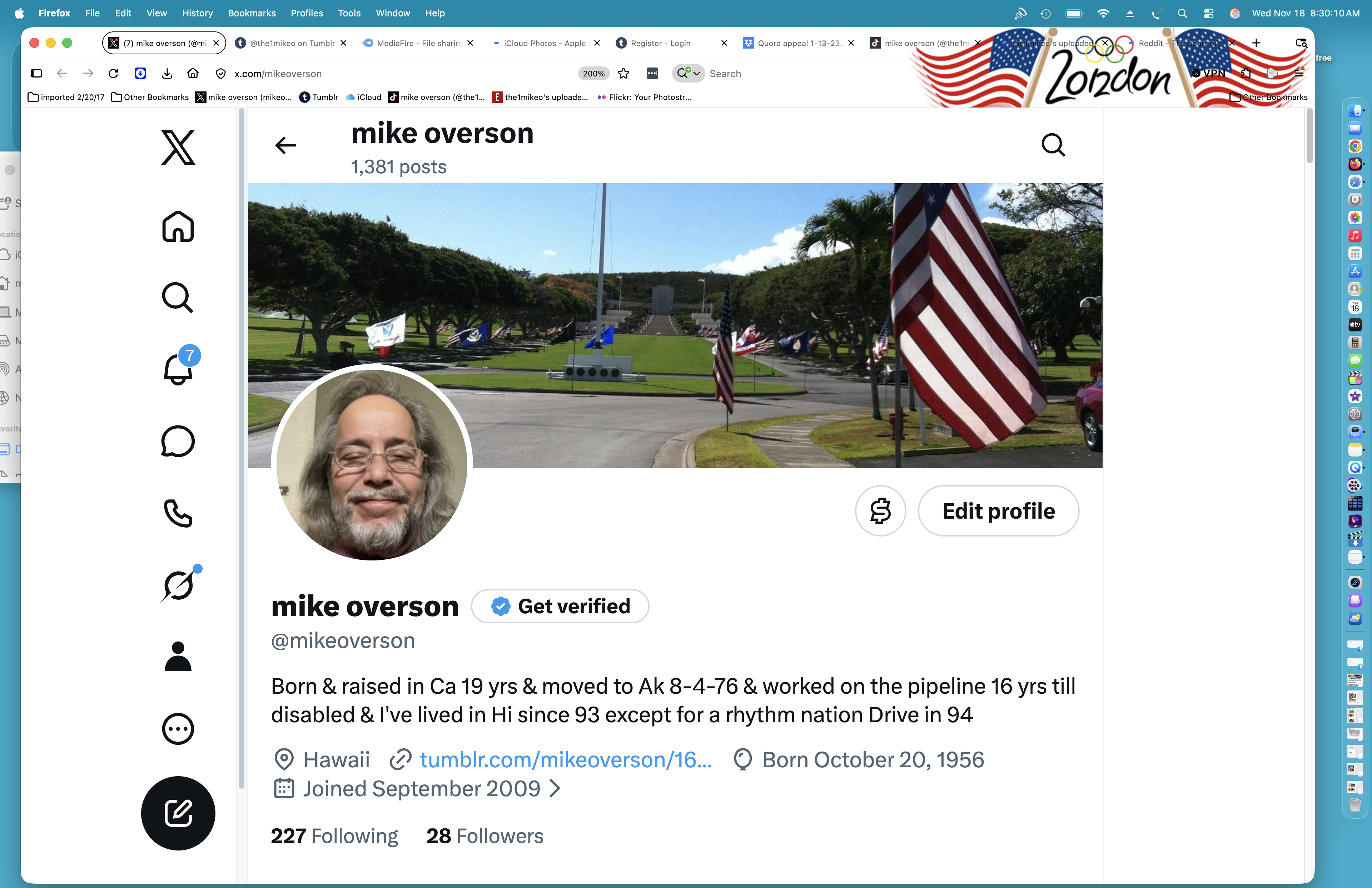
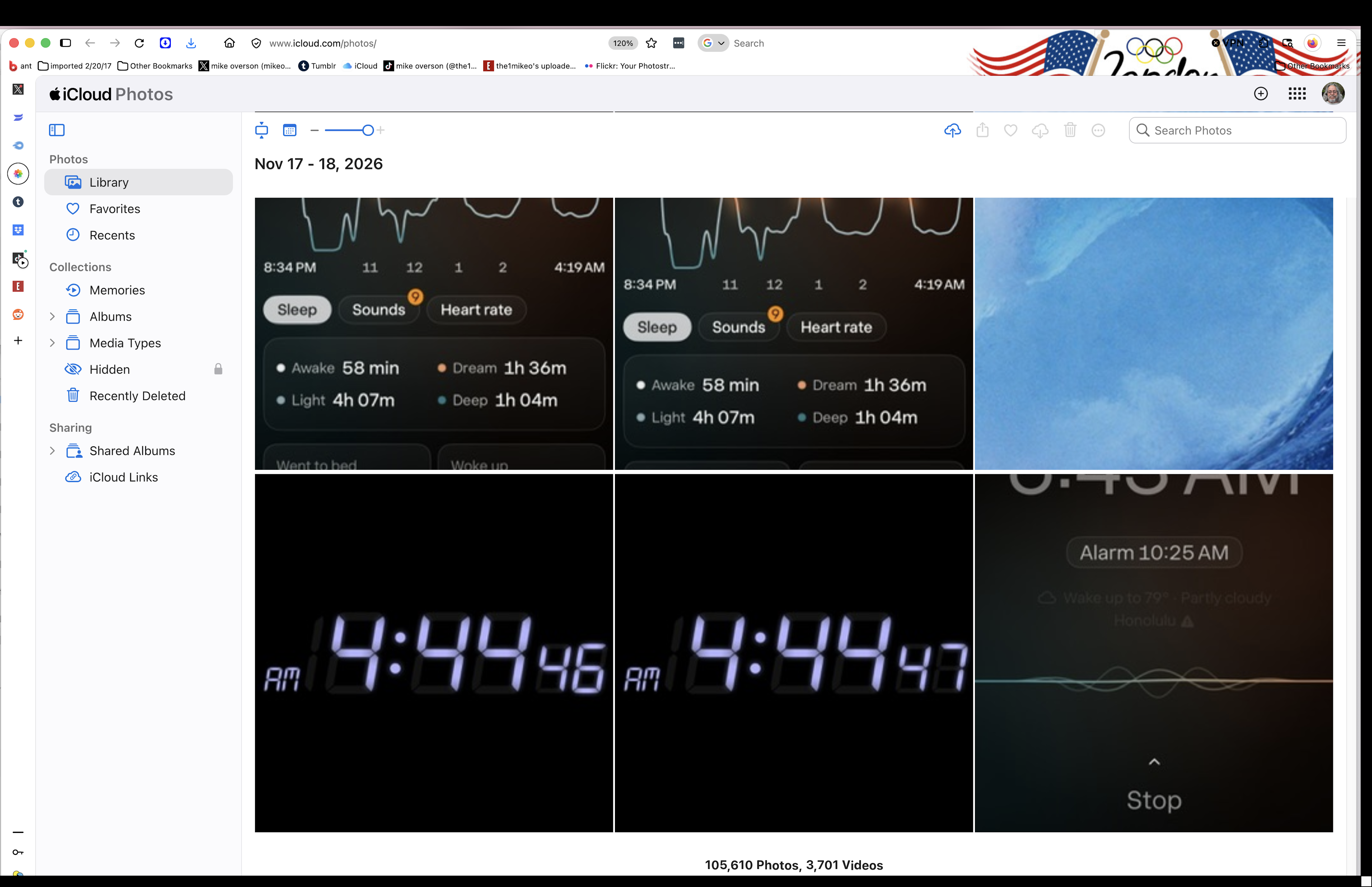
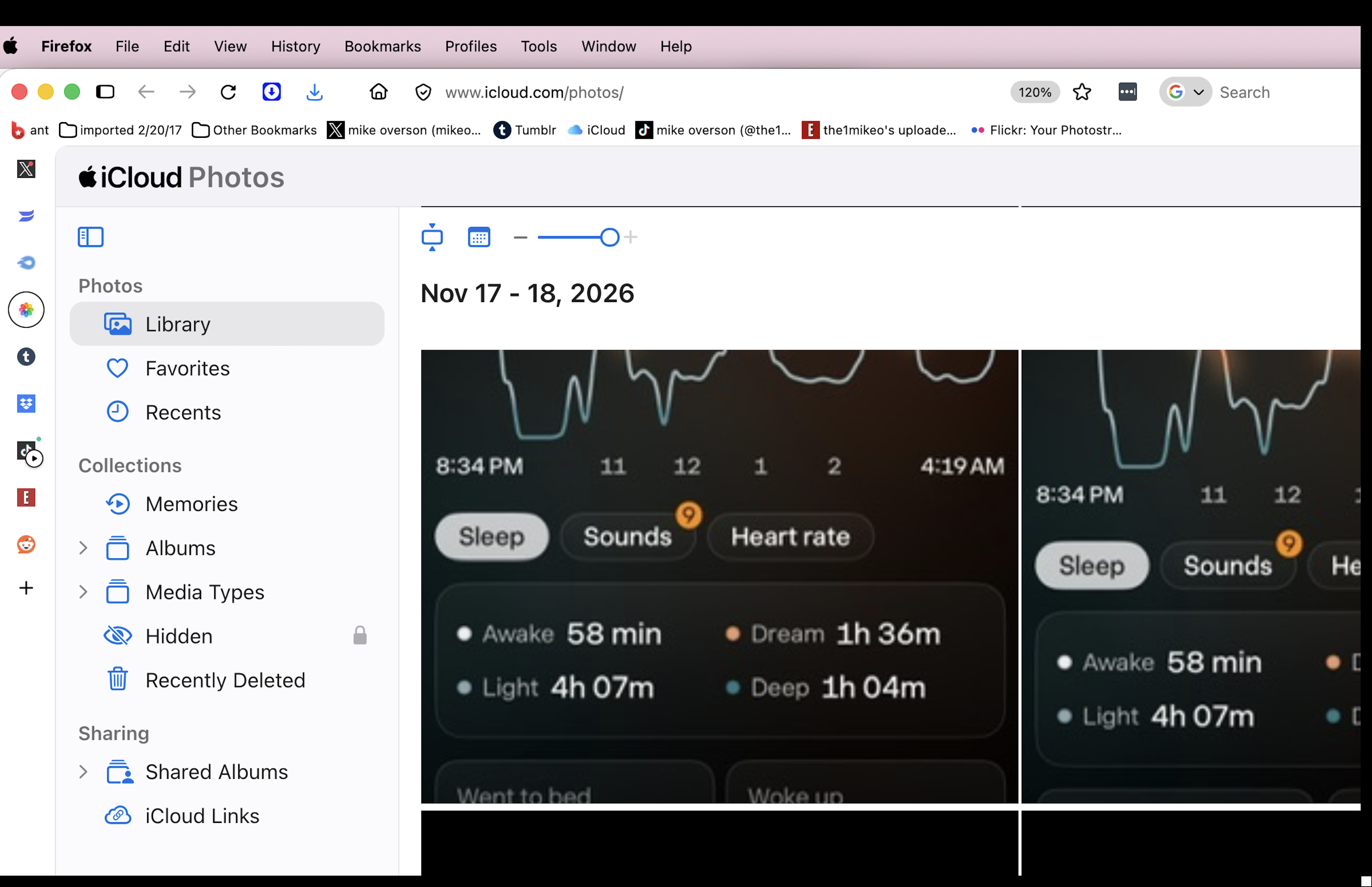
I don't know what I did but all my tabs moved from the top menu bar to the sidebar which is much more difficult to keep track of and I don't know how to switch it back. The screenshots show my homepage with custom URLs at the top was much better than on the sidebar, how do I switch it back. Also on the screenshot you can see the USA flag was showing on my browser before and now just the very top of it is showing when my tabs are on the sidebar.
I don't know what I did but all my tabs moved from the top menu bar to the sidebar which is much more difficult to keep track of and I don't know how to switch it back.
The screenshots show my homepage with custom URLs at the top was much better than on the sidebar, how do I switch it back. Also on the screenshot you can see the USA flag was showing on my browser before and now just the very top of it is showing when my tabs are on the sidebar.
All Replies (2)
Isisombululo esiKhethiweyo
go to settings>tabs and browsing and choose the horizontal tabs.
Ilungisiwe ngu eylem akcay
Thank you very much