On Win 11, FF keeps opening a few pixels to the right of the screen when I want it to stay as far left as possible
I am using Win 11, Microsoft Powertoys > Fancy Zones to manage the screen space on my 5120 x 1440 monitor. I also have System > Display > Multiple Displayers "Remember window locations based on monitor connection" enabled.
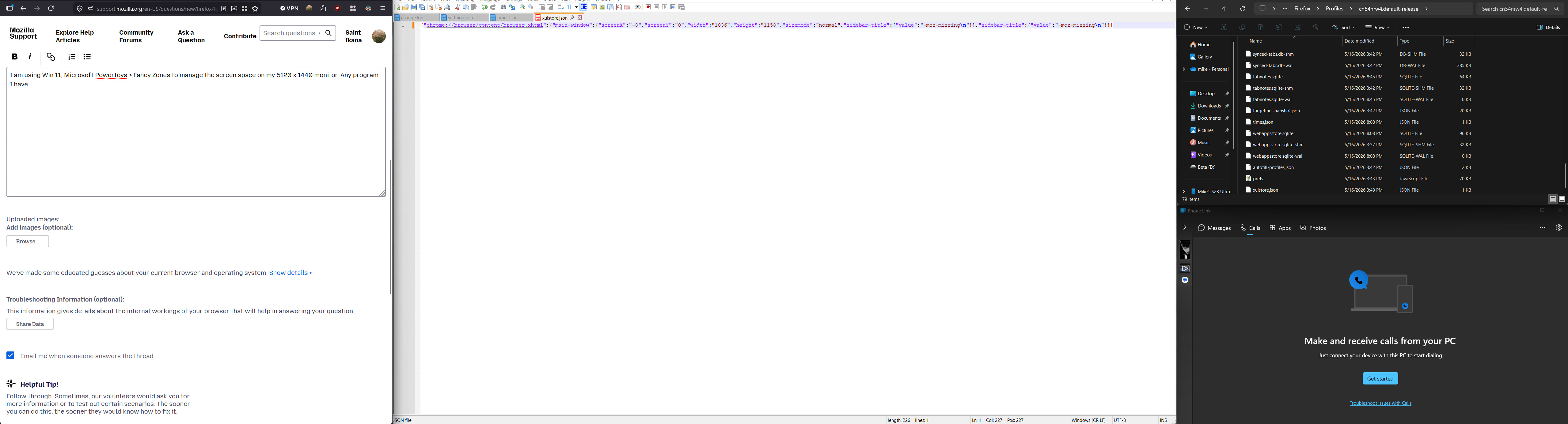
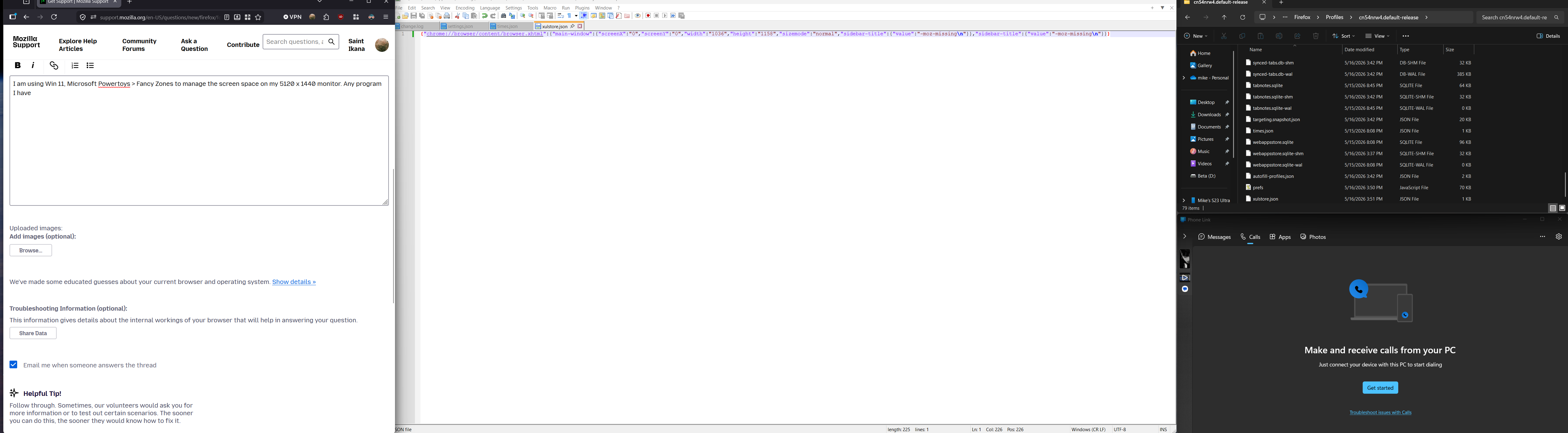
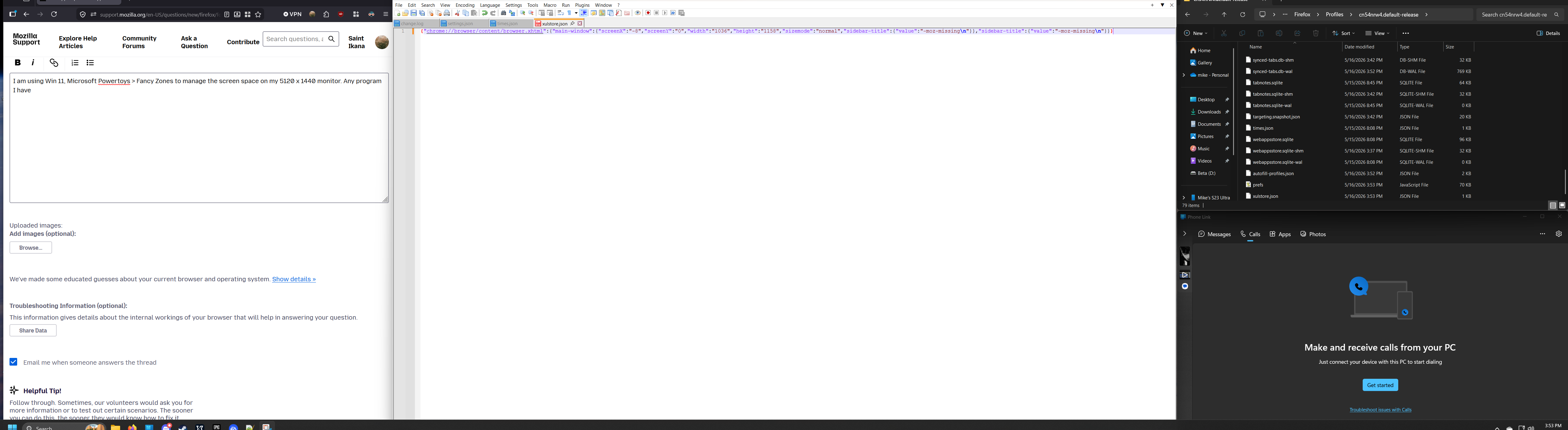
Any program I have besides FF will load up exactly where I had it last. FF shifts I am guessing 8 pixels to the right (or left, as this occurs if I close FF on the right side of the monitor.) If you look at the screenshots, the "opened at default" picture shows what FF looks like when I open it. You can see the xulstore.json file shows the screenX position is -8. If I manually type in 0, close out FF and reopen it, it will still shift back to the right a bit even with the .json still saying 0
How do I do one less thing when I turn the pc on and have FF open exactly as far left as possible instead of shifting over to the right?