


firefox не запускается после установки faceit AC

в моменте браузер перестал запускаться , я люблю твикать и оптимизировать виндовс подумал дело в ней , но переустановил виндовс скачал обновления виндовс и начал по одному шагу оптимизировать и делать настройки виндовс , по итогу настроил точно так же как и раньше , но браузер работал , скачал античит фейсит и перестал работать , сейчас переустановил виндовс не настраивал вообще только скачал браузер и античит фейсита и браузер перестал запускаться выдавая ошибку
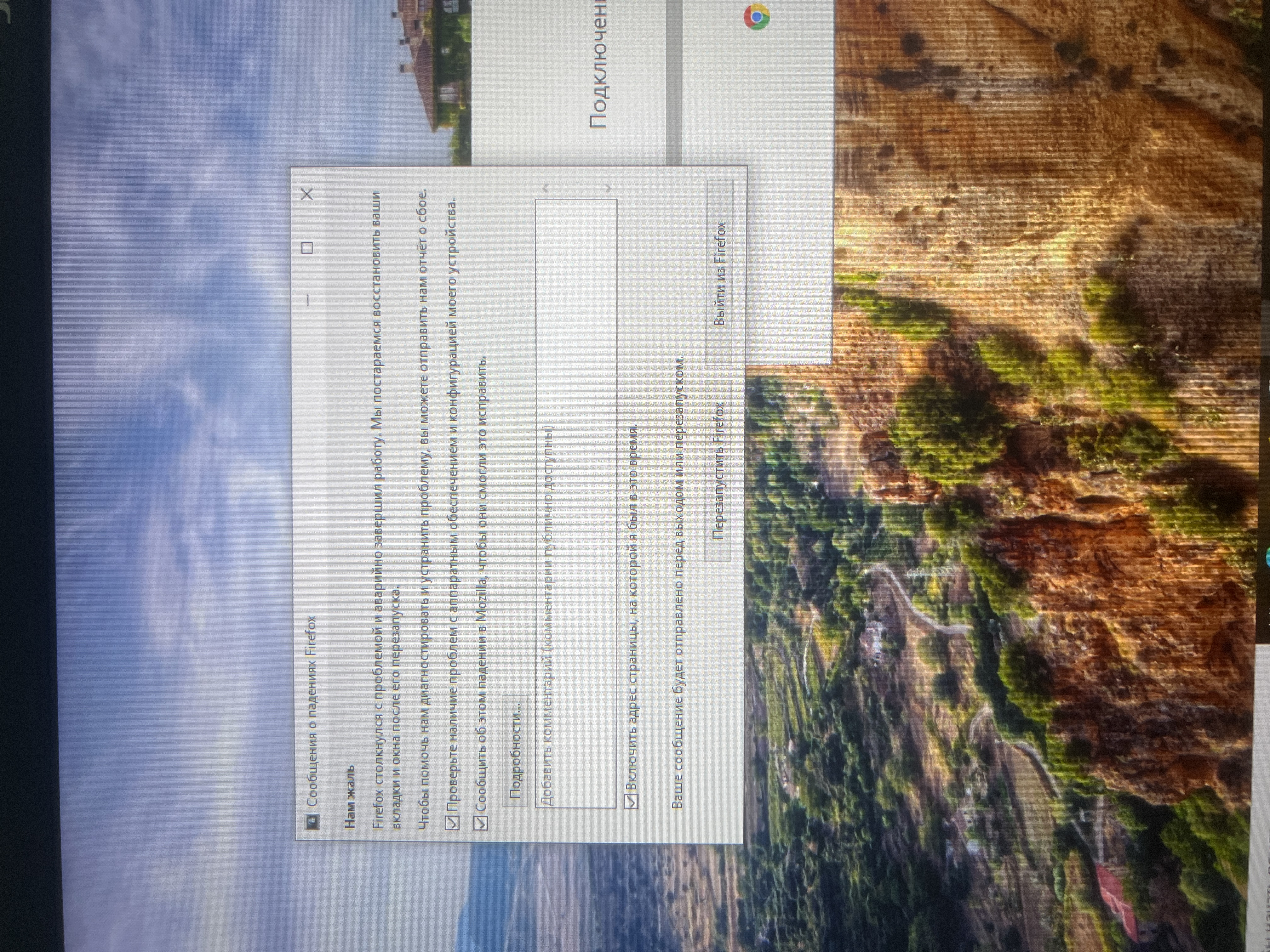
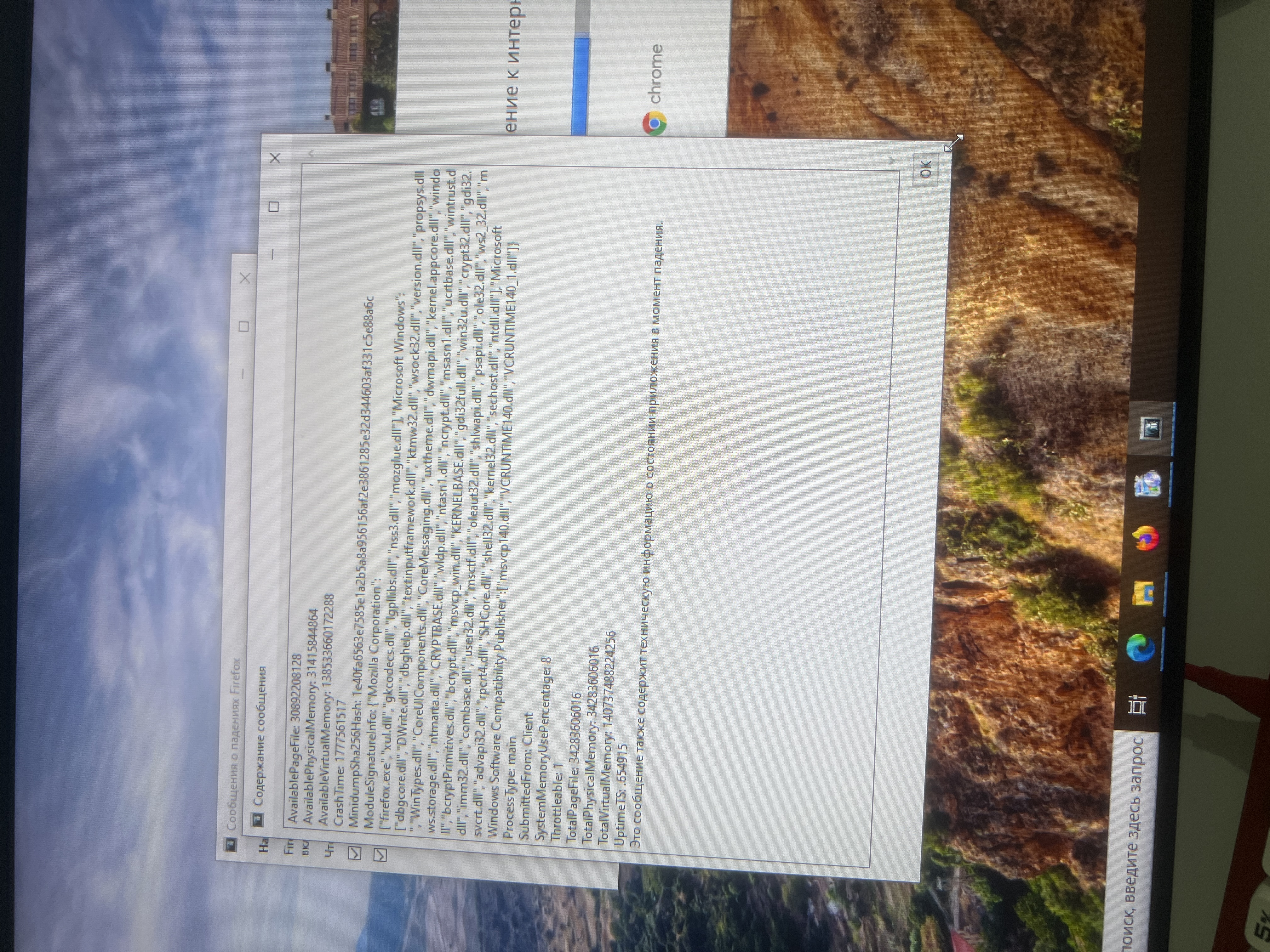
All Replies (5)
Hi vaizer,
Apologies for replying in English, but you're currently posting in our English forum. It looks like you've having issue with launching Firefox on your machine. In the meantime, I'll see if I can find a contributor who can help you with this.
To get help in your locale language, please check out the Get community support article, which lists other available support forums and resources by language.
Thanks for your understanding.
I know how to use a translator, so it won't be a problem for me to answer in English. If you can help, I'll be very happy.
Hello,
Try to open Firefox in a troubleshoot mode. Firefox Troubleshoot Mode is a special diagnostic mode that temporarily turns off hardware acceleration, disables add-ons (extensions and themes) and resets some settings. See the Use Troubleshoot Mode in Firefox article for details.
You can start Firefox in Troubleshoot Mode as follows:
- On Windows: Hold the Shift key when you open the Firefox desktop or Start menu shortcut.
When the Firefox Troubleshoot Mode window appears, select "Open".
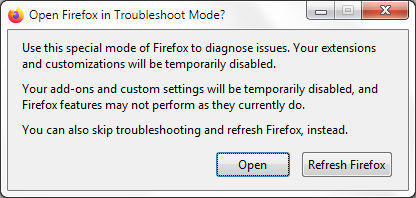
To exit Firefox Troubleshoot Mode, just close Firefox and wait a few seconds before opening Firefox for normal use again. (If you can't exit Firefox Troubleshoot Mode, please see Firefox is stuck in Troubleshoot Mode).
No, that doesn't help. I've already tried that. I always disable hardware acceleration. Following gpt's advice, I tried disabling hardware acceleration through about:config, but that didn't help. I also tried changing the graphics card driver, first uninstalling the old one and downloading a new one. With or without the drivers, the game won't launch, and I can't even access safe mode.как
Hi,
To start Firefox in Troubleshoot Mode, hold the Shift key when you open the Firefox desktop or Start menu shortcut.
Also, please perform the following steps to give us a crash report ID that helps us find out more about the cause of the crash.
- On the keyboard, press [Windows]
 + [R]. This should bring up a Run box that contains a text field.
- In that text field, type %APPDATA% and press Enter. An explorer window should open.
- From that explorer window, double-click on the Mozilla folder, then double-click on Firefox and then on Crash reports. Double-click on submitted.
- Now, you should see a list of files that contain reports. Go to View > Arrange Icons by > Modified to get the most recent files at the top of the window.
- Open the most recent 5 files with a text editor and copy the IDs.
- Paste each ID with bp- into the reply window on the forums.
Thanks in advance!
You can find more information and troubleshooting steps in the Troubleshoot Firefox crashes (closing or quitting unexpectedly) article.