


How extend bookmark drop-down menu?

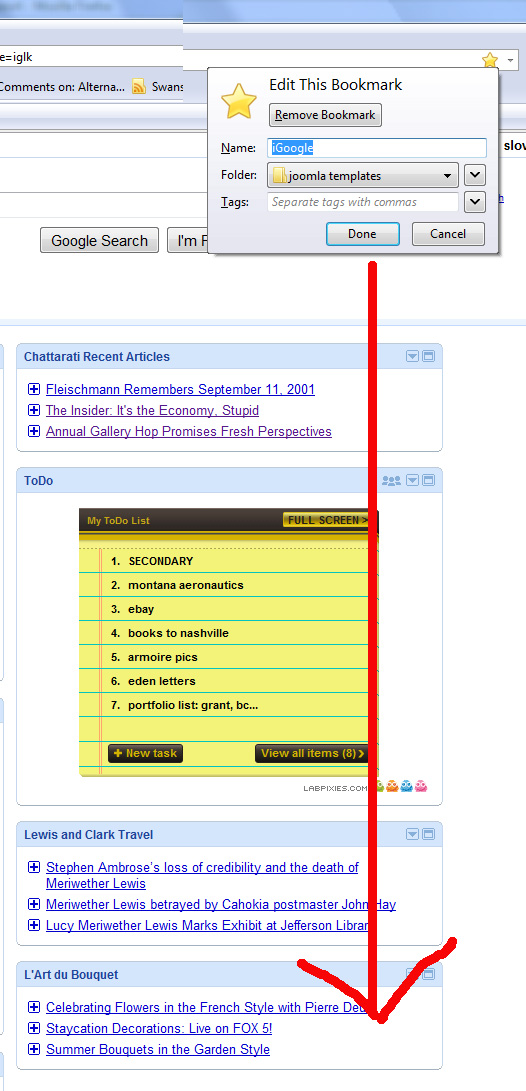
Early Firefox versons allowed one to expand/elongate the drop-down menu when adding a bookmark. That capability is sorely missed - the drop-down window is way too short.
Tất cả các câu trả lời (4)
Are you using the "recent"/"favorite" drop down (only five items) or the similar-looking button that opens a new dialog with a scroll bar? It may be possible to resize the scroll box using the obscure configuration file userChrome.css, but that might take quite a bit of experimentation -- unless someone has already published the necessary style rules here or on the web.
I should add that over the years, there have been many add-ons for managing bookmarks, so that's another option to research.
Được chỉnh sửa bởi jscher2000 - Support Volunteer vào
Giải pháp được chọn
Try this extension - Add Bookmark Here ² : https://addons.mozilla.org/en-US/firefox/addon/3880
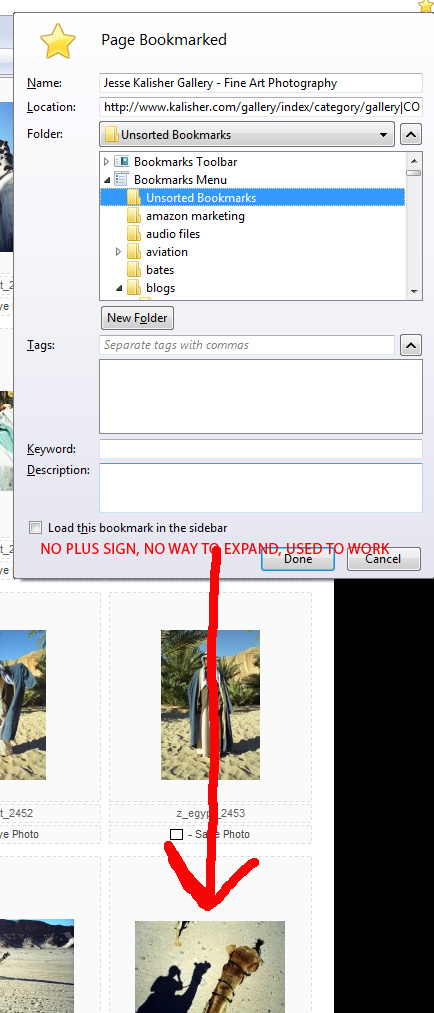
There's a + in the lower-left corner that allows you to drag the "Page Bookmarked" window to a larger size.

I have no "+" on menu see image uplaoded.
This is the same problem I faced. I have developed Edit Bookmark Plus addon. It makes the Add Bookmark Window resizeable!
Please install it and provide your feedback.