


get rid of shortcut option on Amazon

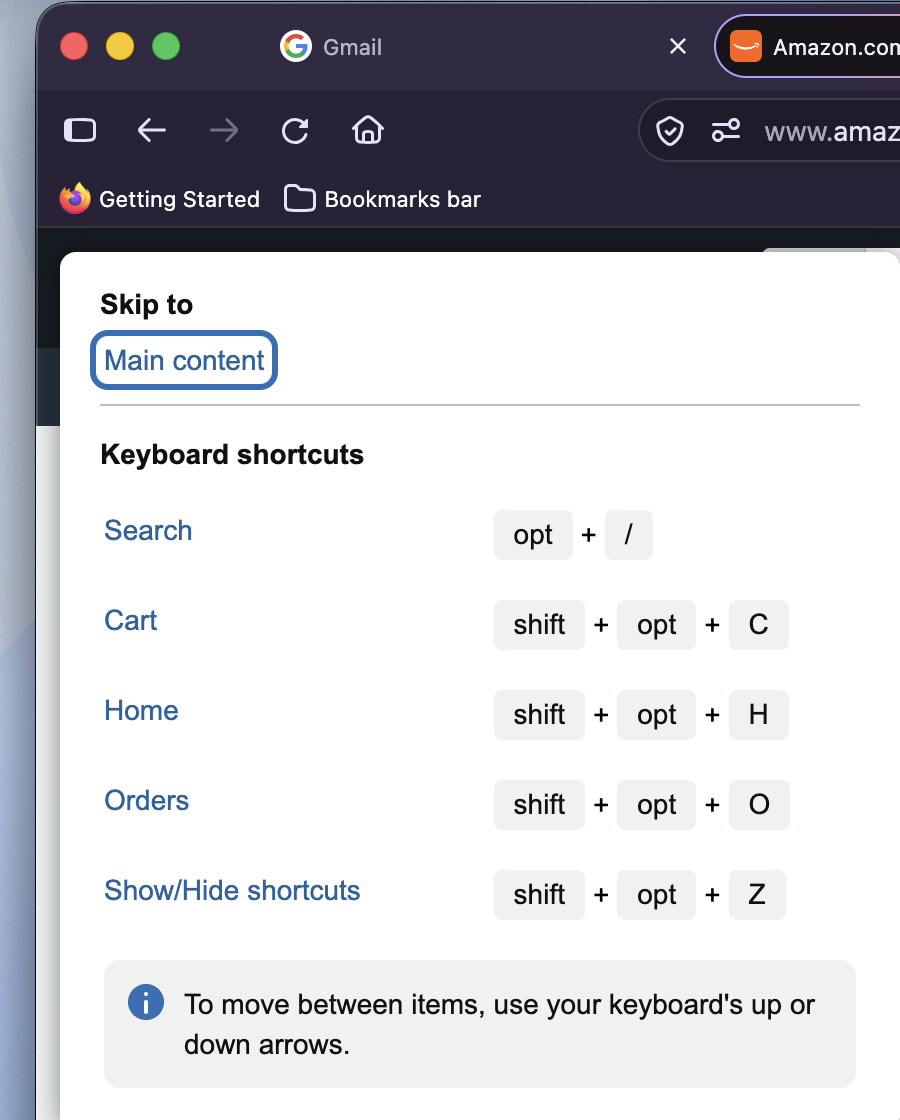
shortcut options page has started showing up on Amazon website. i signed up for uBlock, but do not know how to block Amazon shortcut options page
Tất cả các câu trả lời (1)
Giải pháp được chọn
Hello,
This is most likely because of the feature on macs that is "keyboard access". To disable keyboard access, go to apple menu > system settings > accessibility > keyboard , and find full Keyboard Access and toggle the switch to Off.
If you want the full keyboard access but want to remove the amazon shortcut, install an extension like shortkeys and map the buttons so that they are ignored on amazon.
lastly, if you are fine with disabling it for all websites, go to about:config, then search for permissions.default.shortcuts, then change it from 0 to 2. Note that this may block essential shortcuts for other websites.