Connection issue
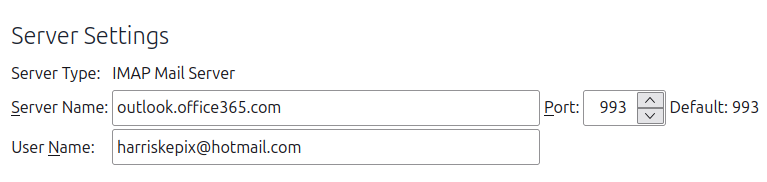
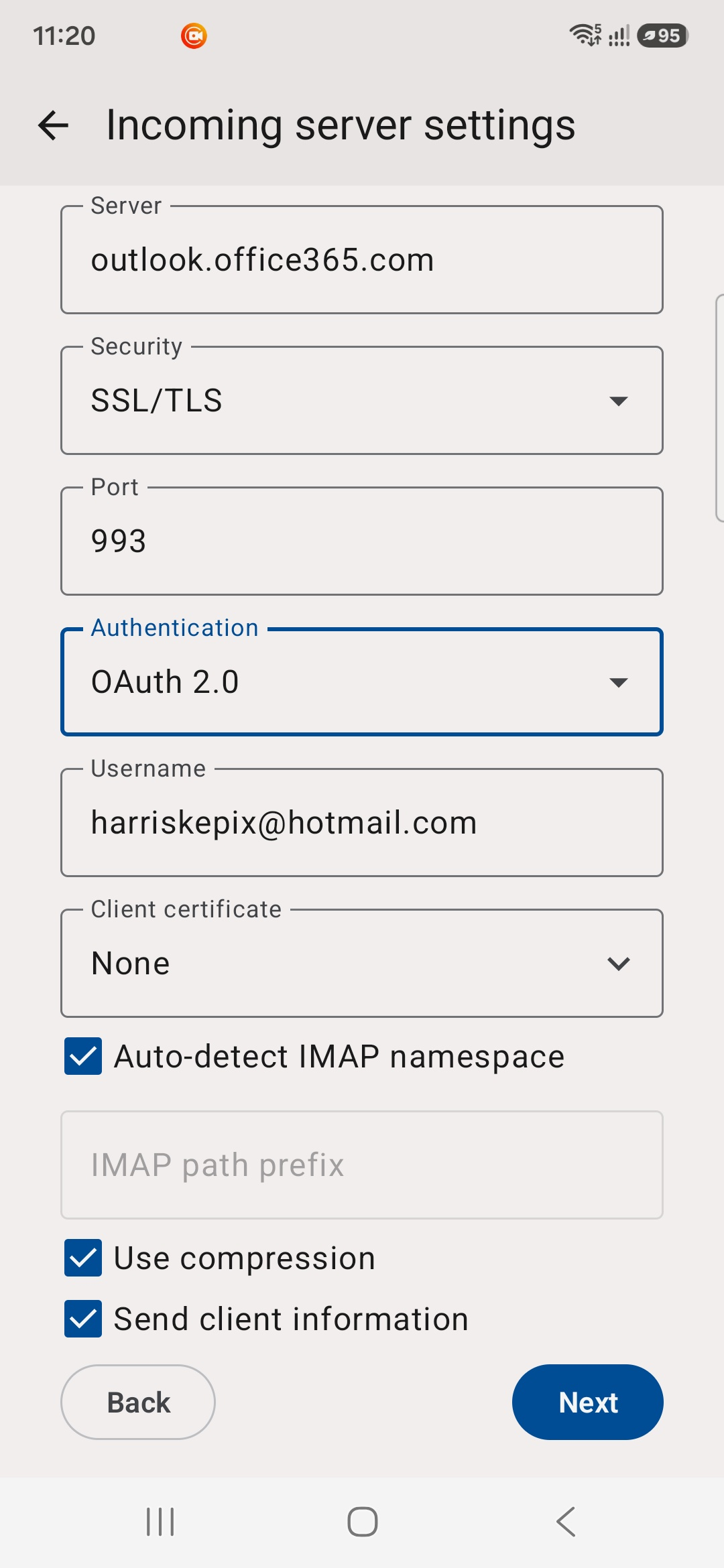
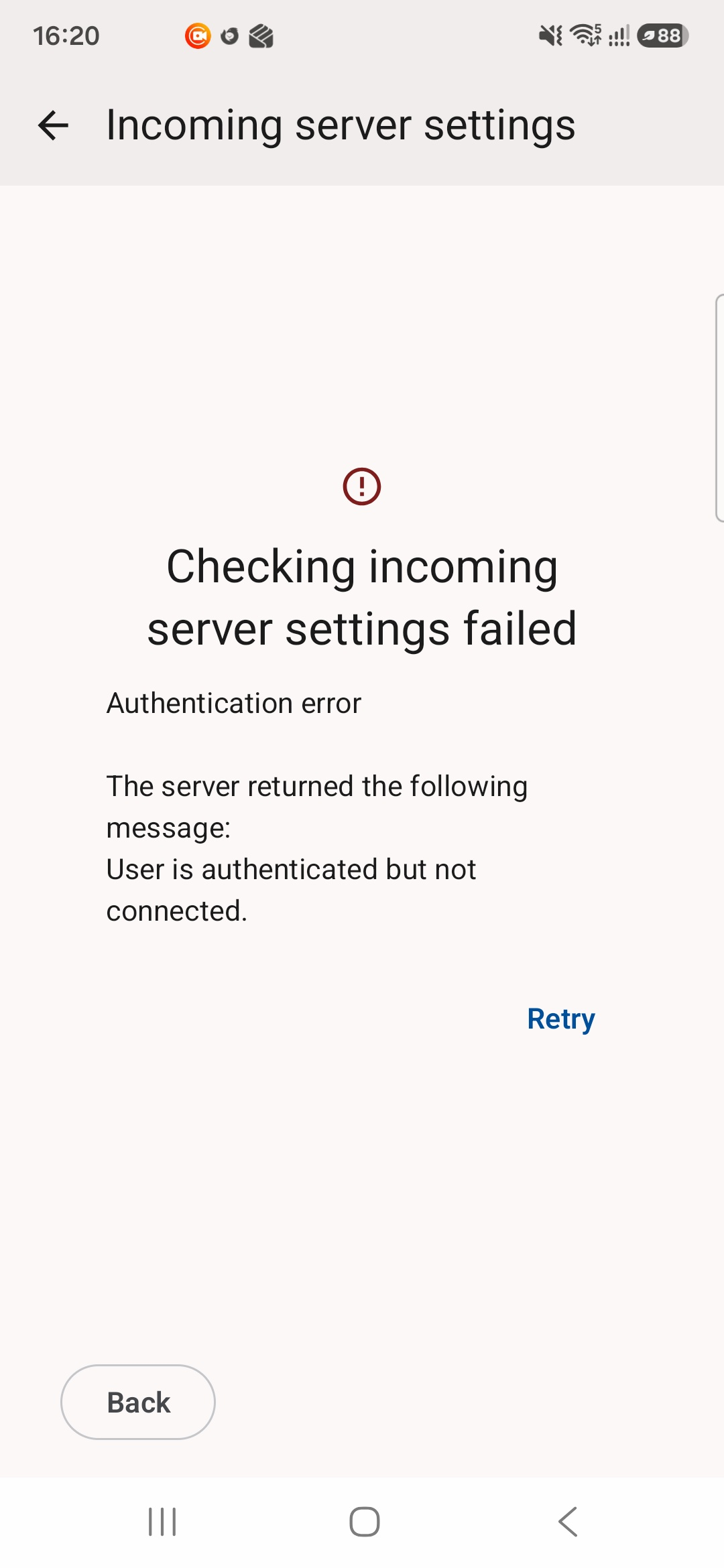
Hi team. Recently i download through Google play Thunderbird app. I follow the steps as the web says to import the data through Qr code. Everything was fine i saw all my emails, folders etc. I push all my folders to have instant notifications as I am expecting emails (and i have delays i notice). I asked about these delays long time ago and i notice that the updates are every 15 minutes the earliest. After a while i had to active the notifications from my android phone. Even my settings in my laptop (server settings) are the same with my app (Oath2 , SSL/TLS ) i had the attached message. Please advice. Kind regards Charalampos
Tất cả các câu trả lời (3)
Hi Charalampos,
Thanks for the screenshot. The important part is “User is authenticated but not connected”, which means the authentication itself is succeeding, but Thunderbird is unable to establish the mail connection afterwards.
Because you imported the settings from Thunderbird on your laptop, could you check whether the account is using IMAP or POP? In Thunderbird for Android, go to Settings > your account > Fetching mail > Incoming server.
Could you also tell us which email provider you use and the incoming server name shown there?
If the account is using POP with OAuth2, that is particularly important, as Thunderbird for Android does not currently support OAuth2 authentication for POP accounts. In that case, switching the account to IMAP would be the preferred solution if your provider supports it.
If you're already using IMAP, the provider and server name should help narrow this down.
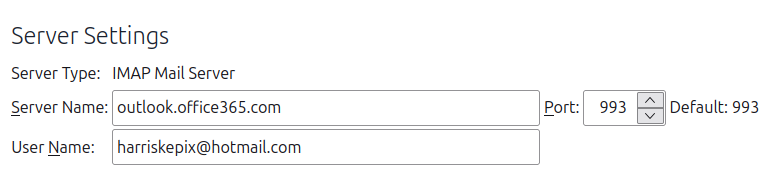
Hi Max Thank you for your email, on my laptop shows: server type IMAP Mail Server The provider is : outlook.office365.com Please see attached for more infos. The first photo is from my laptop and the second on from my phone. As i understand i have to switch on my app into IMAP for connectivity. Looking forward to your answer.
Kind regards Charalampos
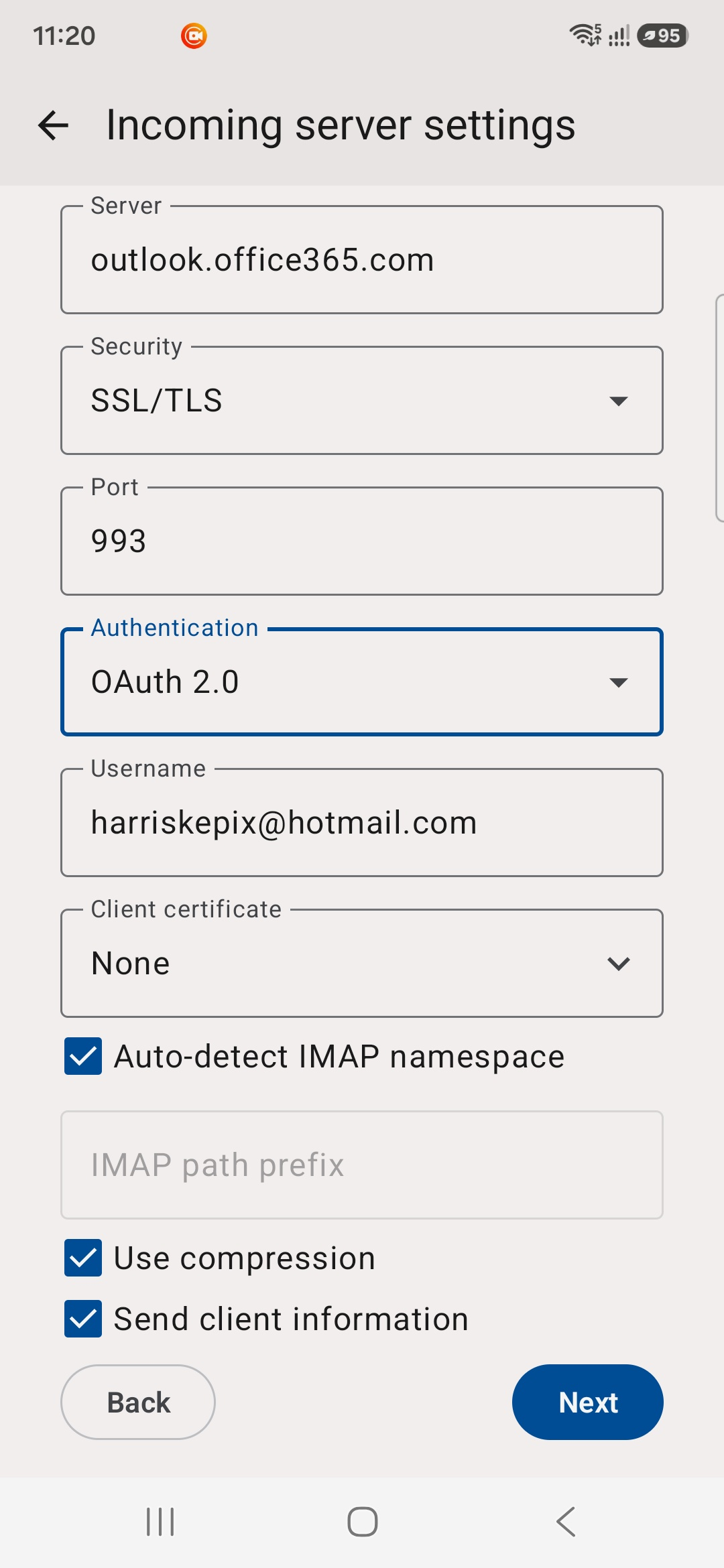
Được chỉnh sửa bởi Charalampos Karampasis vào
Hi Max Thank you for your email. On my laptop it shows IMAP and my provider is hotmail. I am attaching photos for more info from my laptop and from my phone. I thing both of them have the same server infos. Please advice Kind regards Charalampos