


scroll bar

I would like to make the scroll bar bigger so that it is easier to move.
Tất cả các câu trả lời (5)
Giải pháp được chọn
Bonsoir
Is it your question
If you want to try
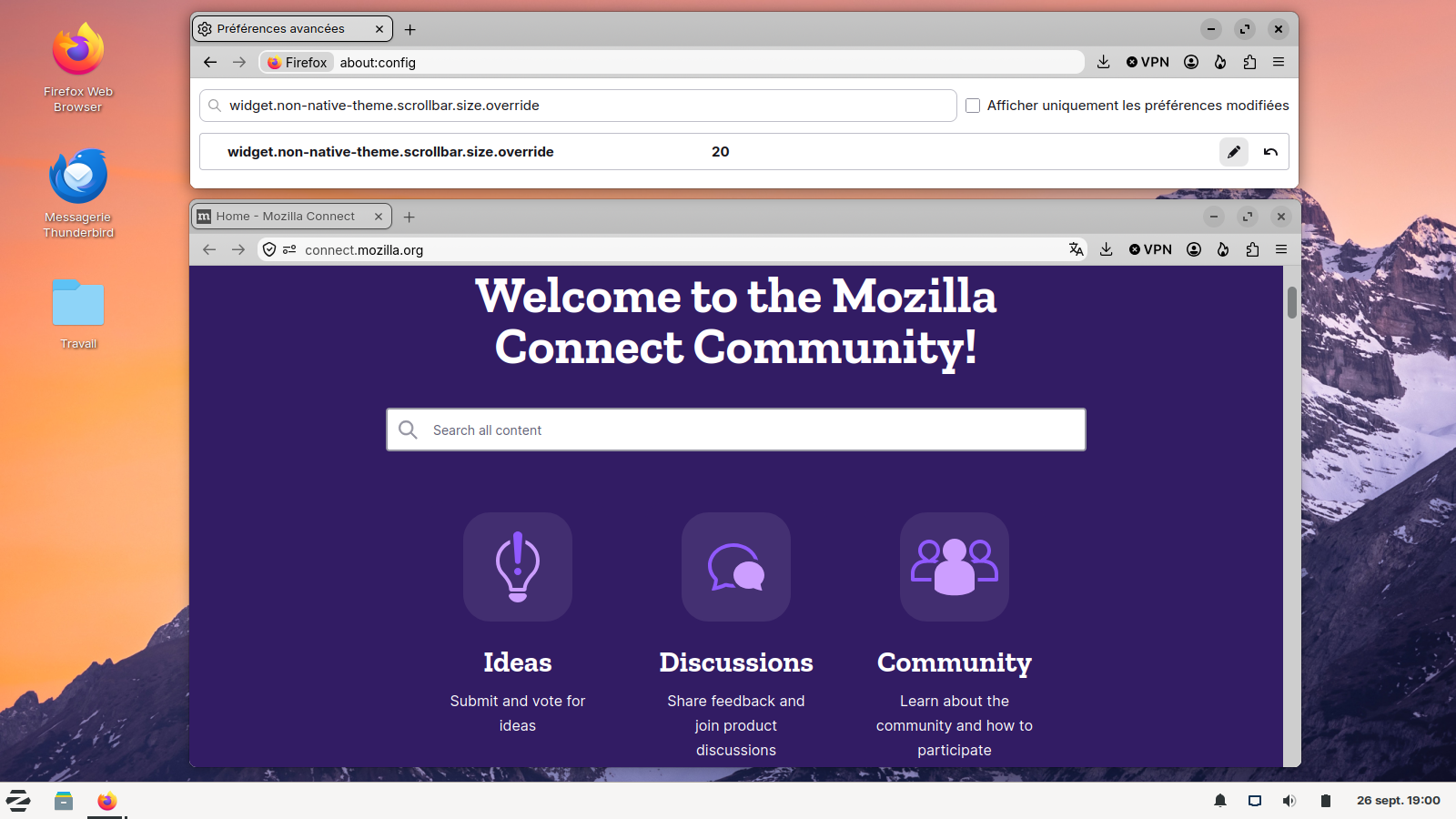
1 - Go to configuration editor https://support.mozilla.org/en-US/kb/about-config-editor-firefox 2 - Enter a search term widget.non-native-theme.scrollbar.size.override Double-click the preference, alternatively, you can click the Edit button Enter a new value and click the Save button to save the change
Below, Illustration, value 20
Bonjour
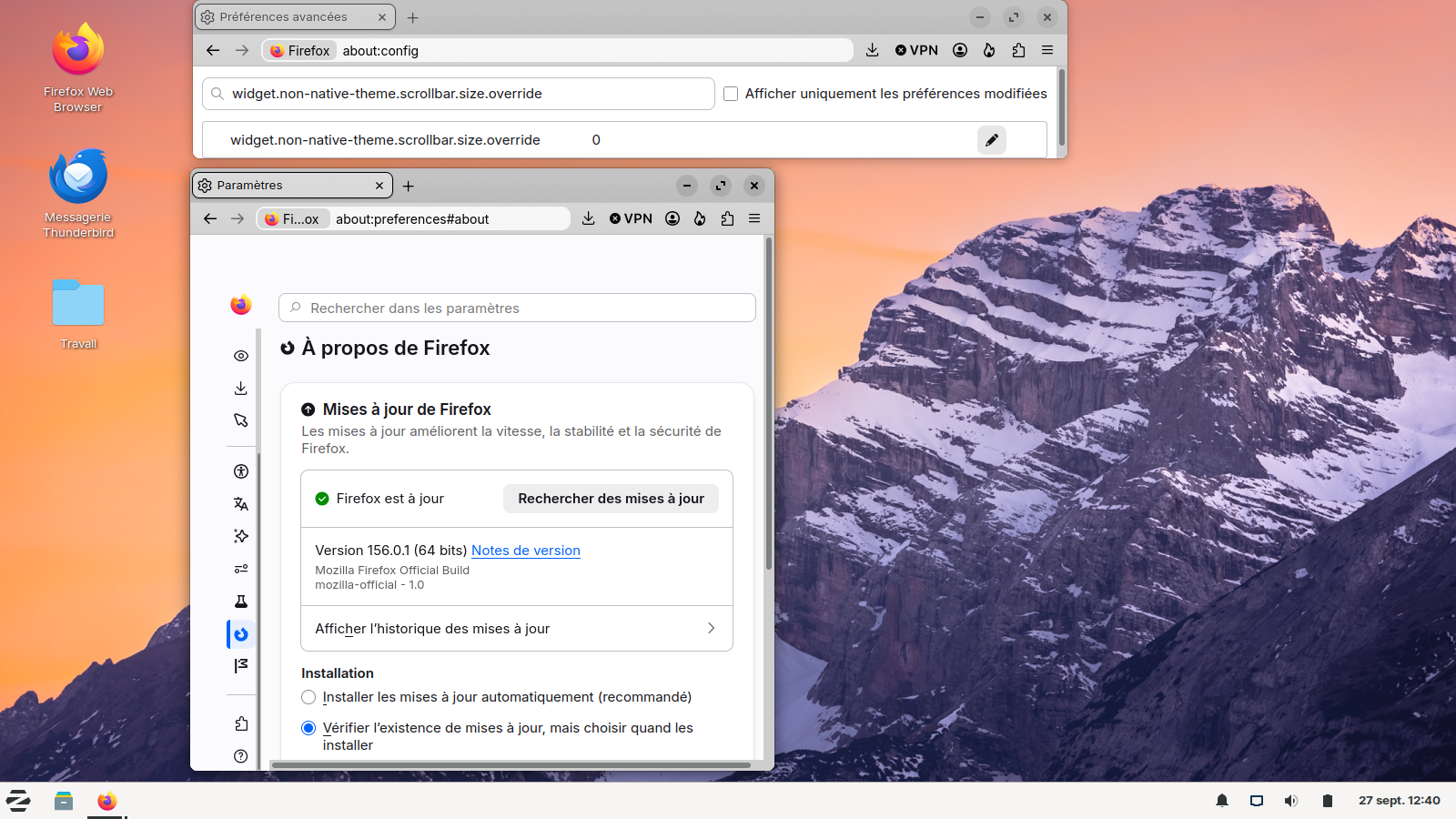
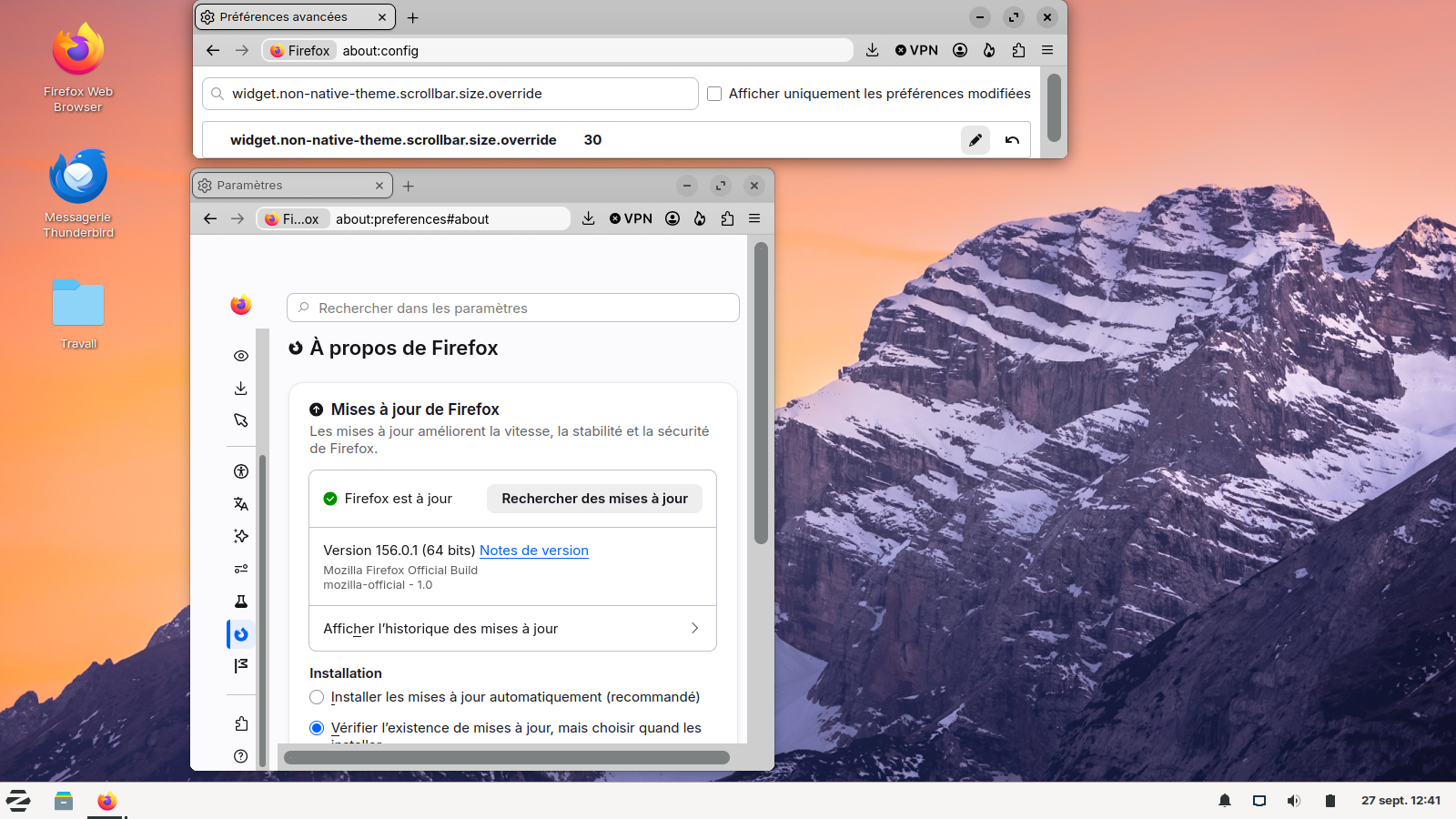
Below, illustrations, widget.non-native-theme.scrollbar.size.override, default value and value 30
thank you for the help, your suggestions worked and the scroll bar is easier to move now. Peace, Scotty

Hi I followed these directions and it didn't change the width.
Should it work with various themes?
I have a 'custom scrollbar' extension but made sure that was disabled before making the edit.
Bonjour
A discussion thread https://connect.mozilla.org/t5/discussions/how-to-increase-the-width-of-the-vertical-scroll-bar/m-p/48661/highlight/true#M17469, Windows10 widget.non-native-theme.win.scrollbar.use-system-size value to false widget.non-native-theme.scrollbar.size.override value 30 for example
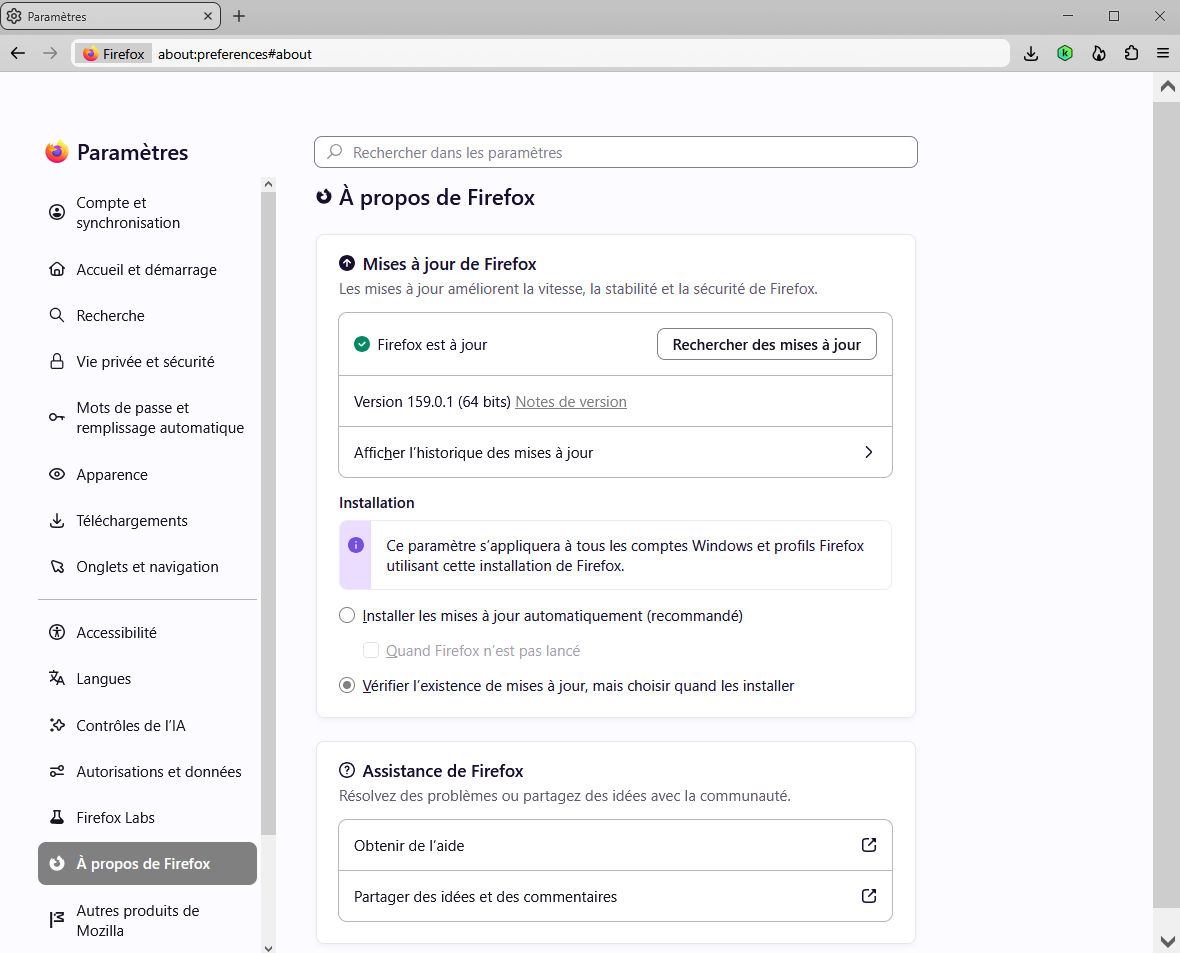
Clarification : screenshot Firefox release 159.0.1. I'm not a fan the Nova Style. I use, css. Among others css.
Được chỉnh sửa bởi Agent virtuel vào