


Đã giải quyết
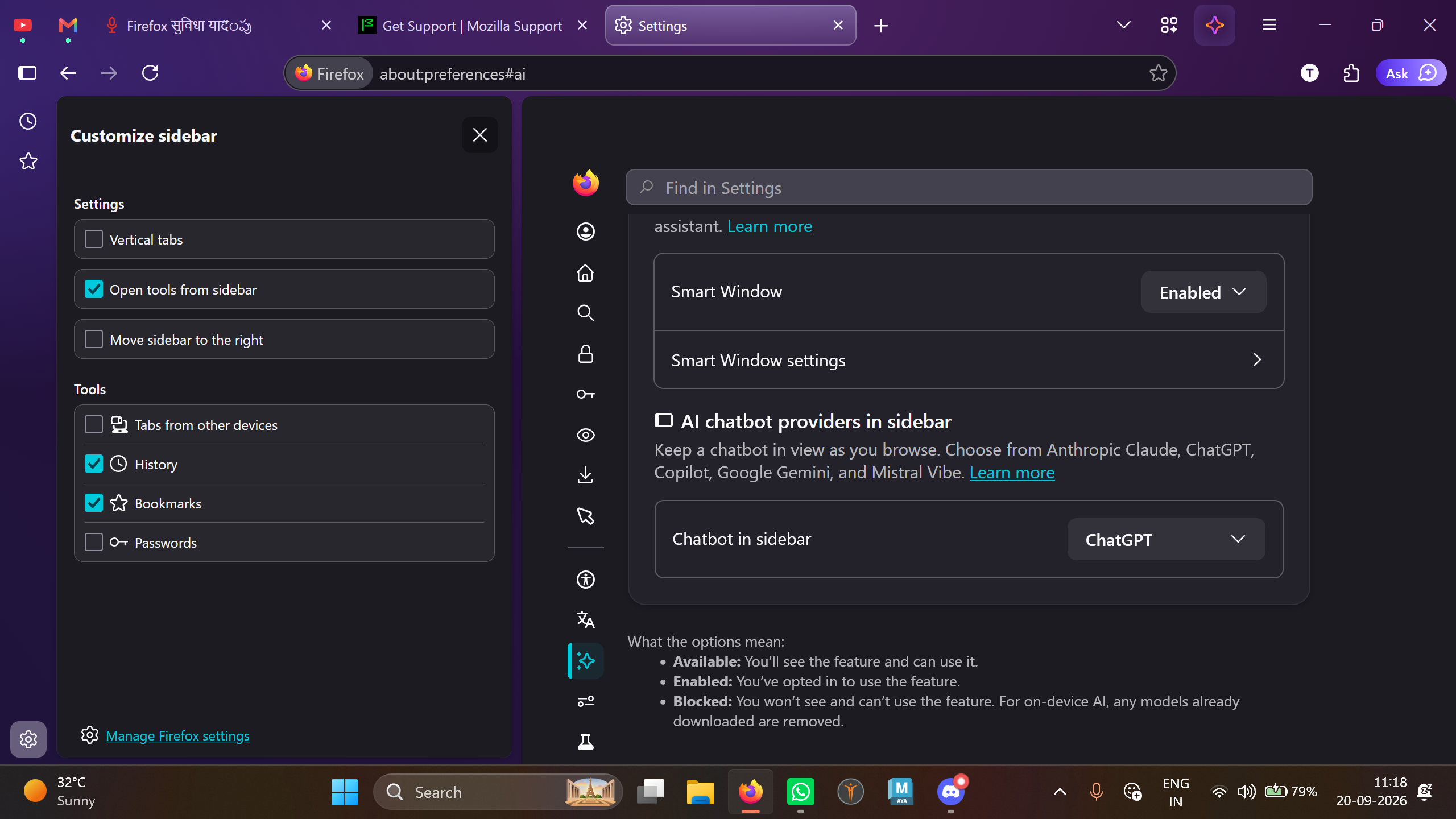
AI sidebar is not showing but in browser.ml.chat.enable is showing it true

Hello Firefox team, on Firefox 156 64-bit, AI Controls show chatbot enabled in about:config, but the sidebar 'AI chatbot' entry and toggle are missing. Docs indicate this control should appear in Customize sidebar. Please advise if this is a UI exposure change or if there's a supported setting to restore it
Hello Firefox team, on Firefox 156 64-bit, AI Controls show chatbot enabled in about:config, but the sidebar 'AI chatbot' entry and toggle are missing. Docs indicate this control should appear in Customize sidebar. Please advise if this is a UI exposure change or if there's a supported setting to restore it
Tất cả các câu trả lời (5)
Giải pháp được chọn
Bonjour
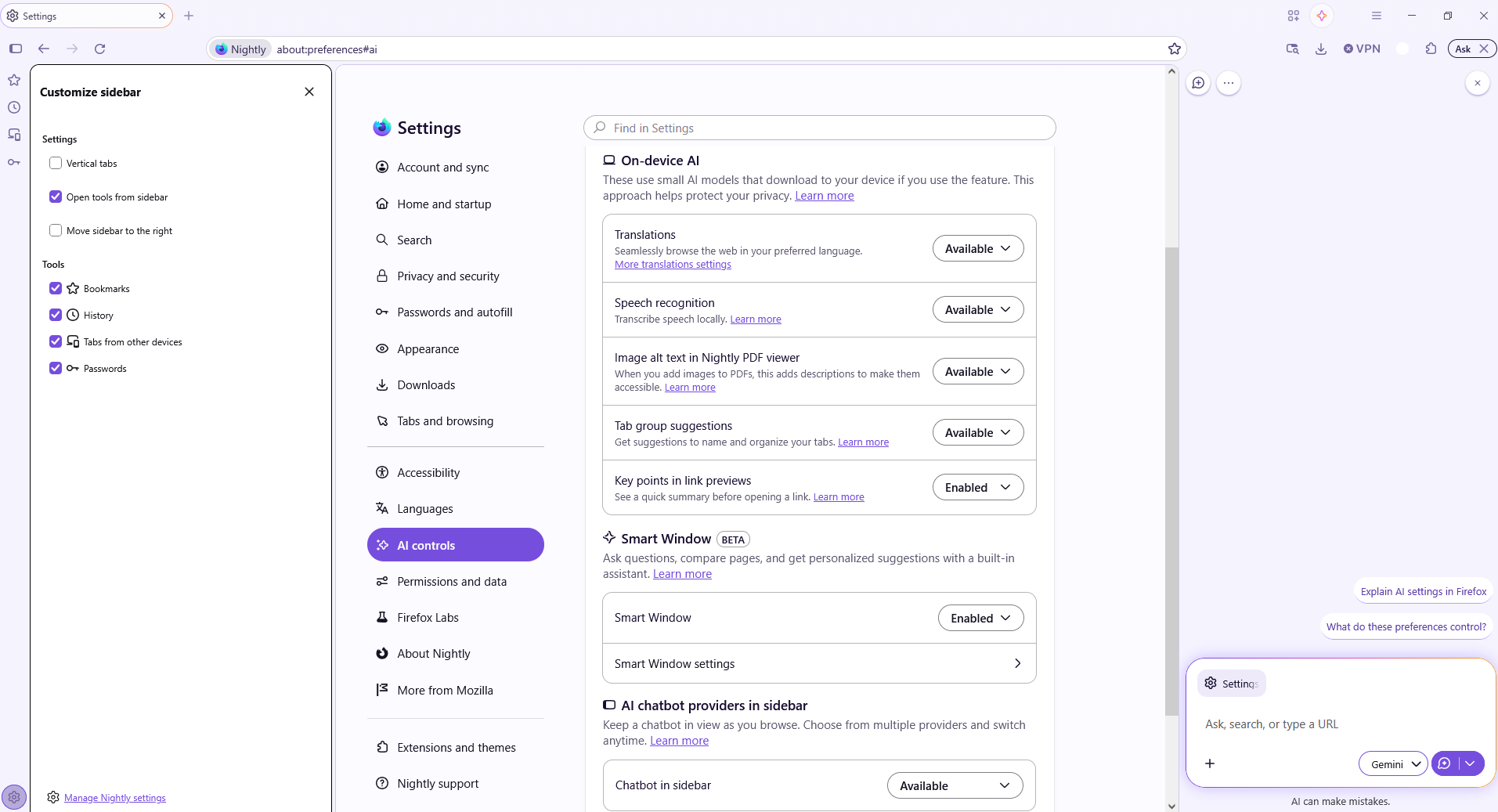
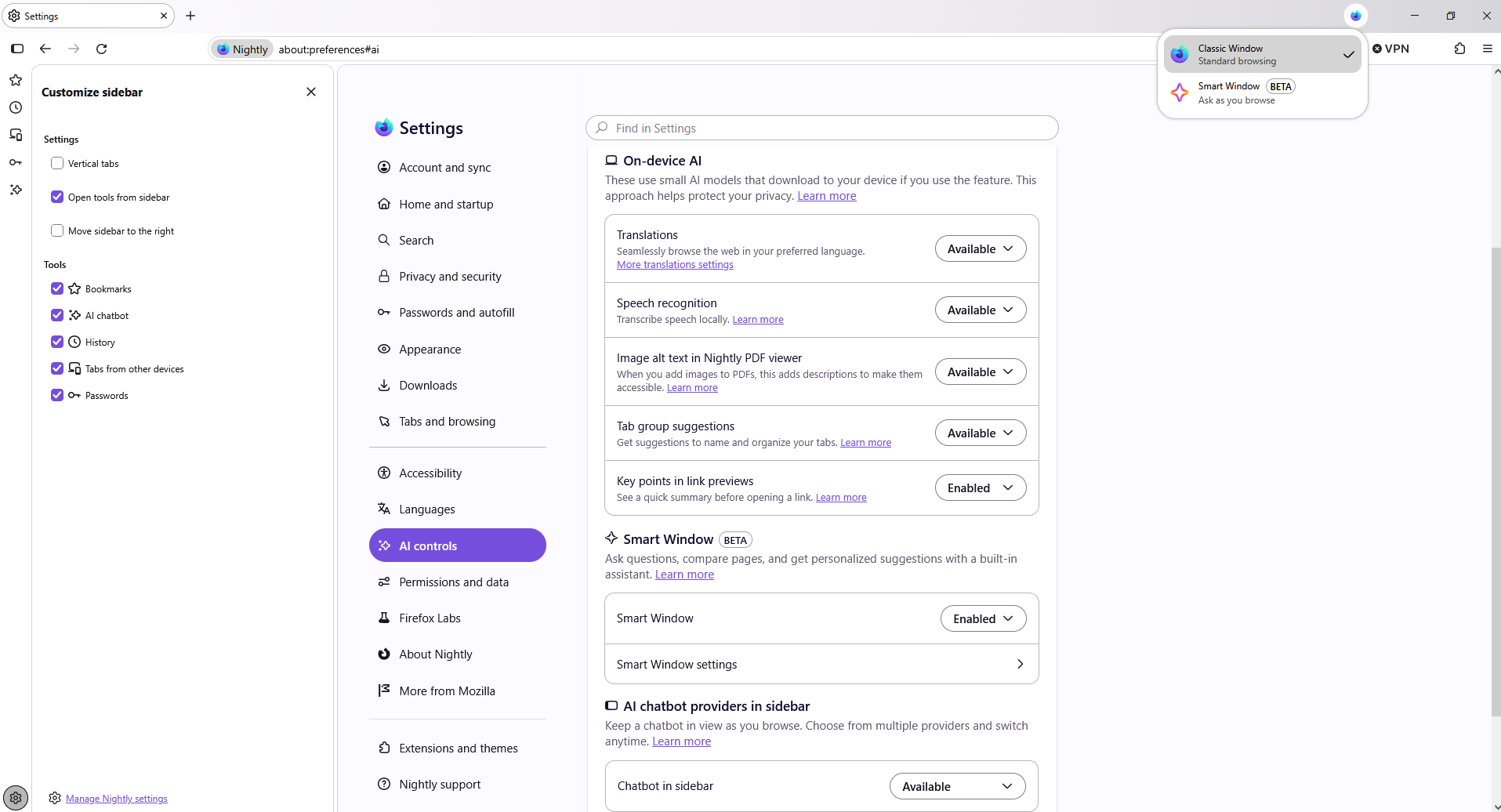
Maybe, it's normal. Have you tried Classic Window.
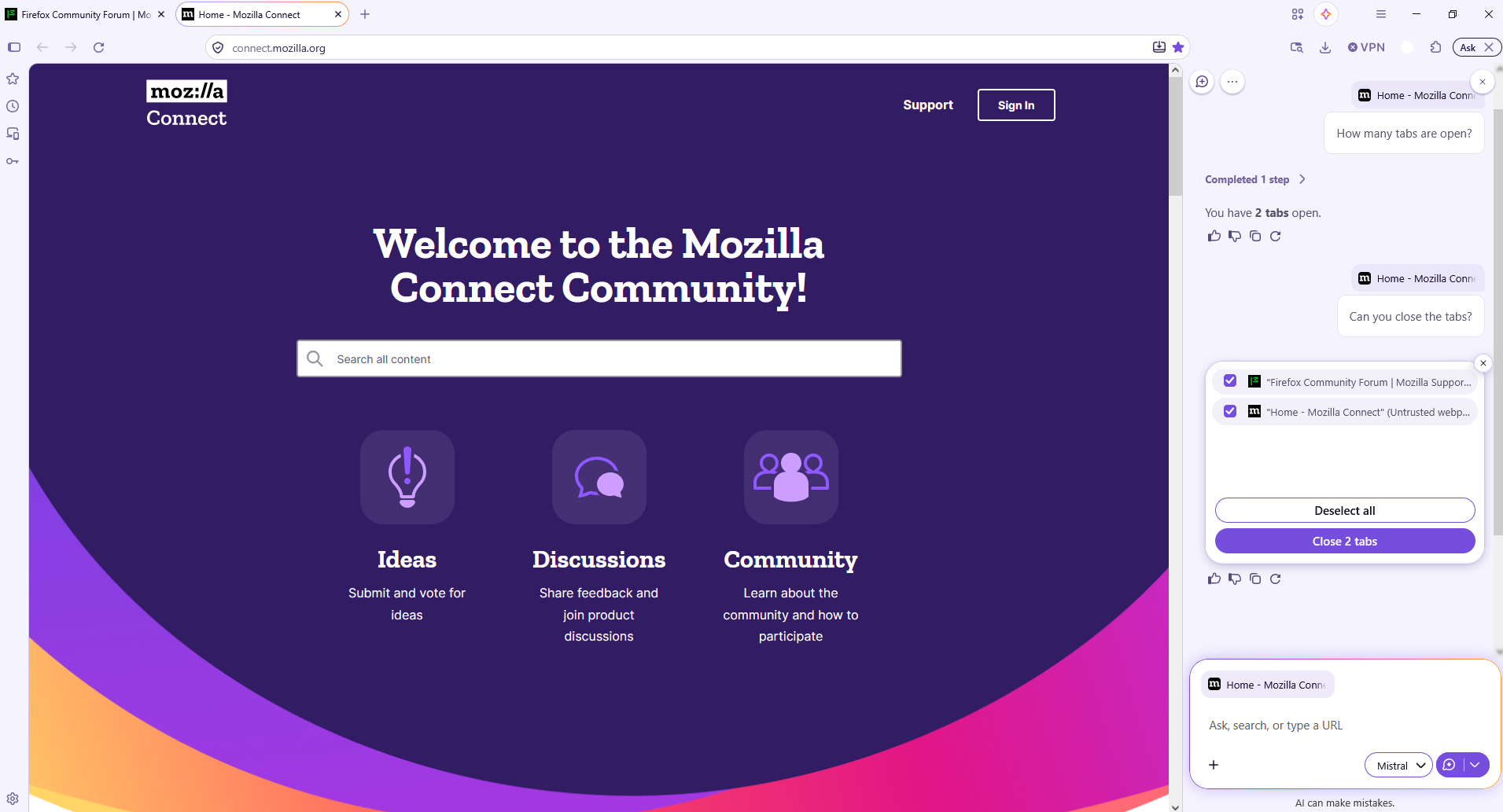
How many tabs are open?
Agent virtuel said
Bonjour Maybe, it's normal. Have you tried Classic Window.
so this feature is not in smart window bcz mostly i talk to ai than writing okk will speaking comes in update after some times or not in smart window
A space for users to give product feedback https://support.mozilla.org/en-US/kb/what-mozilla-connect
Được chỉnh sửa bởi Agent virtuel vào