


No Matter what i do Firefox will NOT connect to techsmith.com

No Matter what i do Firefox will NOT connect to techsmith.com i need to update my software it will not let me connect i'm on windows 10 desktop i have been trying for over 4 hrs disabling firewall , proxy's removing exceptions and puttting exemption of this site NOTHING will work i can connect to any other site in world accept this one i am at a complete loss... all my software win10 is up to date PLEASE HELP!
Tất cả các câu trả lời (3)
Hi
What happens when you try to connect to that site? Is there any error message?
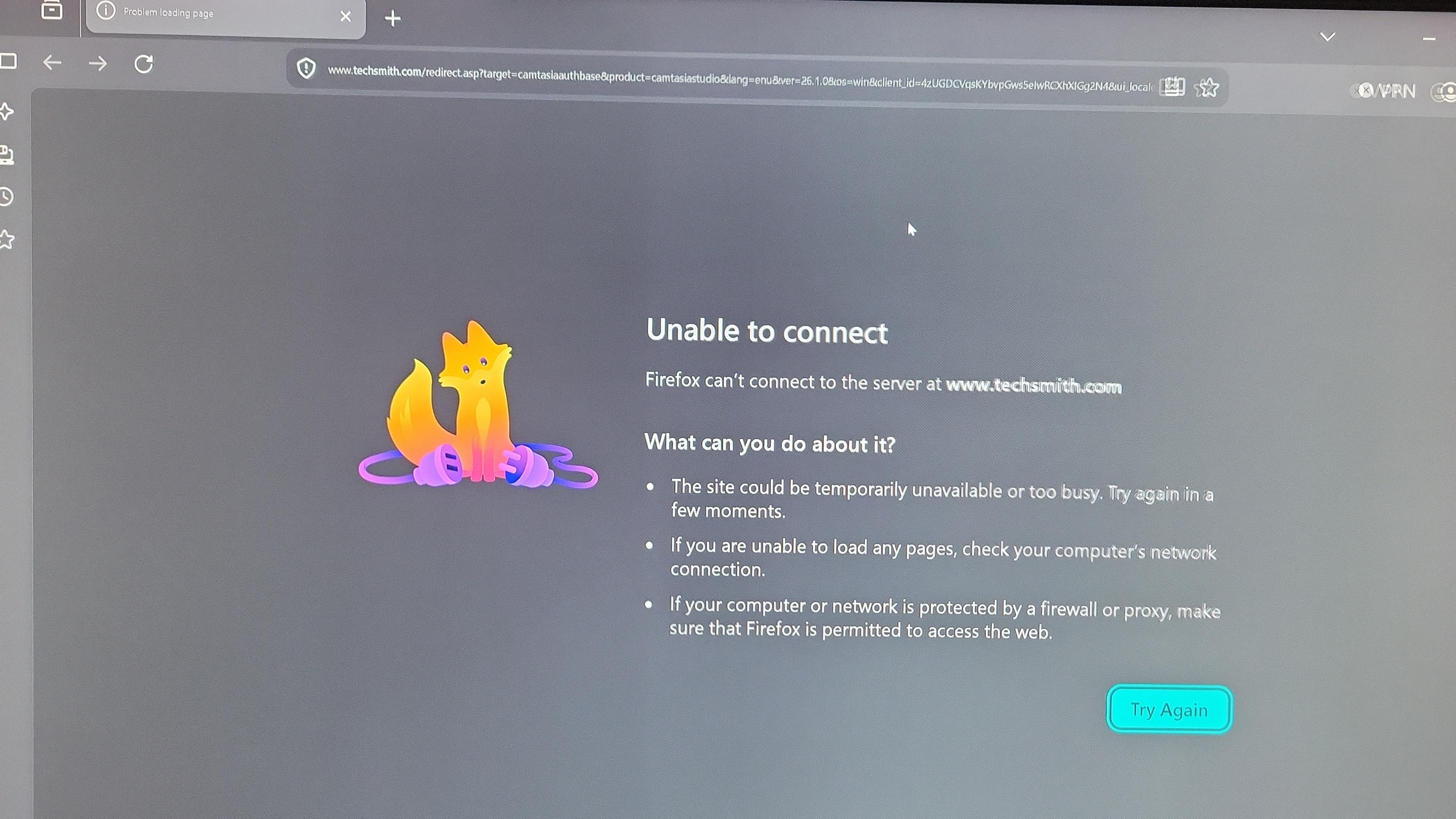
THis is what i am shown.. and yes i've gone all over both Firefox support and techsmith.com for this problem nothing that is provided is correcting it i'm at a total loss the ONLY site my computer will not connect to and there are NO exemptions or rules specific for this site...i welcome a firefox tech to use teamviewer and have access to see what is going on.
Thanks so much! Christopher
This looks like you might need to ask your internet provider as to how you can't connect.
You can look around your Firefox settings for "DNS over HTTPS" and change it around either way (enable, disable, change the provider there) to force a slightly different routing, or if you have access to a VPN like the built–in one, try enabling that to again connect via different route to the destination site.