


Mở
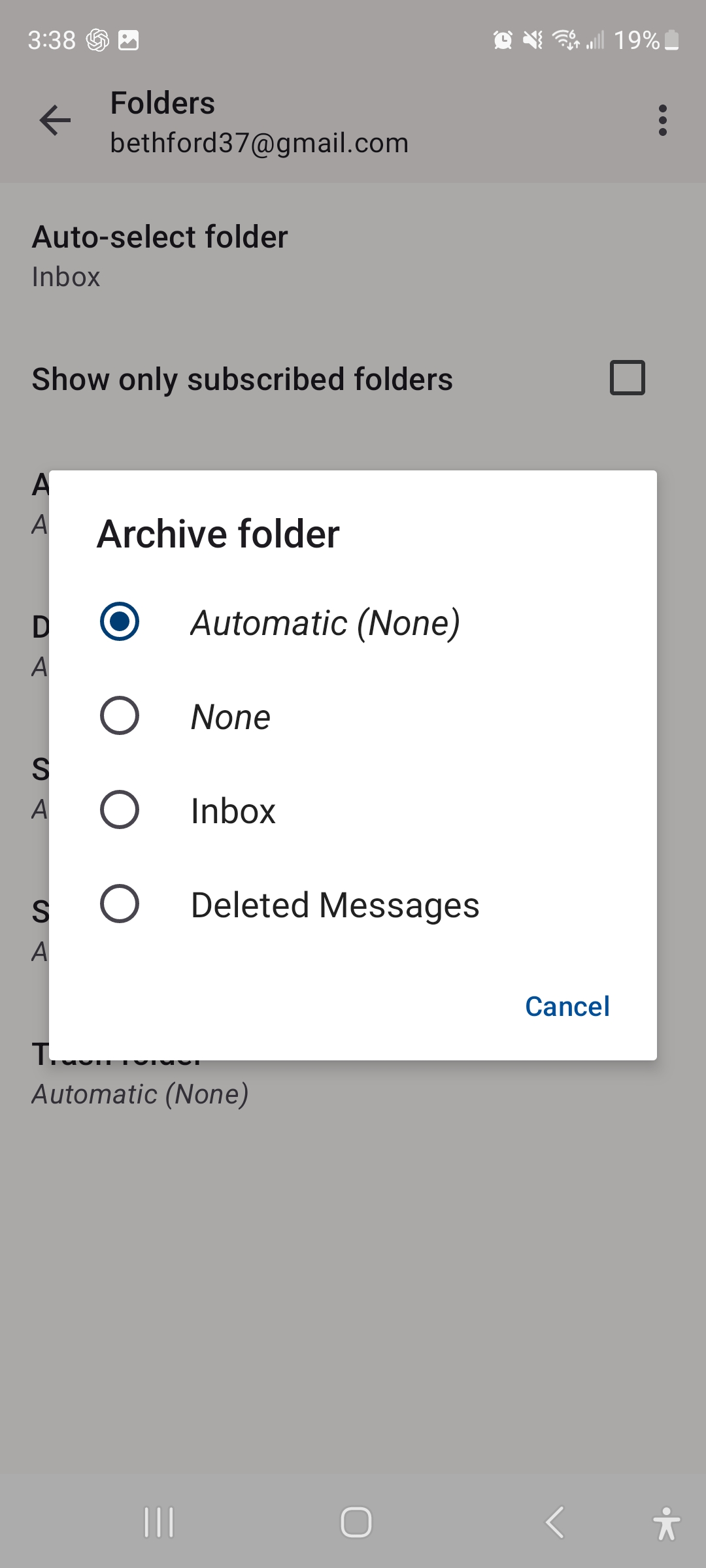
My folders all say none

The options for my folders are all generic
I am using a Gmail account
I have folders
Specific folders
They only option Thunderbird is giving me is none
The options for my folders are all generic
I am using a Gmail account
I have folders
Specific folders
They only option Thunderbird is giving me is none
Tất cả các câu trả lời (1)

Is your account setup to connect to gmail using imap or pop3.
IMAP
Has you account successfully signed into gmails server and synchronised. The app downloads gmails imap label / folder list during this process.
A. Check server connection
Navigate to ... 1. Settings > account name > fetching mail > incoming server. 2. Click next
Note any error messages if presented. Complete any sign-in if requested.
B. Refresh the folder list
- Press the top left menu button on the message list.
- Select your gmail account with folders listed (not unified account).
- Tap manage folders (bottom of list).
- Tap the three dot menu.
- Tap refresh folder list.
Pop3
Pop3 doesn't doesn't have a concept of server side folders. Local folders are not supported by the app, only imap folders.