


Sign-in problem with gmail account after changing password

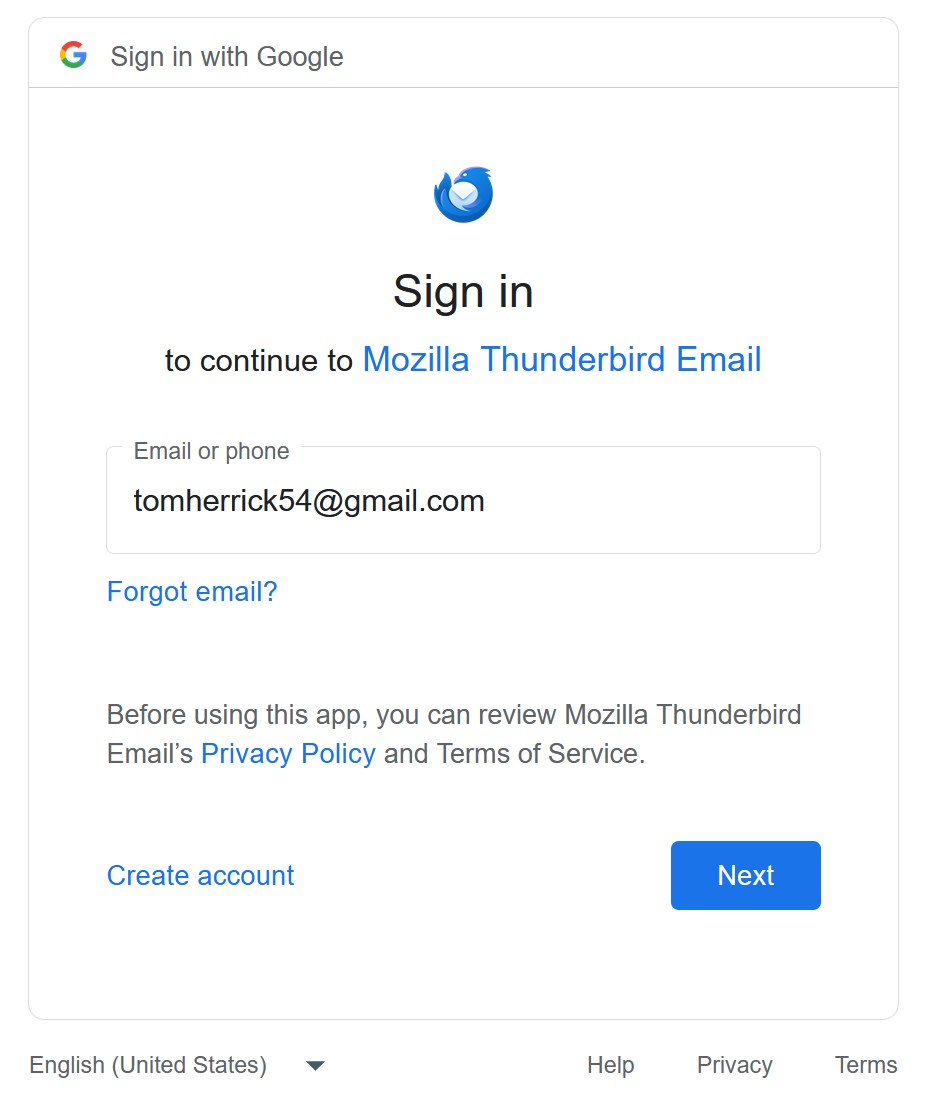
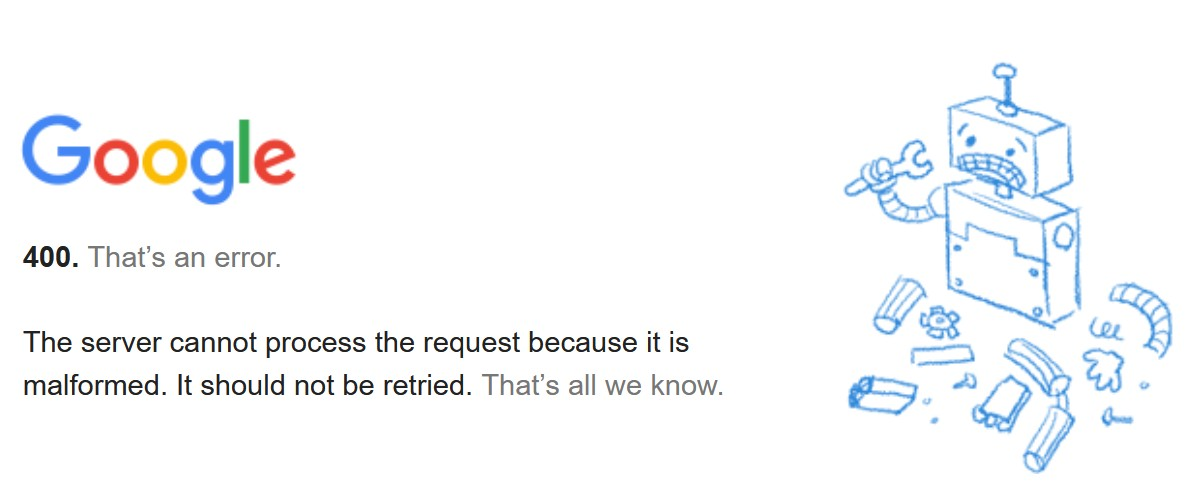
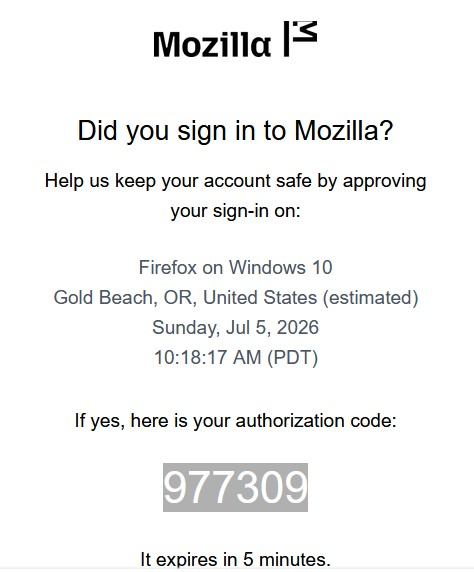
Google sent notice that my password had been compromised, so I changed it. When I went back to Thunderbird to open email I got a popup to change my password, when I clicked NEXT I got a Message that said, "The server cannot process the request because it is malformed. It should not be retried. That’s all we know." Then I got an email through the Gmail website providing me an authorization code, but I have no idea where to enter that code. I've been working on this issue for a few days now and am in a Catch-22 situation with no idea how to proceed. Below are screenshots of the responses I've gotten so far. Suggestions???
Tất cả các câu trả lời (2)

Giải pháp được chọn
The code you received is for signing into this, the Mozilla site, where you posted your original message above. It's not related to your Google situation. You can ignore it unless you are prompted to enter it while using this site. I often get these, but even though they send me a code, I'm never actually asked for it! A quirk of the forum's software, I guess.
Google uses OAuth2 to authorize Thunderbird to send and receive email on your behalf. To force Thunderbird to re-authorize with Google, you need to do a few things:
- Make sure cookies are allowed (<Settings | Privacy & Security | Web Content | Accept cookies from sites>);
- Delete all cookies for that account (<Settings | Privacy & Security | Web Content | Show Cookies>);
- Delete all passwords for that account from saved passwords (<Settings | Privacy & Security | Passwords | Saved Passwords>);
Now restart Thunderbird. You will be asked for your credentials, an OAuth2 token will be set, and hopefully they will be accepted and mail retrieval will resume.
By the way, I hope the message you got from "Google" saying your account was compromised was legitimate. It sounds an awful lot like scam emails I get regularly from bad guys impersonating good guys. Best practice is to never follow a "change password" link in an email, but to go directly to the source web page. This will help prevent you from being misdirected to a fake, lookalike site that will steal your personal information. But I'll assume you are confident that your Google account is now safe...
Thanks much, Lin. I'm still not sure what I did but I'm getting emails now. All the best...