


Unable to sign in to a Google Mail account

I would like to set up an existing Gmail account in Thunderbird.
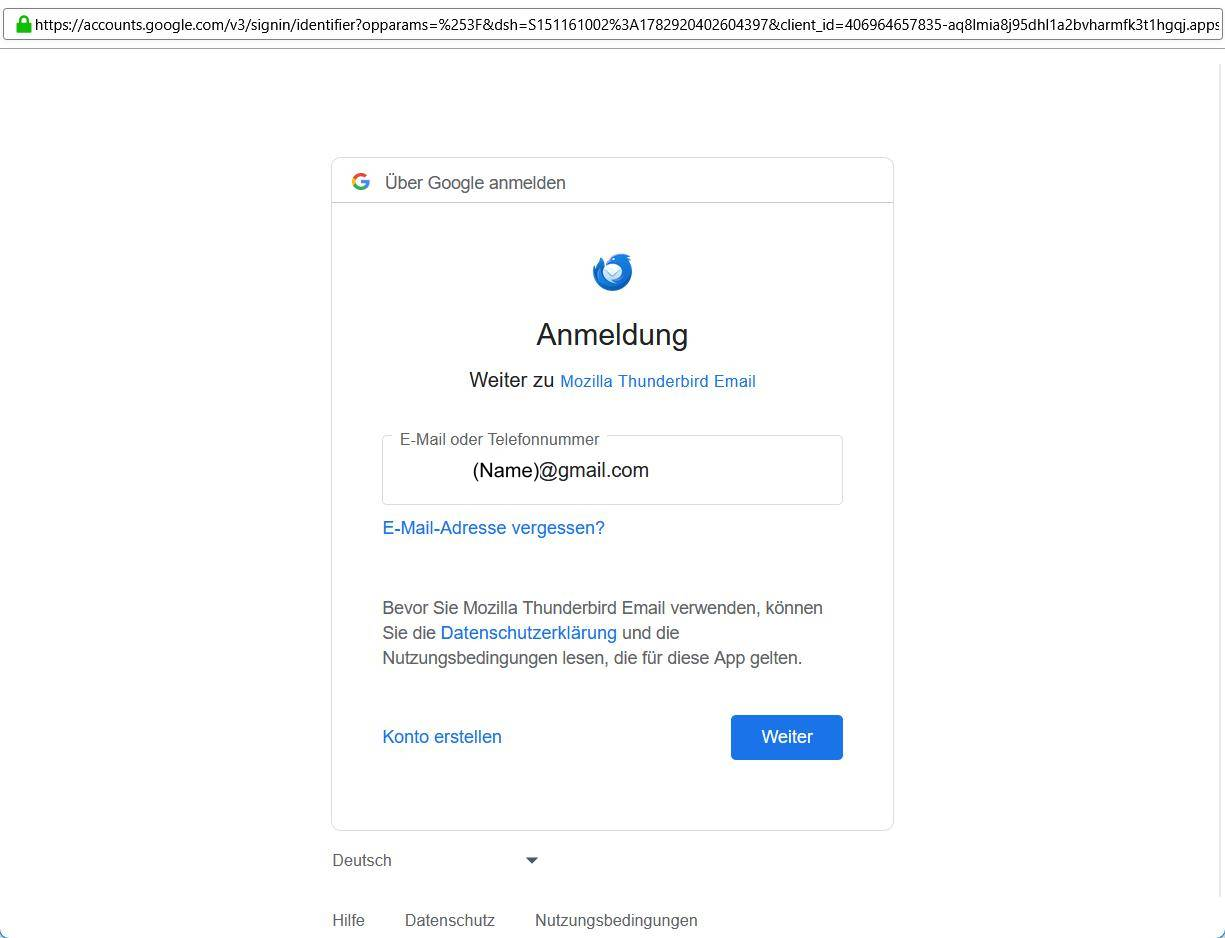
The following window appears: (see Image 1)
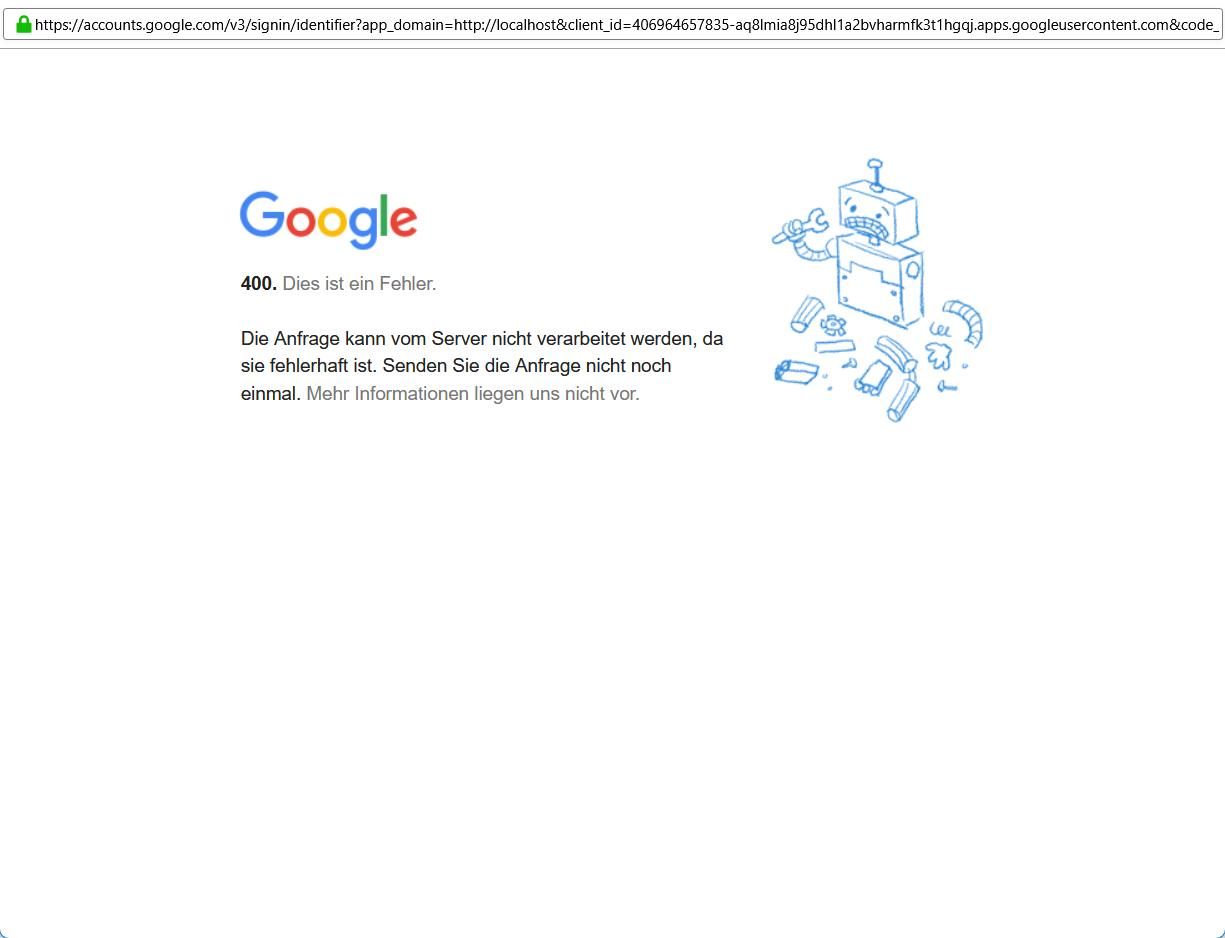
I click the next button, and the next window is: (see Image 2).
How can I sign in to Google? Perhaps in a different way?
Tất cả các câu trả lời (3)

Make sure cookies are allowed in Thunderbird. https://support.mozilla.org/kb/thunderbird-and-gmail

Giải pháp được chọn
Gmail uses OAuth2 for authorization. In order for Thunderbird to complete the process, it needs to set a cookie. To make sure can can happen please do the following:
- Make sure cookies are allowed (<Settings | Privacy & Security | Web Content | Accept cookies from sites>);
- Delete all cookies for that account (<Settings | Privacy & Security | Web Content | Show Cookies>);
- Delete all passwords for that account from saved passwords (<Settings | Privacy & Security | Passwords | Saved Passwords>);
Now restart Thunderbird. You will be asked for your credentials, and hopefully they will be accepted and mail retrieval will resume.
Thanks a lot for your help! Everything is working now.