


Websites load slow or not at all despite fast internet connection
I find that my desktop browser firefox is very slow or doesn't work at all on a lot of websites like amazon or fortnine.
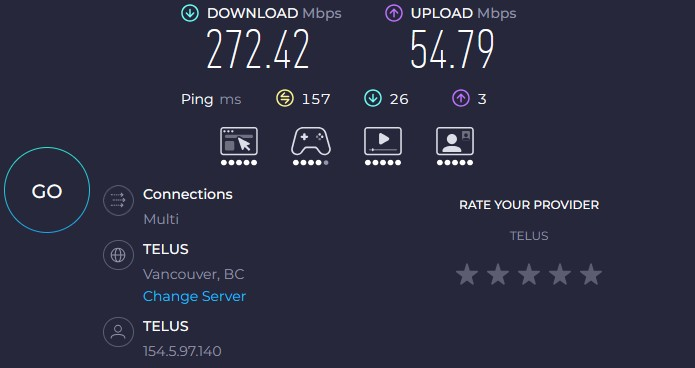
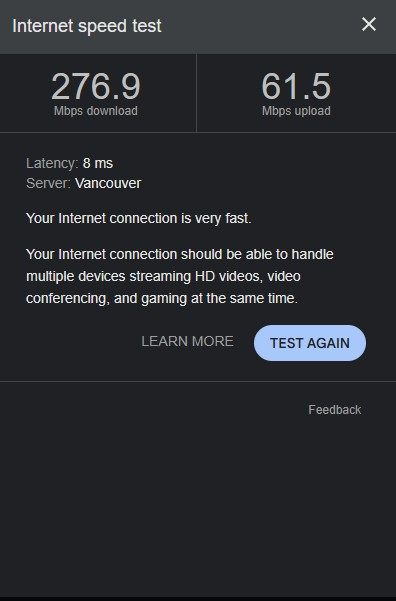
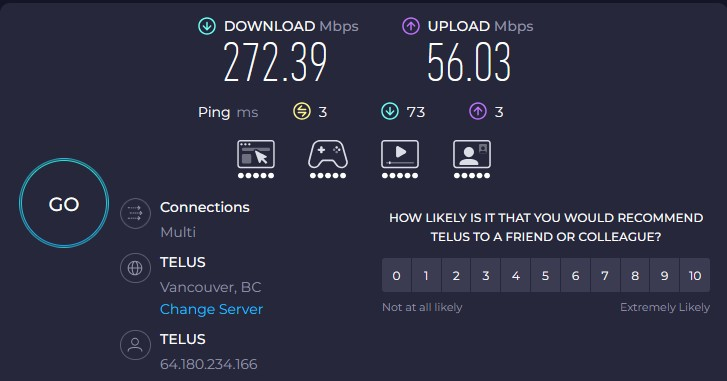
My internet connection and computer are not the issue: 270Mbps (wired connection) Processor AMD Ryzen 7 9800X3D 8-Core Processor (4.70 GHz) Installed RAM 32.0 GB (31.1 GB usable) Graphics card NVIDIA GeForce RTX 4070 Ti SUPER (16 GB) Storage 3.58 TB of 10.92 TB used System type 64-bit operating system, x64-based processor (Windows 11)
My old PC and my mobile phone runs these website fine.
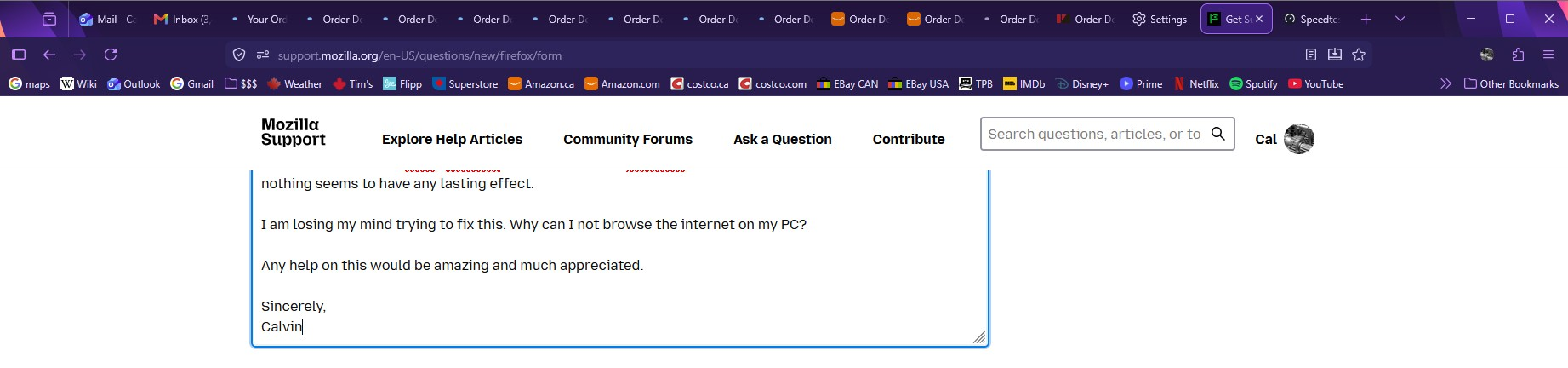
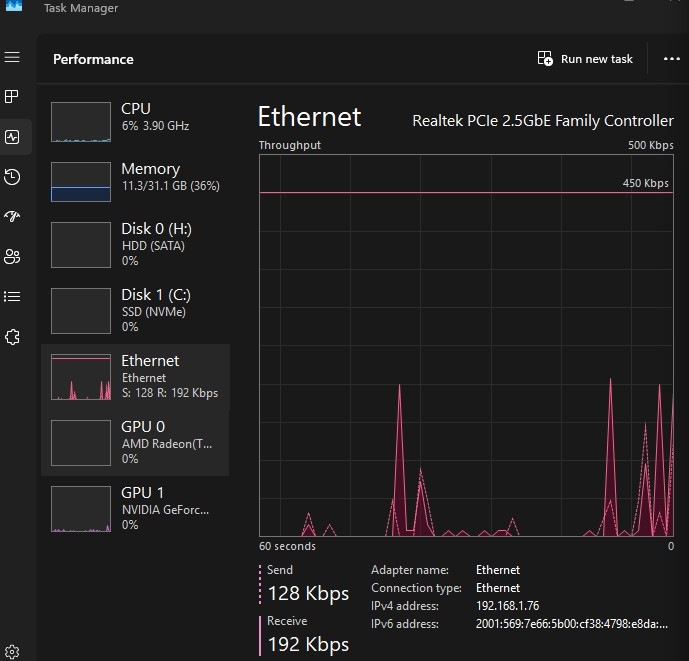
Sometimes the website will work for a moment, but stop and just load for ever after I open a new tab or clink a link. My task manager doesn't show any ethernet usage despite the tabs indicating they are trying to load. Refreshing the tabs does nothing and no matter how long I leave them they don't load. All my drivers, OS and programs are up to date. I have disabled my enhanced tracking protection and I don't have any adblockers. I have tried using the CMD "ipconfig -renew" and using ccleaner to clear out my cookies and cache but, nothing seems to have any lasting effect.
I am losing my mind trying to fix this. Why can I not browse the internet on my PC?
Any help on this would be amazing and much appreciated.
Sincerely, Calvin
Tất cả các câu trả lời (20)
I have also disabled the green "efficiency mode" thing that would show up in task manager for firefox with no benefit.
so disappointed in firefox right now, its been a week and no response, this browser is close to being dead to me.
Hello I can respond quickly here, there was a major holiday people are in different time zones you do have a lot of variables going on, I can just start the conversation by asking you this.
Have you tried a second browser on that same computer? Natively Microsoft Edge comes with Windows 11.
I'm not running windows 11 my version of Firefox is specially being supportrd for older OS's from the team for which I am greatful. It works fine.
I don't want to get too heavy with reasons behind your problem right away rather let's just see if another browser performs scaling and webpage responses with no latency. Let me know and then we can move forward.
Được chỉnh sửa bởi Arniceous vào
Normally this happens when using certain antivirus or security software features that scan the encrypted connections and stall them when trying to eavesdrop on the line and not leave too much evidence after themselves. But I don't see anything apparent as Norton or Malwarebytes recognized in your troubleshooter log, so only thing that comes to mind is perhaps a VPN that would be adding some "extras" touching the secured line.
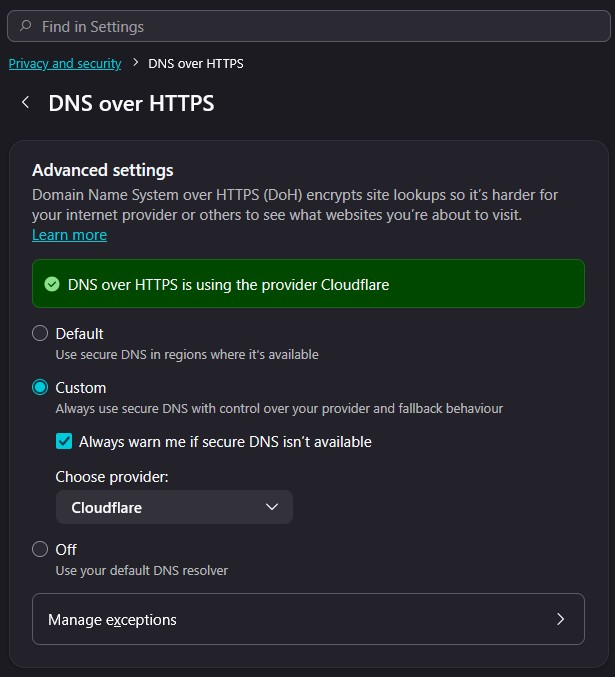
I'd also check DNS–over–HTTPS and proxy settings and either leave that to system, or tweak from automatic to some other value to see if it has impact.
Next steps to validate are generally using Private Window for the same sites to check any session/data history impact, restarting into Troubleshoot Mode from Help menu to eliminate extensions interfering, and then trying with a separate new profile for testing purposes, potentially even doing some more impactful changes like disabling http3 functionality in case some middleboxes on your line do not cope well with the complex connections.
Hello and thank you Arniceous and jbr for your responses.
@Arniceous I have tried chrome and edge and both browsers will eventually slow to a standstill while loading amazon.com & .ca as well as other websites like fortnine.ca. Other sites like Wikipedia & gmail never give me trouble, even if I have amazon tabs that are not loading open at the same time. It seems to be after I log into amazon I notice the slowdown/stoppage, like the homepage will load so quick, and then if I log in & check orders or search for an item and try looking at the results it is almost impossible.
@jbr I will double check, but I have never installed any antivirus. Unless, the default windows settings are interfering. Honestly, I will need to research some of the things you mention as I haven't played with those settings at all, although I do remember seeing some of the terminology (DNS, etc). At the moment, all my settings are default and I keep my windows and drivers updated. I will try and go through your checklist jbr while educating myself on what you're talking about, but if you have a simplified version of your check list or one with descriptions & explanations attached I could sure use it.
Thanks again to you both for your responses.
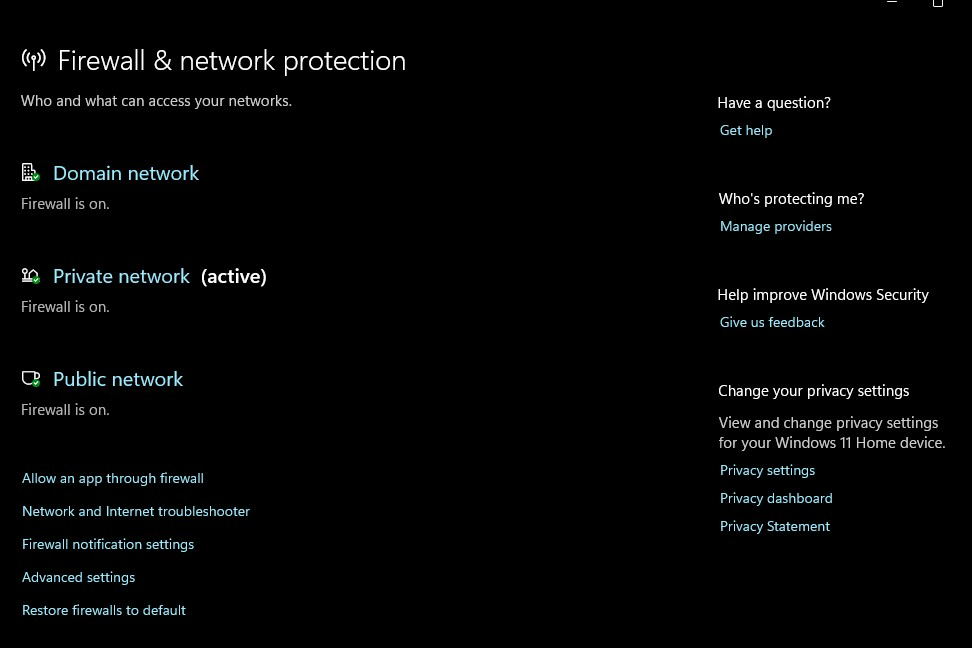
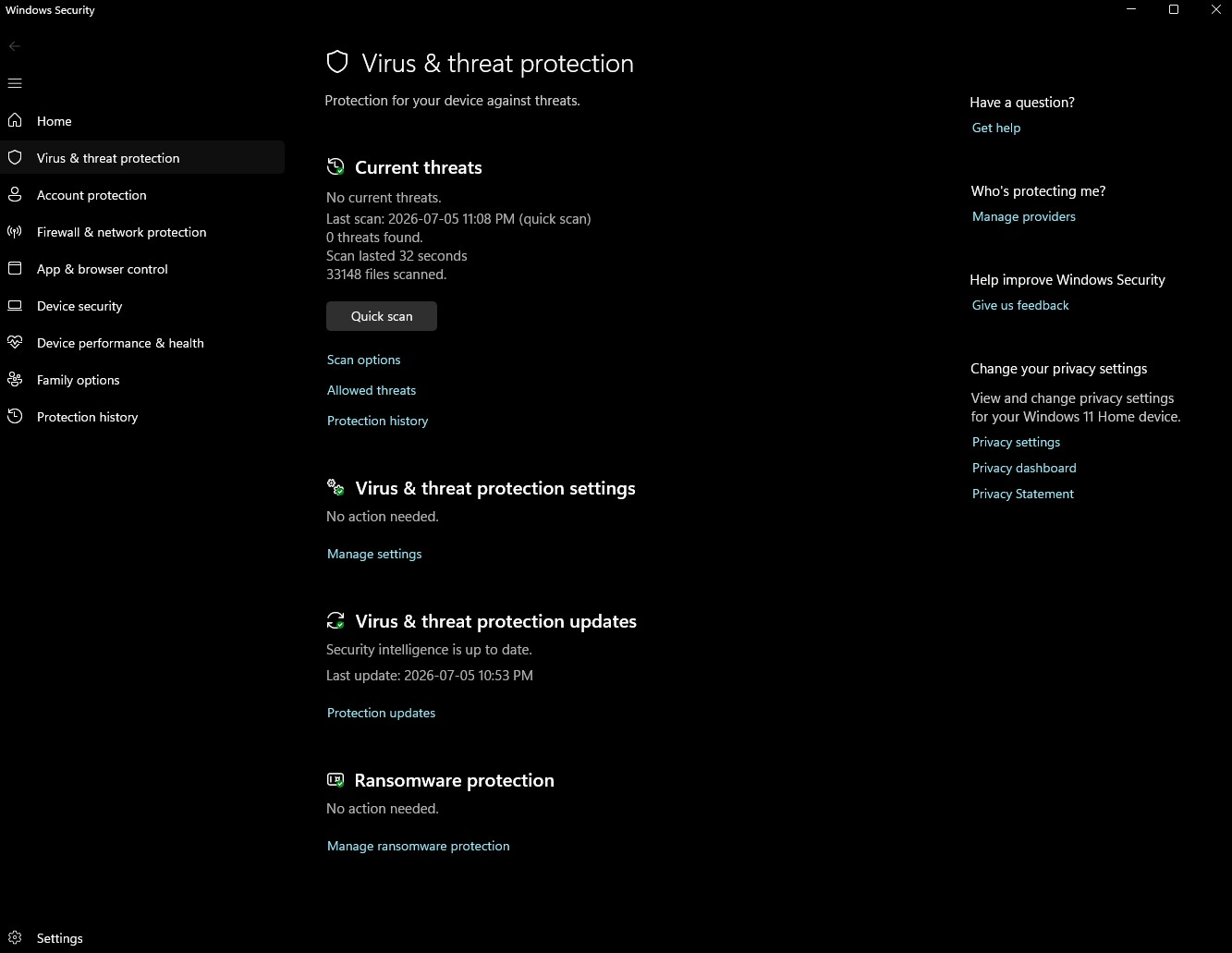
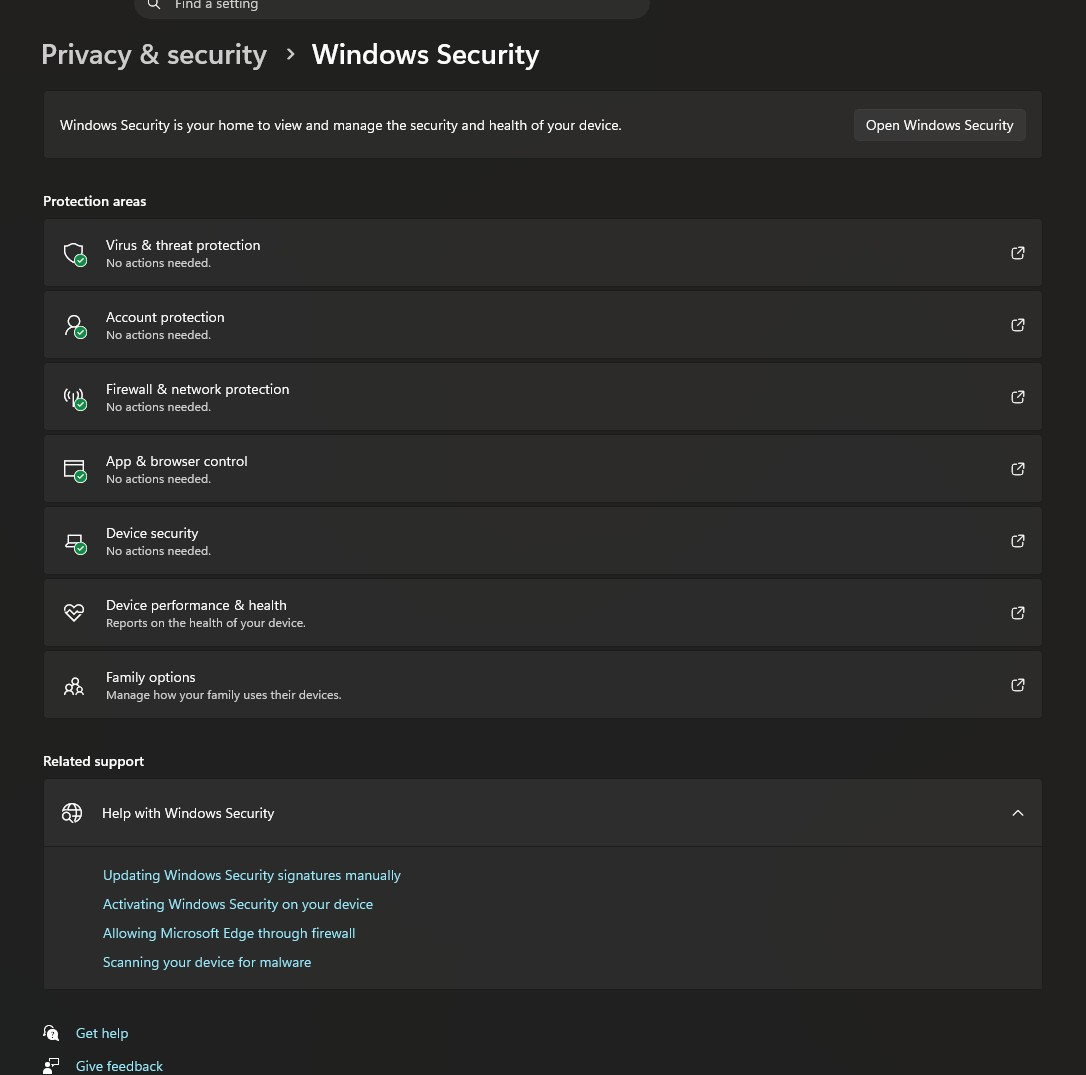
If you're getting the same results in all browsers the troubleshooting steps are not necessary — the issue is most likely something else.
To rule out your internet provider and the home networking setup, I'd try using e.g. mobile hotspot to connect with instead of your wifi/router, if you have cellular data plan available to tether to — to try a different internet connection to check for any difference so you have comparison.
@jbr it looks like I have DNS on, so I will turn it to "off - use default DNS resolver" and see if it makes a difference
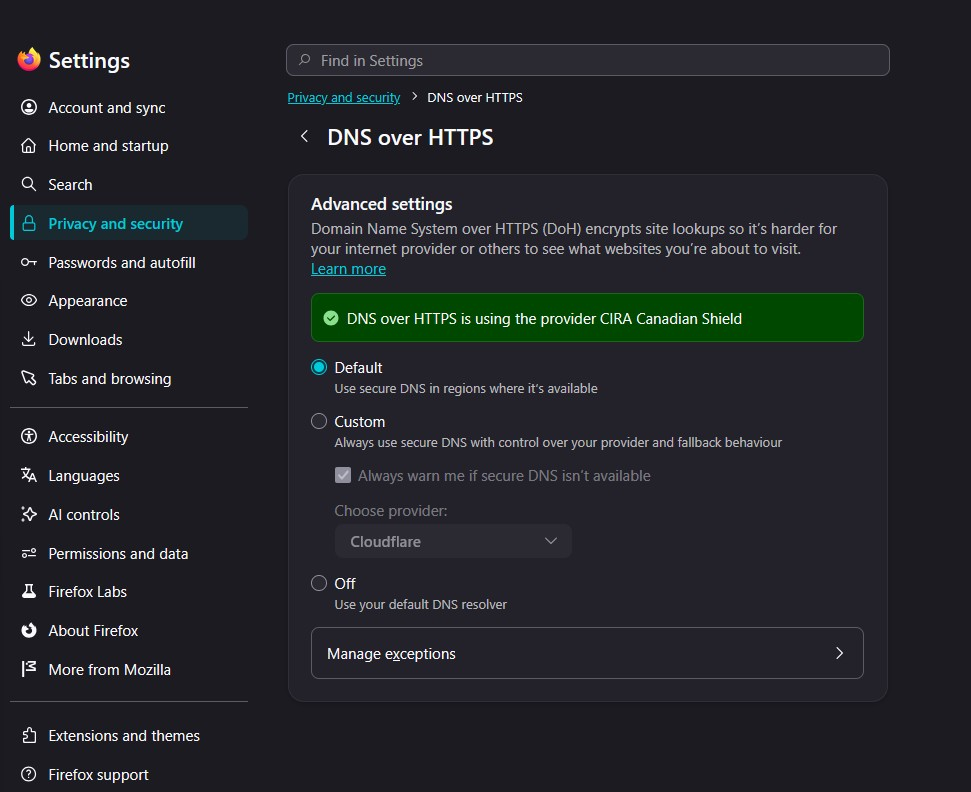
@jbr I've tried the hotspot off my phone on my PC and it loads everything super quickly, no issues at all. so you might be onto something
I've intentionally left out some of the details for the more convoluted tweaks that change how the browser works out of the box, in case these end up as unnecessary, to not leave superfluous configuration degradation behind — it's more of a next steps, what to try next if nothing else works.
This however sounds more like something on the amazon side — having trouble customizing the content for you once you're signed in. So I've shared some troubleshooting steps for that above, to try with limited history, more conservative browser setup etc., before trying quasi–destructive options that impact everything else too, not just the sites causing trouble (i.e. these tweaks might end up slowing down all meta and alphabet services conversely etc. — hence why I haven't shared the steps for that yet in case it's not needed.)
@jbr I tried wifi connection to my router and the tabs on amazon wouldn't load,. I switched to the hotspot while the tabs were still trying to load. They all loaded immediately once I changed to the hotspot. So both my wired and wifi connections seem to be affected. I suppose I need to reach out to my ISP?
Được chỉnh sửa bởi Cal vào
This would be better sorted out with your internet provider really, but chances are they e.g. support IPv6 badly, or lose HTTP/3 connections, upgrades etc. along the way — maybe you're in for a router upgrade or refresh, or maybe newer firmware for it might be available to mitigate these issues? They should be able to advise, or help you troubleshoot from your side. (Now when you have the comparison from hotspot avoiding any routing with them, you can hold them accountable a little better;)…)
In case you haven't already, I'd turn off your wifi router, pulling its plug for a minute, and see if cold starting it clears some old crud and gives you better results. Then poking your ISP, yes.
Thank you jbr, I will reach out to Telus.
I recently got new modem and router from them (less than 6 months old I'd say). It is a shame that it doest seem to be working properly.
I will report back hopefully with a fix
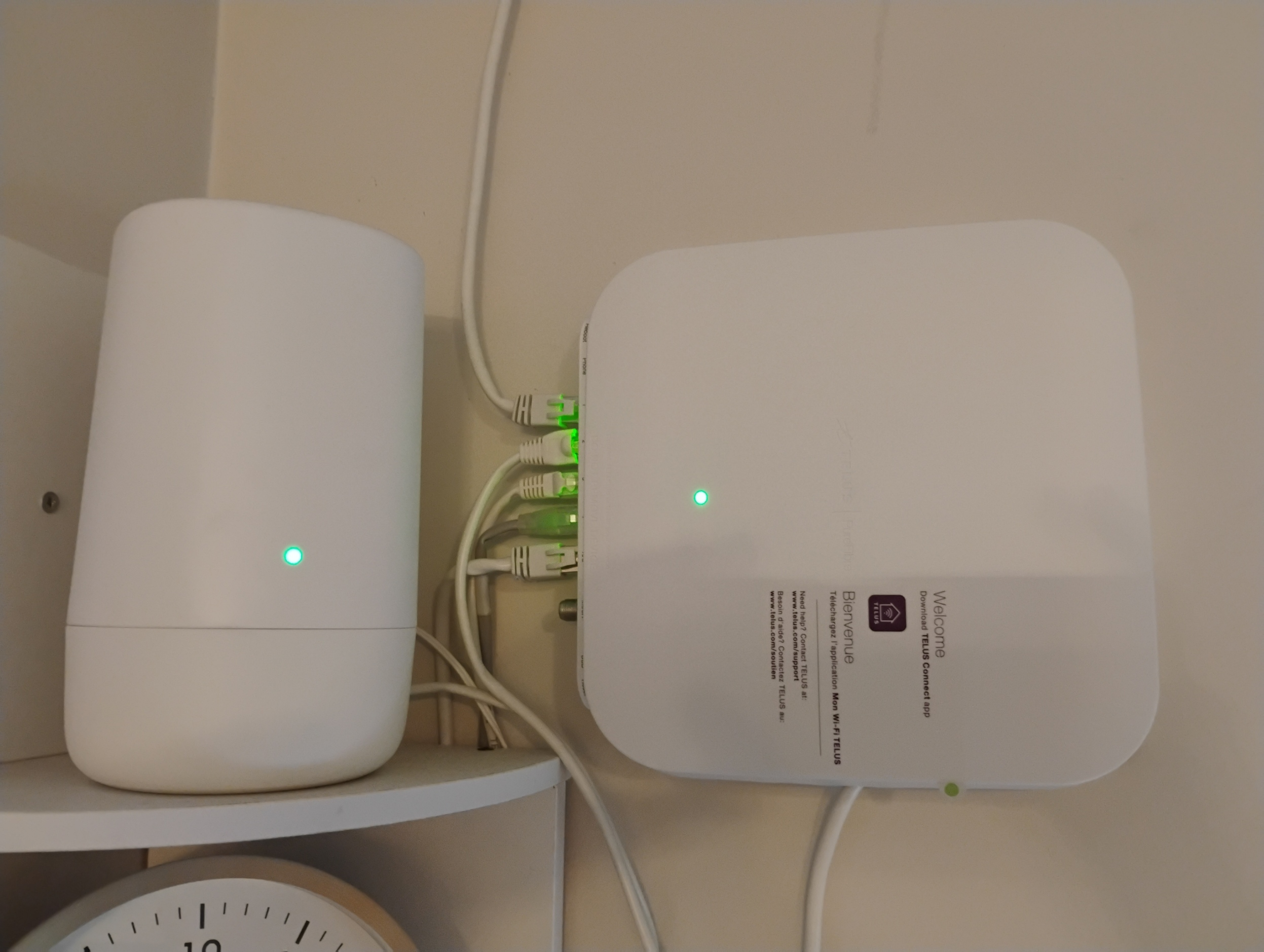
I will try and unplug, sounds good.
Thanks cal you are a cool customer. We are just strictly giving some suggestions no one owns a service call here I do have a PC company I will just say quickly if it happens on multiple browsers that is system wide issue. Please look into the fallowing:
ws2_32.dll and the Winsock catalog in Windows), a corrupted network stack can absolutely cause extreme slowdowns or complete connectivity drops despite high-speed internet.
You might need to repair that .dll, as it can become corrupt from for several reasons. I run across it all the time in the field.
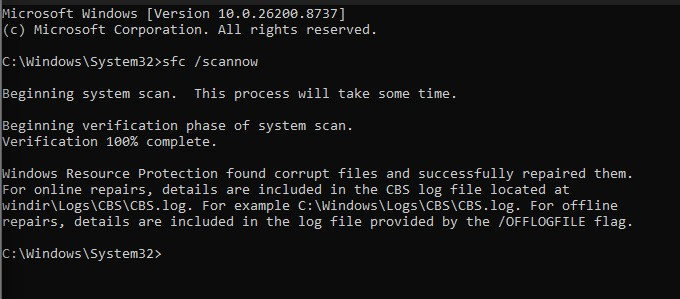
Many overlook running SFC as an example in the DOS prompt menu type: sfc /scannow
Not all system files can ne repaired with this command but it does do quite a few of them polling from your cabnet files. or windows disc. The good thing is if you don't have any corrupted files it will tell you!
Also and very important, a corrupted network catalog will definitely prevent Windows from properly processing network requests. If you want to reset which I highly recommend your windsock.dll simply access your DOS prompt window and type the following: netsh winsock reset and press Enter. Restart your computer
Having a multitude of tabs open does Rob system of resources and ram but I don't think that's the case here.
If Winsock isn't the only culprit, flushing the core Internet Protocol stack often resolves deeper routing lags. So from the dos promp as admin type: netsh int ip reset and press Enter. Restart your computer again.
Resetting your TCP/IP stack is basically what you are doing here and it's very important with this type of issue.
Also a slow DNS server causes massive delays before a webpage begins loading, making high-speed internet feel incredibly slow.
Changing your DNS servers is a plus. I don't use my isp's personally open DNS or Cloudflare as an example. Look them up on any search engine it's not a difficult process.
If you're using a router you'll change it in there if you're just on a computer without a router look for internet and network sharing in the control panel over in your network adapter you can find dns options.
Good luck Cal! circle back if you try any fixes we will get you there.
Được chỉnh sửa bởi Arniceous vào
One last hint along the lines of the original suspicion of a "middlebox" poking its nose into the secure connections … Try asking them whether they have some "security" "improvement" running as part of the router — these newer more bloated "all–in–one modems" tend to do more "smart" things, and this shiny fancy box might have been configured from factory to e.g. scan for you for any malware or phishing flowing in the HTTPS traffic so check with them for any similar convenience features that actually might end up interfering with those "big tech" websites of some providers. Maybe they'll just have a switch for the contraptions you can easily flip.
Ah faulty equipment eh anything is possible
ISP don't give out the best equipment mostly like like it's fail ya . Check with your ISP if they offer symmetric internet if they don't then you can supply your own router and modem and bypass their terrible equipment equipment is usually abused and refurbished and they do fail quite a bit. It's not even worth trying to flash firmware at this point because from the looks of that equipment I would just replace it with something better. If your isp only offers asymmetric internet you can introduce your own equipment.
update:
@Arniceous I ran all those cmd prompts, SFC did find and fix some things. The text file it generated was really long and hard to understand if I am honest. I made sure to restart after each of the other two prompts. I also changed my DNS to cloudflare. Unfortunately, Amazon still hangs up and doesn't load.
@jbr my understanding is that symmetric internet means my upload and download speeds should be the same and they are not, although I remember that is something that telus says should be the case with my fiber optic internet.
So it looks like the answer still lies with my ISP.
Thanks again for the information.
Good day cal!
Did your ISP swap out your ONT/ONU? Didn't know you were in Dover. You missed a command here it is from did type: Netsh winsock reset
Your upstream is far too low, definitely there iis something going on. Your ISP and should have swapped out your equipment the problem could be on their end for sure like provisioning .