


Mở
How do I change my font to one that I downloaded?
I wanted to change my Firefox font to one that I downloaded on my computer, but I am not very smart and can't really figure out how to change it since it doesn't appear on the list of fonts I can change it to in settings. I have it as a .ttf file if that's relevant.
I wanted to change my Firefox font to one that I downloaded on my computer, but I am not very smart and can't really figure out how to change it since it doesn't appear on the list of fonts I can change it to in settings. I have it as a .ttf file if that's relevant.
Tất cả các câu trả lời (2)
Hi.
You may be able to specify you own font via the file [userChrome.css] option.
This requires a [chrome] folder in your profile in which you create the above file.
You can then change any aspect of the browser.
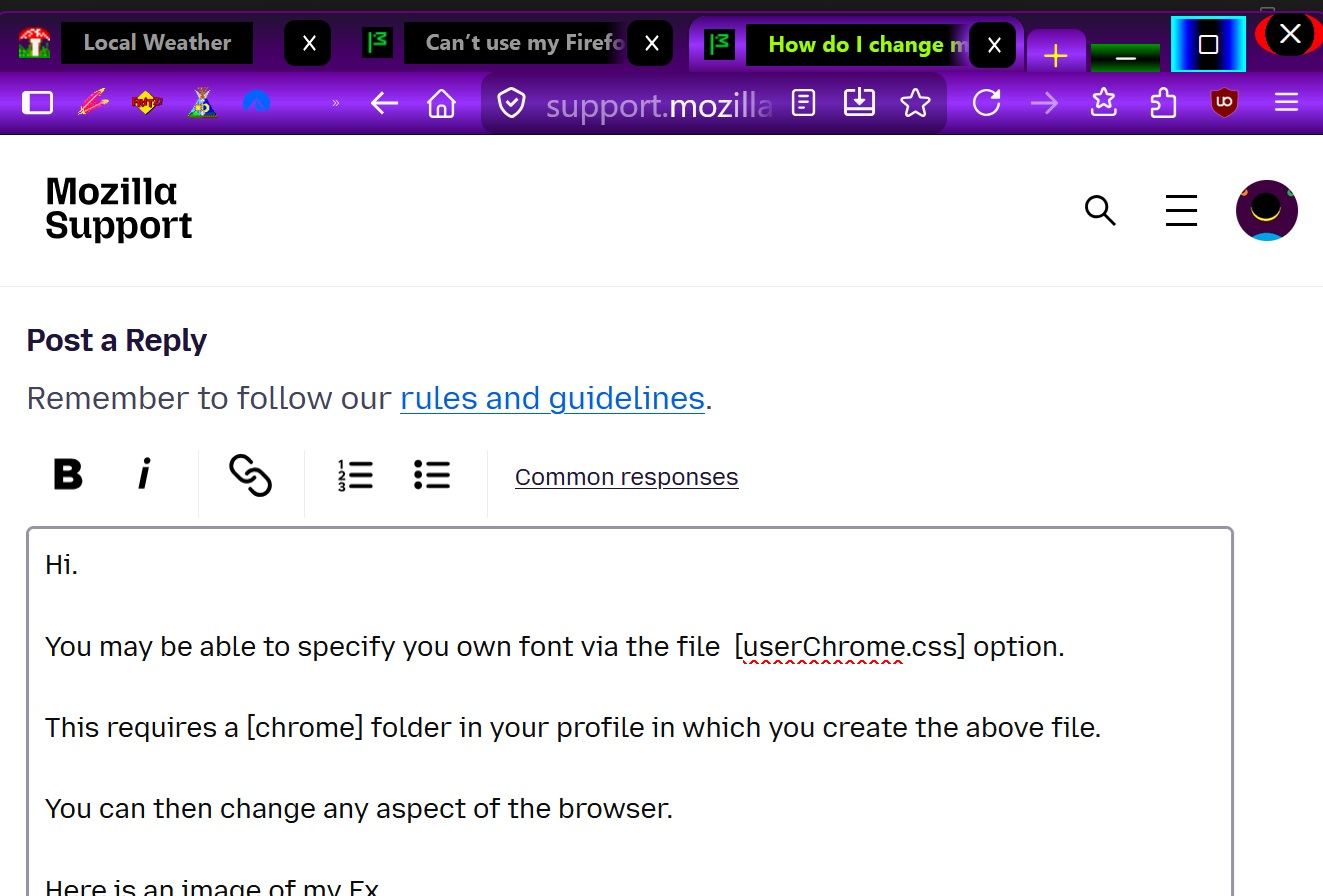
Here is an image of my Fx
For more info on [userChrome.css] see