How to get "automatic" theme in Firefox settings to honor operating system theme

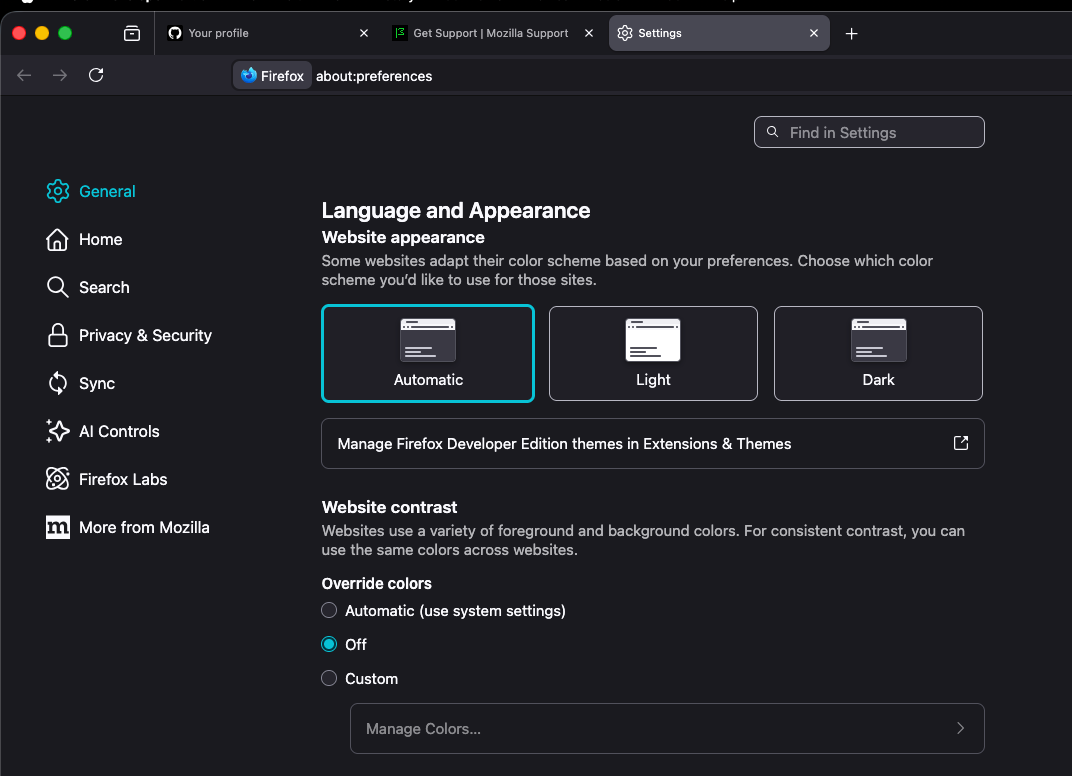
Firefox reports that my theme is dark no matter what if I set it to _Automatic_. This results on any website that follows the CSS rule to prefer system theme to also be in dark mode. The only way I can get Firefox to use _Light_ is to manually select that option.
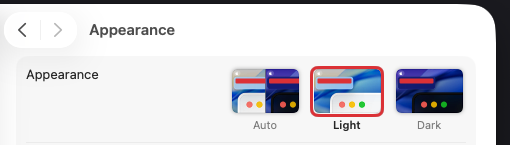
I have observed this behavior on MacOS Sequioa and also Tahoe (after a clean install). Other browsers I tested (Chrome, Safari) are not impacted by this behavior.
Firefox reports that my theme is dark no matter what if I set it to _Automatic_. This results on any website that follows the CSS rule to prefer system theme to also be in dark mode. The only way I can get Firefox to use _Light_ is to manually select that option.
I have observed this behavior on MacOS Sequioa and also Tahoe (after a clean install). Other browsers I tested (Chrome, Safari) are not impacted by this behavior.