


Last session does not open even when doing it manually in History
Hello and good afternoon. I have a problem with my last session as it doesn't appear, even when I try to do it manually in Settings-History-Import and backup-Restore, it shows me some options of different dates with all my last browser history, but none of them works, it simply doesn't open any of the web pages. I don't have any other profile, and I already tried the troubleshooting too I Hope you can help me. Thanks in advance
Giải pháp được chọn
The restore session option fails often which is why I make a backup of the folder. see screenshot Waterfox failed today, but was able to restore it from a few days ago.
Đọc câu trả lời này trong ngữ cảnh 👍 1Tất cả các câu trả lời (5)

Your session is likely lost now, but I cannot assure that. If anybody thinks I'm wrong on that, they can also add an answer. However, as a possible fix to prevent it from happening again, you COULD have firefox always start in your current session (whenever you open Firefox, it won't start anew) by going to settings, and utilising the top option in General that says "Open previous windows and tabs".
Thanks for the suggestion but I already have that option enabled, it has never been a problem before, even now, any tab I open stays open when opening Firefox after closing it
Hey Mike, Can you post a screenshot(in detailed view to show date and size) of the files in your sessionstore-backups folder. see old screenshot of mine What date was the issue?
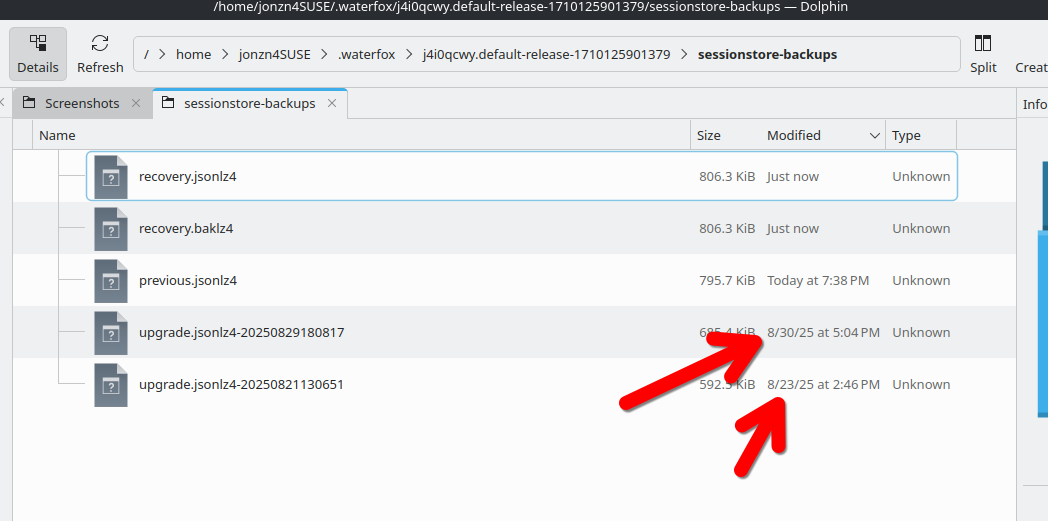
Được chỉnh sửa bởi jonzn4SUSE vào
Giải pháp được chọn
The restore session option fails often which is why I make a backup of the folder. see screenshot Waterfox failed today, but was able to restore it from a few days ago.
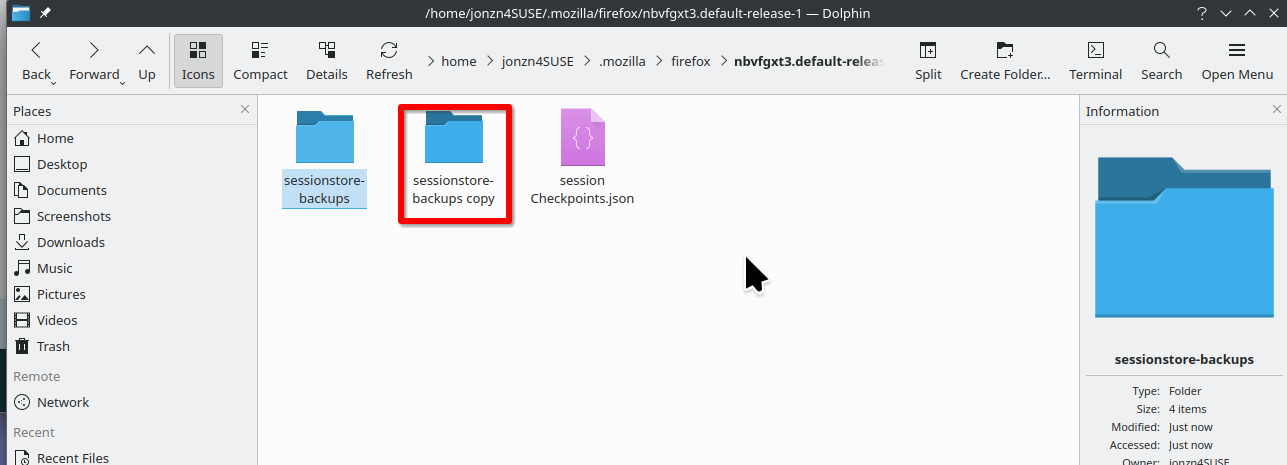
Thanks to your replies, I search that folder, found it and with more web searching I was able to restore a past session, I wanted a session that was like from 2 days ago, but I had to use a file with an older date (10 days ago), because somehow the most recent file was nowhere to be found, I really don't know what happened, but at least now I can open most of the 50+ tabs I had so I didn't lost every one of them. I'm going to start backing up that folder too. Thanks a lot!