


search request denied
Dear all,
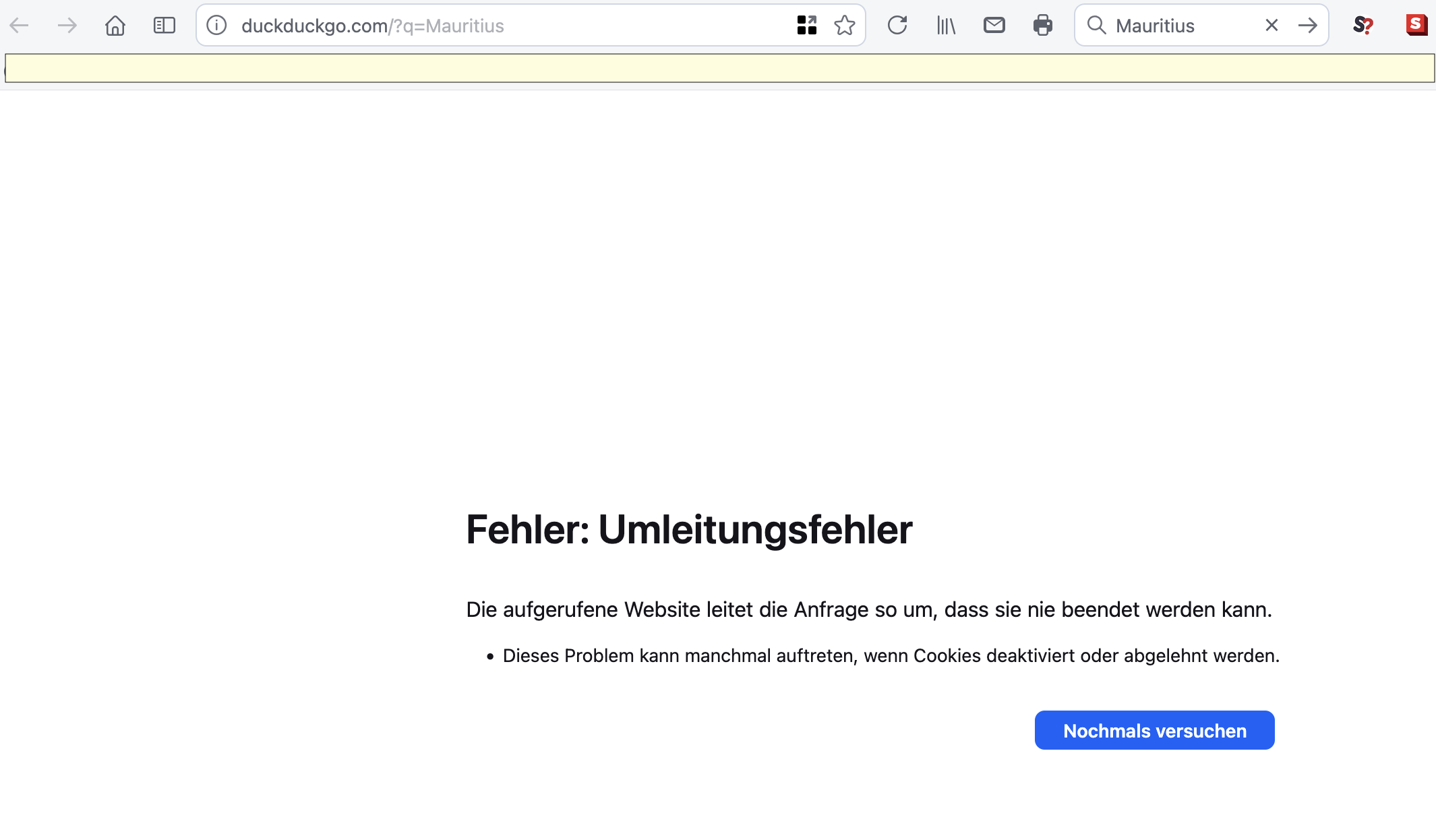
for two days (as of march 21) any search request is denied, no results are despayed. Instead a message window pops up: "Error: Routing error", the requested website (here: duckduckgo.com) would send the request into an endless loop. This problem only occurs using the mac-version of FF 148.02. The moblile version runs as normal, and another browser, Safari, works as he should.
I tested all my add-ins (switching off and on), private mode produces the same result. So, could you give a hint, is it (my) single, private issue?
Thanks a lot, this cuts me off the internet at large.
Giải pháp được chọn
You have extensions like DuckDuckGo Privacy Essentials and NoScript that can block content, so make sure you disable them on those website(s).
Đọc câu trả lời này trong ngữ cảnh 👍 0Tất cả các câu trả lời (3)
Giải pháp được chọn
You have extensions like DuckDuckGo Privacy Essentials and NoScript that can block content, so make sure you disable them on those website(s).
Dear cor-el,
thanks for remind me: that was it - disabling an extension (DuckDuckGo Privacy Essentials) solves the problem. Shame on me…
Hello,
I am glad to hear that your problem has been resolved. If you haven't already, please select the answer that solves the problem. This will help other users with similar problems find the solution.
Thank you for contacting Mozilla Support.