bookmarks not syncing
With Firefox Android on my tablet, bookmarks are not syncing that i see when logged into my Firefox account on other devices. I tried logging out and in to my Firefox accont and also unchecking and checking the "sync bookmarks" box. Firefox Android says "bookmarks are now synced". But they aren't!
Tất cả các câu trả lời (4)
Let me test. I'm going to bookmark this page and then boot my Sony tablet that I haven't used lately and I'll then show you this page synced to my tablet.
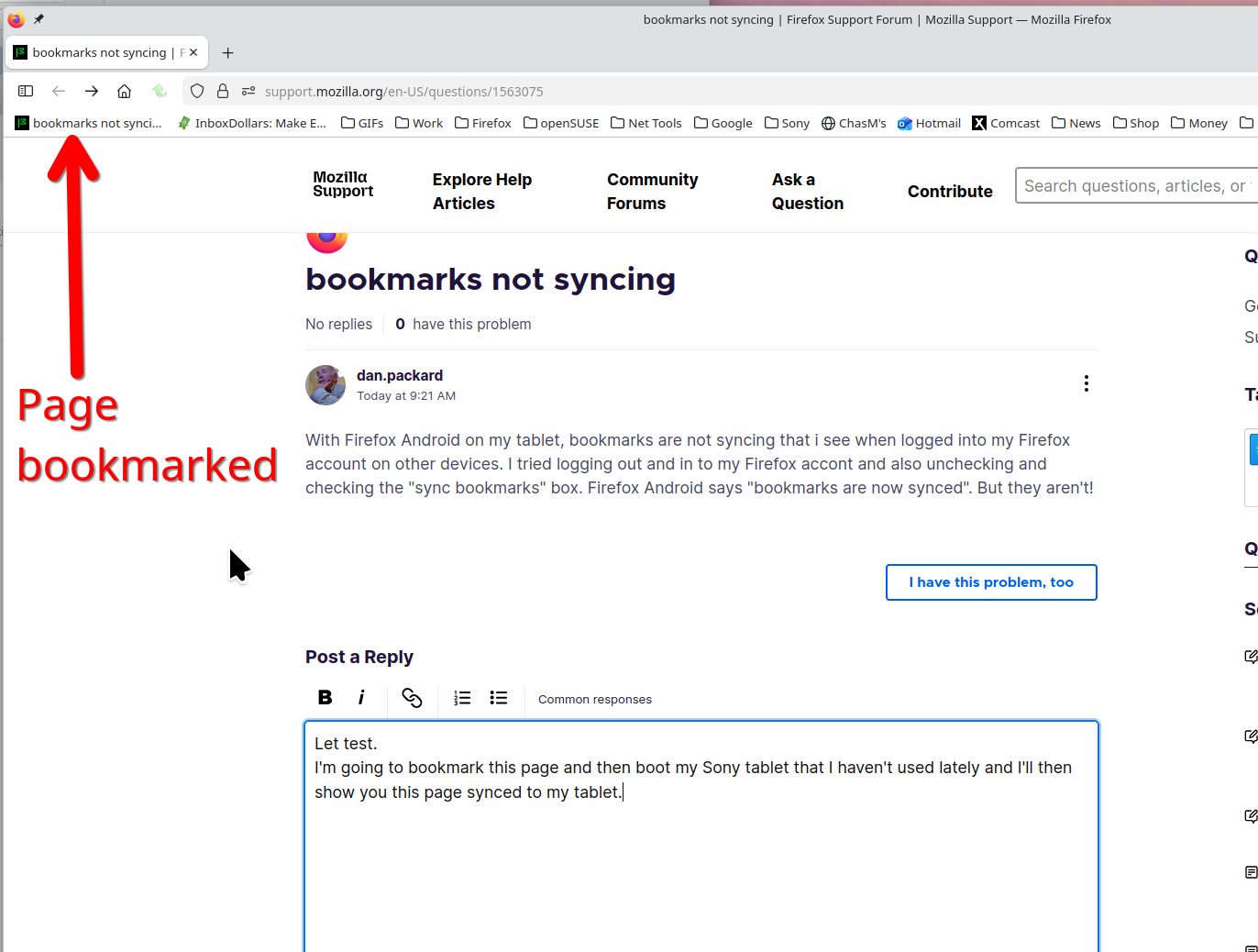
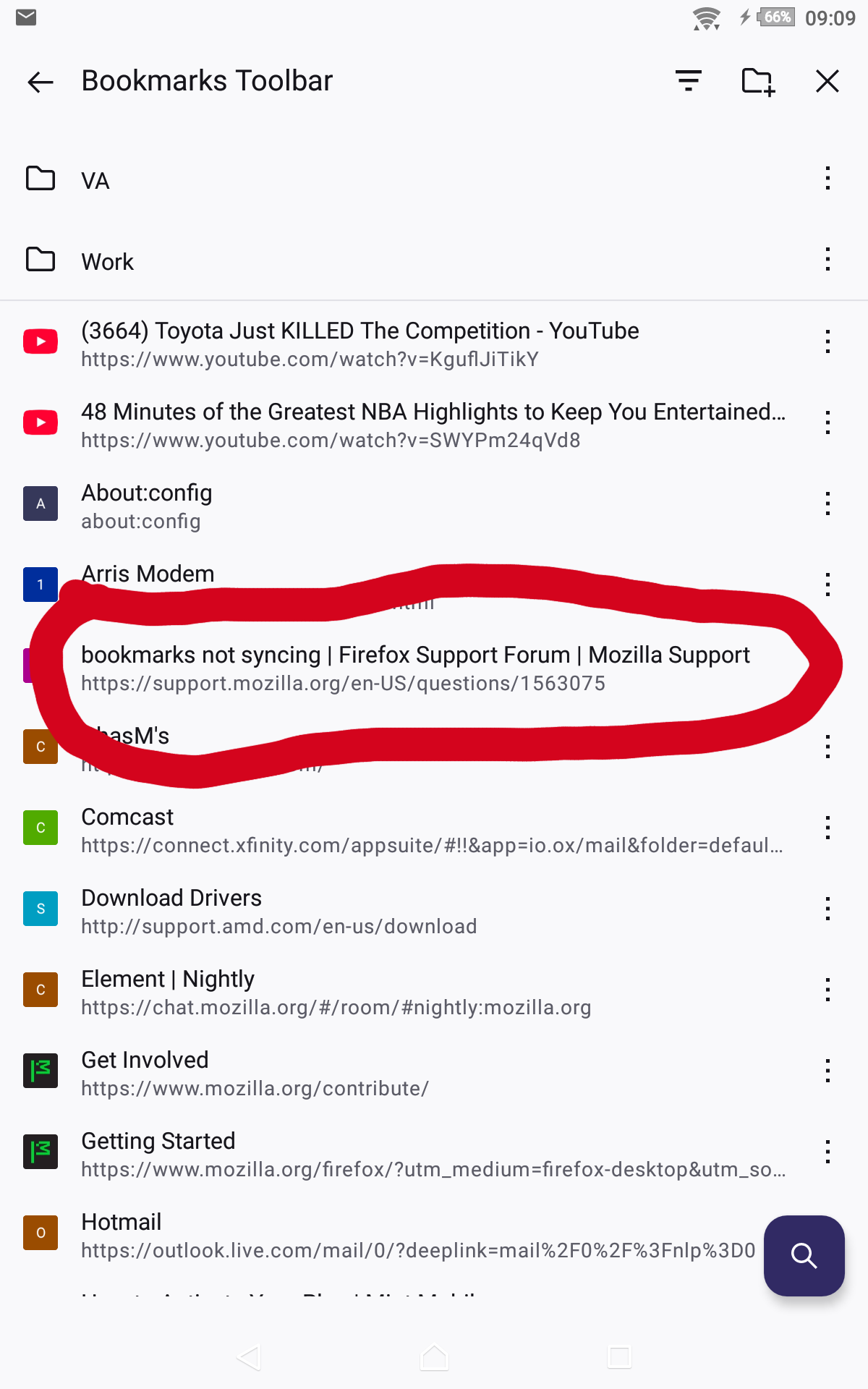
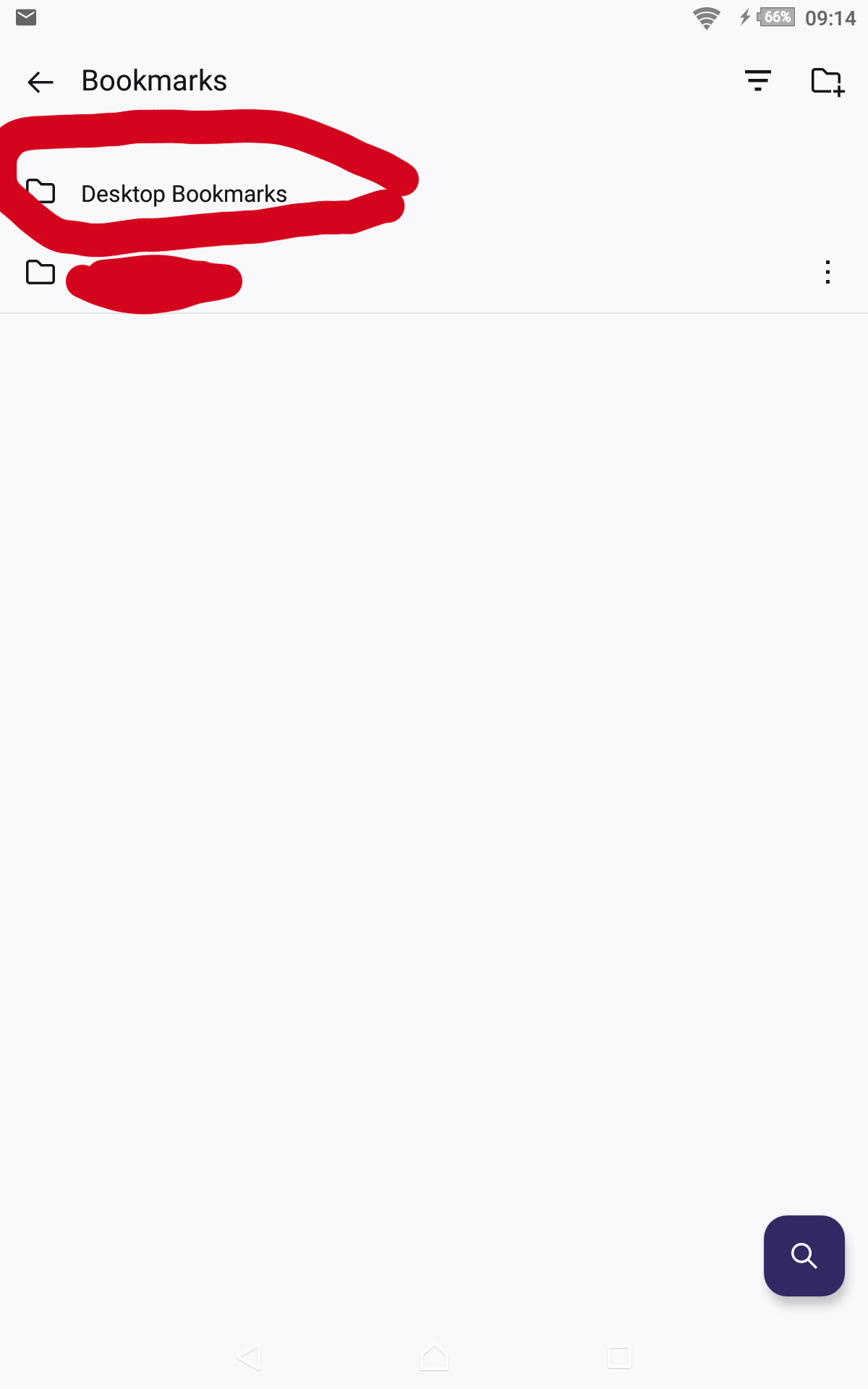
Here's a pic showing this page has synced to my tablet. see screenshot
Hi,
Thanks for your reply. I see your steps to Bookmark a single page and viewing the sync result on your Android tablet. I am familiar with the mechanics of adding a Bookmark and how it should be visible on other "synced" devices.
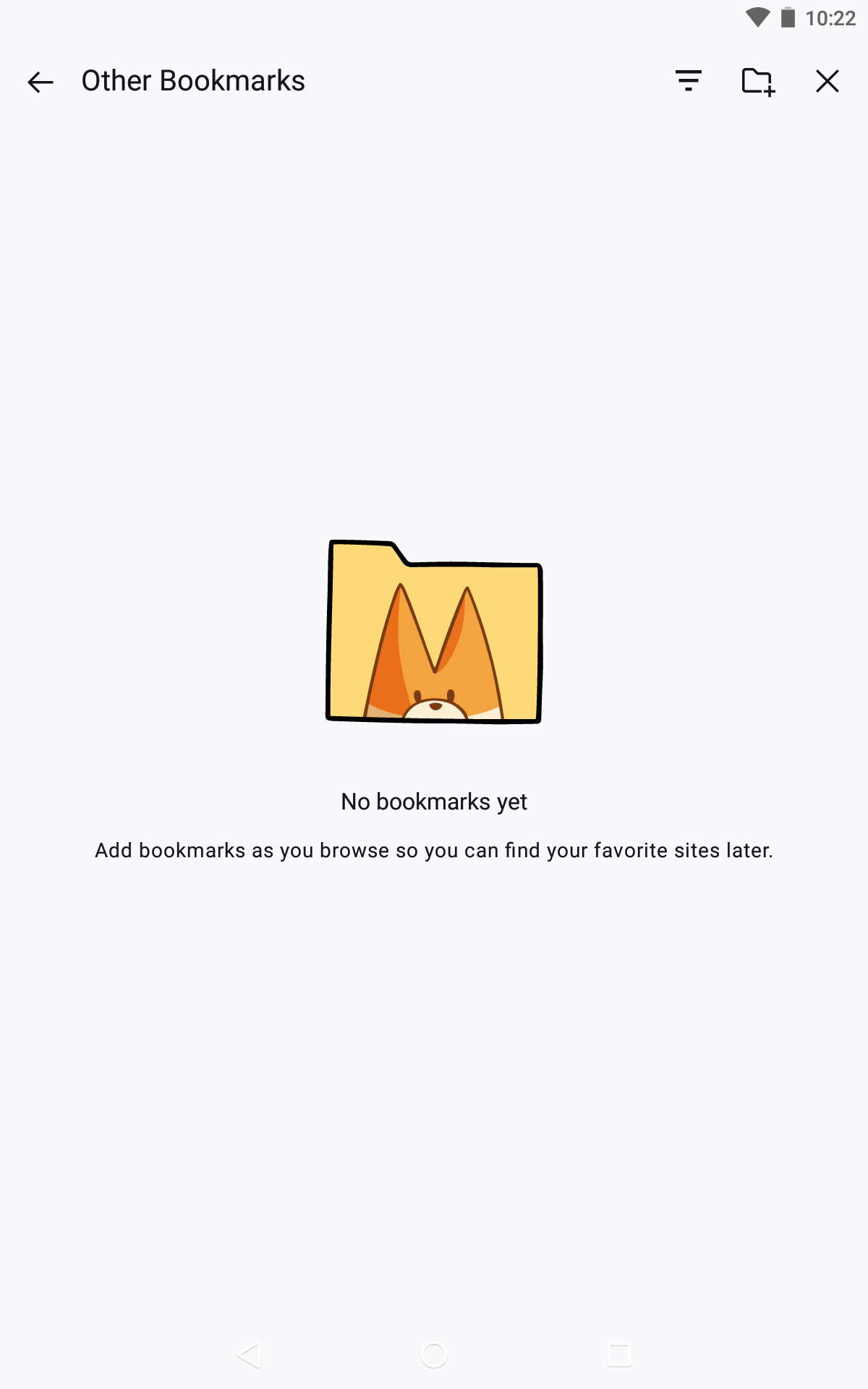
However, the numerous Bookmarks that I see when logged in to my Mozilla desktop pc account are not syncing when logged in to my Mozilla Android account (image attached showing "no bookmarks yet").
How does one troubleshoot this problem? I have tried logging out of my Android Mozilla account in Firefox restarting the device and then logging back in to my Firefox account to no avail.