


Windows 10 reached EOS (end of support) on October 14, 2025. For more information, see this article.

Tìm kiếm hỗ trợ

Tránh các lừa đảo về hỗ trợ. Chúng tôi sẽ không bao giờ yêu cầu bạn gọi hoặc nhắn tin đến số điện thoại hoặc chia sẻ thông tin cá nhân. Vui lòng báo cáo hoạt động đáng ngờ bằng cách sử dụng tùy chọn "Báo cáo lạm dụng".

Tìm hiểu thêm

How do I get Firefox to open windows in the correct order?

  • 1 trả lời
  • 0 gặp vấn đề này
  • Trả lời mới nhất được viết bởi jonzn4SUSE

tuỳ chọn khác

When I start Firefox on Windows it does not open all the Windows it had last time even though that option is selected in settings. It seems random on which Windows open.

Then I start one Window at a time and restore my tabs from bookmarks. Once I have done that I have all the Windows in the order I want, with the tabs I want.

Then for no apparent reason some of the Windows disappear and/or the Windows change order. This is very frustrating.

How do I get Firefox to always open the Windows in the correct order and keep them displayed in that order?

When I start Firefox on Windows it does not open all the Windows it had last time even though that option is selected in settings. It seems random on which Windows open. Then I start one Window at a time and restore my tabs from bookmarks. Once I have done that I have all the Windows in the order I want, with the tabs I want. Then for no apparent reason some of the Windows disappear and/or the Windows change order. This is very frustrating. How do I get Firefox to always open the Windows in the correct order and keep them displayed in that order?

Tất cả các câu trả lời (1)

tuỳ chọn khác

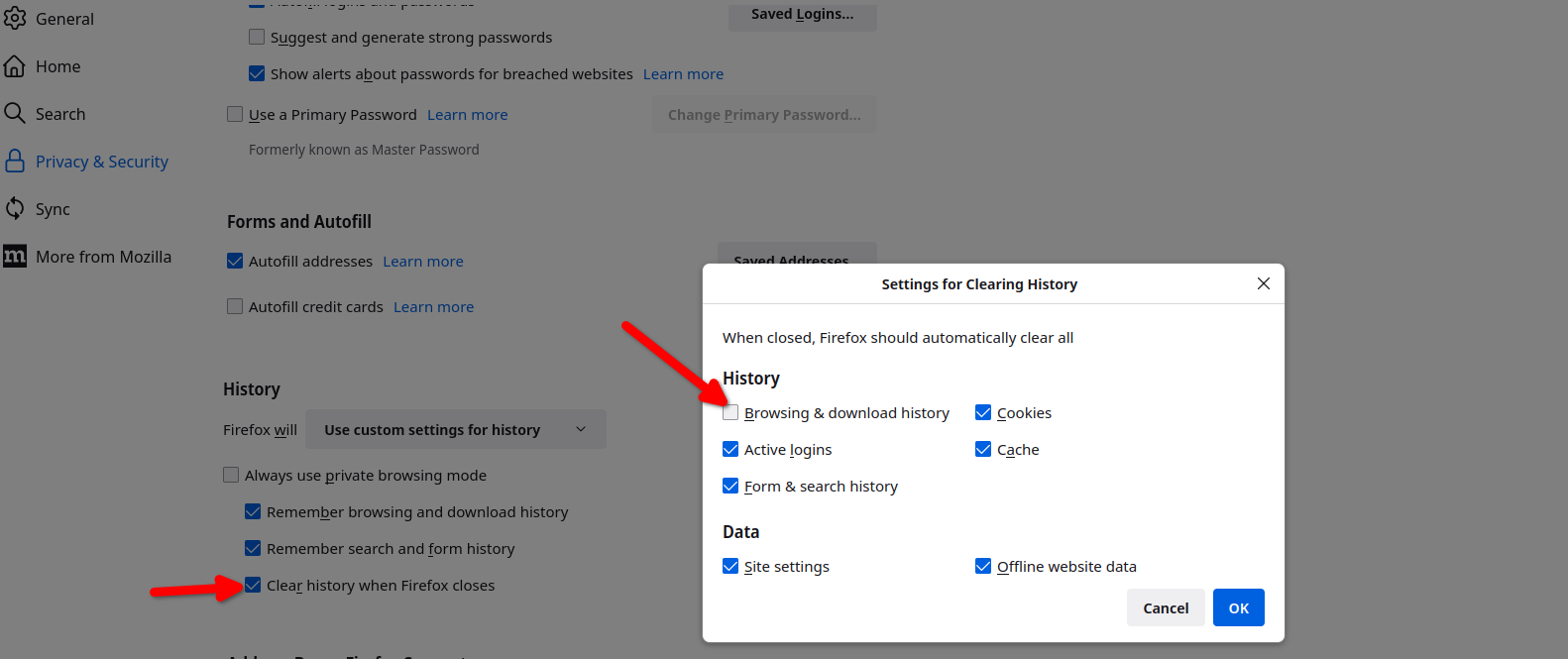
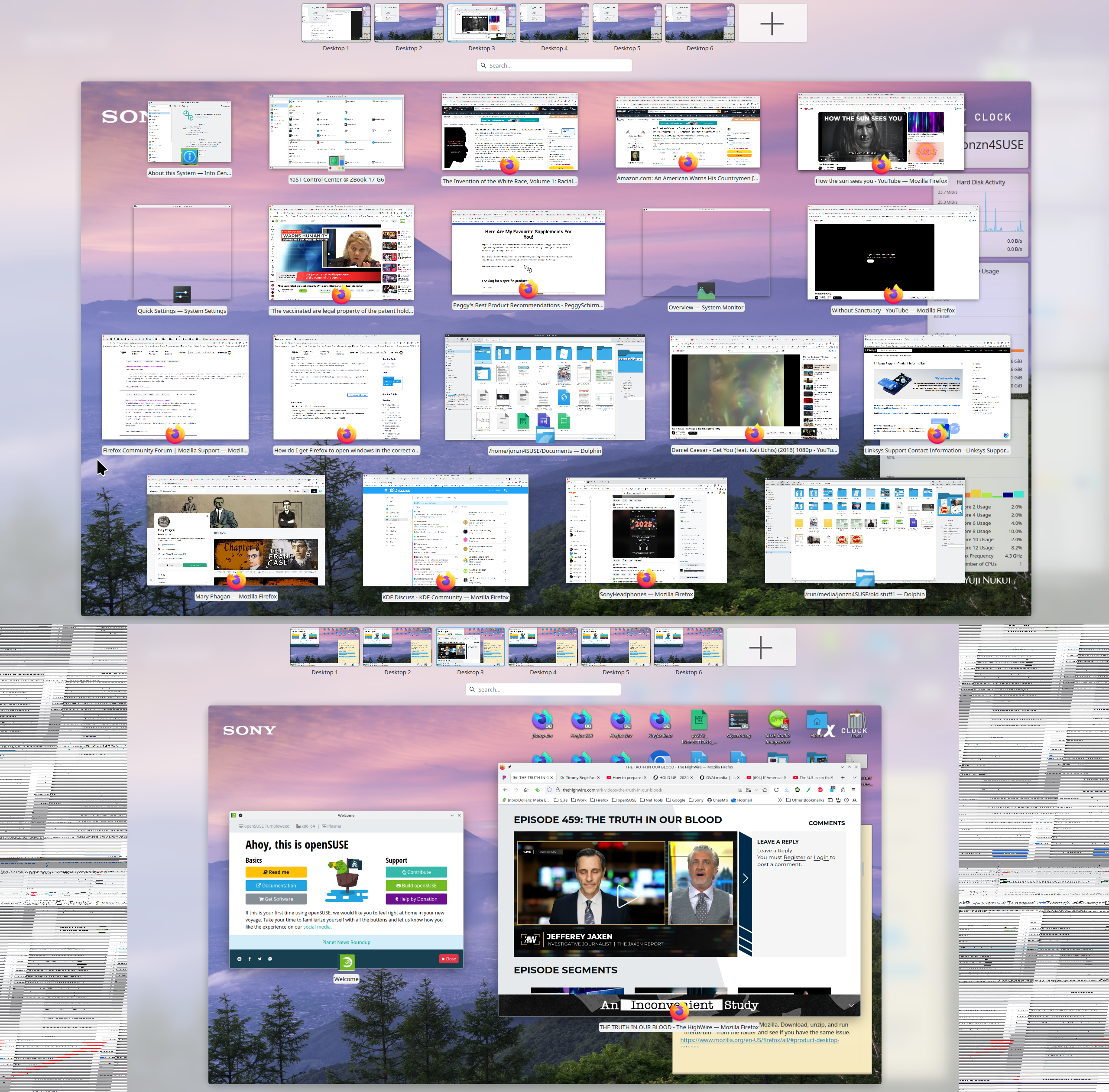
Here are my settings so that my previous windows open. see screenshots That one box is not checked, but Firefox does have a frequent habit of not restoring the sessions. See this link if that's the issue. https://support.mozilla.org/en-US/questions/1557927#answer-1790790
Đặt một câu hỏi

Bạn phải đăng nhập vào tài khoản của bạn để trả lời bài viết. Vui lòng bắt đầu một câu hỏi mới, nếu bạn chưa có tài khoản.