


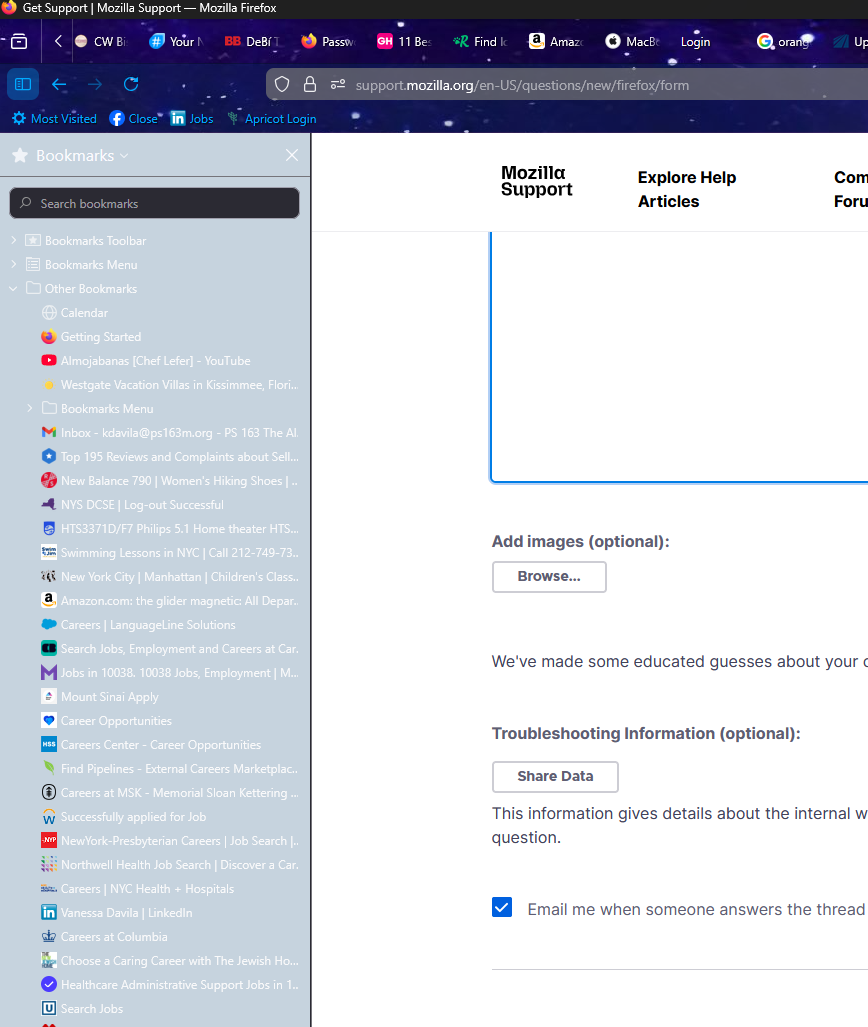
bookmark side bar is shaded

After yesterday's update, The book mark sidebar is grayed out. why?
Tất cả các câu trả lời (11)
Hi Vanessa, which theme is that? You should be able to find the theme name on the Add-ons page (Ctrl+Shift+A), Themes section. If the name sounds common, please mention the author (this is listed after you click the theme name).
IT's the galaxy space theme. The side bar bookmark is the only one that is grayed out and is not on the same theme.
I can't figure out which one it is, so I'm having trouble testing. I probably tried 10 and didn't see an exact match. Do you see it here:
https://addons.mozilla.org/en-US/firefox/search/?q=galaxy%20space&type=statictheme
Of those, I think "Space Galaxy ANIMATED stars" looked good, but maybe a bit distracting.
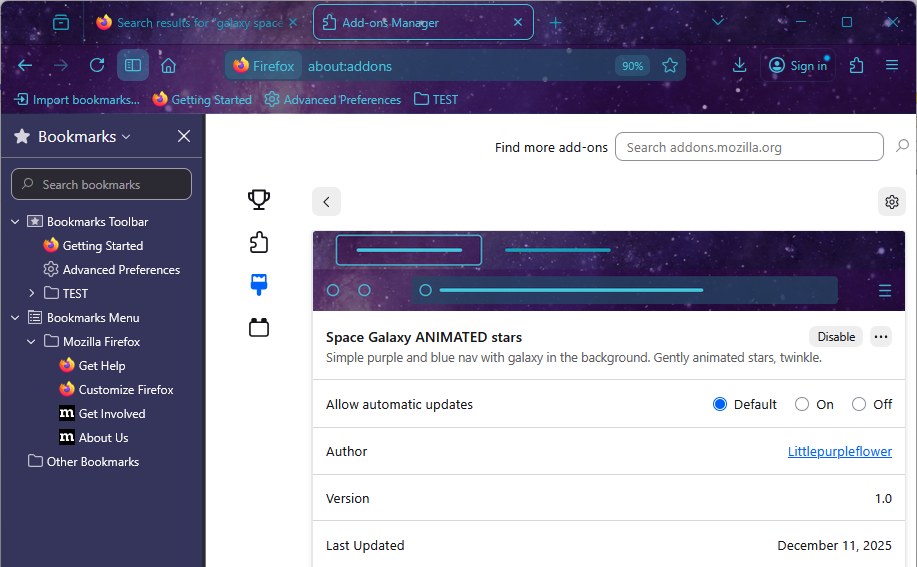
It's Galaxy Space Theme, I noticed that it has not been updated since 2023. I guess it does not automatically update.
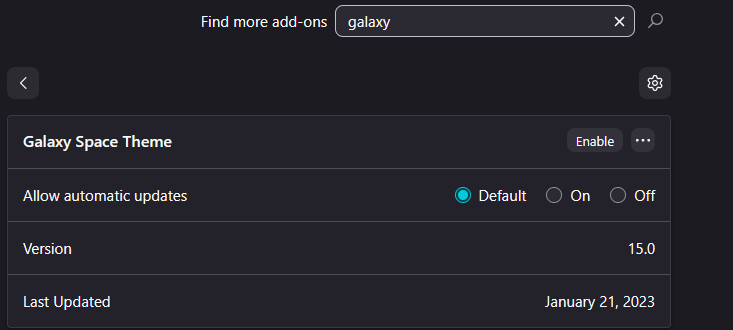
I can't find that one on the Add-ons site. Maybe it was distributed through an unofficial channel? Or it was withdrawn? Either way, I think a change might be needed in the theme files to fix the sidebar background color.
DO you mean that I need to change to one of the other ones that are available? because the ones that are available are also not updated and have not update in years.
Hi Vanessa, I can't tell why the theme works differently for you in Firefox 146, so I don't know whether it is something that can be fixed by you by changing a setting, or whether it is a problem with the theme settings that users cannot change.
As another possible way for me to locate that theme, could you search for galaxy on the Troubleshooting Information page (Help > More Troubleshooting Information)? There is a table of extensions and themes which lists their unique ID in the last column. What is the unique ID of the Galaxy Space Theme?
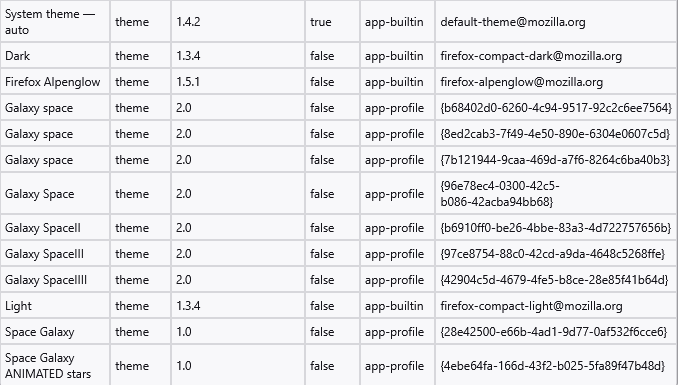
I only have this issue with this theme only. I am not able to locate the unique ID information ID you need on this page.
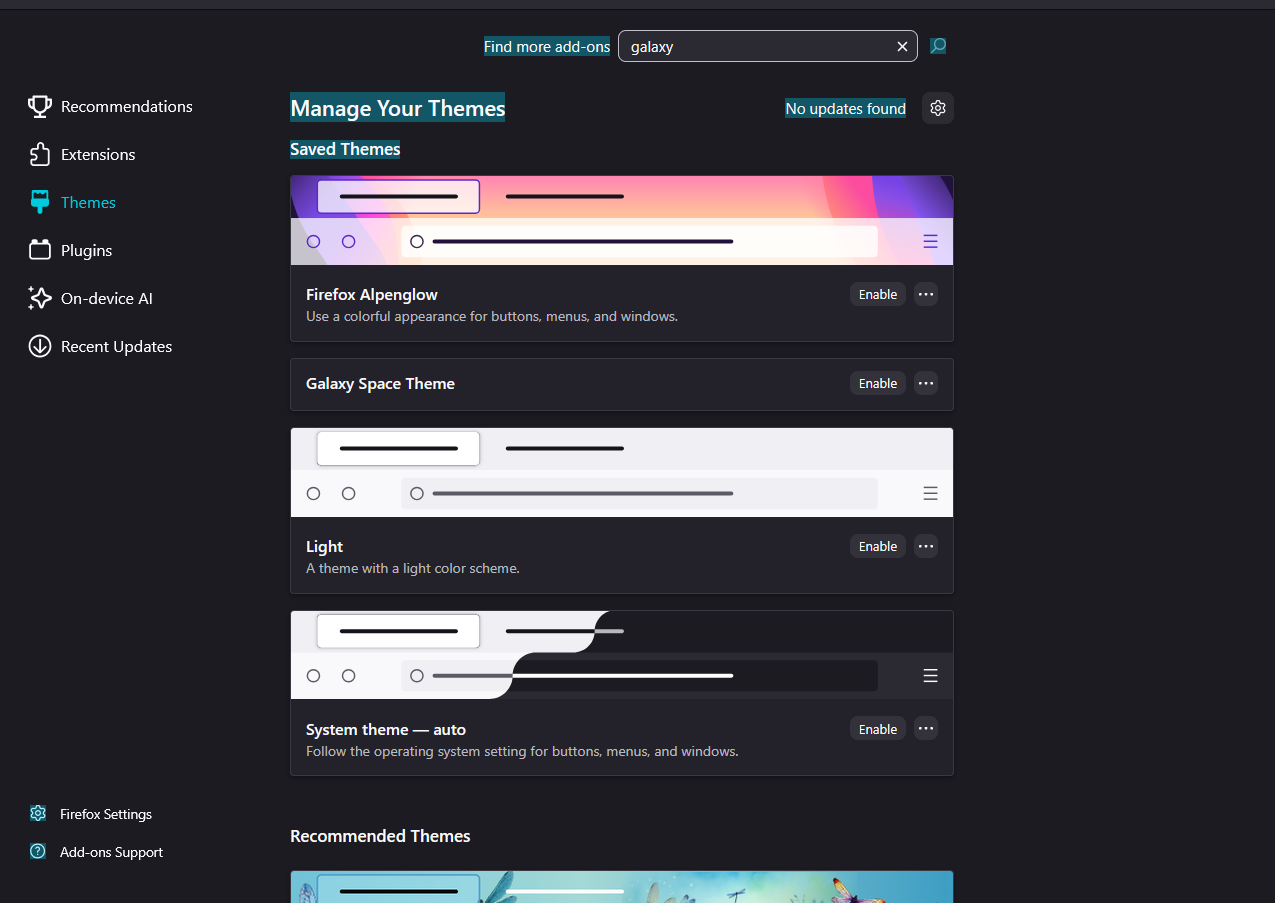
Oh, it would be on the Troubleshooting Information page (menu button > Help > More Troubleshooting Information).
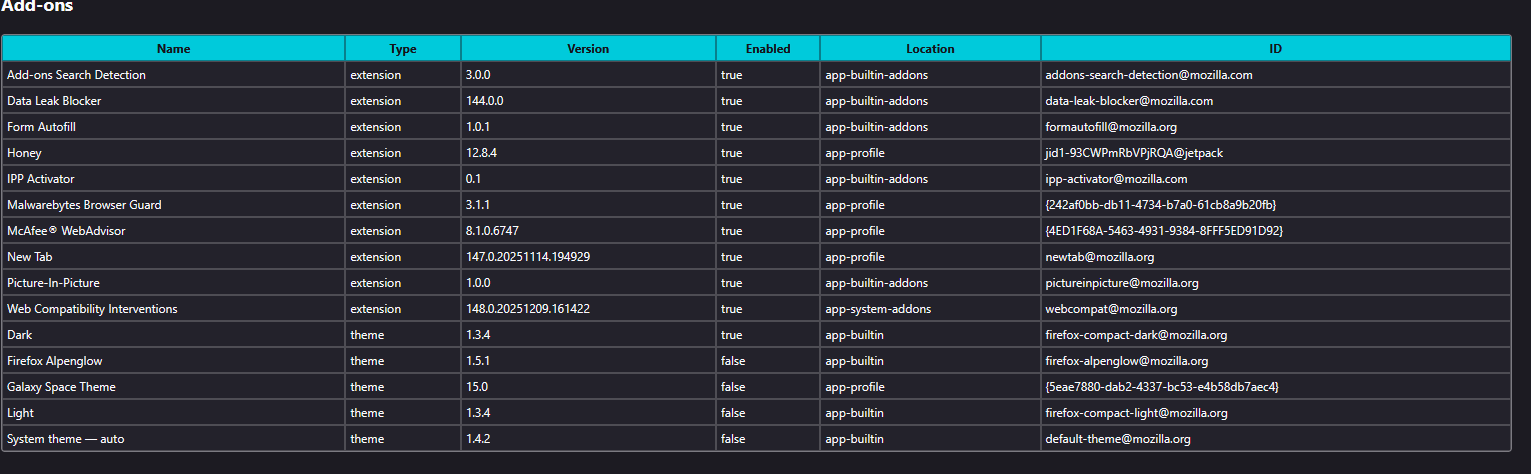
Hi Vanessa, I found a copy of this theme in the Archive.org Wayback Machine. The sidebar background color now uses the theme's toolbar background color if the author hasn't specifically set a sidebar background color. In this case, that is set to:
"toolbar": "rgba(0, 61, 107, 0.25)"
The fourth part of the RGBA color setting is the problem: In order to not block too much of the space image, it only has 25% opacity, or in other words, the color is 75% transparent. That is why it is not a good match with the white text.
According to the page, the theme is licensed with a "No Derivatives" license, so it's not allowed to simply modify and upload back to the Add-ons site. Probably there are other themes with similar images, and hopefully they don't have this issue.