


Google Lens

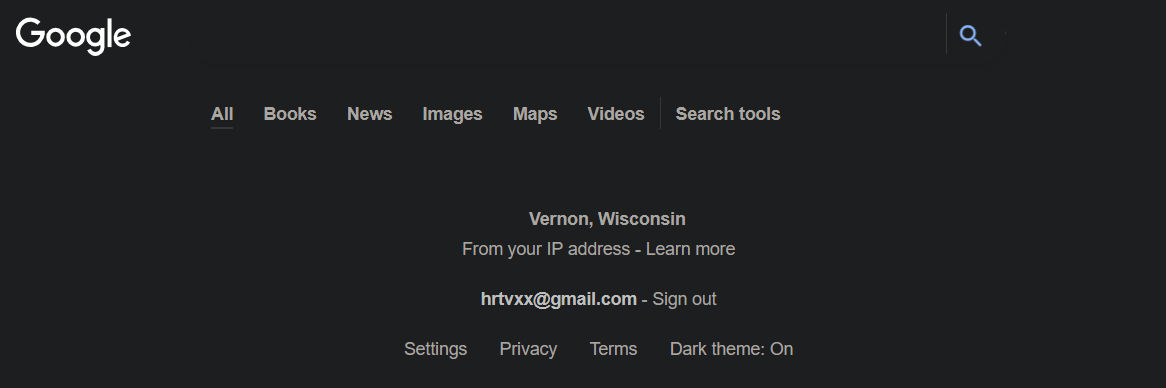
Why is it on our platform Google Lens is not working. Works fine on Chrome. All I get is a screen with my location and my logon name.... Anyone else???
Why is it on our platform Google Lens is not working. Works fine on Chrome. All I get is a screen with my location and my logon name.... Anyone else???
Tất cả các câu trả lời (3)
Hi there,
Sorry for the late reply. Do you still experience the issue? If so, please follow the steps below:
- Please check if you have Enhanced Tracking Protection (ETP) enabled. You can do that by clicking the shield
 icon at the left of the address bar.
- If ETP is enabled, try disabling it.
- If the problem is not fixed, try clearing Firefox cache.
- If it does not help, also try clearing cookies and data for Facebook (warning: you will be logged out on this website).
- If it also does not help, try running Firefox in Troubleshoot Mode.
Does it help? Looking forward to your update!
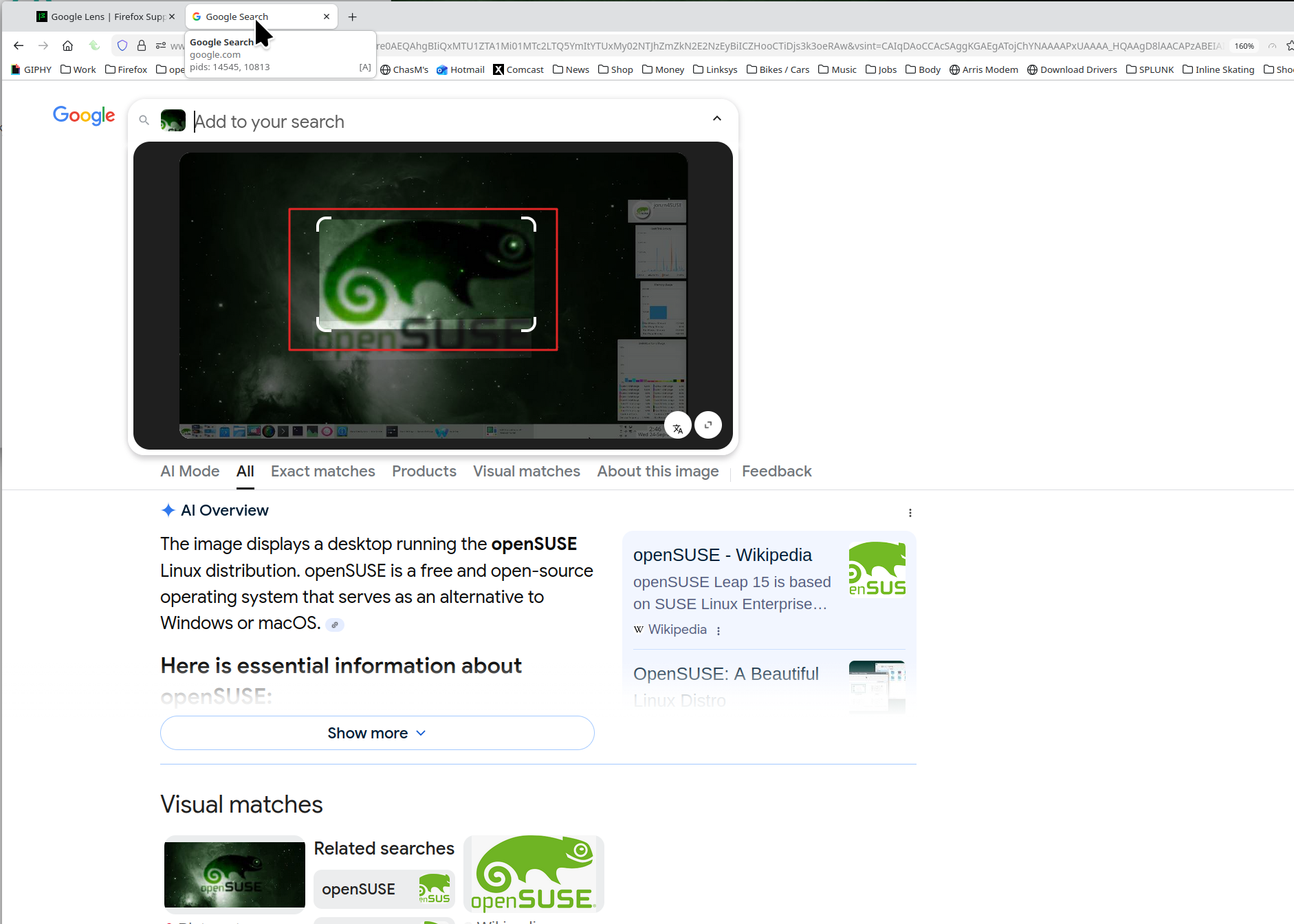
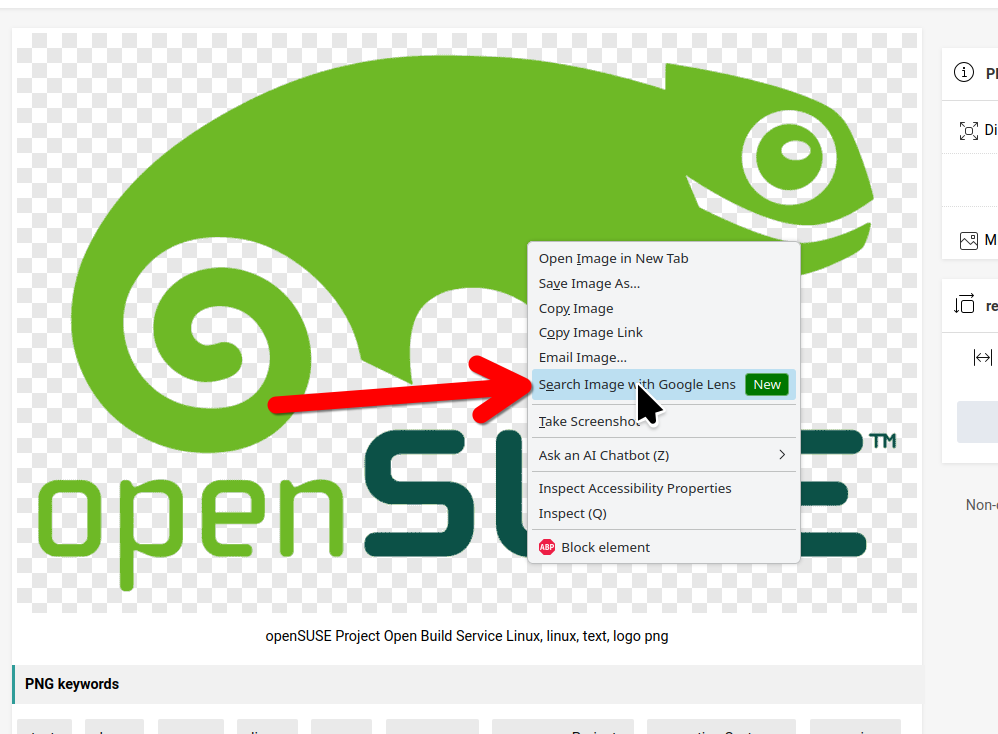
Works for me. see screenshot Can you provide steps to replicate your issue. Clicked the lens, dropped a pic, and there you have it. Same result when I use the new right click option.
Được chỉnh sửa bởi jonzn4SUSE vào