


Increasing screenshot resolution
While taking screenshot of entire page or section within the page, taken screenshot resolution is of very low quality. As a result when shared the screenshot with someone using copy paste function or download and share option, in both methods screenshot image quality is very low making it very difficult to read data/text from the same. Text from the screenshot is barely in readable format. Even zooming the image distorts image totally. I want a way to increase screenshot resolution or improve its image quality so we can read easily without zoom or zooming the image file.
Tất cả các câu trả lời (3)

Not a fan of the Firefox screenshot option. Is there not a setting in the Snipping Tool in Windows for compression. I'm on Linux using KDE tool Spectacle and it has a slider for compression. see screenshot A little research and I'm sure you can find a better tool than what's offered in Firefox. ShareX is one example.
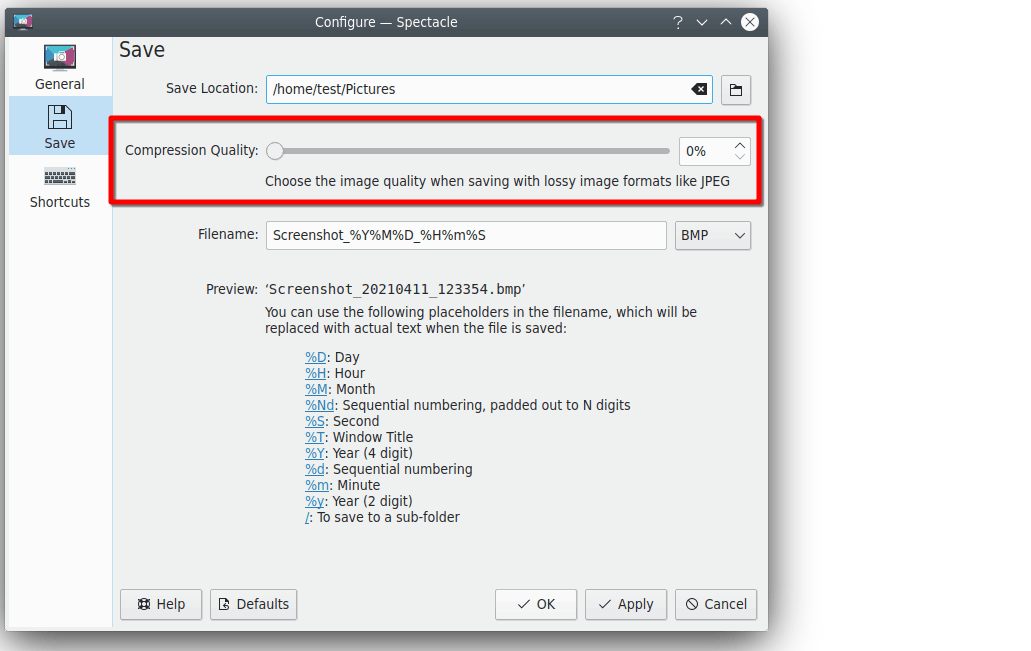
Where did you get this option window from? I cannot see any options like this. I guess as i am using windows and you are using linux
I dont know why cant they integrate simple options and tools in edit option where we can increase DPI or screen resolution or quality of screenshot taken
Nor windows tool and nor firefox screenshot tool as these options. When you take screenshot, you can barely read any information from it. Specially when you take screenshot of some texts content.
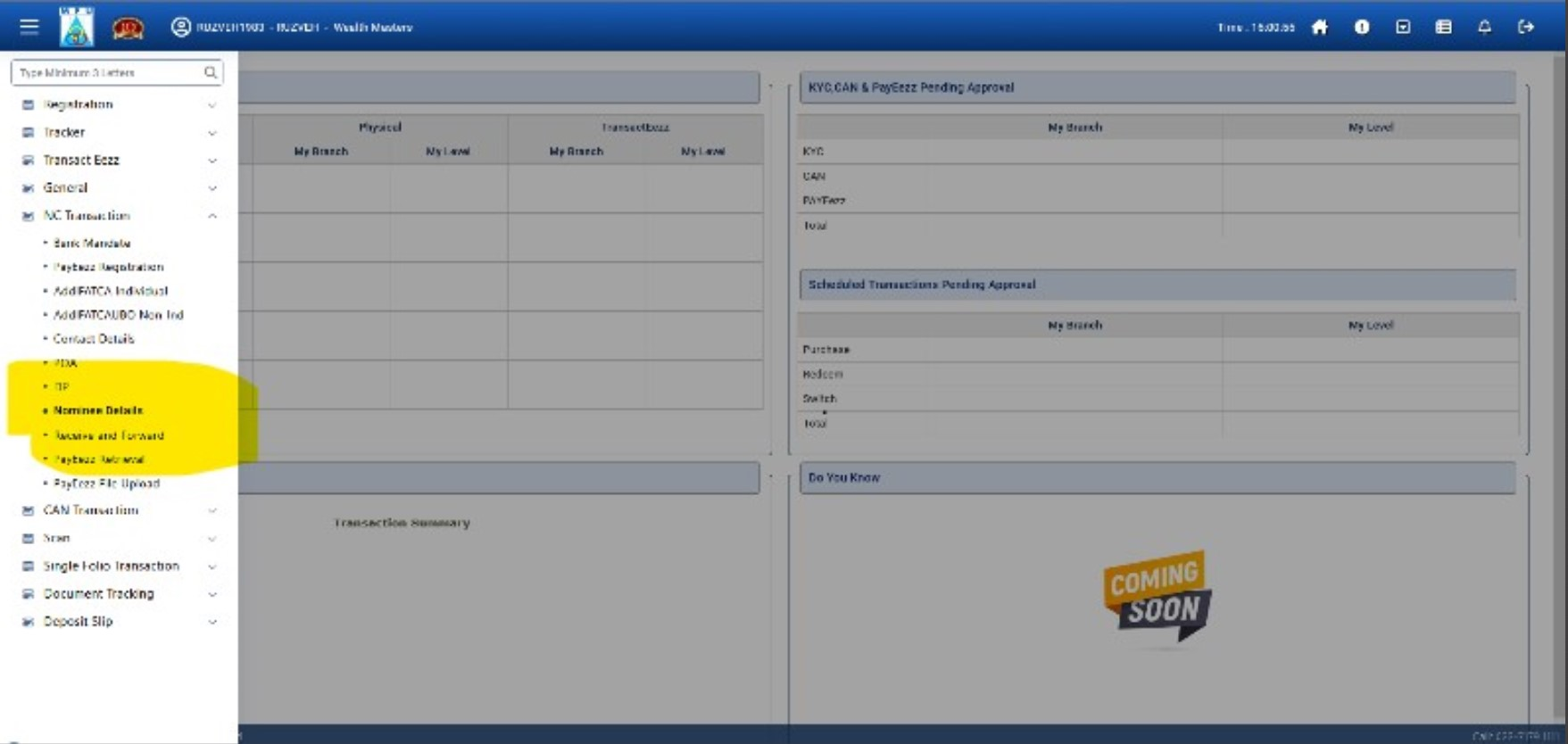
After taking screenshot using copy and paste function, the quality is very low. You can barely ready text content on it. For your reference i am attaching screesnhot of sample copy paste file. Check yourself
Please note that when i use developer function and increase dpr to 2, then resolution is better. But i cannot keep on doing same all the time. Also when i select fullscreen , it doesnt work properly.
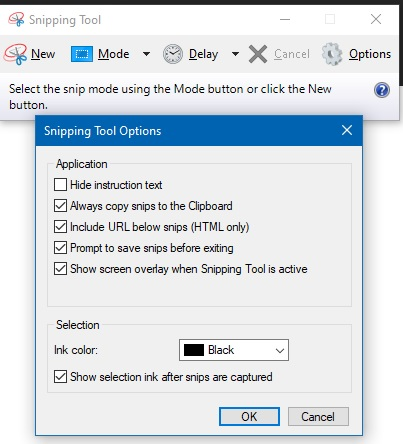
Did you try ShareX? Again, just do a little searching and you'll find a better option for screenshots.