


Can't pin extensions.

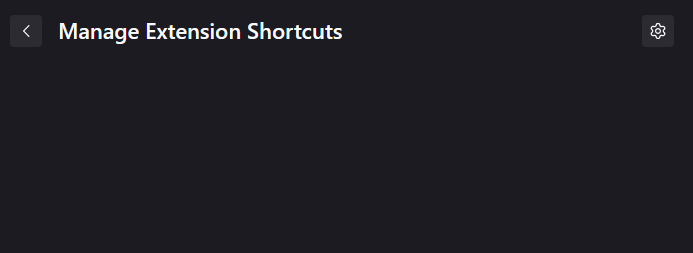
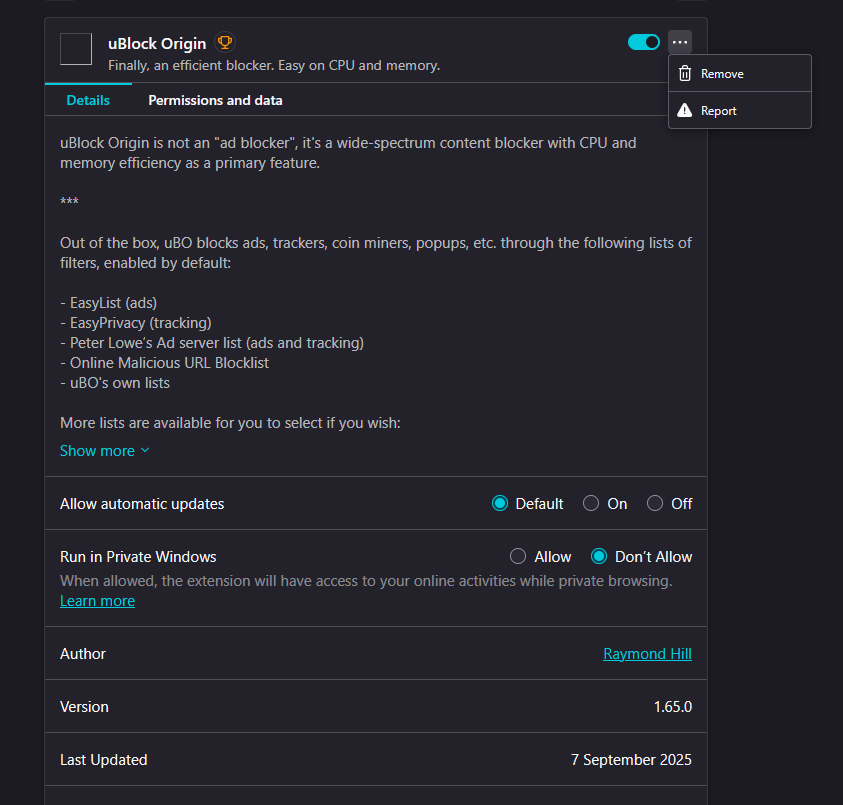
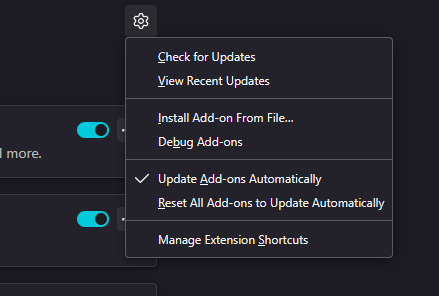
Unable to pin extensions since i do not see the option to, clicking on the puzzle piece creates no drop down menu, when i go into the extensions menu the ... only allow me to remove or report, the manage extension shortcuts menu shows nothing.
Giải pháp được chọn
Was not in private browsing, it has now fixed itself randomly after it not working for two days, guess the old adage of turn it on and off again prevails once more...
Đọc câu trả lời này trong ngữ cảnh 👍 0Tất cả các câu trả lời (2)

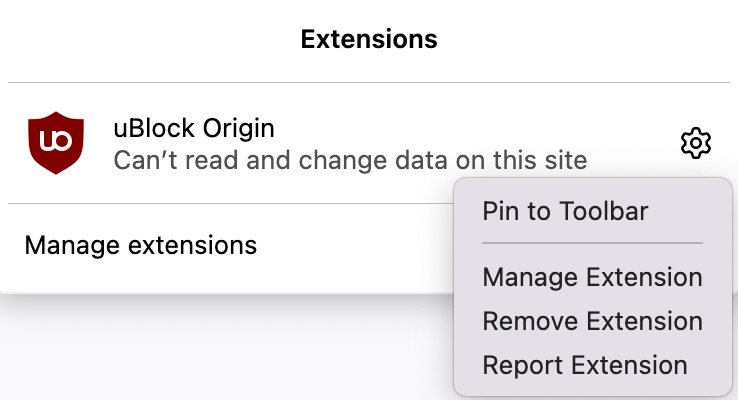
Are you in Private Browsing? If you are, then extensions that are not allowed by you to run in Private Browsing will not be available for pinning as they are not in use. Here's what it should look like on your toolbar or in the extensions panel:

Giải pháp được chọn
Was not in private browsing, it has now fixed itself randomly after it not working for two days, guess the old adage of turn it on and off again prevails once more...