Difficulty accessing profile/syncing on new computer

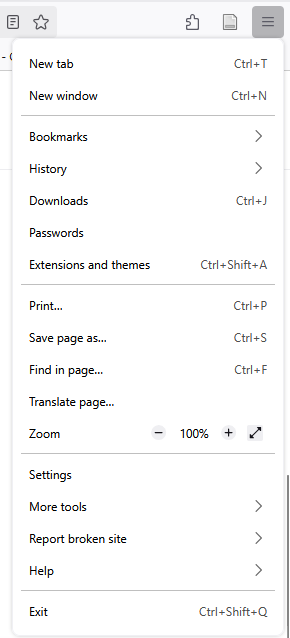
Hello, we were just assigned brand new laptops at work. I had IT install Firefox for me, and I'm attempting to sync my firefox account with my previous one so that I can load all the open tabs I had on my previous laptop. I appeared to have signed into my account just fine on the Mozilla pages, but when I go to the hamburger menu in the top right of the browser, I see no icon for my profile, nor any option for "sign in and sync" like the help guides are instructing me to click on. I can't pull up anything related to syncing in the settings, either. What exactly am I missing? Any help is appreciated, thank you!
Tất cả các câu trả lời (8)
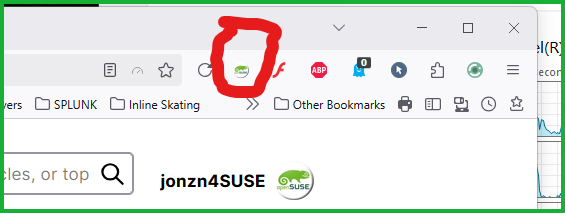
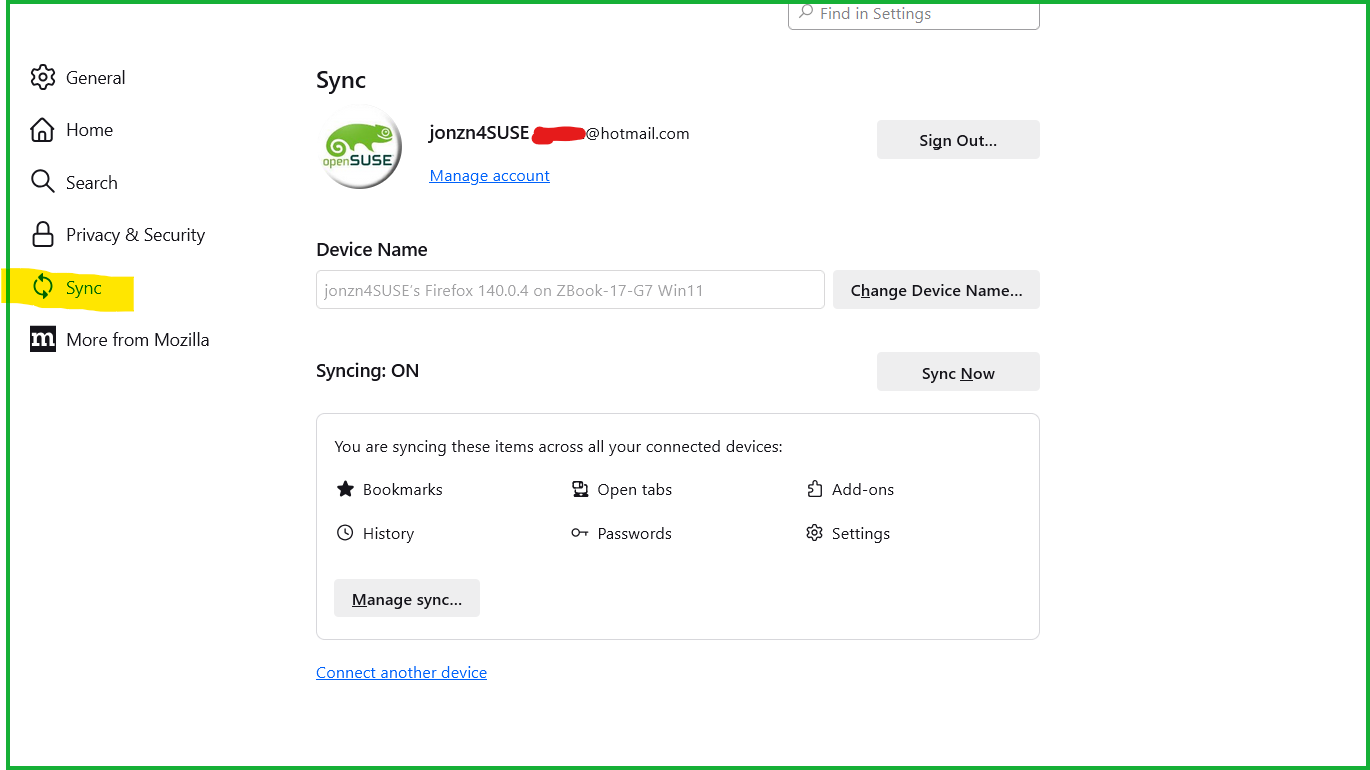
What's showing in the settings under sync? see screenshots Show what you're seeing.
Được chỉnh sửa bởi jonzn4SUSE vào

Might the new install have initiated a new profile? You may have data in another profile - you maybe could ask the IT guy - type about:profiles in your url bar and see if 2 separate profiles show. Maybe sync doesn't appear if there is nothing to sync.
jonzn4SUSE said
What's showing in the settings under sync? see screenshots Show what you're seeing.
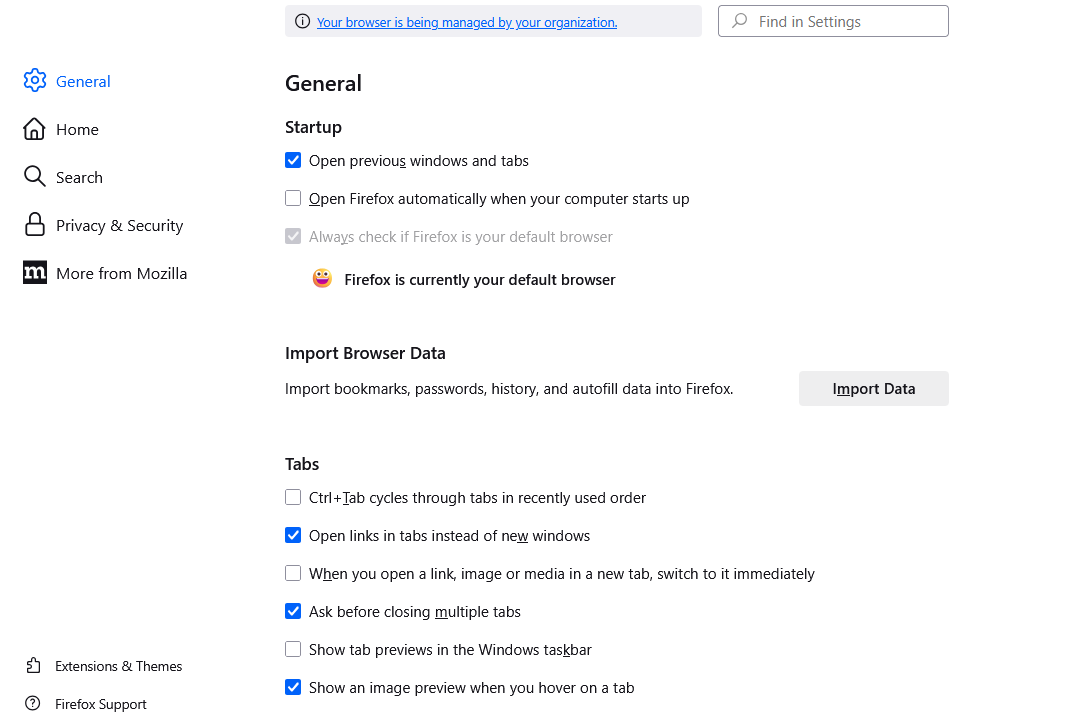
jonzn4SUSE -- I do not have a sync tab available in my settings page to even look at any of those options.
jeff-g said
Might the new install have initiated a new profile? You may have data in another profile - you maybe could ask the IT guy - type about:profiles in your url bar and see if 2 separate profiles show. Maybe sync doesn't appear if there is nothing to sync.
jeff-g -- I do indeed see two profiles. I deleted the one that wasn't default, but I'm still not seeing any options to sync.
Được chỉnh sửa bởi parksry vào
Did you see in your settings that your browser is being managed. I would guess you're running security software that's causing the issue. Have a look at this to get your sync option back.
Remove Your browser is being managed by your organization from Firefox https://winaero.com/remove-your-browser-is-being-managed-by-your-organization-from-firefox
Được chỉnh sửa bởi jonzn4SUSE vào
jonzn4SUSE said
Did you see in your settings that your browser is being managed. I would guess you're running security software that's causing the issue. Have a look at this to get your sync option back. Remove Your browser is being managed by your organization from Firefox https://winaero.com/remove-your-browser-is-being-managed-by-your-organization-from-firefox
jonzn4SUSE -- it's a work computer so I unfortunately cannot follow these instructions. But the previous laptop was also a work computer, and had the same message for my Firefox account, so I am still not exactly sure why I'm not seeing the sync option.
Don't know where you are now, but removing that one profile was not the way to handle the issue. The intention was to copy a couple data files to the new profile from your old one but I don't know what you are trying to sync.
parksry said
jonzn4SUSE -- it's a work computer so I unfortunately cannot follow these instructions. But the previous laptop was also a work computer, and had the same message for my Firefox account, so I am still not exactly sure why I'm not seeing the sync option.
Roger that...
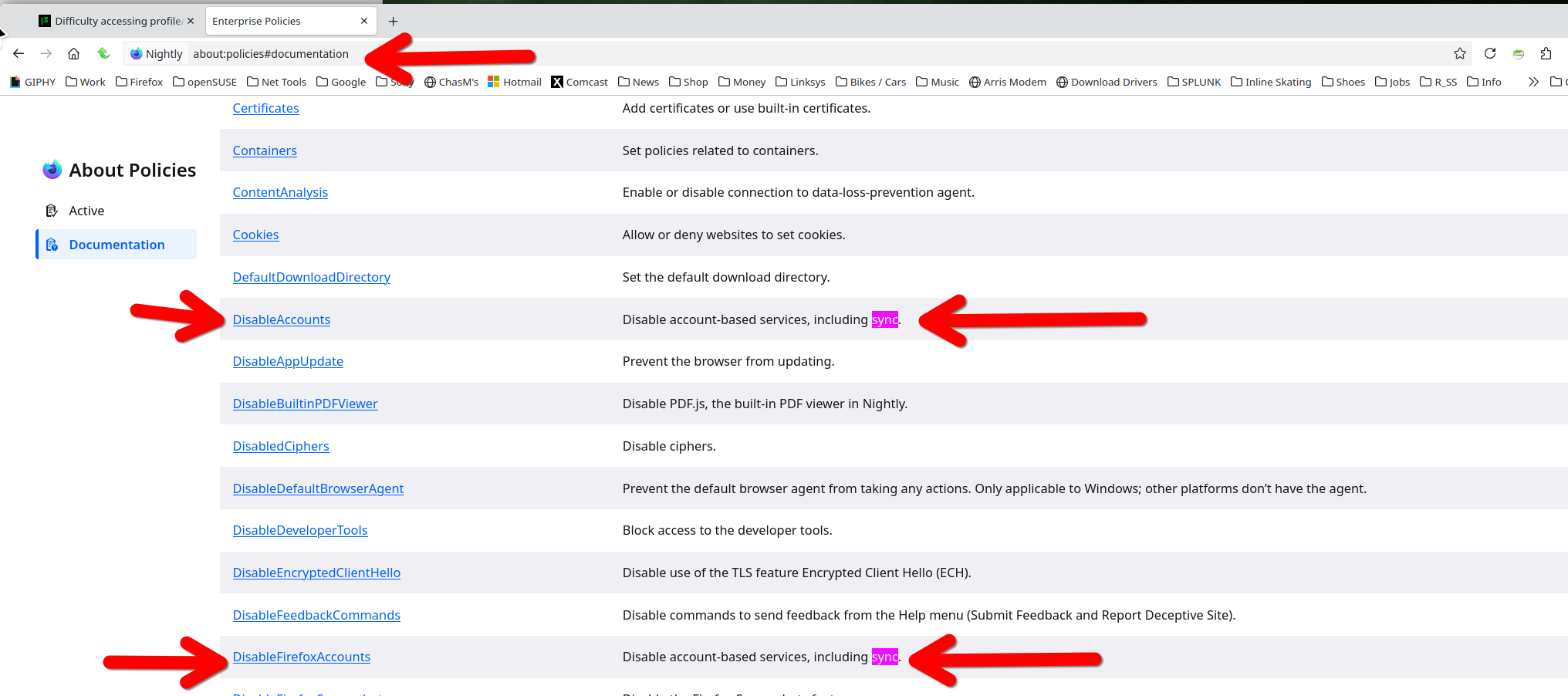
Looks like sync not showing could be due to policies. Check about:profile and if there is something about sync set. see screenshot
about:policies#documentation