


Windows 10 reached EOS (end of support) on October 14, 2025. If you are on Windows 10, see this article.

Tìm kiếm hỗ trợ

Tránh các lừa đảo về hỗ trợ. Chúng tôi sẽ không bao giờ yêu cầu bạn gọi hoặc nhắn tin đến số điện thoại hoặc chia sẻ thông tin cá nhân. Vui lòng báo cáo hoạt động đáng ngờ bằng cách sử dụng tùy chọn "Báo cáo lạm dụng".

Tìm hiểu thêm

Drop Down Menu On Certain Websites Won't Work

  • 3 trả lời
  • 3 gặp vấn đề này
  • 302 lượt xem
  • Trả lời mới nhất được viết bởi lectricmotors
  • Đã giải quyết

I recently ported from chrome to firefox about 3 days ago and was tryin to access the dropdown menus on this website https://www2.gov.bc.ca/gov/content/governments/government-id/bc-services-card/your-card/get-a-card

I realized it wasn't working so I turned off my adblocker (ublock origin), refreshed the site and still not working.

Also attempted to use troubleshoot mode and still does not work.

Cleared cache + cookies and used troubleshoot mode and nothing working still.

I lastly checked the website was working by opening the same link on chrome after all that and it works perfectly fine over there. Any ideas what could possibly be the issue?? I basically have a fresh install of firefox with no changed settings besides anything that might of been copied over from Chrome when firefox automatically asks you to migrate your stuff over, and used the troubleshoot mode + clearing cookies and cache

I recently ported from chrome to firefox about 3 days ago and was tryin to access the dropdown menus on this website https://www2.gov.bc.ca/gov/content/governments/government-id/bc-services-card/your-card/get-a-card I realized it wasn't working so I turned off my adblocker (ublock origin), refreshed the site and still not working. Also attempted to use troubleshoot mode and still does not work. Cleared cache + cookies and used troubleshoot mode and nothing working still. I lastly checked the website was working by opening the same link on chrome after all that and it works perfectly fine over there. Any ideas what could possibly be the issue?? I basically have a fresh install of firefox with no changed settings besides anything that might of been copied over from Chrome when firefox automatically asks you to migrate your stuff over, and used the troubleshoot mode + clearing cookies and cache

Giải pháp được chọn

I was referring to these drop down menus, but for some unknown reason it has started to work again. Not sure what the problem was and the only thing that has changed is I restarted my PC.

Đọc câu trả lời này trong ngữ cảnh 👍 0

Tất cả các câu trả lời (3)

How about posting screenshots showing the issue so we don't have to guess what you're talking about. Is this the menu option? see screenshot If so, it doesn't work for me in Firefox and Chrome.
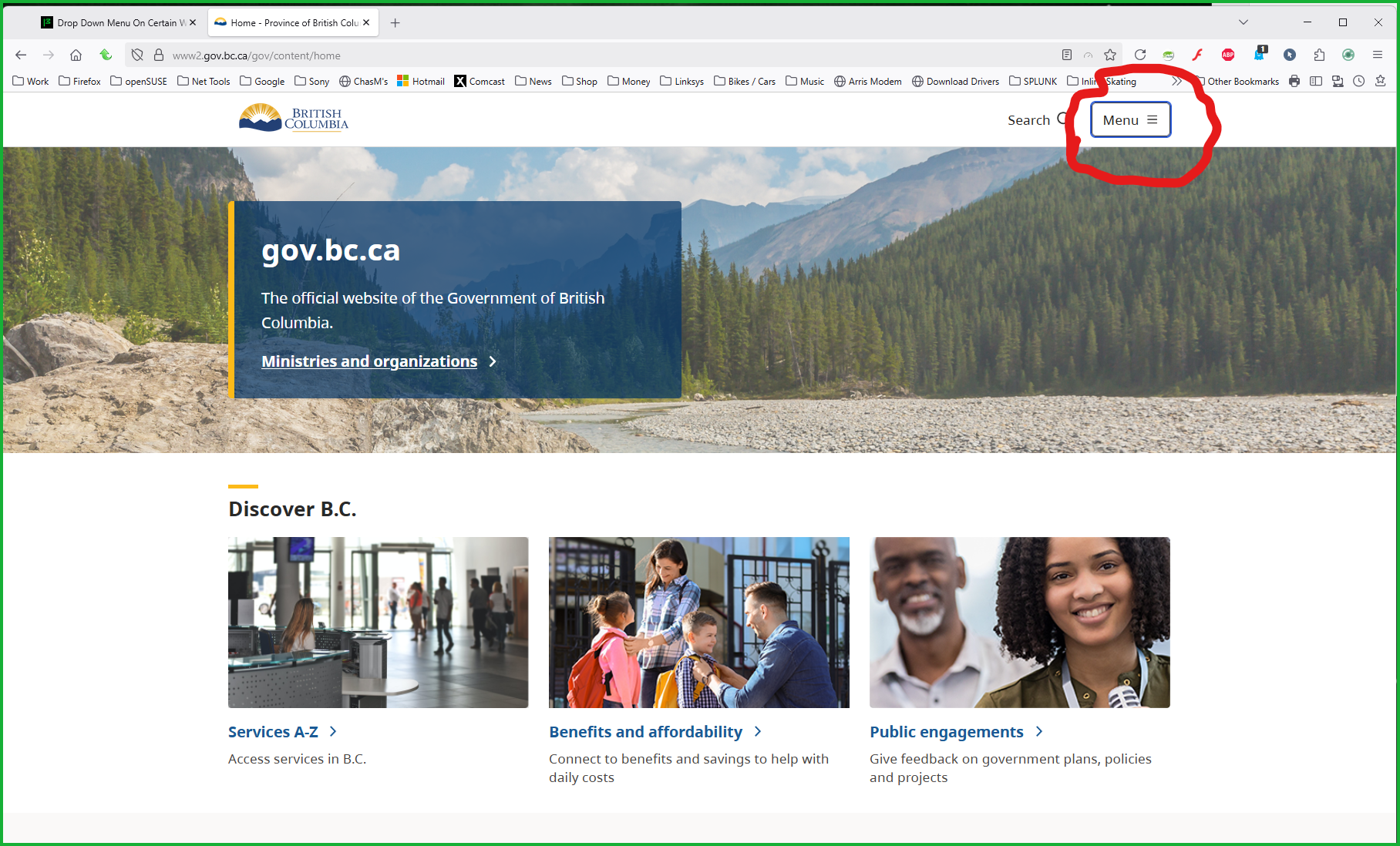
Được chỉnh sửa bởi jonzn4SUSE vào

Giải pháp được chọn

I was referring to these drop down menus, but for some unknown reason it has started to work again. Not sure what the problem was and the only thing that has changed is I restarted my PC.
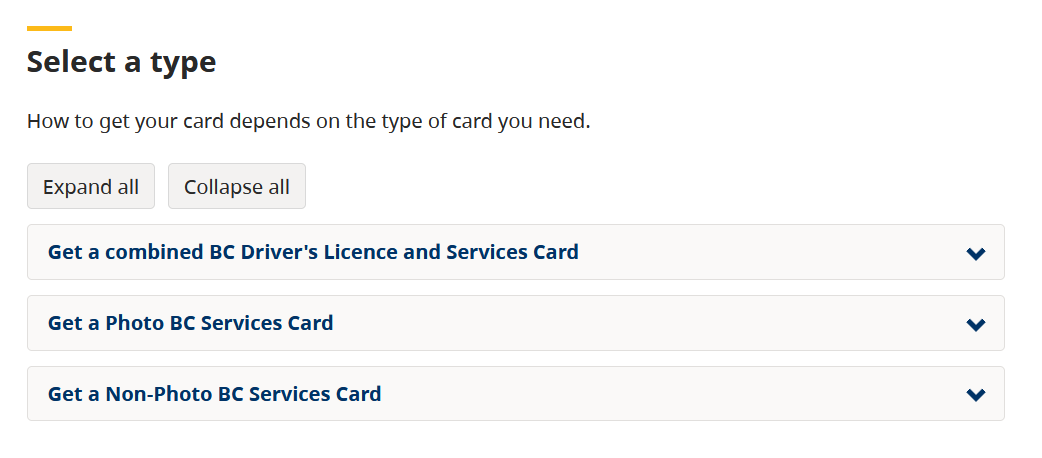
I have the exact same problem, also on a government-related website, on two fields on the page. See snip.