


Microsoft login repeating

When using any Microsoft 365 product on the browser I keep getting a prompt to "Please sign in" although I am already signed in. I can click the Sign in button and a about:blank page pops up for a split second. Then within a half hour or so, it will pop up again. I deleted my cookies but the problem still persists. Does not happen on other browsers.

Giải pháp được chọn
jason.pozega said
This is a company OneDrive so a full screen shot is not acceptable.
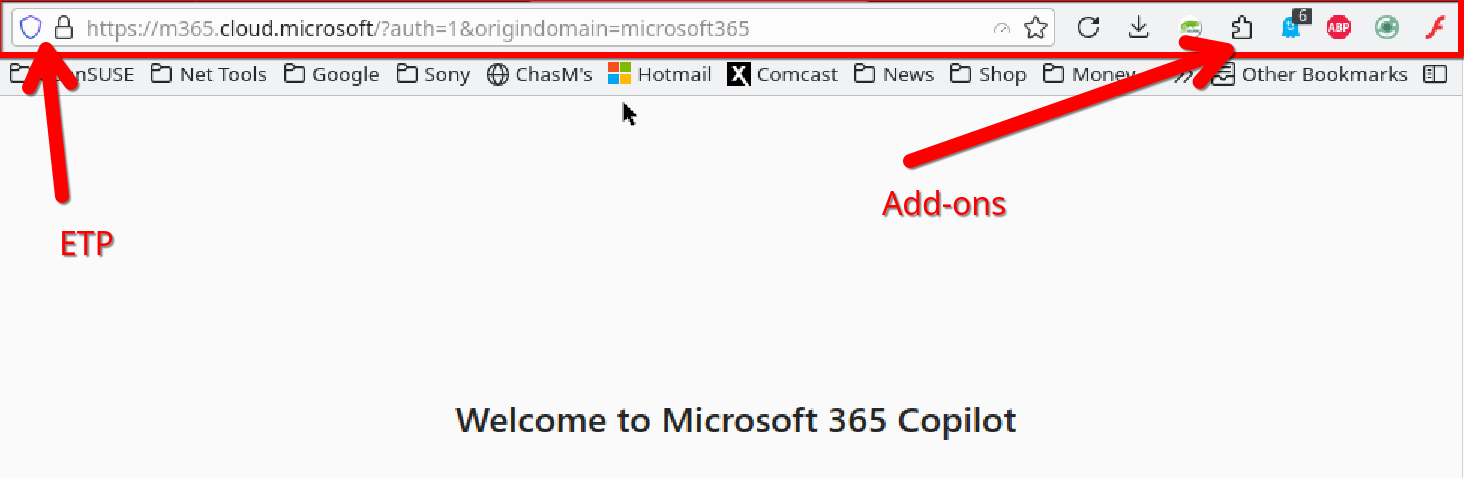
We don't need to see the content of the site, just this part. see screenshot Also, what are your privacy settings?
Tất cả các câu trả lời (8)
Hello,
Please try clearing cookies and data for the website you experience troubles with (warning: you will be logged out on this website). Does it help?
I cleared cookies and data again. The problem still persist.
Hello,
Another thing you should try is clearing Firefox cache. Does that help?
A full browser screenshot would be more helpful. Did you try with Firefox in Troubleshoot Mode? https://support.mozilla.org/en-US/kb/diagnose-firefox-issues-using-troubleshoot-mode#w_how-to-start-firefox-in-4troubleshoot-modesf5safe-modesf
Are you running any security software besides MS Defender?
Don't have 365 license, but I have no issues getting into my Hotmail account.
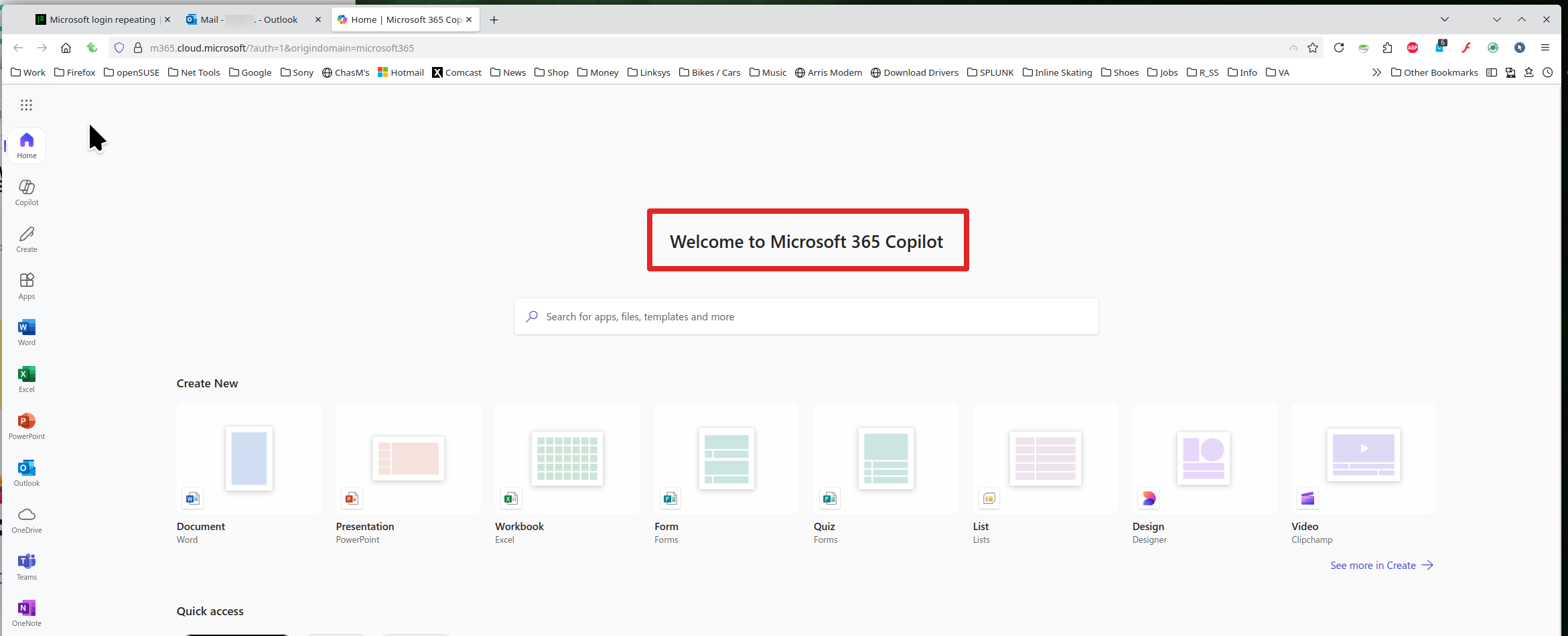
Update: From my Hotmail account I was able to access 365. Clicked around with no login prompts. see screenshot
I cleared the cache/history/cookies again. Signed back into my account and the first thing that popped up when clicking on a link in OneDrive was the problem signin prompt.
This is a company OneDrive so a full screen shot is not acceptable. Not sure how that would help. Only using MS defender as far as I am aware.
Yes I did run Troubleshoot Mode.
I have seen similar dialogs on Sharepoint. There seems to be some communication failure between Sharepoint and the central authentication server.
One possible issue is Firefox's "Total Cookie Protection" feature. It limits how sites can use "third party" or "cross-site" cookies, meaning cookies from different websites than the one you see in the address bar. Since Microsoft uses numerous different servers, that might be relevant here.
You can make exceptions to this feature when needed (for each server that you visit as part of the process of using Microsoft365 services). Try clicking the shield icon at the left end of the address bar (next to the lock). On the drop-down, click the blue slider switch to disable protection. Repeat on other Microsoft servers as needed.
If that doesn't help, it might be some other setting. I don't use Sharepoint enough that I've been forced to investigate (yet).