Firefox on LinuxMint Desktop cannot access pages that I have accessed before

I was trying to go to ssa.gov, today, and hit the button to login. When I did that, I got a 400 page saying: Bad Request
Your browser sent a request that this server could not understand. Size of a request header field exceeds server limit.
I have done this before, and it worked. To test if it was a problem with the web page or the browser, I did it from another browser (Brave), and it loaded fine. Is Firefox sending a bad request? Is this something you can fix.
I am using Mozilla Firefox for Linux Mint 137.0.1 (64 bit).
Tất cả các câu trả lời (2)

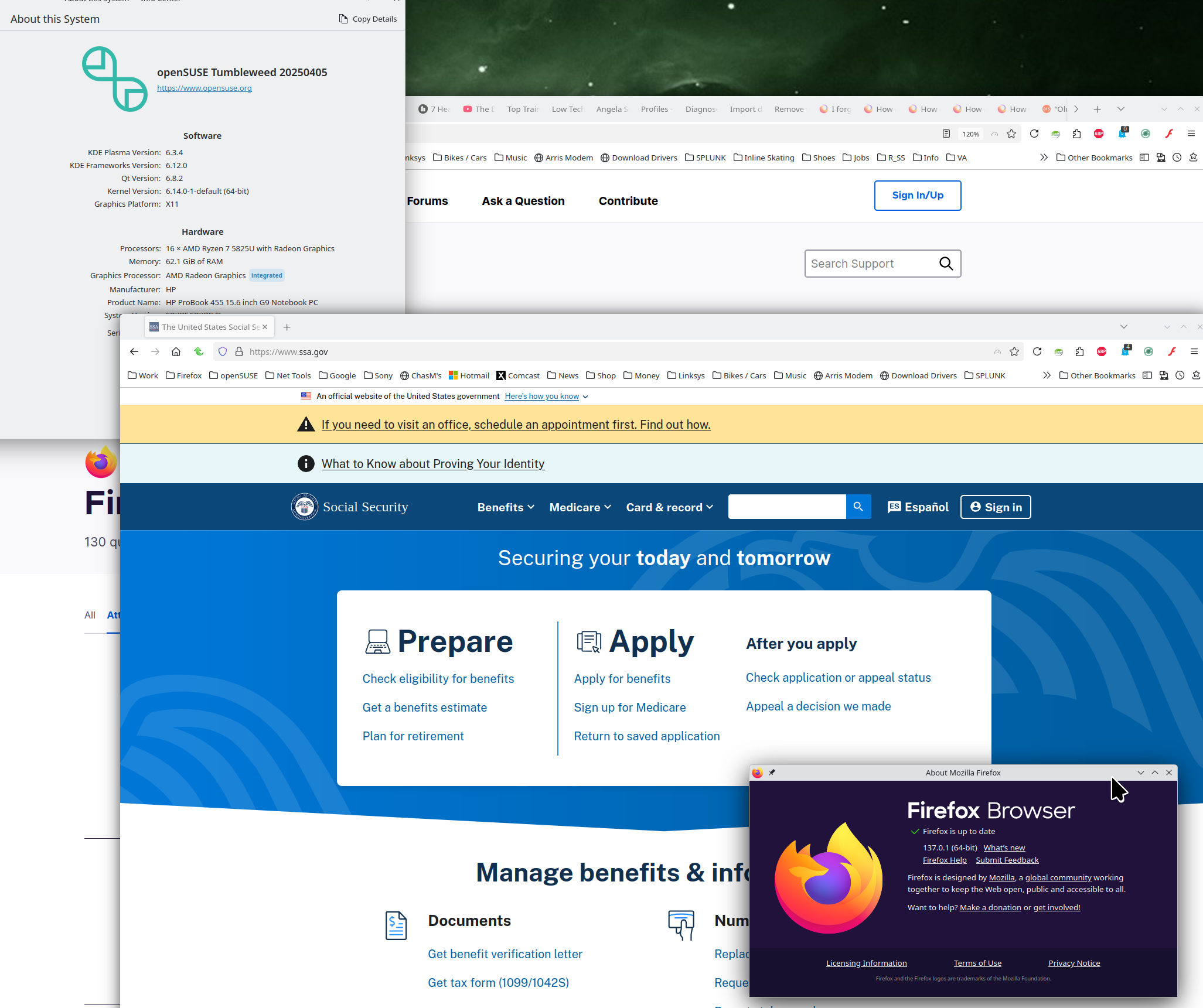
No issues for me. see screenshot
Did you try with Firefox in Troubleshoot Mode? https://support.mozilla.org/en-US/kb/diagnose-firefox-issues-using-troubleshoot-mode#w_how-to-start-firefox-in-4troubleshoot-modesf5safe-modesf
Did you clear your browser cache? https://support.mozilla.org/en-US/kb/clear-cookies-and-site-data-firefox
Try downloading Firefox from Mozilla, run firefox-bin from the folder and see if you have the same issue. https://www.mozilla.org/en-US/firefox/all/#product-desktop-release