


website will not load

cannot open allmusic.com website anymore on firefox. this website opens fine on other browsers. Only Firefox is the problem. Any suggestions?
Tất cả các câu trả lời (11)

What OS? I'll guess Windows... If windows, home or pro? If windows, are you running any security software besides MS Defender? What version of Firefox? Show what you're getting when you try the site. Have you tried with Firefox in Troubleshoot Mode? https://support.mozilla.org/en-US/kb/diagnose-firefox-issues-using-troubleshoot-mode#w_how-to-start-firefox-in-4troubleshoot-modesf5safe-modesf
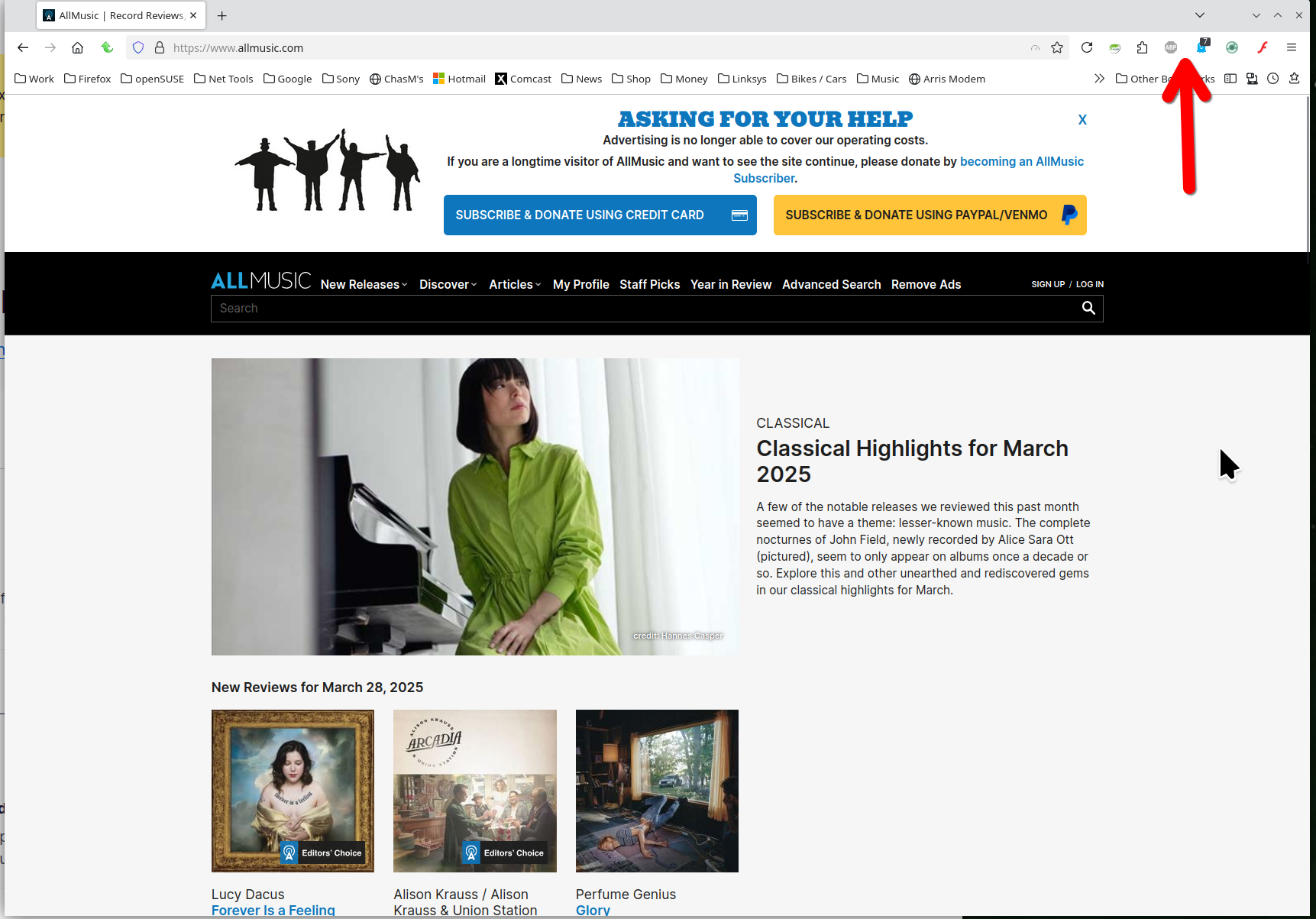
I was getting a blank site, but had to turn off my blockers for the site to work. see screenshot
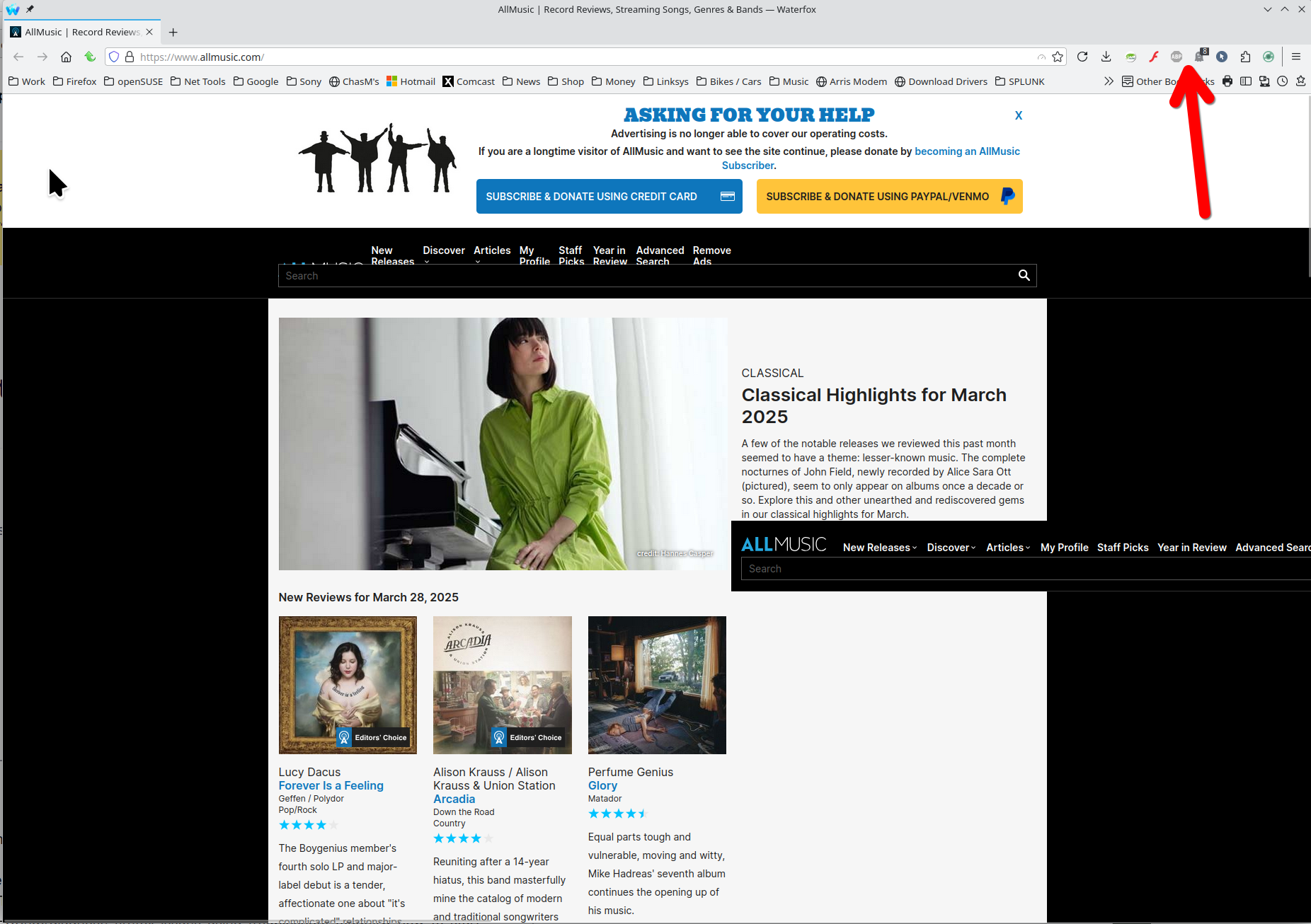
For me, it looks like ABP is the issue. I can have Ghostery on, but ABP breaks the site. see screenshot
Windows 11 Home just Windows Defender version 136.0.4(64-bit) as mentioned earlier, nothing but a completely blank page when I attempt to login into allmusic.com all extensions have been turned off have also tried the trouble shooting mode done the 'refresh' and cleared startup cache It looks like there may be a newer version of Firefox available but the browser will not complete the update.
the website loads properly in the troubleshooting mode
dpatenaude1 said
have also tried the trouble shooting mode
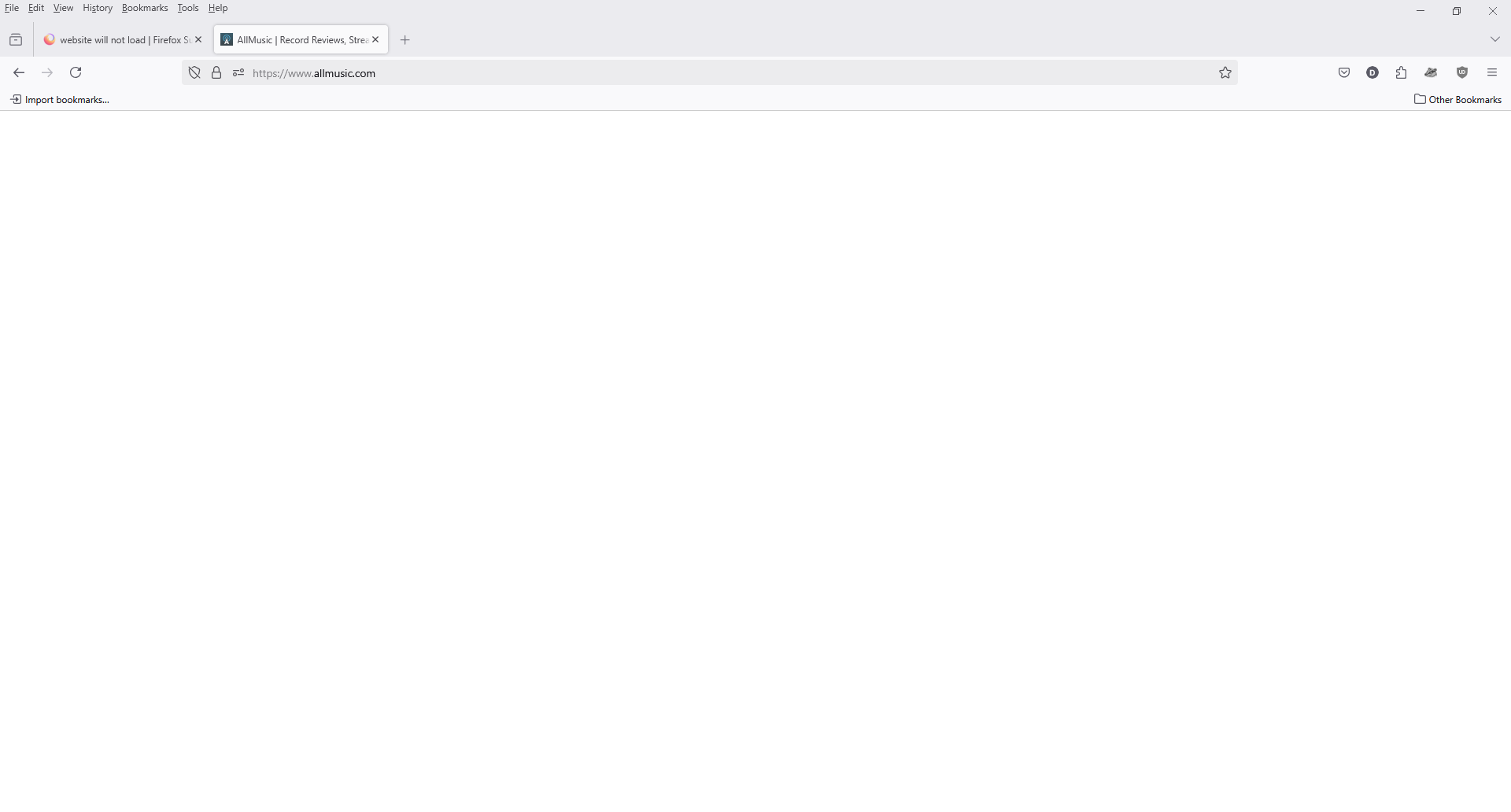
So it does work in Troubleshoot mode. Post a full browser screenshot when in normal mode so we can see it not working. It could be ETP.
here is the screenshot you requested
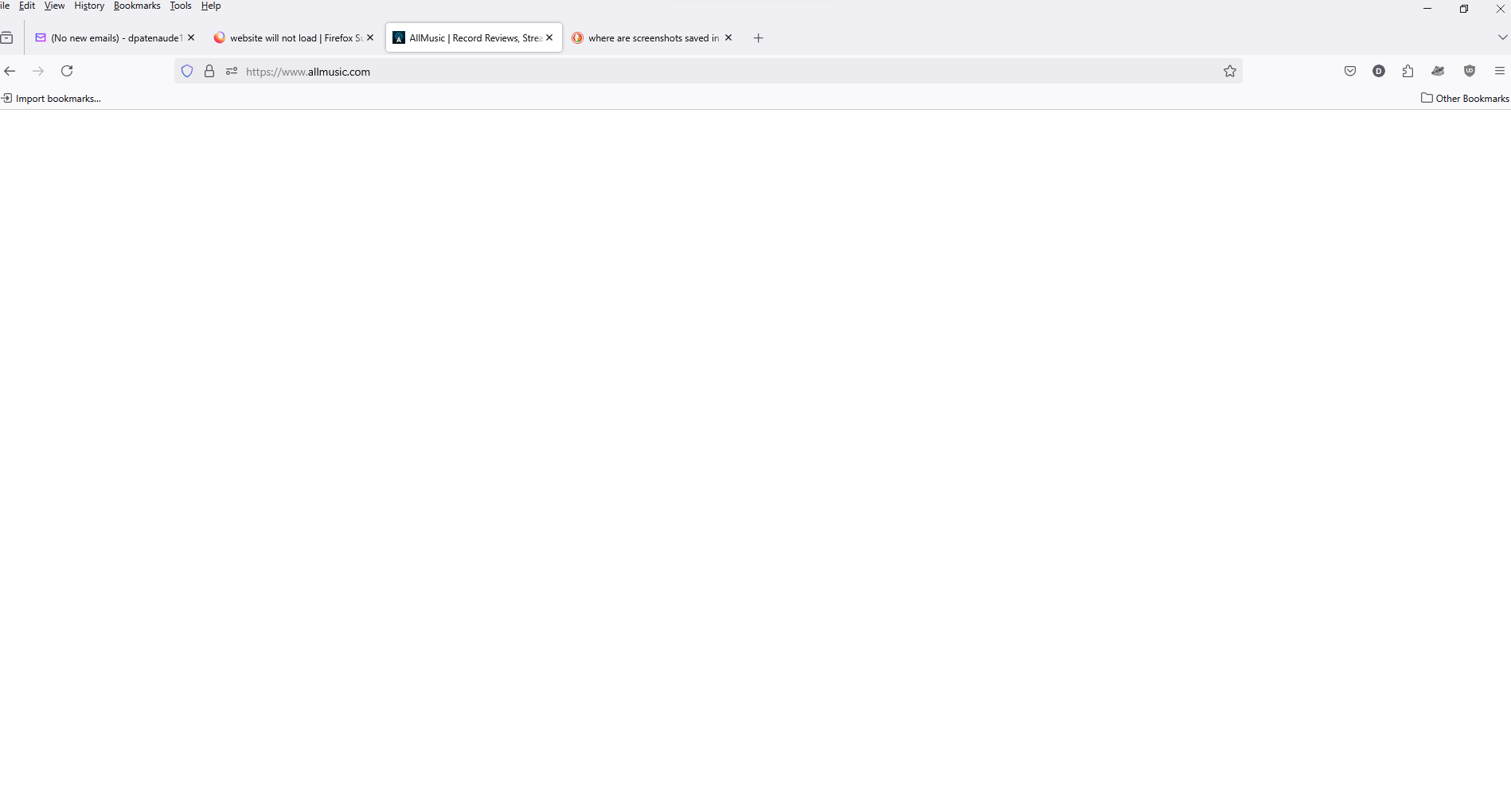
Looks like the basic issue with an add-on causing the issue. Is that UBlock? I would start with that one possibly causing the issue.
As I mentioned earlier, ALL extensions have been turned off for this website.
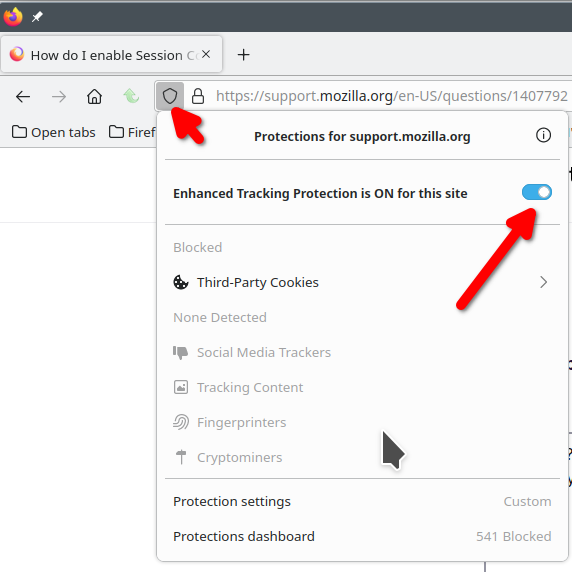
Did you turn off ETP? see screenshots It just came up blank for me and then it kept mentioning Adblockers that was already off, but after turning off ETP, the site worked.
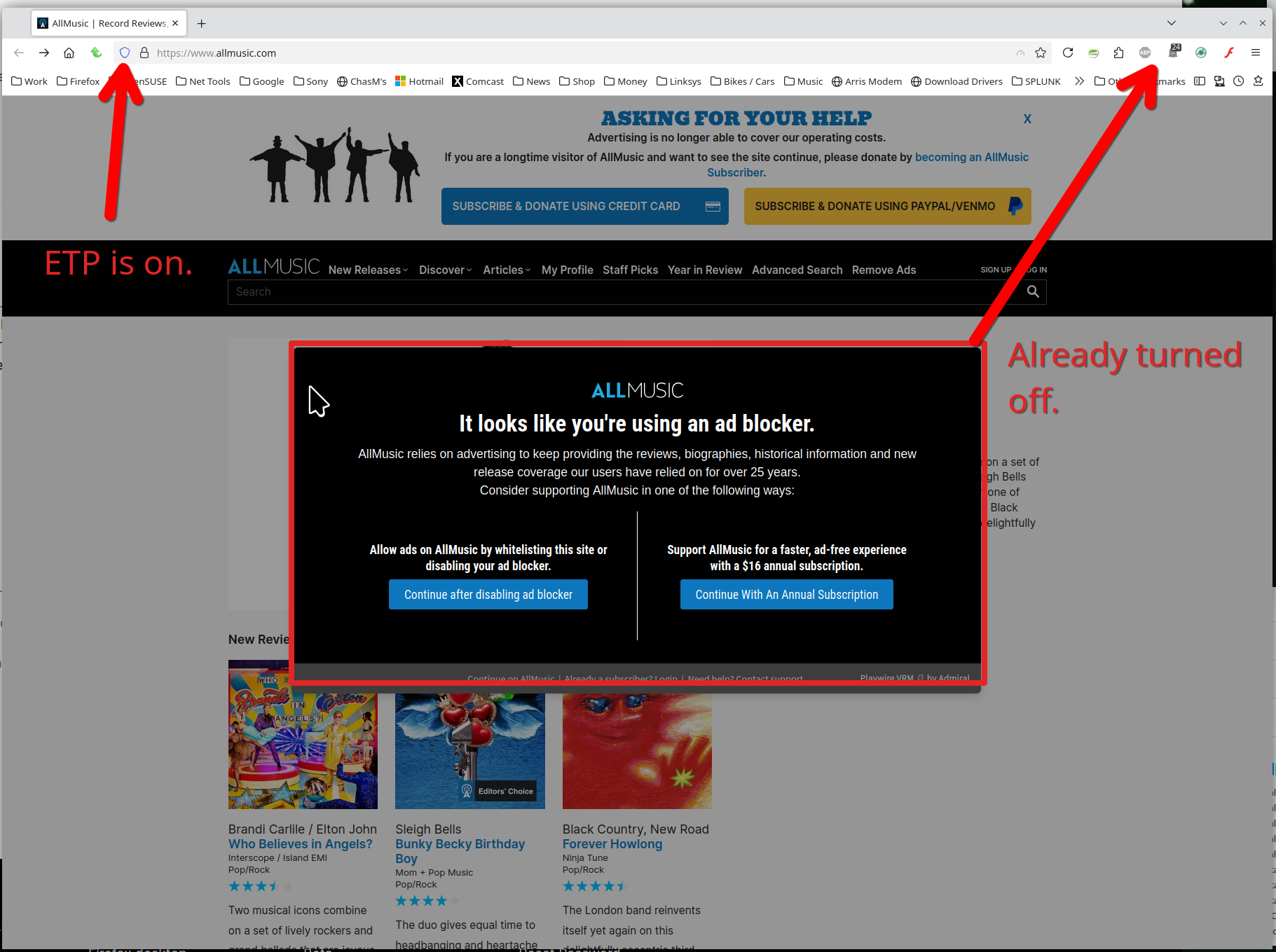
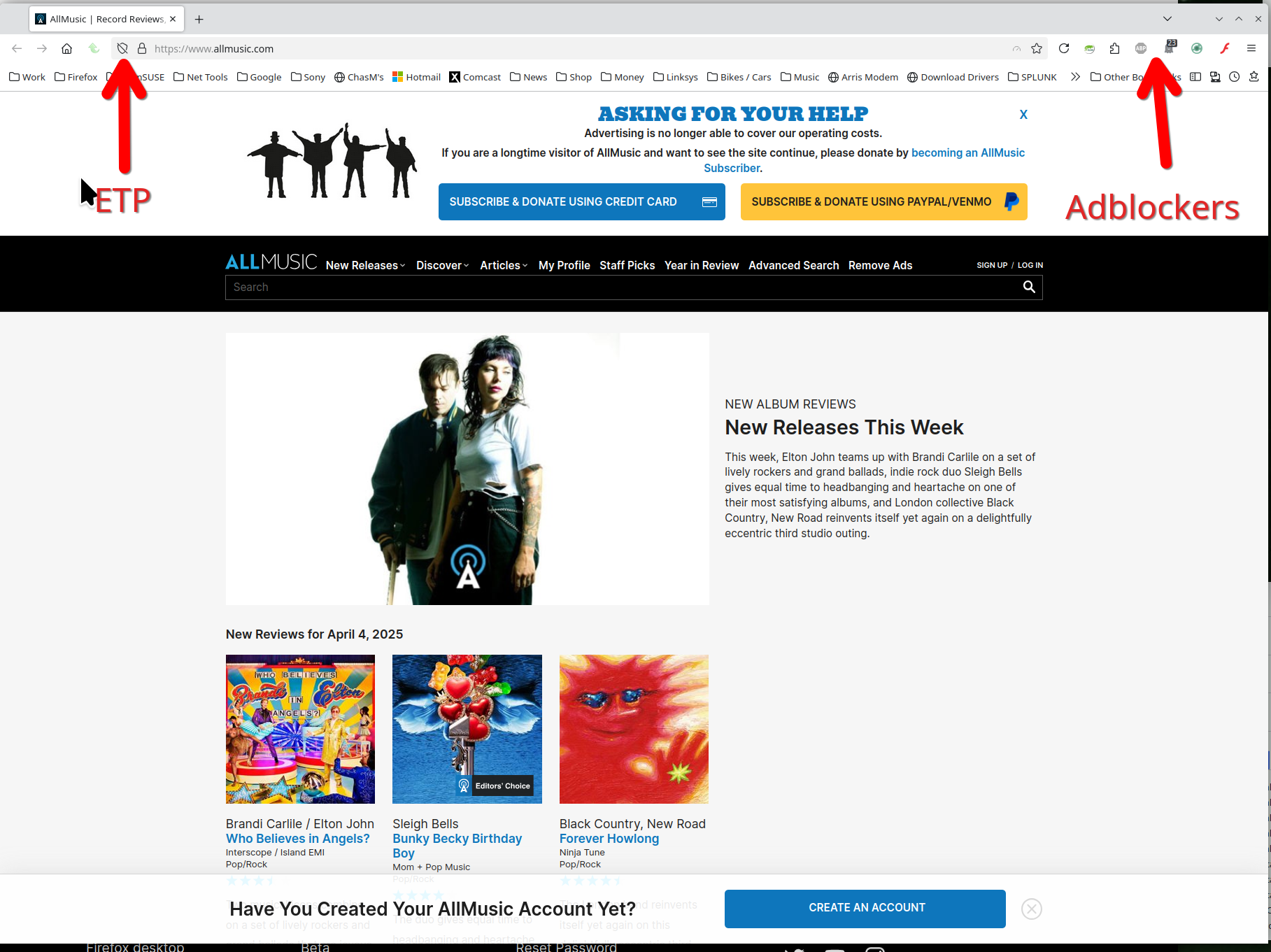
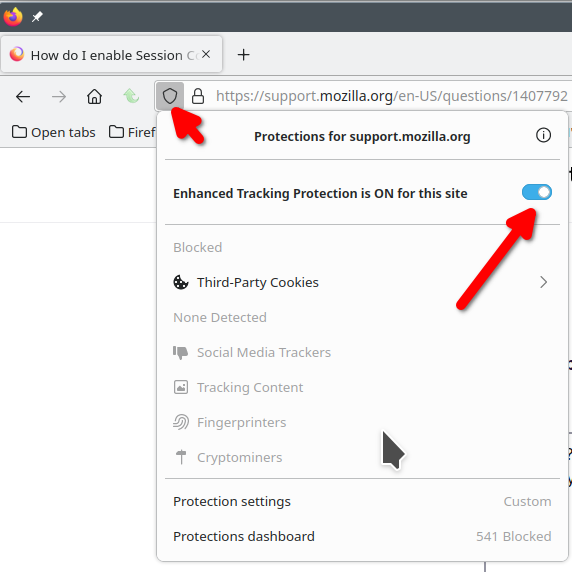
Được chỉnh sửa bởi jonzn4SUSE vào
ETP turned off.
I'm at the end of the line with this site. I reported the issue here. https://webcompat.com/issues/152464 You can follow the progress. jonz out.