Ad Blocker
I have ALL extensions turned off but I keep getting messages that I have an ad blocker on
Tất cả các câu trả lời (8)
Hi Sandra
What level of Enhanced Tracking Protection do you have set?
https://support.mozilla.org/en-US/kb/enhanced-tracking-protection-firefox-desktop
Thanks for your reply. Standard.

Can you show us the issue and provide a link to the site? What OS? What version of Firefox?
Firefox 128.8.0esr (64-bit) OS Sonoma 14.4
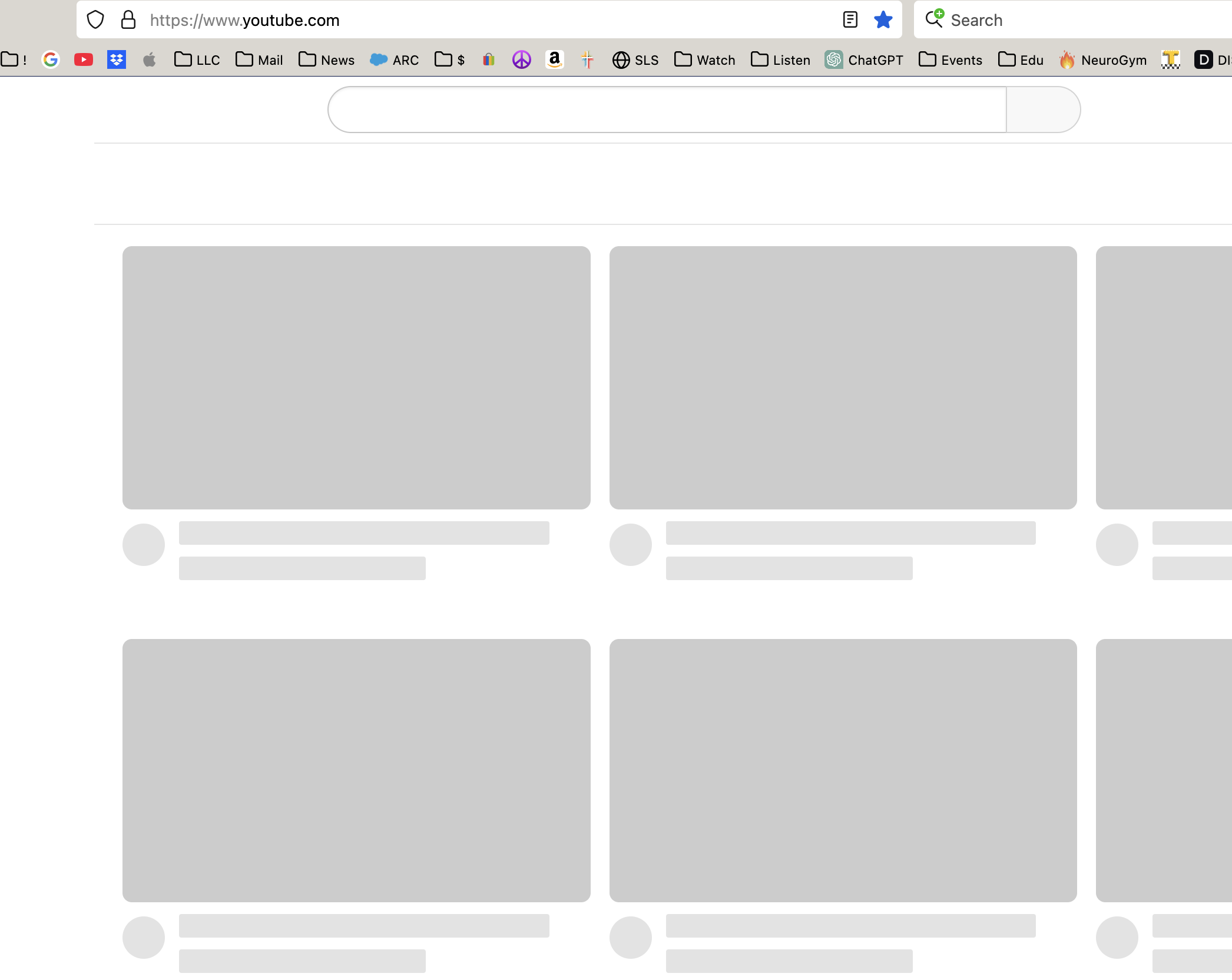
I searched through a bunch of my browsing history and did not come across the ad blocker message - although it seems like it happens every day! I will post the affected website here next time it happens. In the meantime, I am attached a pic of what YouTube looks like on Firefox. The YouTube issue and the adblocker messages all started around the same time.
Did you try with Firefox in Troubleshoot Mode? https://support.mozilla.org/en-US/kb/diagnose-firefox-issues-using-troubleshoot-mode#w_how-to-start-firefox-in-4troubleshoot-modesf5safe-modesf
Did you clear your browser cache? https://support.mozilla.org/en-US/kb/clear-cookies-and-site-data-firefox
I previously cleared the cache, but I just did it again. I tried to open YouTube with Firefox in Troubleshoot Mode, and it did the same thing - just those grey boxes. So that means the problem is not an extension, correct?
This website just told me to turn off my ad blocker, but I don't have one. https://www.ksdk.com/article/weather/severe-weather/live-updates-severe-storms-st-louis-region-tornado-risk/63-a91b35b9-66dc-4652-9965-25e89c66d28c
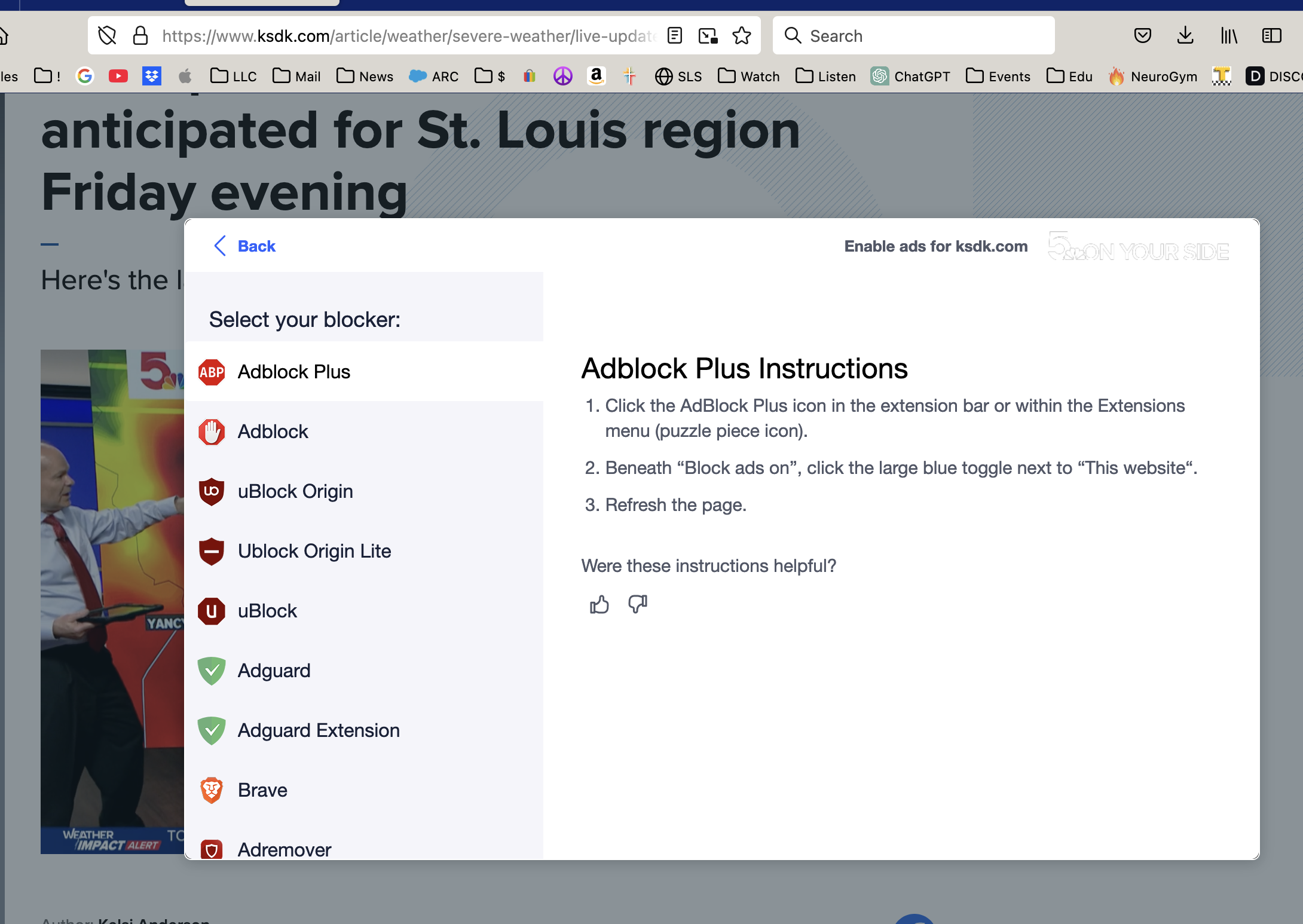
Interesting... do you have a pc to test on? I'm not getting that and my blockers are on. see screenshot