


Cannot open book from my google books

Hi all,
I installed firefox with all suggested options, when I open google play books and click on a book it keeps loading but nothing happens. Works in chrome and edge.
Thanks
Tất cả các câu trả lời (5)

Could be incompatibility with Firefox and should really use Chrome to open Google apps.

Hard to help with something we cannot see. Provide steps and links to replicate your issue. This book opens for me from google play store after turning off ETP. see screenshot It was just spinning for me as well.
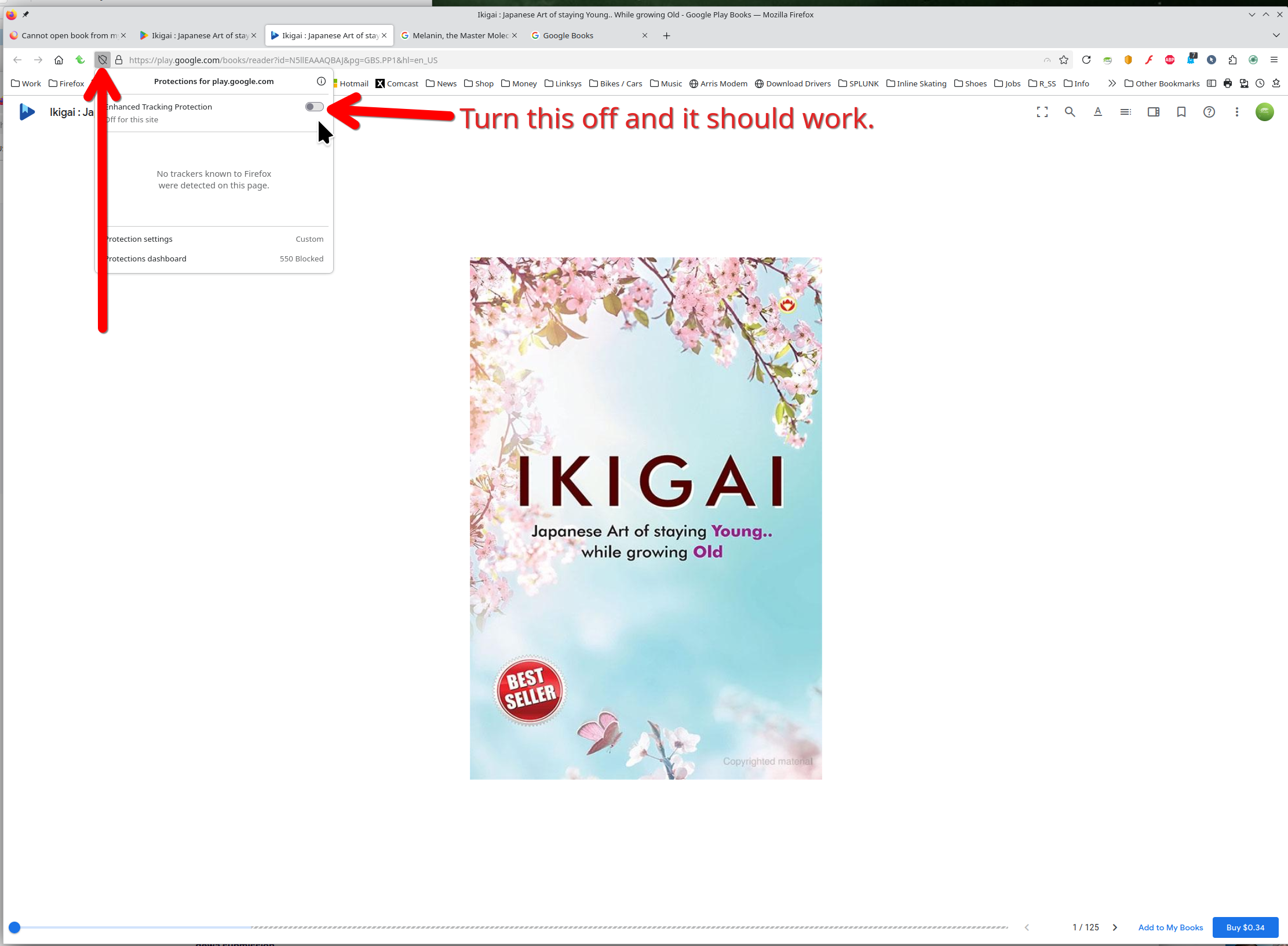
jonzn4SUSE: thanks for trying it out.
When I open that page and click sample, the book opens.
When I go to "books" -> "your library" i see list of my books. I tried clicking on at least 10 of them. For some reason I could only open this one:
https://play.google.com/store/books/details?id=_KbfCQAAQBAJ
All other books I owned that I tried, I cannot open them, the browser just spinning. I tried opening the following books from my library, but only see spinning loading:
https://play.google.com/store/books/details?id=SJHvCgAAQBAJ https://play.google.com/store/books/details?id=BIpDDwAAQBAJ https://play.google.com/store/books/details?id=6oHuKQe3TjQC
Hopefully this helps.
Được chỉnh sửa bởi Gasan vào
I could open all the books free samples. Did you turn of ETP from my screenshot?
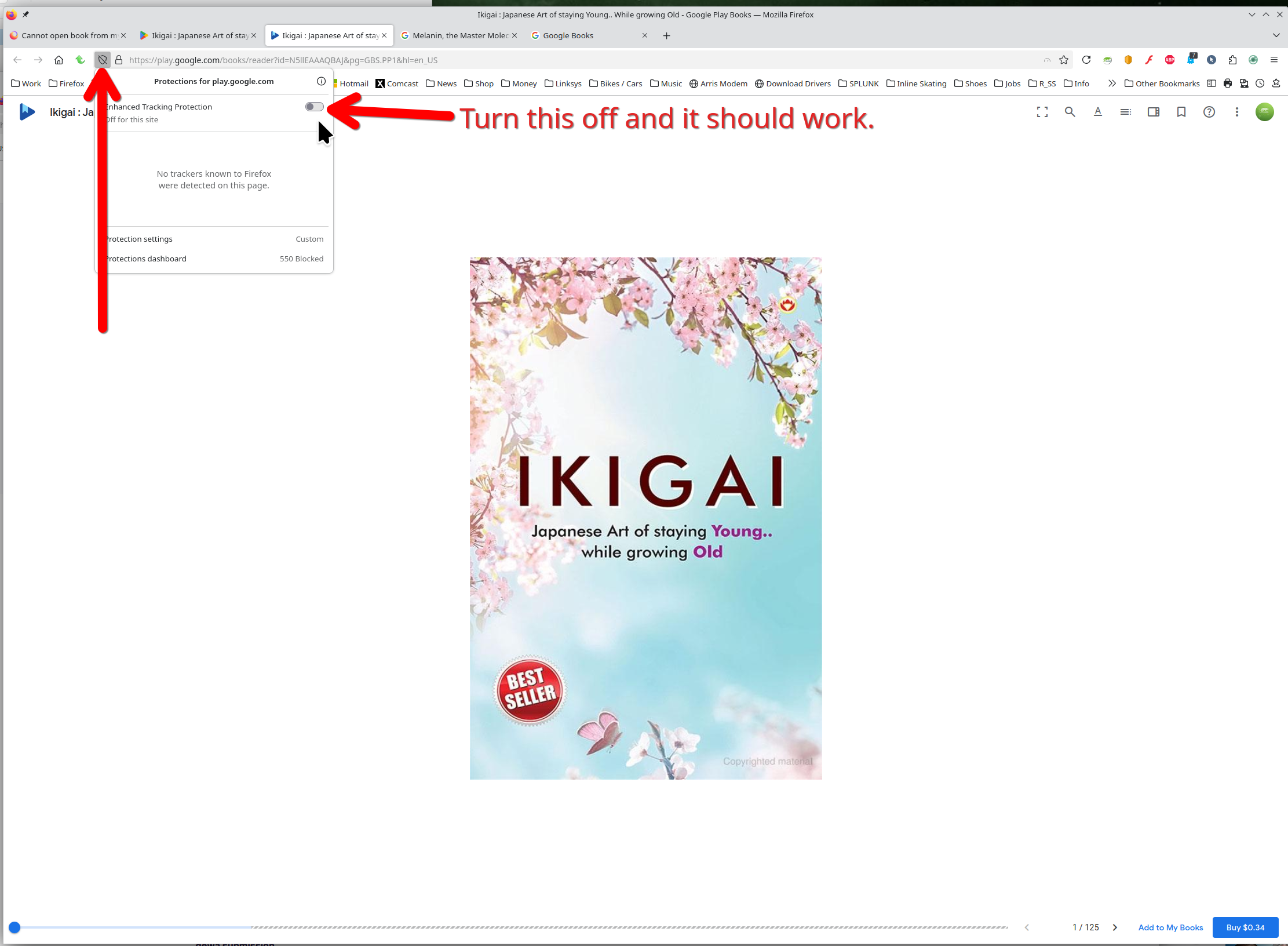
jonzn4SUSE
thanks for your check. When I installed firefox, installation wizard suggested me to install extensions, I installed all the suggested extensions. It suggested "ClearURLs" extension. After I disabled the extension, I could open the book.
I reported this extension.
Thanks a lot.
Được chỉnh sửa bởi Gasan vào