


Windows 10 reached EOS (end of support) on October 14, 2025. If you are on Windows 10, see this article.

Tìm kiếm hỗ trợ

Tránh các lừa đảo về hỗ trợ. Chúng tôi sẽ không bao giờ yêu cầu bạn gọi hoặc nhắn tin đến số điện thoại hoặc chia sẻ thông tin cá nhân. Vui lòng báo cáo hoạt động đáng ngờ bằng cách sử dụng tùy chọn "Báo cáo lạm dụng".

Tìm hiểu thêm
Đã lưu trữ

Update 134.0 has a bugged middle mouse button

FirefoxUserMJ

I always use the middle mouse button (pressing the scroll wheel) to open and close new tabs, but since the update, it doesn't work anymore and now types "=" if the cursor is in a text field. For context, I use an MX Master S3, mapped with Logi Options+.

Anyone else having this issue? How do I roll back to the previous version??

SOLVED: It was a bug with Logi Options+, not Firefox. When I hovered over the tab for the presets I had for CaptureOne, I noticed it also said Firefox. So seems something weird happened there. Deleted that preset and the issue in Firefox went away.

I couldn't find a way to delete this thread, though.

I always use the middle mouse button (pressing the scroll wheel) to open and close new tabs, but since the update, it doesn't work anymore and now types "=" if the cursor is in a text field. For context, I use an MX Master S3, mapped with Logi Options+. Anyone else having this issue? How do I roll back to the previous version?? SOLVED: It was a bug with Logi Options+, not Firefox. When I hovered over the tab for the presets I had for CaptureOne, I noticed it also said Firefox. So seems something weird happened there. Deleted that preset and the issue in Firefox went away. I couldn't find a way to delete this thread, though.

Được chỉnh sửa bởi FirefoxUserMJ vào

Tất cả các câu trả lời (2)

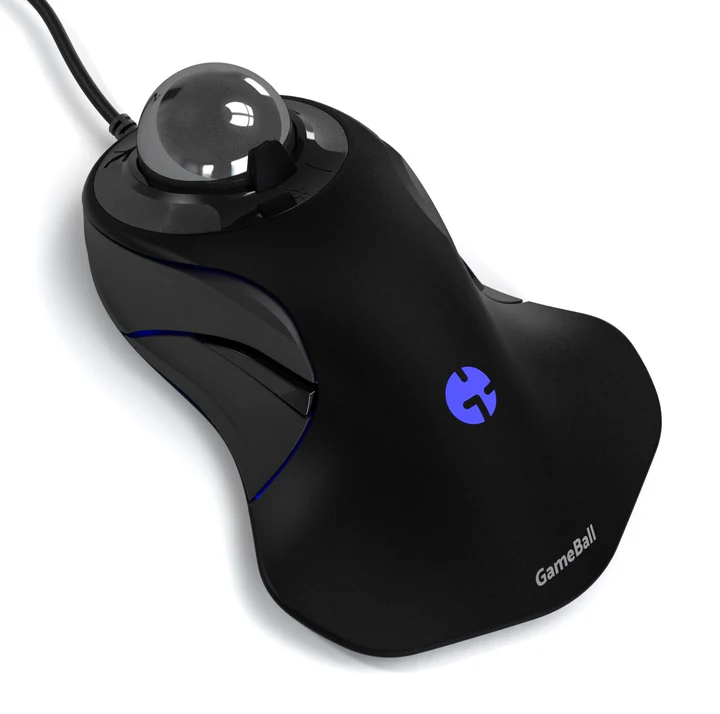
For me on linux, the middle click has only closed tabs, but i use a trackball. see screenshot I'll have to boot windows to see what it does.
Được chỉnh sửa bởi jonzn4SUSE vào

Great. Mark it as resolved.