


Firefox Linux on Chromebook unable to edit Google Docs

I recently updated Firefox Linux on Chromebook and now when I open a Google Doc it displays fine and I can place the cursor with mouse but when typing no characters appear in doc. I checked Firefox on Windows and it edits same docs fine.
Giải pháp được chọn
Thanks for that suggestion. Since the Linux dev environment on Chromebooks is Debian-based, I followed this method for installing the latest Firefox instead of using flatpak:
And now that version of Firefox works fine to edit the Google Doc! I guess this means the current flatpak version has the bug. Thanks again for making that suggestion.
Đọc câu trả lời này trong ngữ cảnh 👍 0Tất cả các câu trả lời (6)

What version of Firefox? Have you tried with Firefox in Troubleshoot Mode? https://support.mozilla.org/en-US/kb/diagnose-firefox-issues-using-troubleshoot-mode#w_how-to-start-firefox-in-4troubleshoot-modesf5safe-modesf
Thanks for your reply. The Firefox Version is 133.0.3 (64-bit), mozilla-flatpak - 1.0. This is on Linux penguin 6.6.54-05528-gdd4efe62d86b running under ChromeOS 131.0.6778.96 (Official Build) (64-bit).
Ran Firefox in Troubleshoot Mode by clicking menu / Help / select Troubleshoot Mode … and click Restart in the Restart Firefox in Troubleshoot Mode? dialog. In subsequen Troubleshoot Mode window / clicked Open. Went to a Google Doc and still cannot edit.
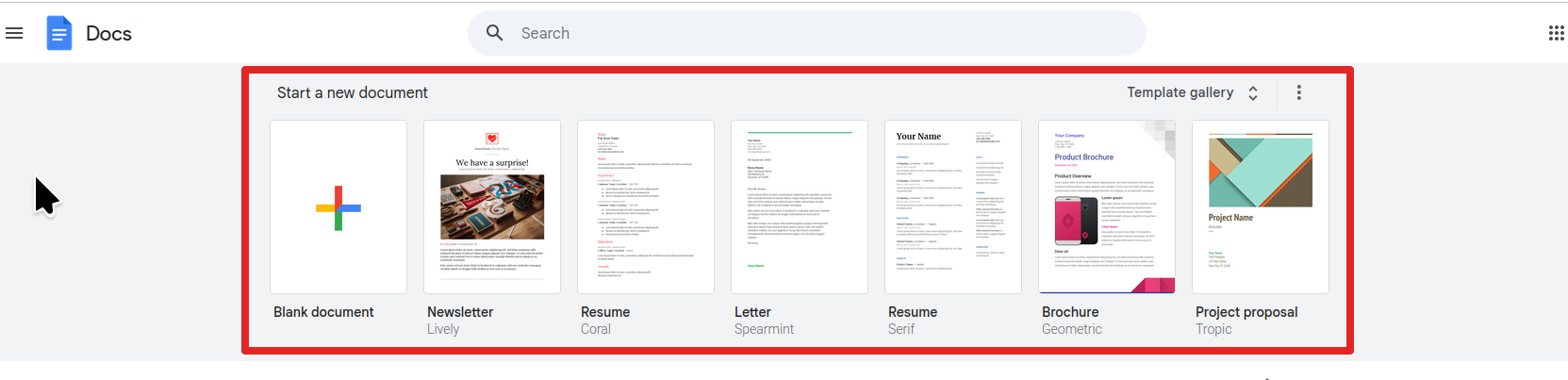
Can we access the same doc? Can you edit on another computer? What happens when you edit one of Google Docs templates. see screenshot
Yes, I created a new Google Doc from the blank template here: https://docs.google.com/document/d/1H2RTFohHXk-HFnMVqLxpw6ycQBRTN_N-2VViuAhQ-sg/edit?usp=sharing That has been shared so anyone with the link can edit. I can edit it from Chrome on my Chromebook under ChromeOS for example. You should be able to also. However, from Firefox under Linux on my Chromebook, even in Troubleshooting Mode, I am unable to edit.
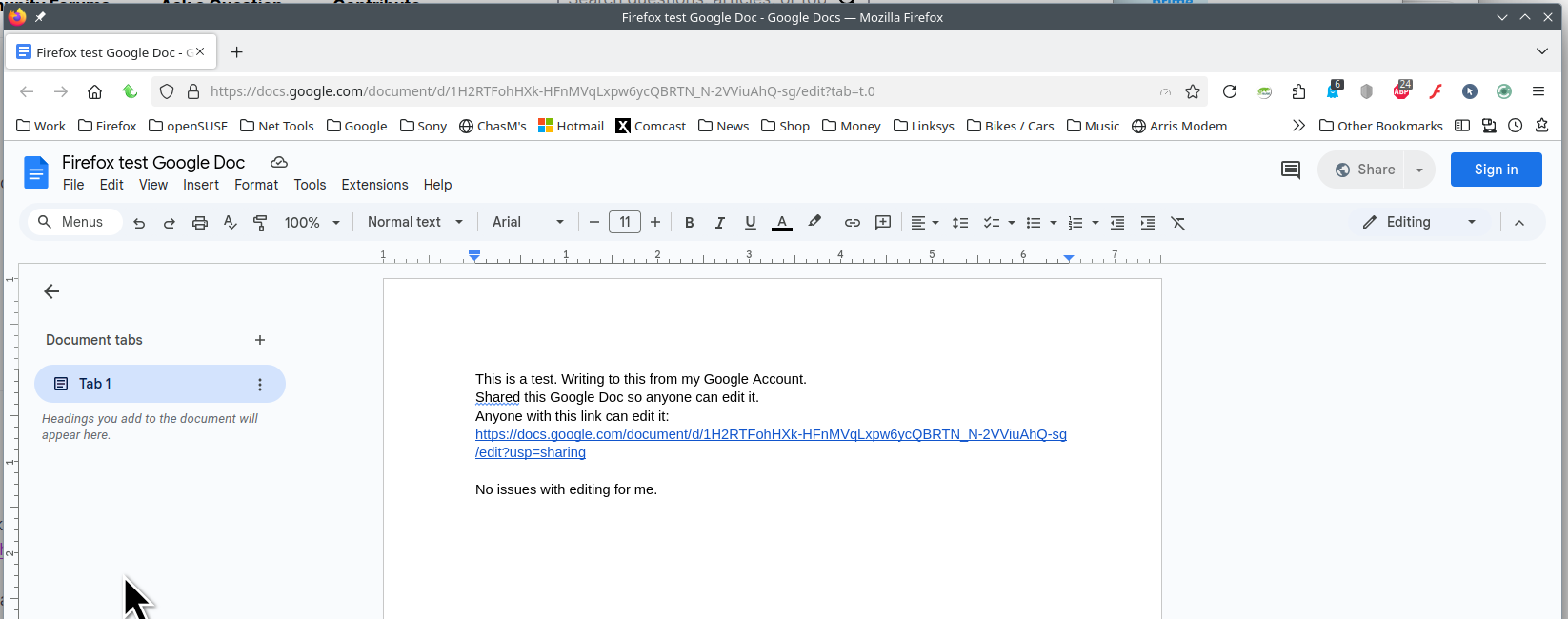
No issues with editing for me. see screenshot Try downloading a different version of Firefox and see if you have the same issue.
Try downloading Firefox from Mozilla. Download, unzip, and run firefox-bin from the folder and see if you have the same issue. https://www.mozilla.org/en-US/firefox/all/#product-desktop-release
Operating System: openSUSE Leap 15.6
KDE Plasma Version: 5.27.11
KDE Frameworks Version: 5.115.0
Qt Version: 5.15.12
Kernel Version: 6.4.0-150600.23.30-default (64-bit)
Graphics Platform: X11
Processors: 16 × AMD Ryzen 7 PRO 6850HS with Radeon Graphics
Memory: 62.1 GiB of RAM
Graphics Processor: AMD Radeon Graphics
Manufacturer: HP
Product Name: HP EliteBook 865 16 inch G9 Notebook PC
Được chỉnh sửa bởi jonzn4SUSE vào
Giải pháp được chọn
Thanks for that suggestion. Since the Linux dev environment on Chromebooks is Debian-based, I followed this method for installing the latest Firefox instead of using flatpak:
And now that version of Firefox works fine to edit the Google Doc! I guess this means the current flatpak version has the bug. Thanks again for making that suggestion.