


Problem setting Firefox as default browser

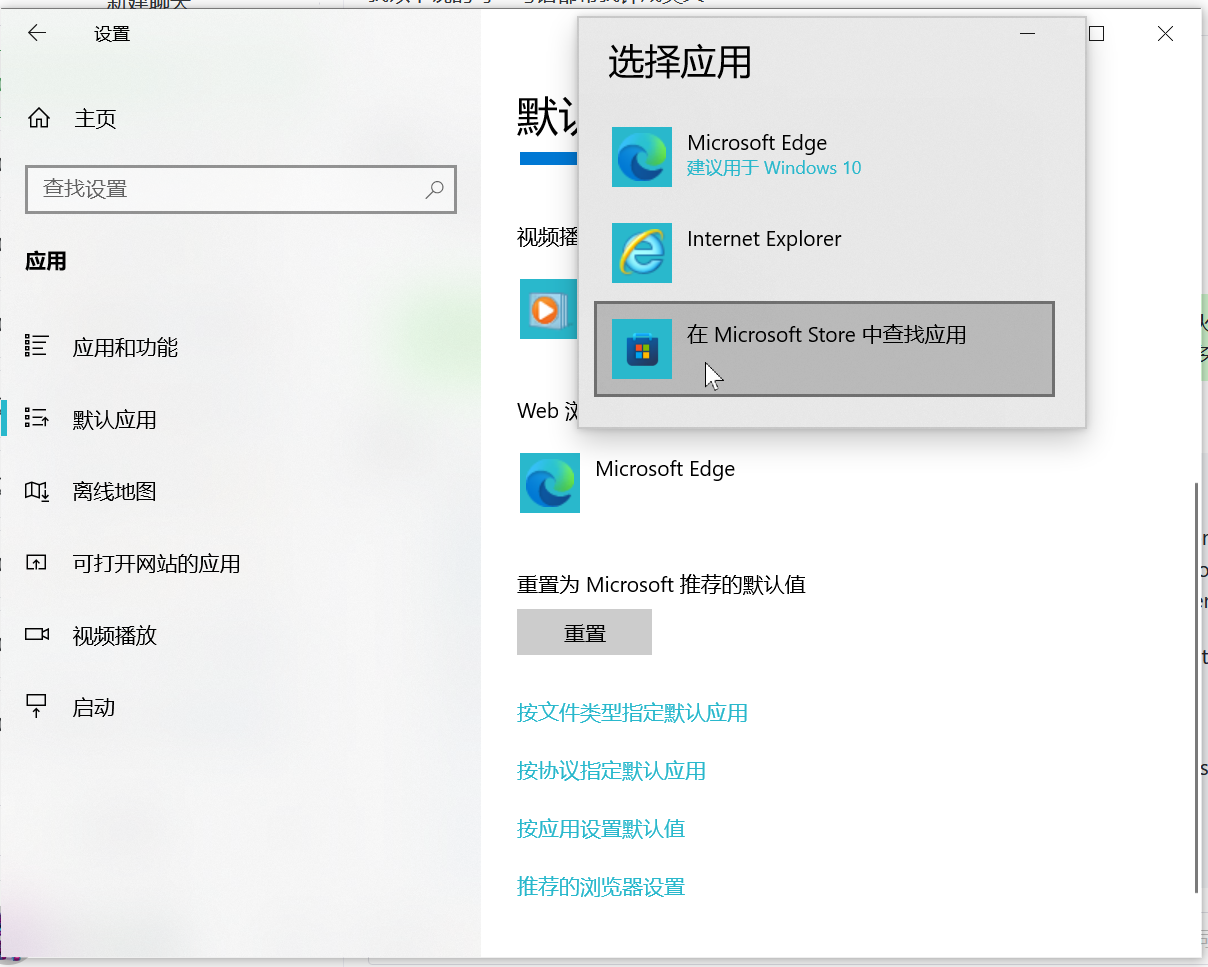
The situation is like this: I once reinstalled Edge, and then Firefox disappeared from the default browser options in Windows settings. No matter what I do, I can't make it appear again and set it as default browser. I want to ask if there's any solution, apart from reinstalling the browser,because I have a lot of data in the browser and I'm afraid backing it up and transferring it won't be convenient.
Tất cả các câu trả lời (10)
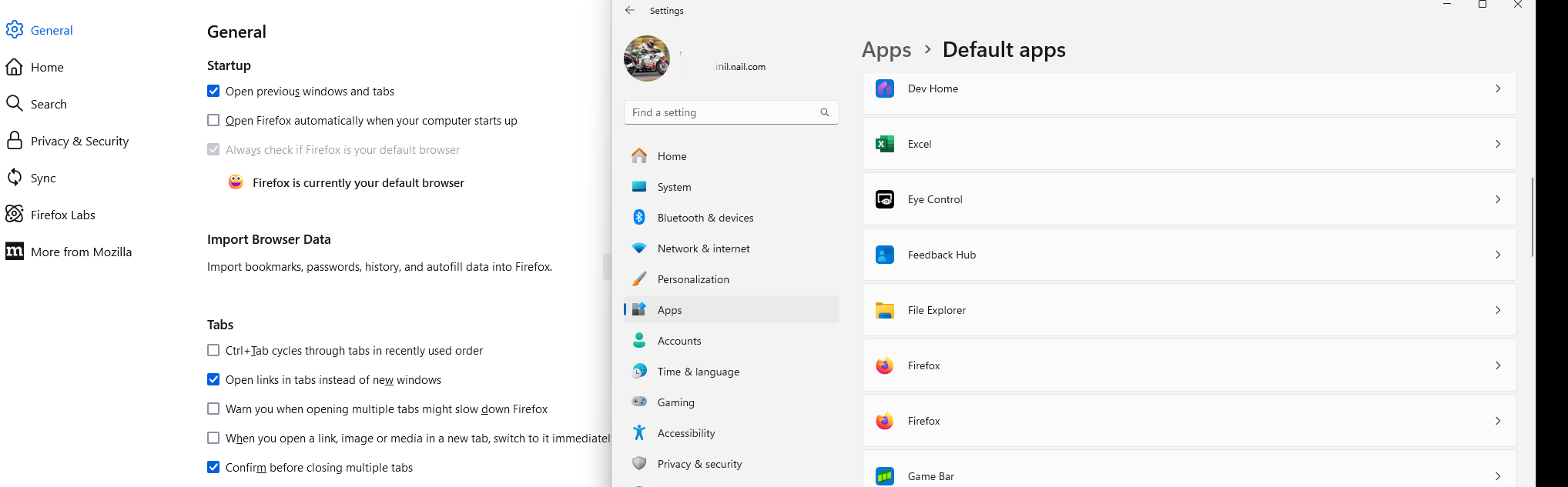
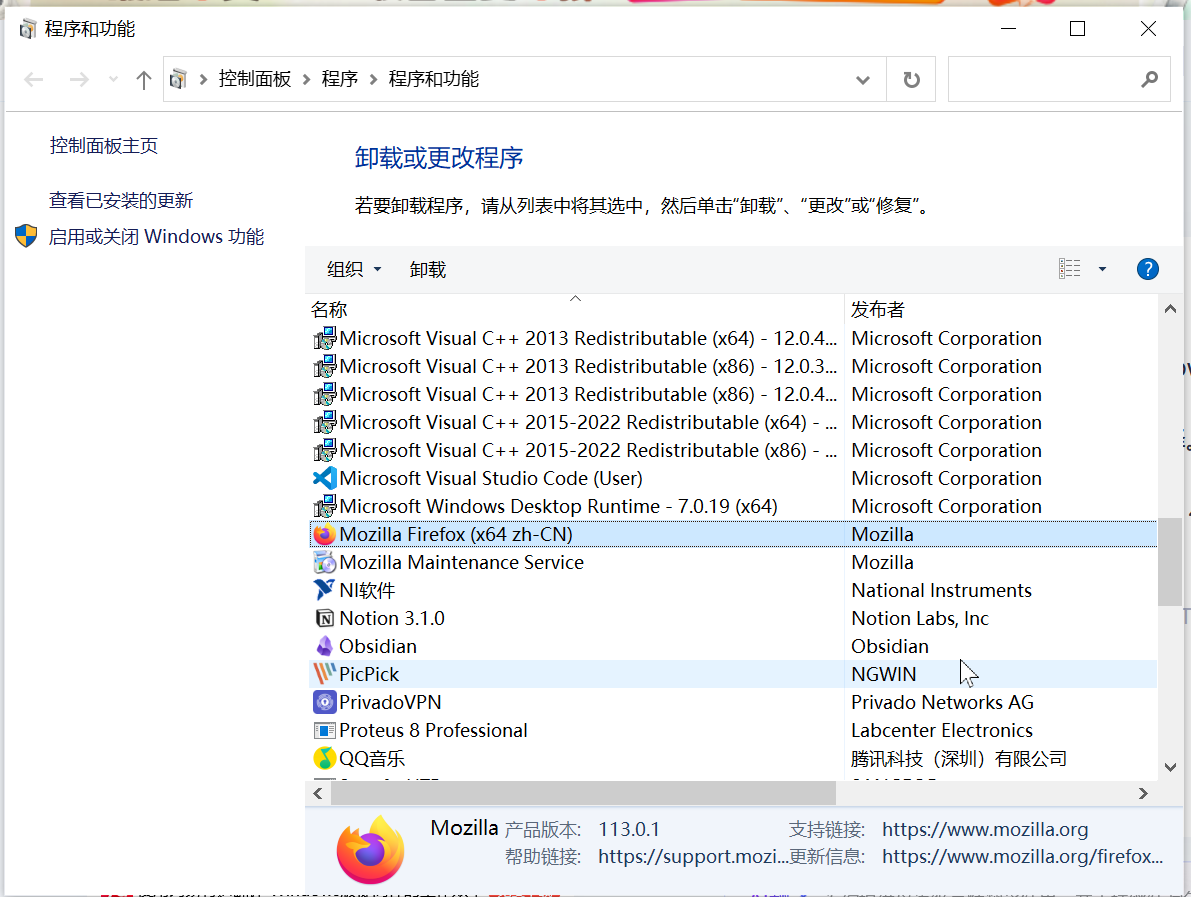
Show that you have Firefox installed in the add / remove applications(appwiz.cpl from run window). Let me boot windows and see what your options are. ;-/
Được chỉnh sửa bởi jonzn4SUSE vào
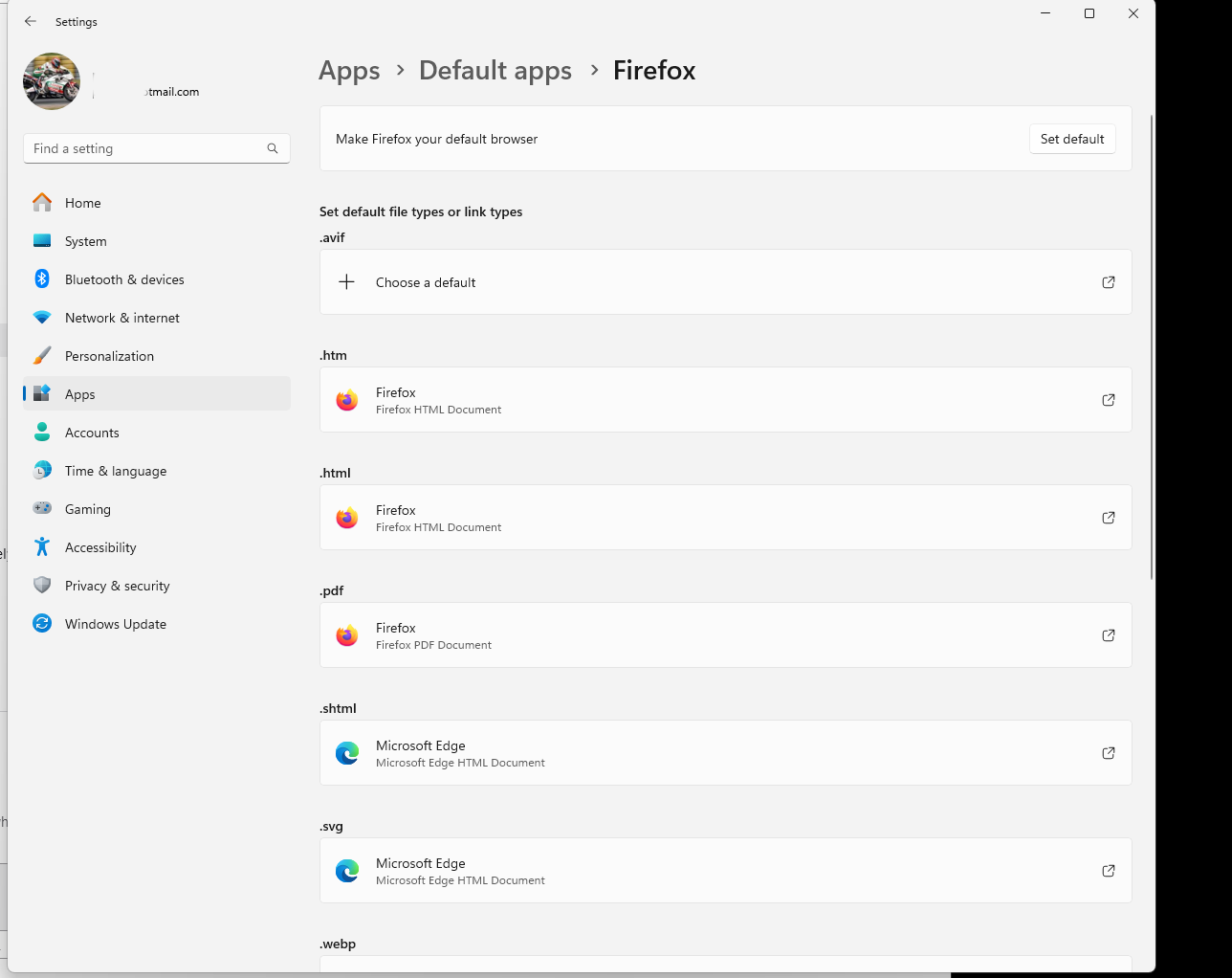
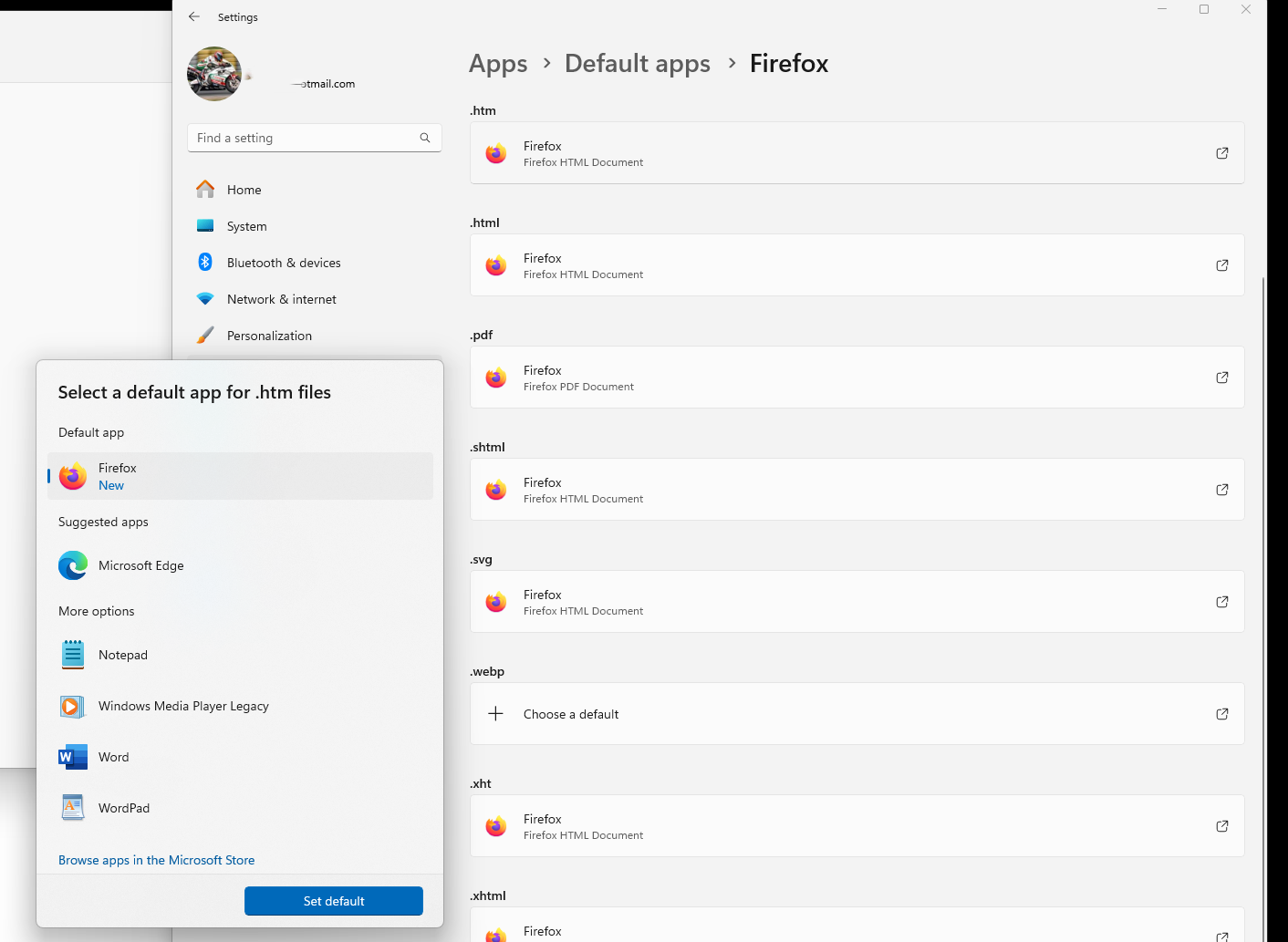
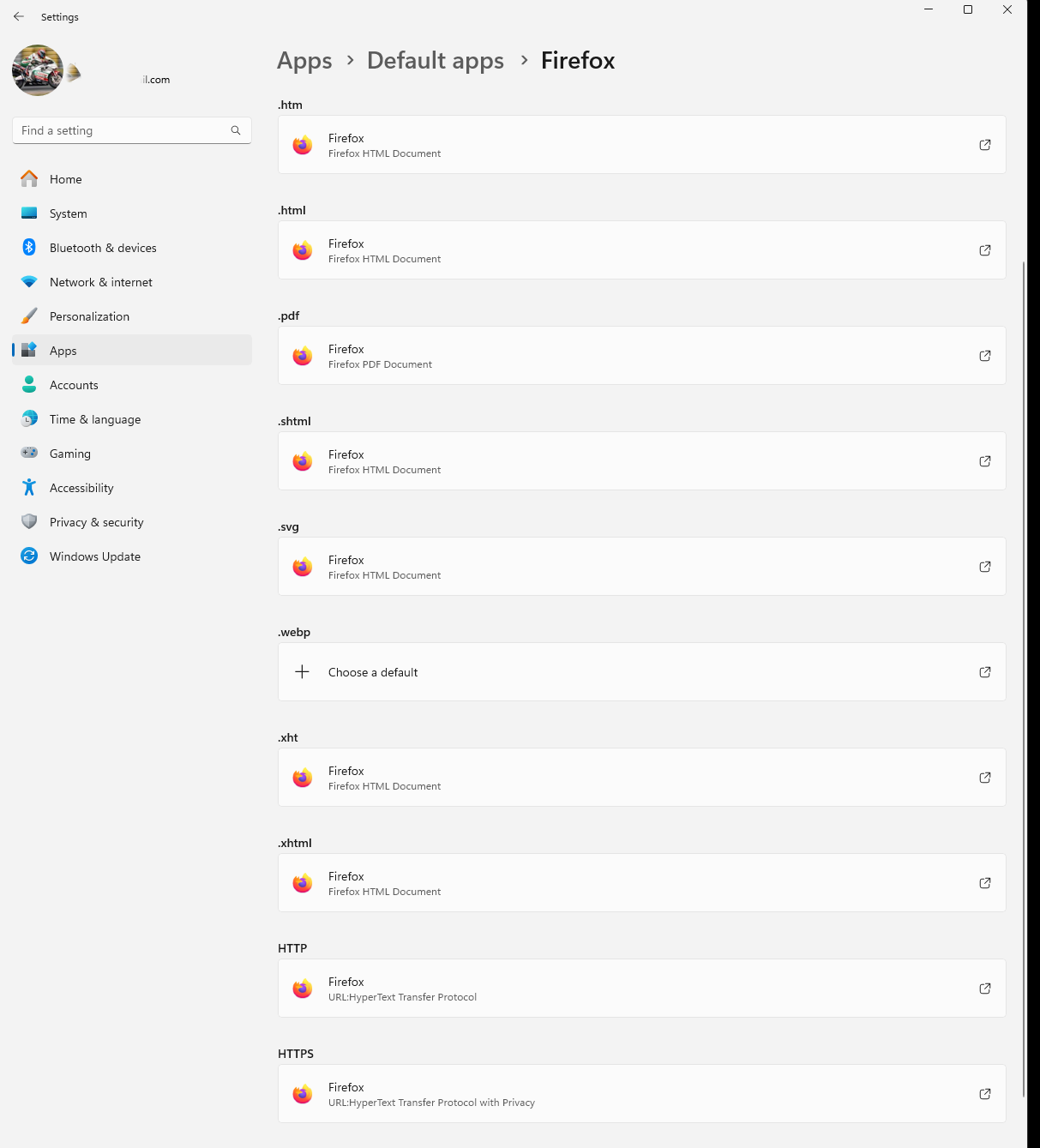
Here's what I see in Windows 11. see screenshots
Được chỉnh sửa bởi jonzn4SUSE vào
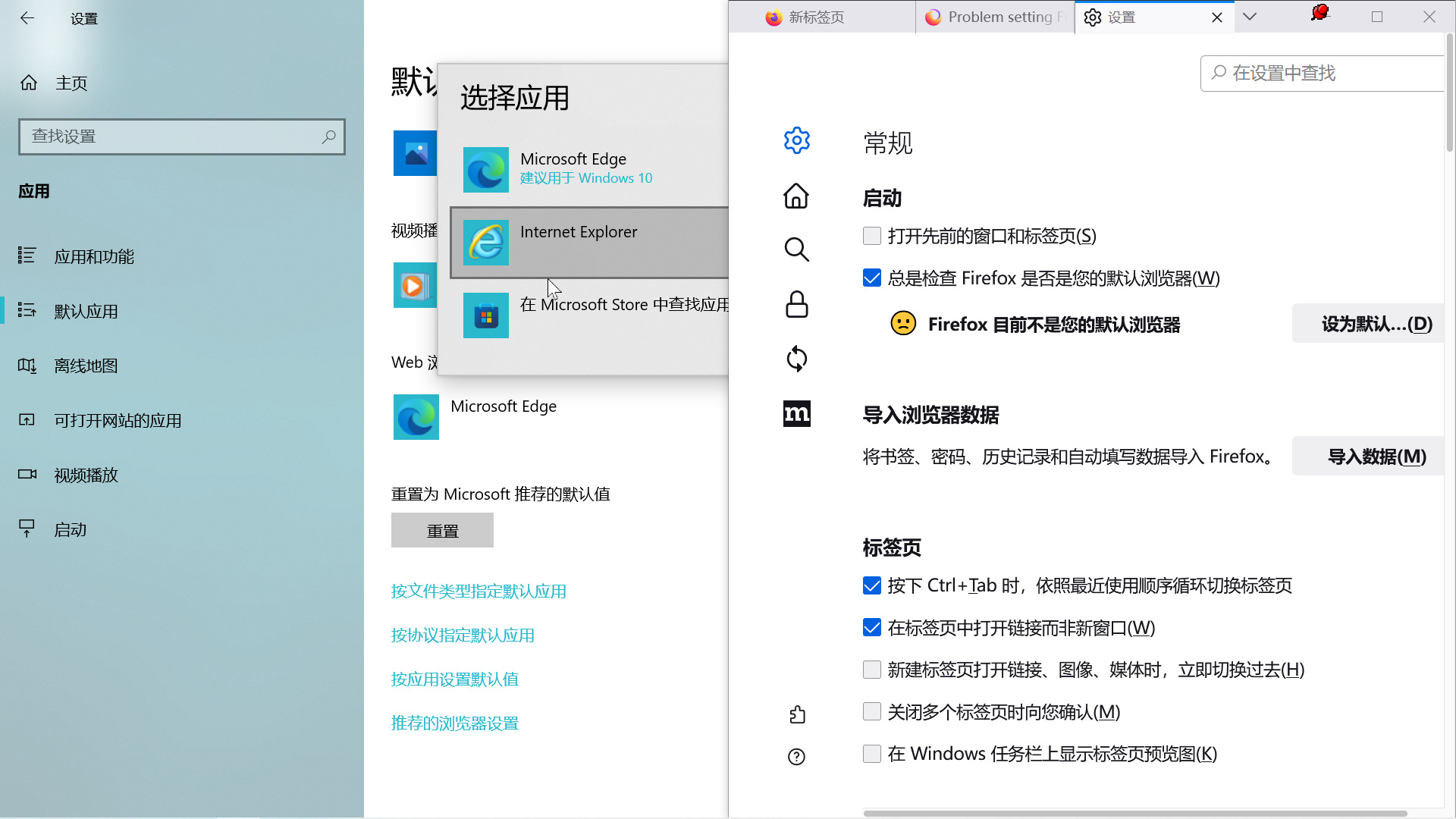
Screenshot is here.I really can't see Firefox appearing in any of my default browser settings.
jonzn4SUSE said
Show that you have Firefox installed in the add / remove applications(appwiz.cpl from run window). Let me boot windows and see what your options are. ;-/
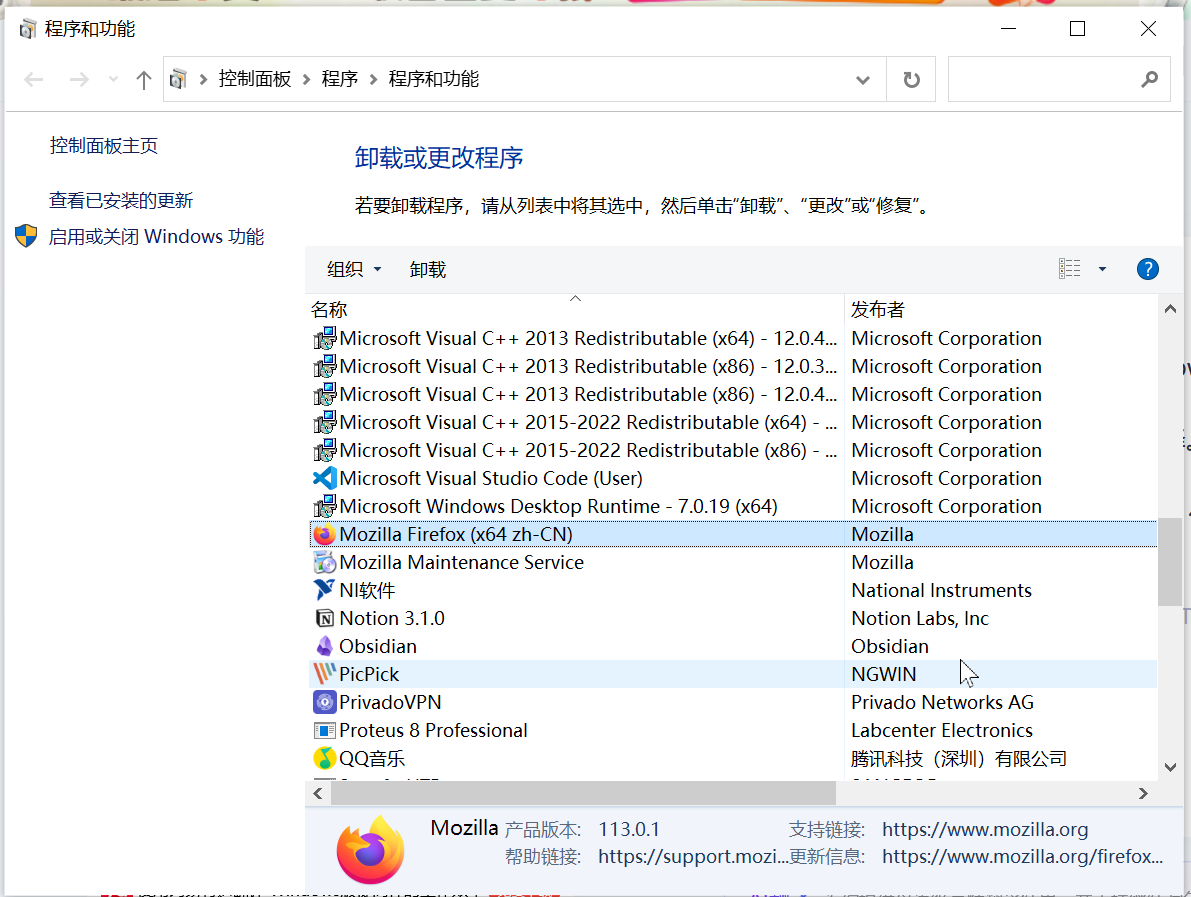
Screenshot is here.I really can't see Firefox appearing in any of my default browser settings.Thanks for your reply.
jonzn4SUSE said
Show your default apps section.
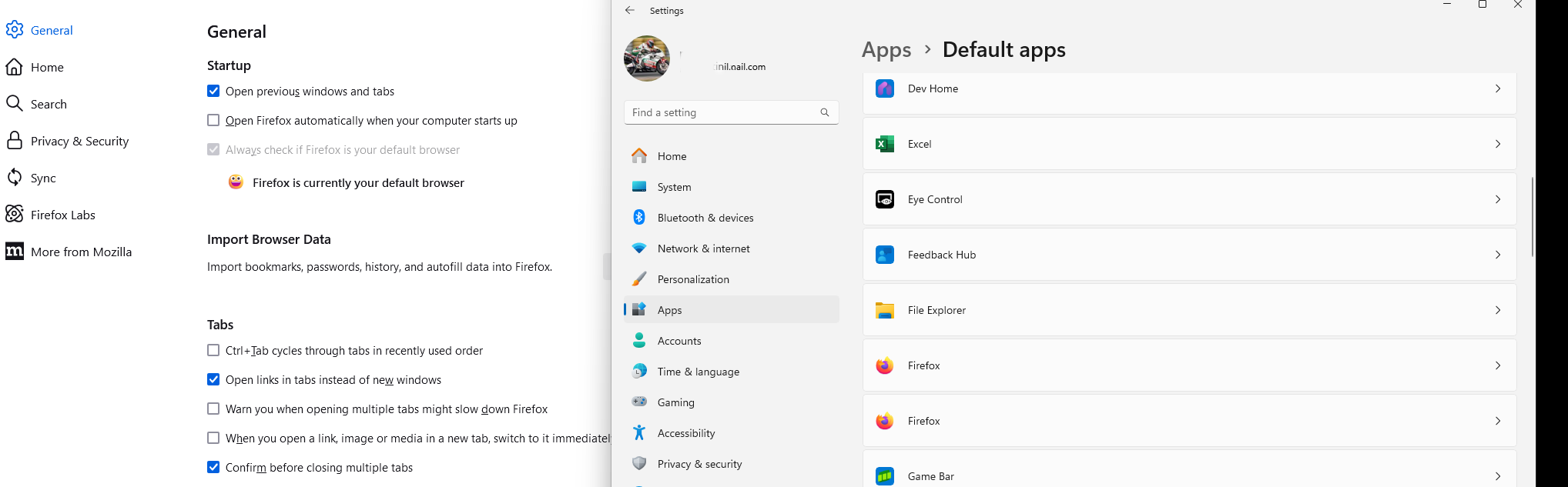
Screenshot is here.As you can see,the Firefox keeps showing that it's not the default browser and there is also not any Firefox option in my settings.What can I do,thanks for your reply.
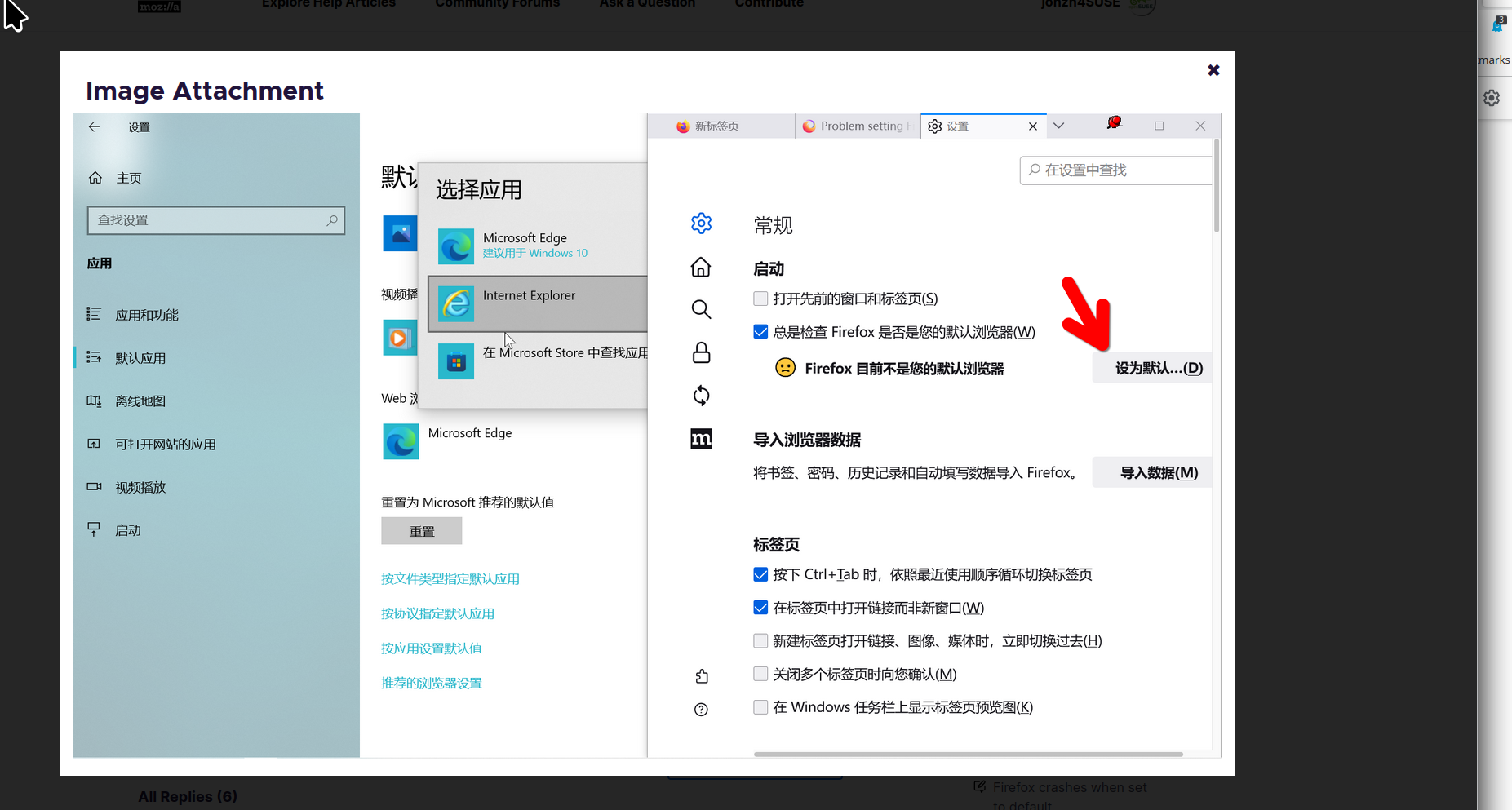
What happens when you click the "Make Default" button. see screenshot Also try this... Install a different version of Firefox(Beta, Dev, or Nightly) and make it default. Make sure to install in a different directory than your current install. Then try again to make your regular version default.
jonzn4SUSE said
What happens when you click the "Make Default" button. see screenshot Also try this... Install a different version of Firefox(Beta, Dev, or Nightly) and make it default. Make sure to install in a different directory than your current install. Then try again to make your regular version default.
When I click the "Make Default", it immediately jumps to the settings screen like I posted before, Then I can't make any relevant settings. And What does your last sentence mean? Are you telling me to install a different version of Firefox? And if so, will my existing data be lost?Thank you for your patience.
Different version and make sure to install in a path like something/Dev or /Beta or /Nightly. This will not impact your current install. You can then see if the new version shows in the default apps section.
Được chỉnh sửa bởi jonzn4SUSE vào
Eventually, you may need to just re-install the same version as your current installed Firefox.