


Selective syncing between devices

I've got Firefox on three devices and I'm looking to get a little more fine grained control between the synced data.
Ideally I want to sync passwords between all three but only sync bookmarks between two of them. This doesn't seem to be possible with the current options. Is there an alternative short of manually exporting and importing on the devices I want to keep in step?
Tất cả các câu trả lời (4)

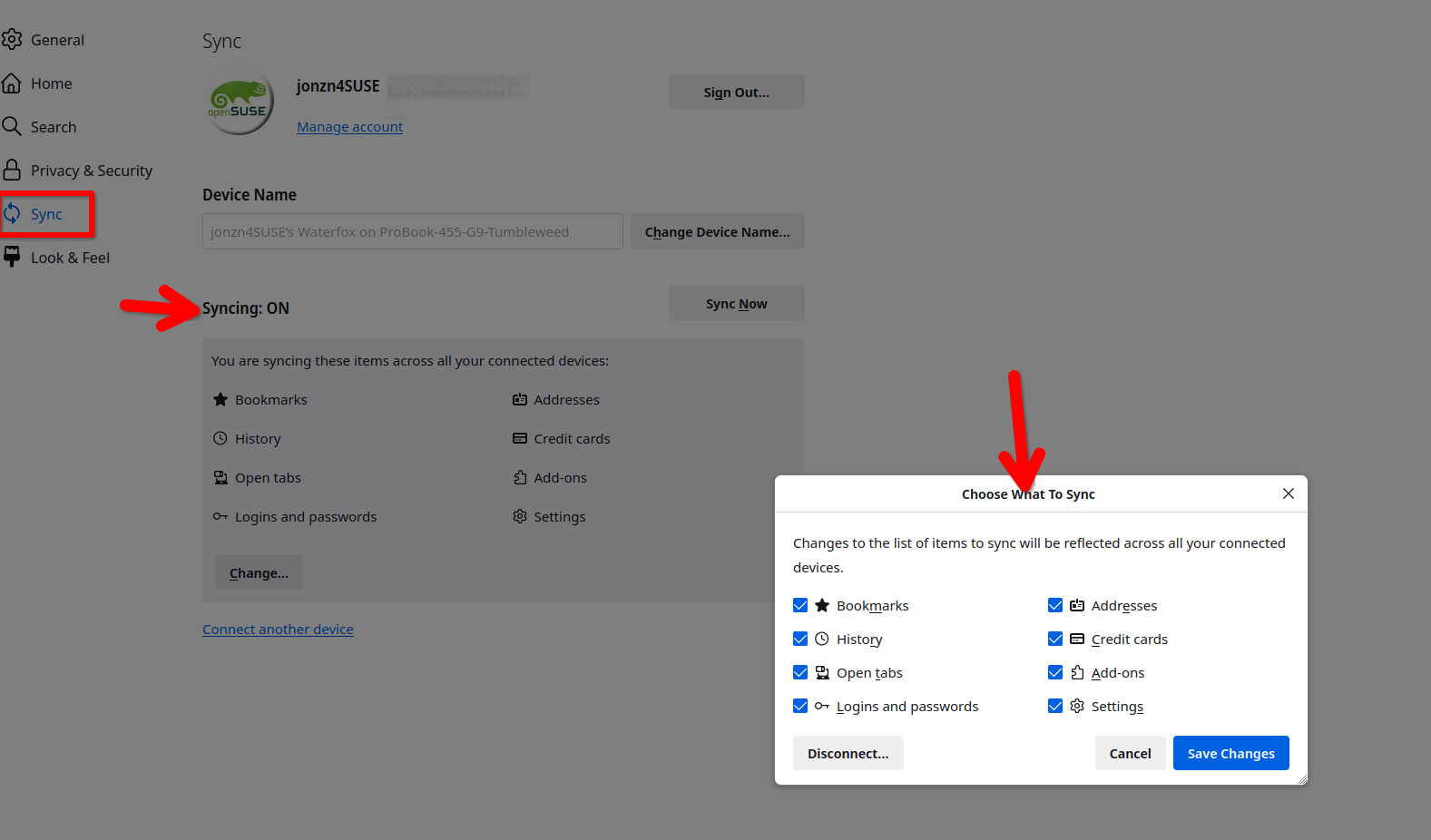
Your options are there. see screenshot
And where on those options can I limit some of them on one device but still keep it on two others?
Uncheck the options you don't want synced on the other devices.
If I do that it's disabled on all devices and updates the settings on all of them it doesn't let me customise one machine to be different.
Do you see something different because that's the behaviour I see and am asking about how to work around it?
Được chỉnh sửa bởi saurbaum vào