


How to stop side bar from opening whenever I open the bookmarks bar?

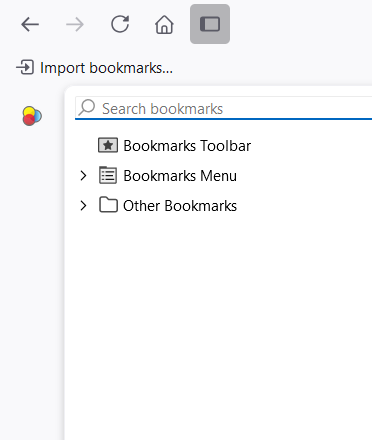
Hello every time I open the bookmarks bar (Ctrl+B) the side bar also open. when I close the side the bookmark bar the side bar doesn't close and I need to manually close
How can I prevent this from happening or remove the side bar altogether?
Hello
every time I open the bookmarks bar (Ctrl+B) the side bar also open. when I close the side the bookmark bar the side bar doesn't close and I need to manually close
How can I prevent this from happening or remove the side bar altogether?
Tất cả các câu trả lời (1)
Right, it looks like a nasty bug. Can you report it on https://bugzilla.mozilla.org ? Thanks!