


Preloading tabs

How can I set tabs to automatically preload when I open the browser? I'm just trying to switch from Chrome to Firefox and I can't find such a setting here, although it is a very convenient functionality. I mean that when I open the browser, I can click on any of the tabs and it will be (partially or completely) immediately ready to work without additional loading.
Giải pháp được chọn
You can make tabs from the previous session load before being activated by changing browser.sessionstore.restore_on_demand to false in about:config. Pinned tabs behave this way by default.
Đọc câu trả lời này trong ngữ cảnh 👍 1Tất cả các câu trả lời (5)
Here is what opens for me when I login and the browser is already open because I rarely close it. There are several windows with a lot of tabs in each. see screenshot Here are the settings in my browsers so that the last session reopens if I close the browser and want the previous session to open.

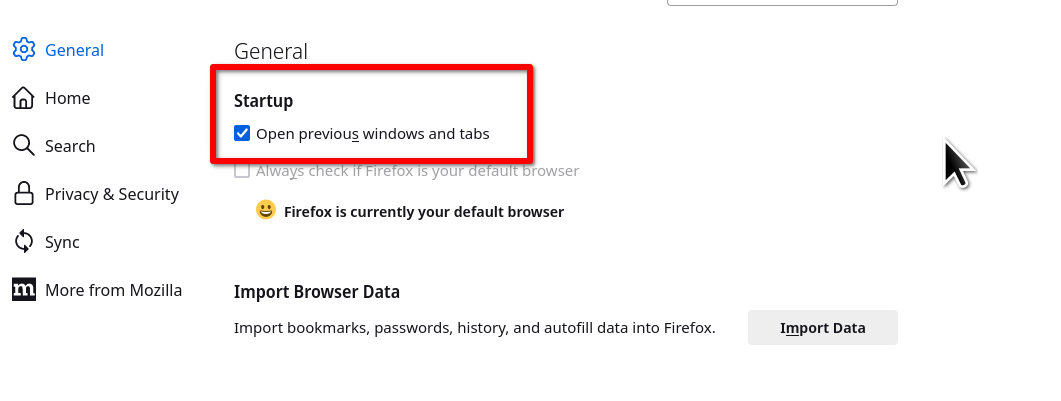
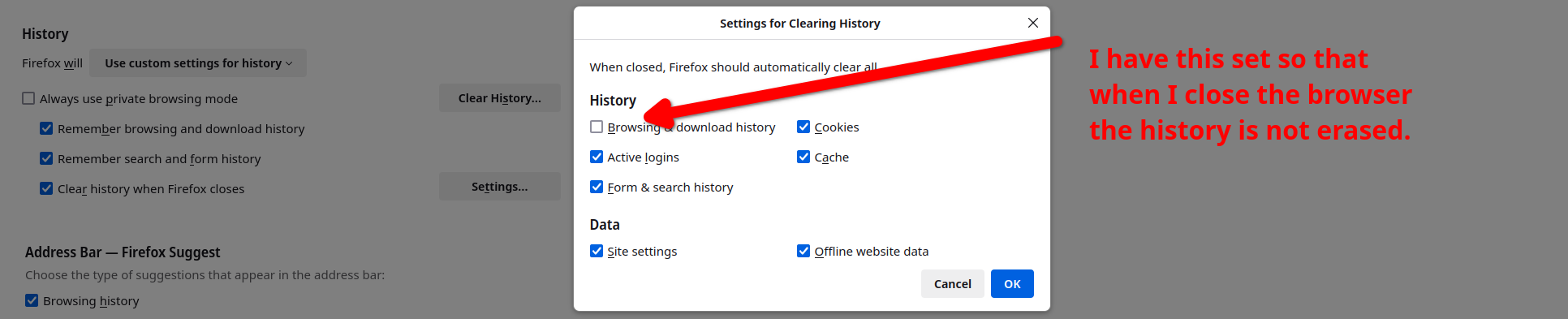
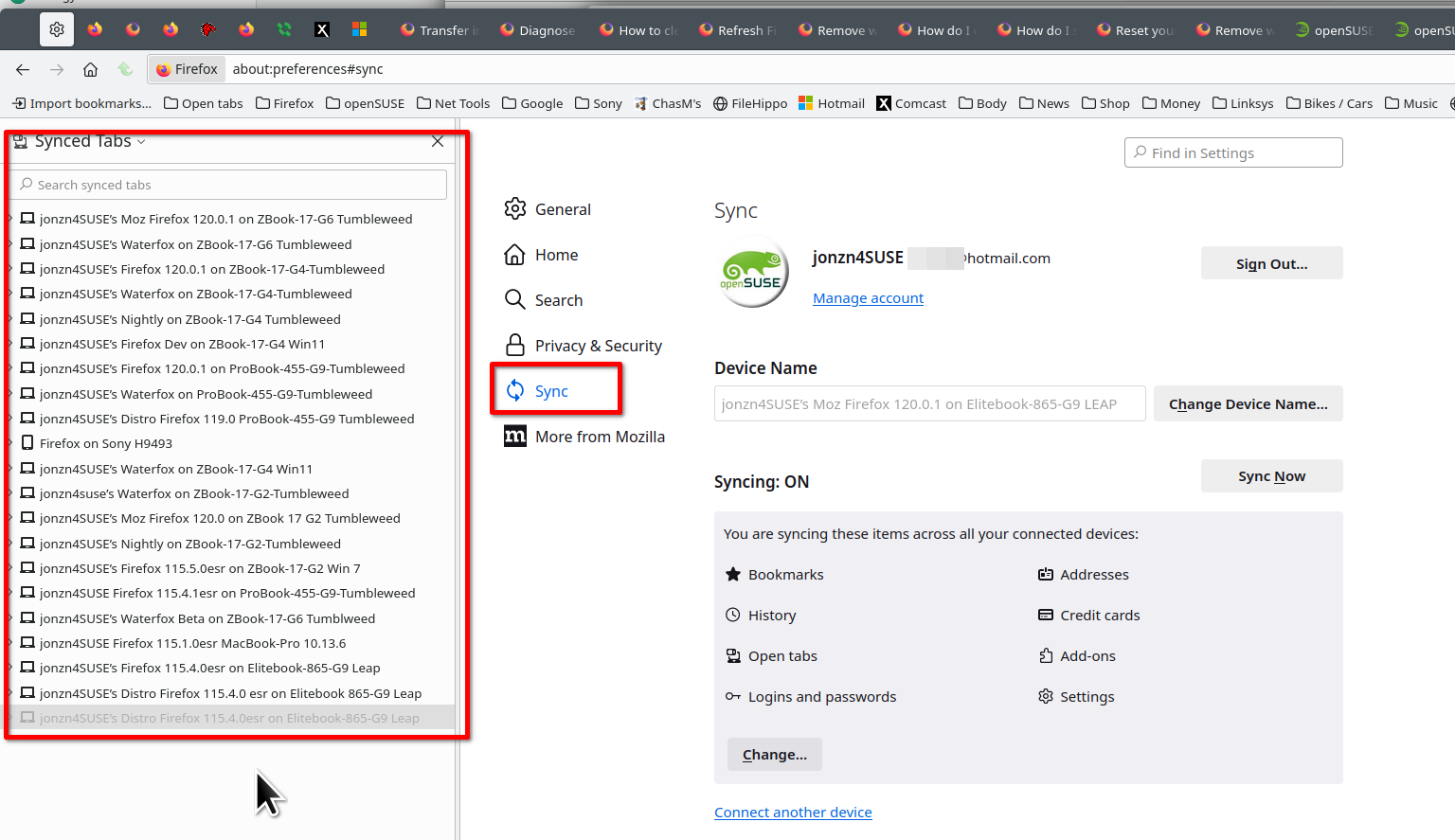
You may also want to sync your data across multiple devices. Many users think that sync is a backup service, but it's not. It allows you to share data between different devices and in my case, several versions of Firefox and Waterfox. see screenshot In case a browser or device goes BOOM, my data is else where.
Giải pháp được chọn
You can make tabs from the previous session load before being activated by changing browser.sessionstore.restore_on_demand to false in about:config. Pinned tabs behave this way by default.
jonzn4SUSE said
You may also want to sync your data across multiple devices. Many users think that sync is a backup service, but it's not. It allows you to share data between different devices and in my case, several versions of Firefox and Waterfox. see screenshot In case a browser or device goes BOOM, my data is else where.
Thanks for the answer, I also saw that in your screenshot there are tabs that only have their icon visible on the tab bar without a name, are these tabs pinned? I’m just used to the fact that in Chrome, when there are many tabs, only the icons remain.
Pinned tabs appear at the start of the tab bar as icons.
You can reduce the minimum tab width by changing browser.tabs.tabMinWidth to 50 in about:config.