


Tranfer of profile to new device not working...

I'm using this instructions to move my profile from old laptop to new laptop. I've had success with this method in the past, but not today. I copied the files over to my new device, open FF on the new device, and FF just opens as a new installation. What is going wrong?? (I'm going from a Windows 10 laptop to new Windows 11 laptop. (Ugh, I already haaaaaate Windows 11, but that is for another forum!)
Tất cả các câu trả lời (4)
operaflute said
Ugh, I already haaaaaate Windows 11, but that is for another forum!
openSUSE is waiting for you. Just create a live usb stick and test it. ;-))
I suggest Sync. https://support.mozilla.org/en-US/kb/how-do-i-set-sync-my-computer https://support.mozilla.org/en-US/kb/how-do-i-choose-what-information-sync-firefox
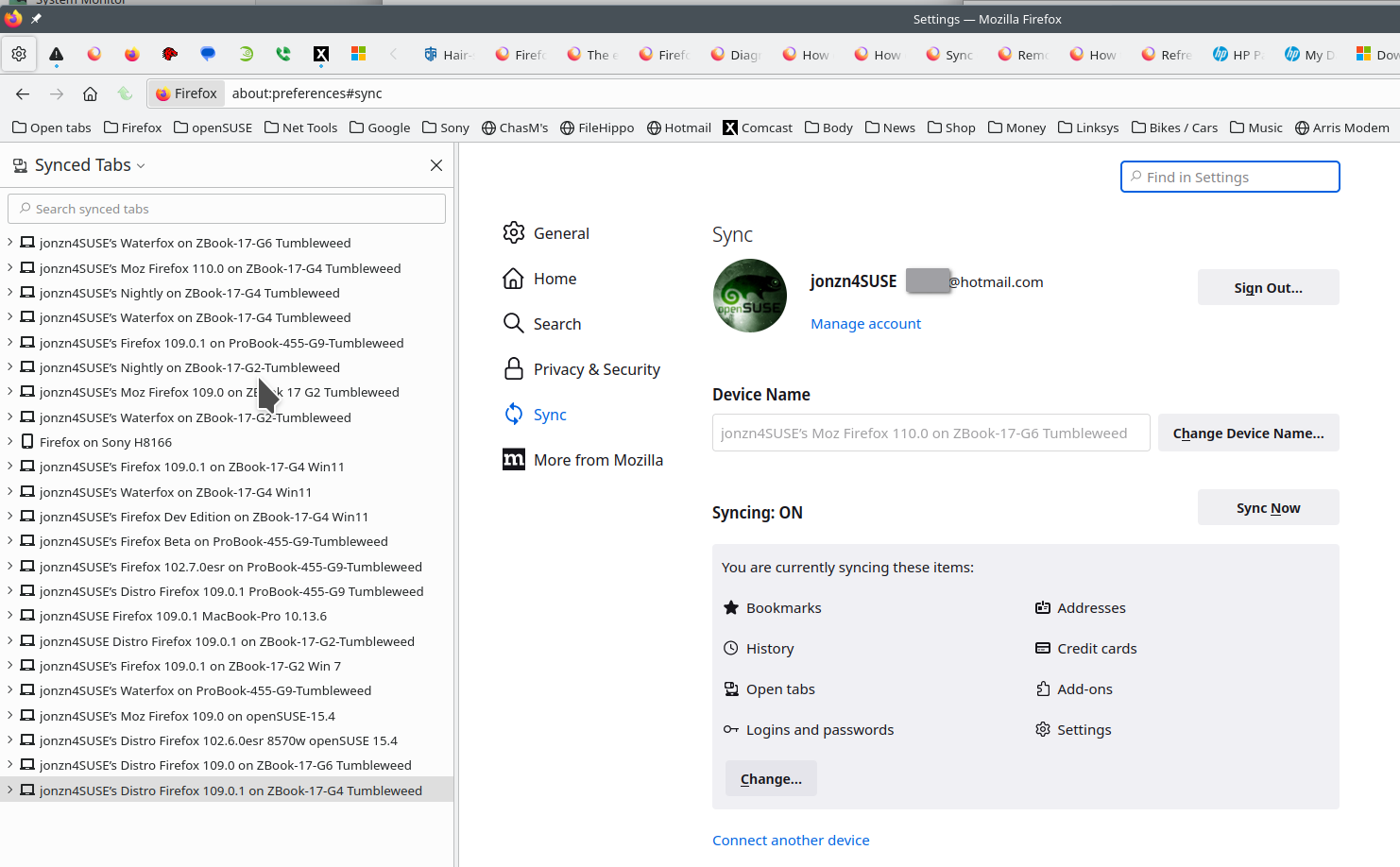
Yeah, I tried sync as a work around. It worked... partly. And now my stuff is out there and I'm never a fan of that. Missing open tabs, and I'm not sure what else yet. Got my newlap top nearly 2 weeks ago. So frustrating that every click towards getting it set up takes an entire day of troubleshooting. (Not directed at Mozilla, per se, just general griping that the whole process is always an enormous headache.)
Make sure you transfer or edit profiles.ini as well as that maps a profile name to the folder on the hard drive.
I didn't change the profile name, so profiles.ini wasn't the issue. BUT! Your message clued me into the fact that FF kept using the default-release profile, vs. the xxxxx.default one. Using "about:profiles" allowed me to switch to the one I copied/pasted into xxxx.default. Voila! I'm in business! Now only 2,340,898 device migration problems left to go! :-D