


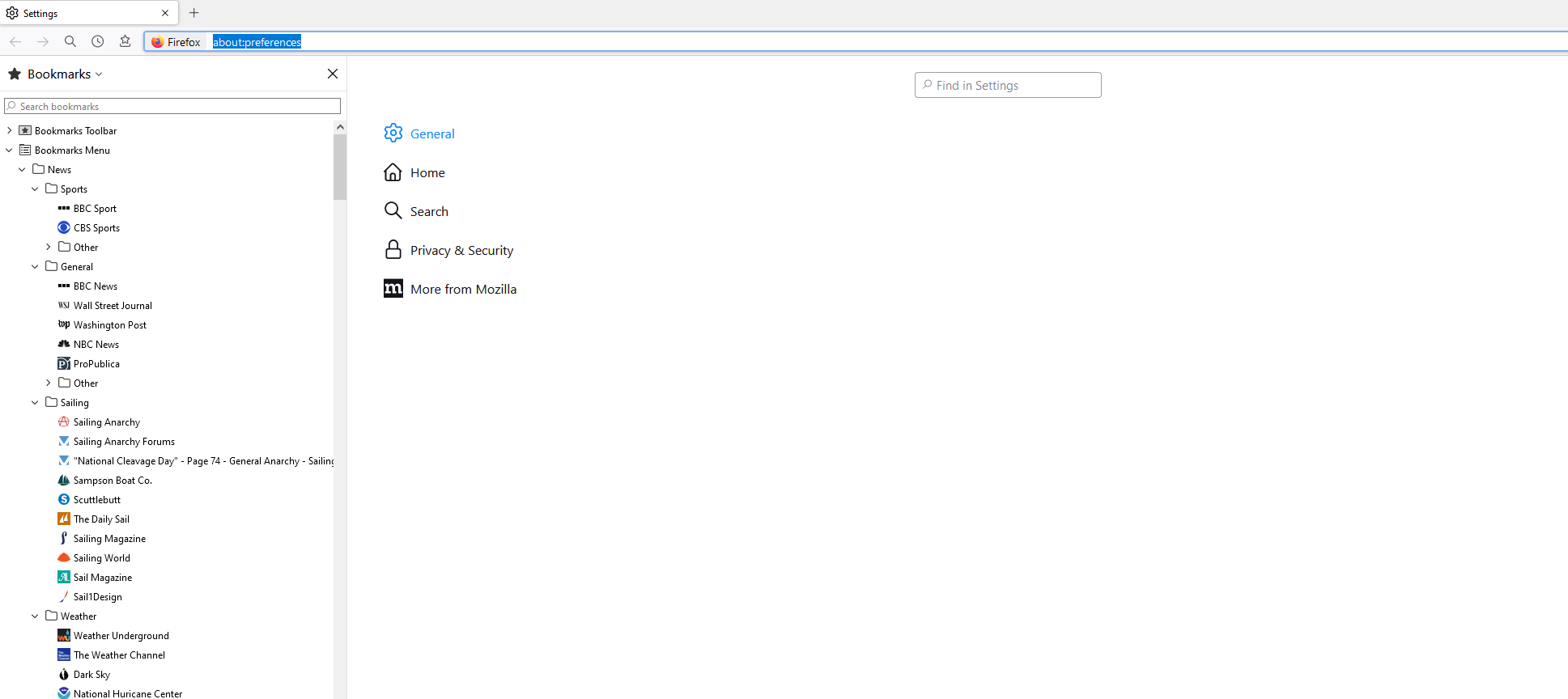
When i open settings there are no options in the general page it is just blank page . i have cleared all cookies uninstalled Firefox 2 times then reinstalled and still nothing there

When i open settings there are no options in the general page it is just a blank page . i have cleared all cookies uninstalled Firefox 2 times then reinstalled and still nothing there. If i click the Home tab under General then i get options . But if click the General tab again nothing changes. Tia.
Tất cả các câu trả lời (2)

Start Firefox using Troubleshoot(Safe) Mode {web link}
A small dialog should appear. Click Start In Troubleshoot(Safe) Mode (not Refresh). Is the problem still there?

I have this problem as well, and have for at least several months now and across several updates.
I have just completed a full uninstall and re-install (to 101.0 64 bit), with no luck. This included allowing a refresh (perhaps foolishly) after the re-install since the base re-install did not fix the problem. Fortunately I had made a full zipped backup o my prior profile and was able to remove the useless new one since it also did not fix the problem, and I didn't feel like going back through the settings to change them (mostly appearance related).
I tried the suggested reply re troubleshoot mode and the problem still persists.
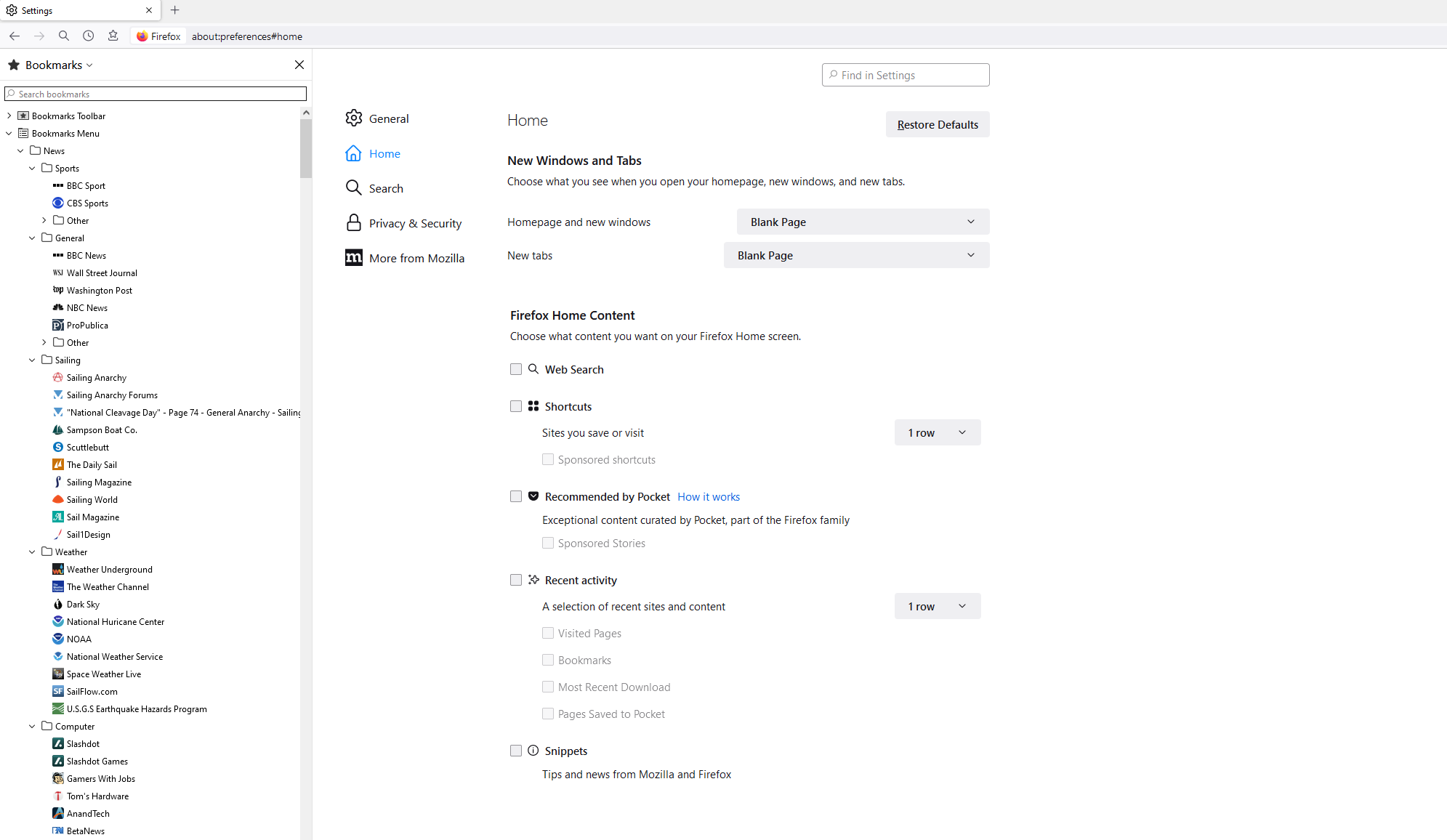
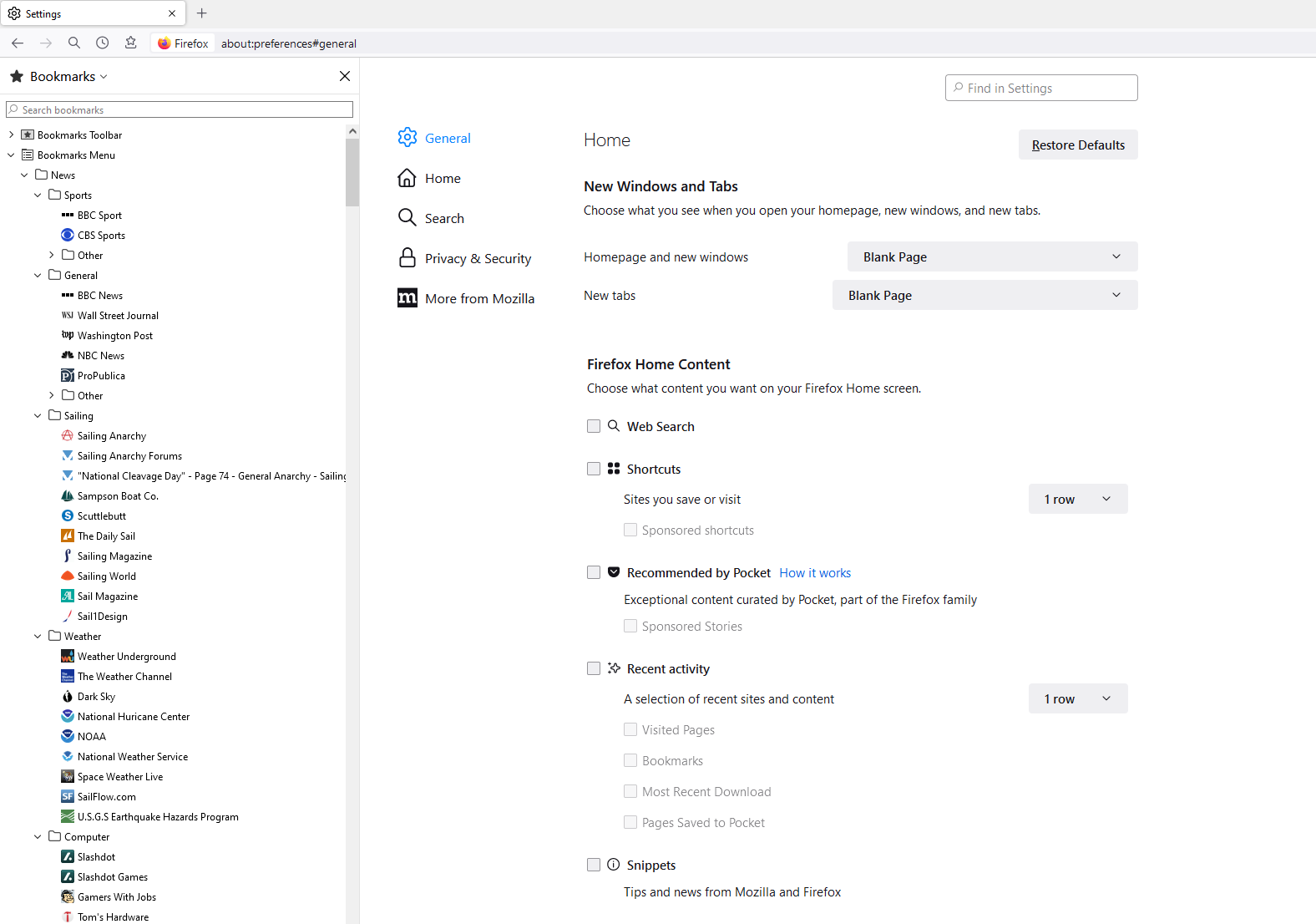
Note that if I move to another settings "tab", such as Home, it seems ok, but when I select General again the page is no longer blank, but rather shows the previous tab. Ie if I select Home and then general, home will still be showing instead of the blank general tab. The three attached images show that sequence.
I don't know if this is related, but since about update 97 or 98 I have not been receiving notifications of new updates. ie the little highlight on the menu button. Plus the menu item. Since I'm not sure if its related I'll be looking for help on that issue as well.
Thanks, Peter S
PS: I'm running on Windows 10 Pro 64-bit.
Được chỉnh sửa bởi Bacchus66 vào
This question has been locked because the original author has deleted their account. While you can no longer post new replies, the existing content remains available for reference.