


Minimize and Restore Icons Missing
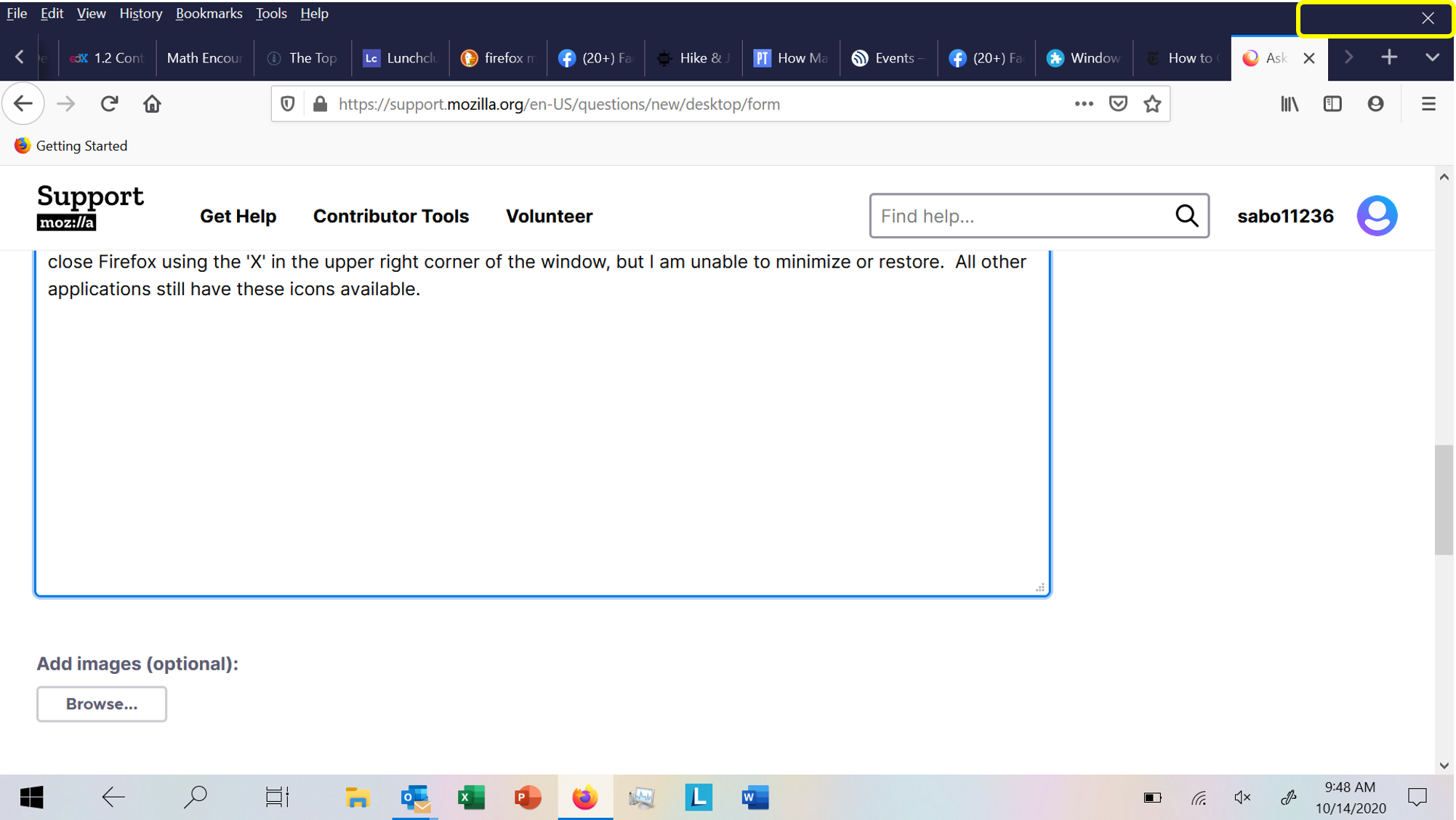
I am trying to minimize Firefox, but the minimize icon in the upper right-hand corner is missing. I am still able to close Firefox using the 'X' in the upper right corner of the window, but I am unable to minimize or restore. All other applications still have these icons available.
Tất cả các câu trả lời (4)
Giải pháp được chọn
Make sure you run Firefox in desktop mode and not in tablet mode.
Dear cor-el -- thank you for pointing this out. This was extremely helpful. Steve

I have same problem running Thunderbird 78.5.0 (32 bit) under Windows 7 on a 64 bit Desk Top machine. The icons that used to be in the upper right corner are blacked out except for occasionally being visible for a brief instant. The suggested cure is for Windows 10 and calls for going to the "Action Center." I don't think Win7 has an action center. How do I make the miniaturize, full screen, icons active and visible?
how do you know when it's tablet or desktop if I hit tablet how do I go back?