


facebook does not load on firefox after windows 10 update

The Facebook website does not load and gives a long error (refer attached). This only happens with mozilla firefox and with only facebook website. This problem seems to have poped up only after I updated my laptop to windows 10 very recently.
Giải pháp được chọn
Try this:
- In the location bar, type about:config and press Enter.
- Click on I'll be careful, I promise.
- In the resulting page, search for the preference network.http.accept-encoding.secure
- Double-click on it, remove , br from the value, and click OK
- Restart Firefox.
Tất cả các câu trả lời (8)
Please update your plugins to the latest version. Check to make sure you are up to date:
If you see any issues also see:
In order to better assist you with your issue please provide us with a screenshot. If you need help to create a screenshot, please see How do I create a screenshot of my problem?
Once you've done this, attach the saved screenshot file to your forum post by clicking the Browse... button below the Post your reply box. This will help us to visualize the problem.
Thank you!
Thank You for your swift response, I have updated my Mozilla Firefox to the latest version available and also updated my plugins but the problem still persists.
I am hereby attaching the screenshot of the error. Please look into it.
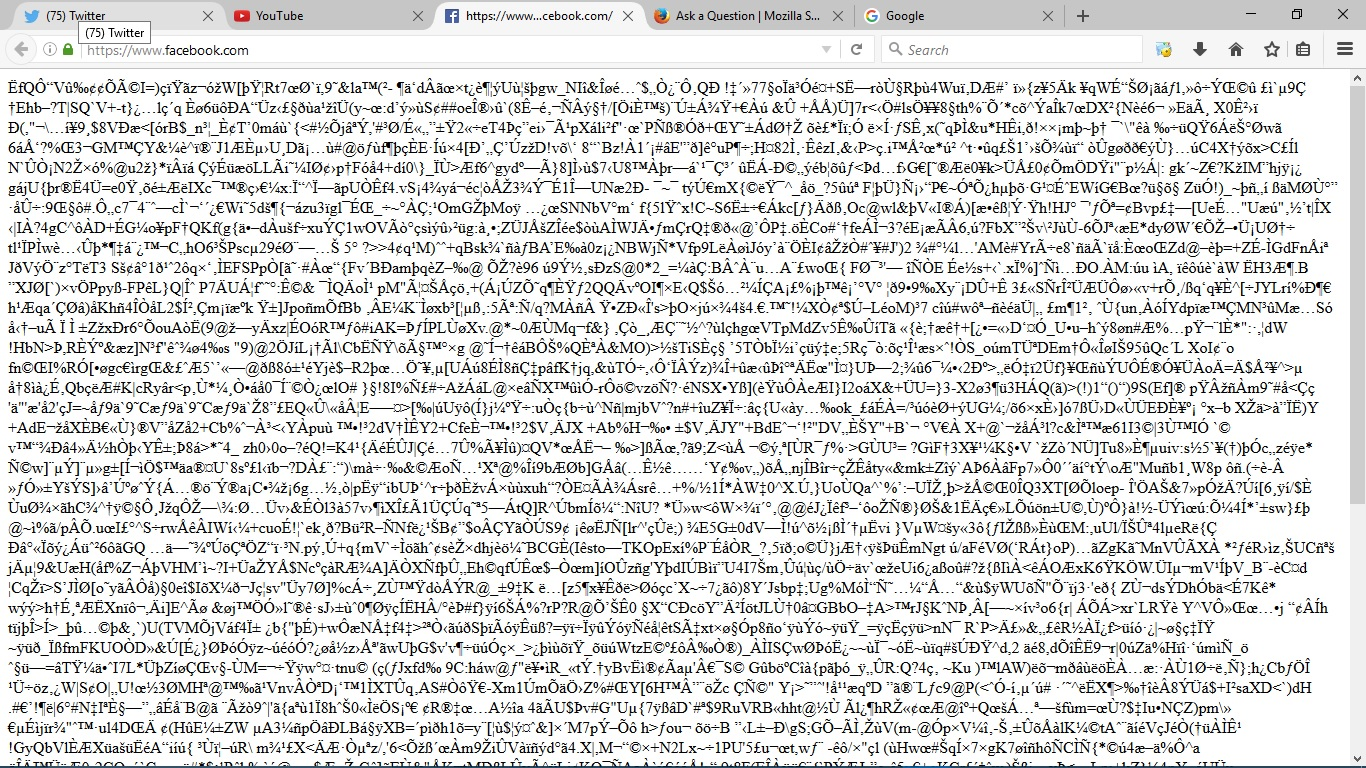
HI,
As suggested online by some other users I also tried to delete all cookies and cache. And after that I also reset my Mozilla Firefox but the problem is worse now as facebook and google both are not loading.
But this time I receive a different kind of error. Please see the attachment.
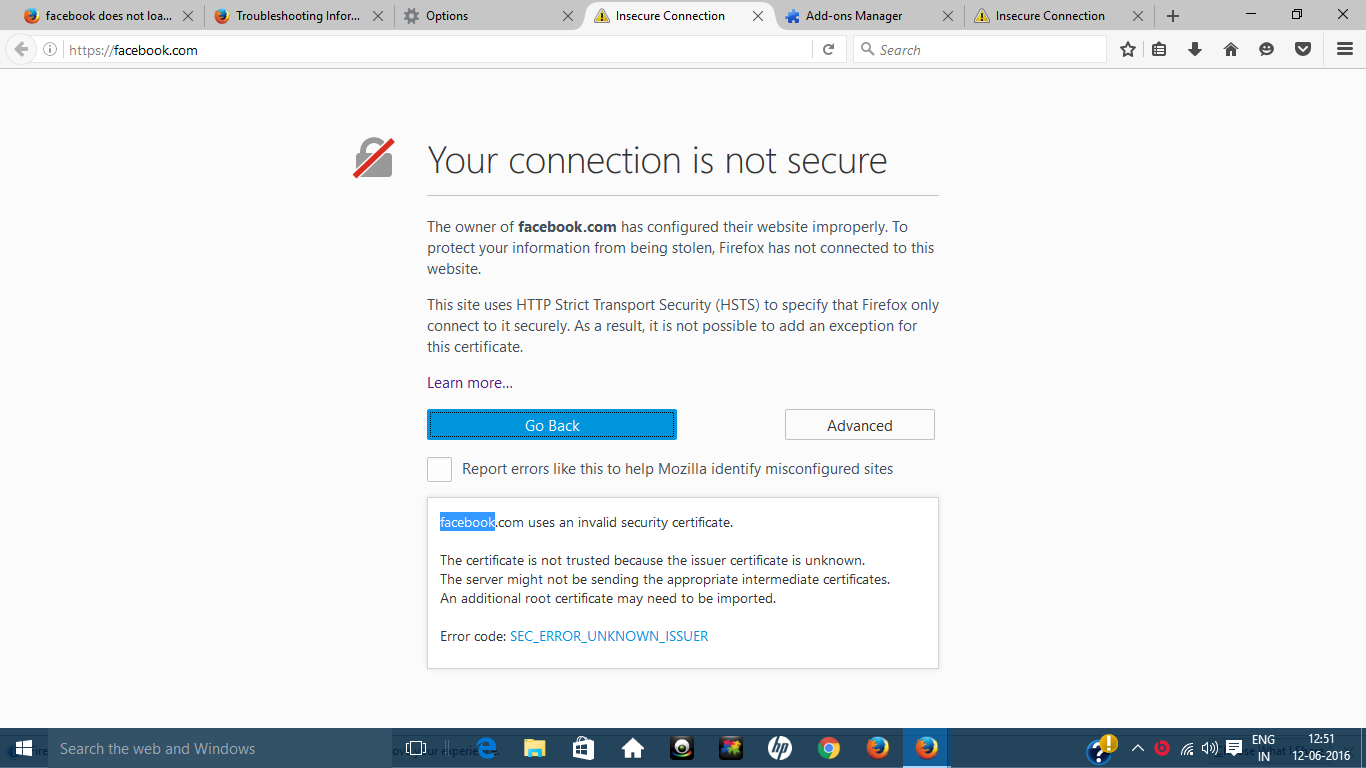
hi ShashankMittal, these issues will be caused by kaspersky intercepting your secure connections - please refer to Troubleshoot security error codes on secure websites
Hi, Sorry to say but I have tried everything that i could in my hands. I have never faced such issues with Mozilla Firefox. I regret to say but I'll be uninstalling Firefox now. Also, I hate Windows 10. All this is happening because my laptop was forcefully updated to windows 10 by Microsoft.

Giải pháp được chọn
Try this:
- In the location bar, type about:config and press Enter.
- Click on I'll be careful, I promise.
- In the resulting page, search for the preference network.http.accept-encoding.secure
- Double-click on it, remove , br from the value, and click OK
- Restart Firefox.
Được chỉnh sửa bởi Chris Ilias vào
You Sir are a saviour. Thank You
Great! So here's the explanation. Firefox accepts a new kind of encoding called Brotli. Facebook recently turned on support for Brotli. Kaspersky doesn't, so if you have it set to inject script into web traffic, it strips it from the HTTP headers.
You should turn off that setting in Kaspersky, and reset the Firefox preference.
Here's a past instance I found: https://support.mozilla.org/en-US/questions/1122585 And that links to https://forum.kaspersky.com/index.php?showtopic=351027