


When I installed a newer version of Thunderbird I lost all my email Addresses

I updated t the latest version of Thunderbird but since then none of my email addresses were changed with the update. Tried all the advice on line but still can't retrieve my saved email addresses from the inbox and sent box
All Replies (13)
Tried all the advice on line
So without going over everything, maybe you could detail what advice you have tried
tried copying the mpmail file....reindexing database abook.sqlite among others
What do you mean by "none of my email addresses were changed"? Your accounts? Your addressbook?
none of my saved emails carried over to the new version - the addresses to my contacts
I am trying to clarify the problem. My understanding is that the messages in inbox and sent folders are missing. Is this a POP account? Is the addressbook still there?
I have the emails but I do not have the address book. That's what I am missing
How did you do the update? Was it just letting Thunderbird replace itself? Or did you install a fresh version? I am puzzled at losing the addressbook. What you might try:
- click help>troubleshootinginformation
- scroll to 'profile folder' and click 'open folder'
- you will now be in Windows file Explorer
- back up one folder so that you are in the Profiles folder
- click there to see if there are other folders in the profile folder
- if there are, please click into each and look for a file named abook.sqlite ans see if it appears recently updated. If unsure, please do a screenshot of the folder.
I already tried this with no luck
Ok, I'm at a loss. Can you share a screenshot of your profile folder? And, can you do a screenshot of what you see when you click to the addressbook screen? I have no idea what those two may show, but they may create ideas. thank you
Here are the screenshots
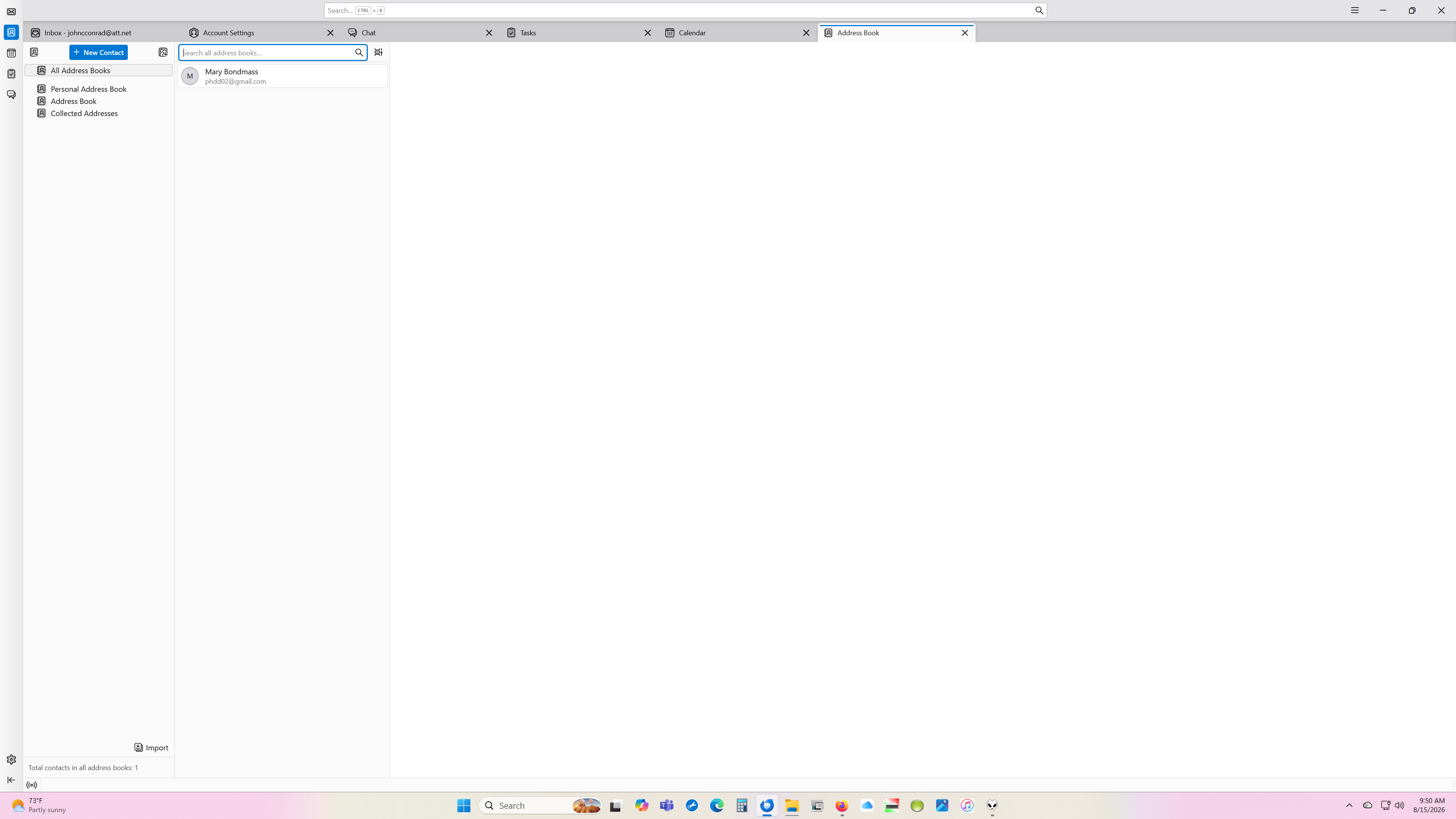
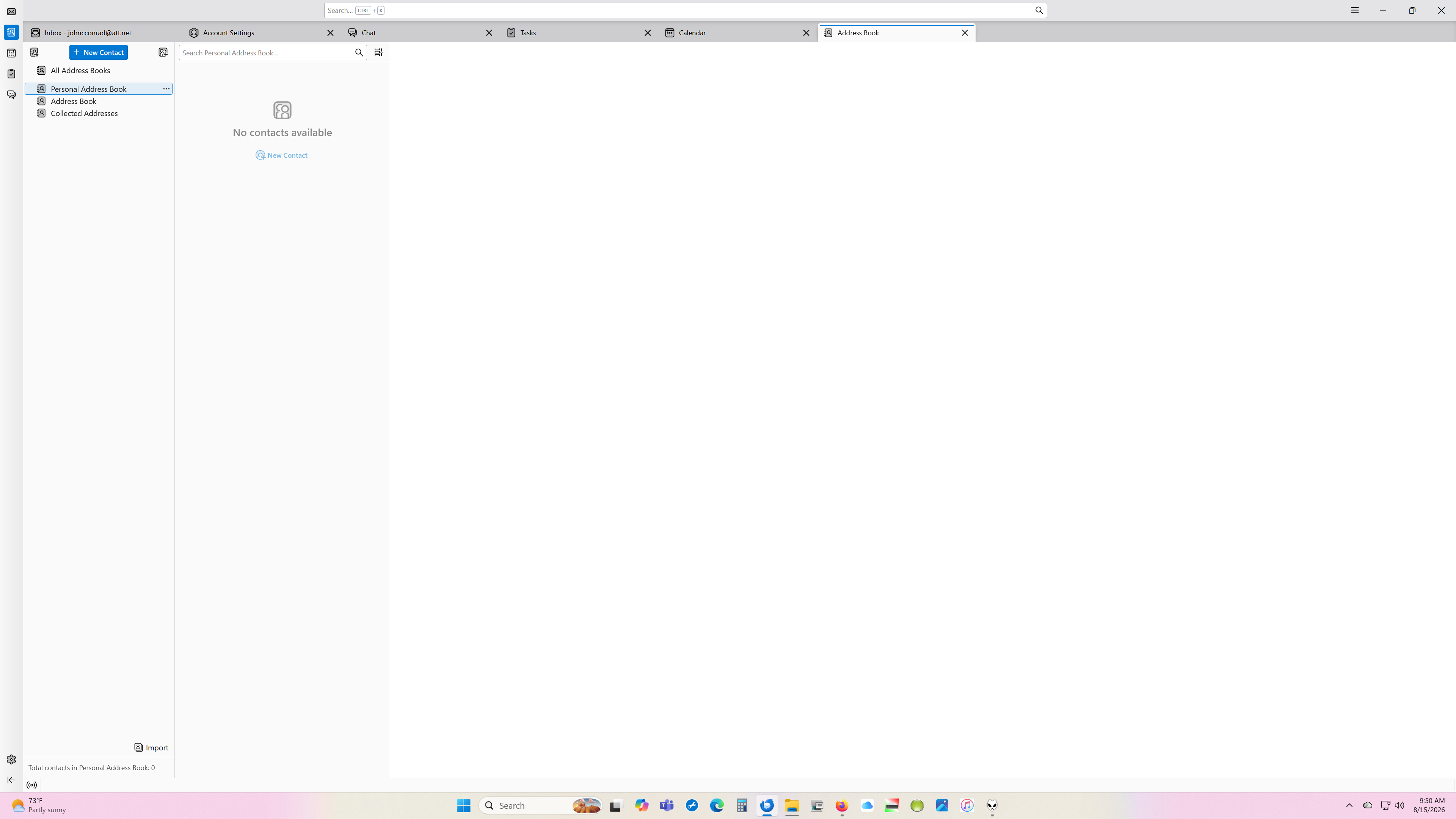
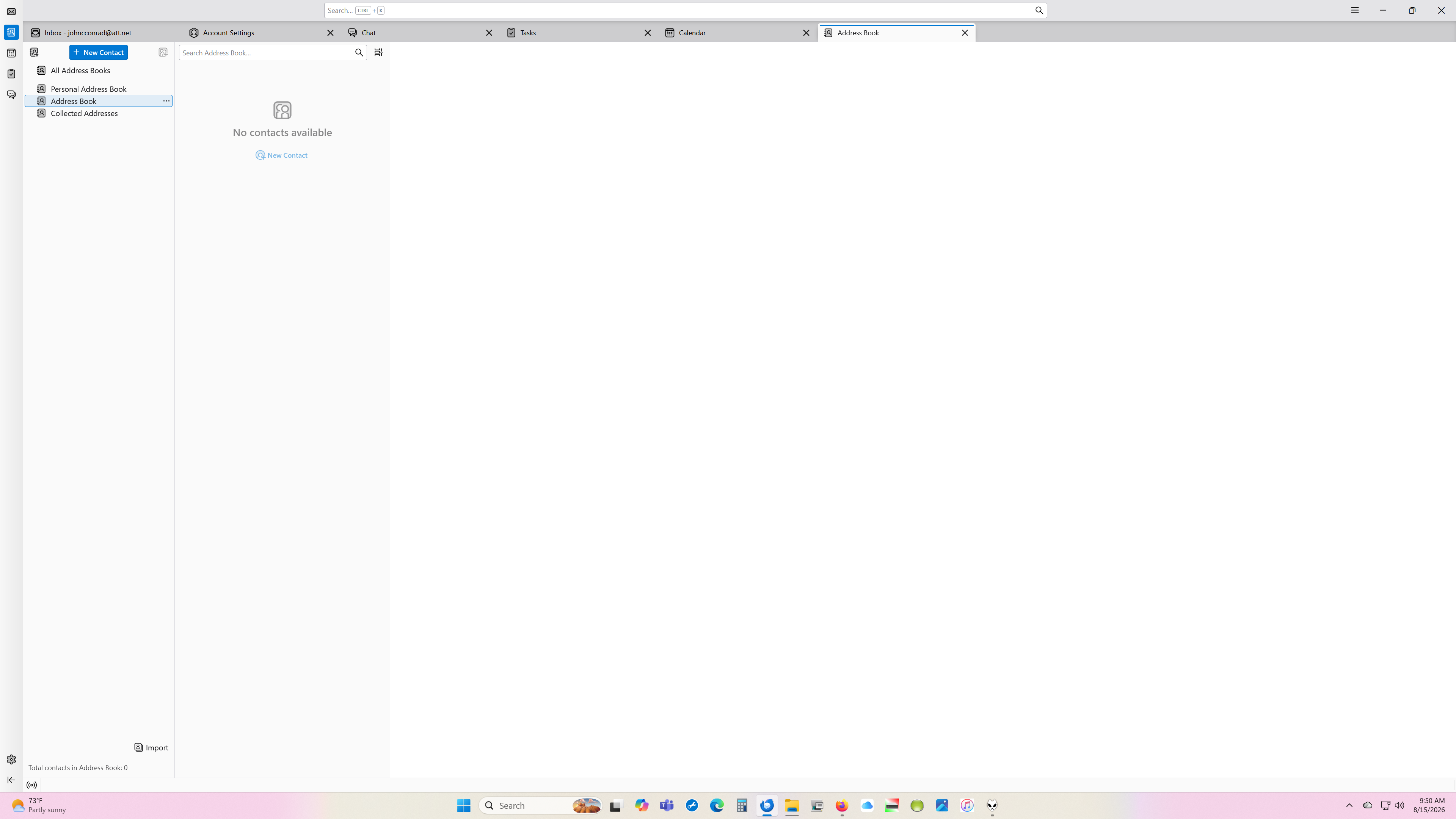
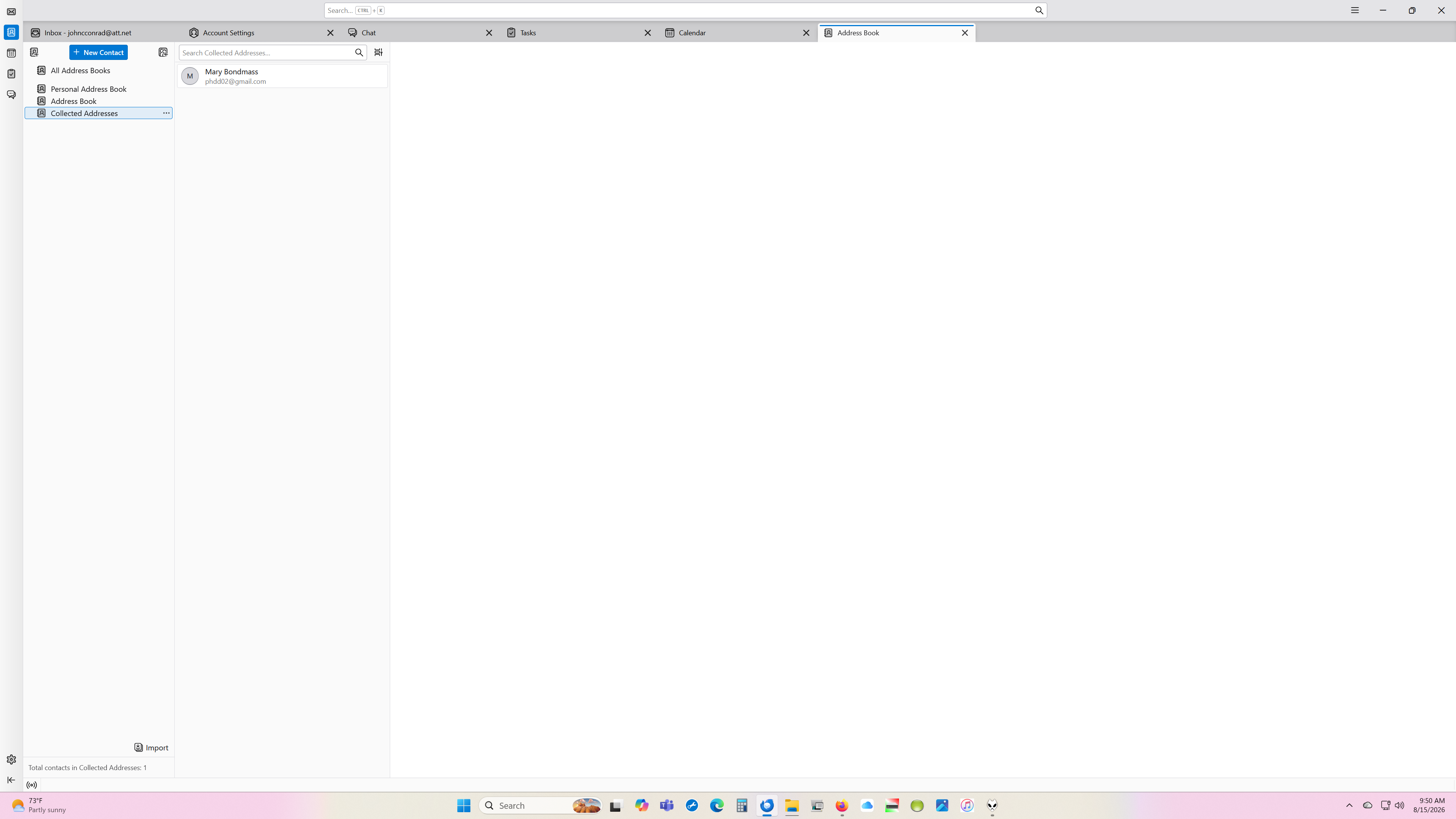
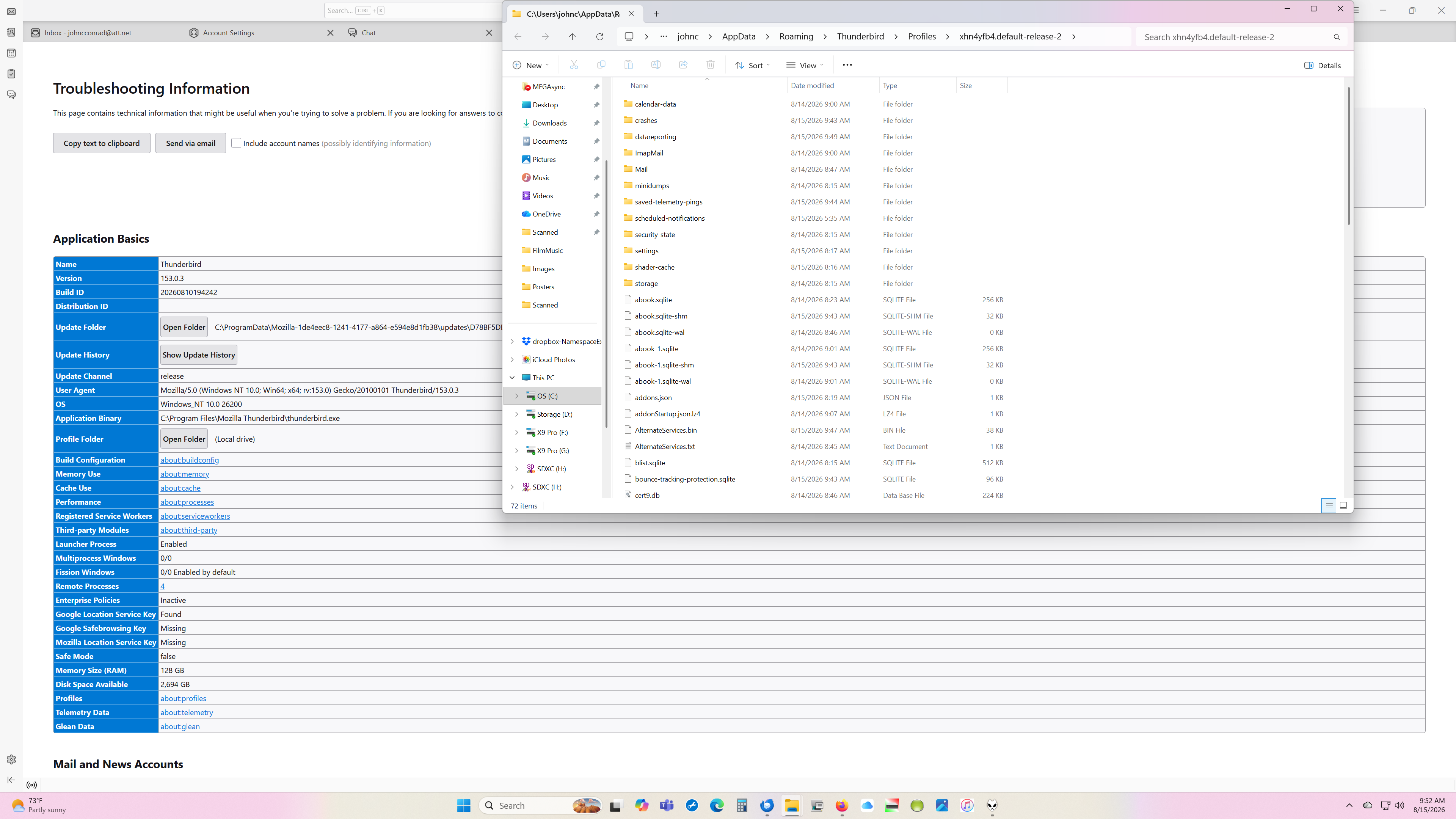
Are there any other profiles the c:\users\<yourid>\appdata\roaming\thunderbird\profiles folder? I see the profile's name ends in 'default-release-2', so I'm curious about contents in that profiles folder. I agree this is very strange.
Here's 2 more screen shots
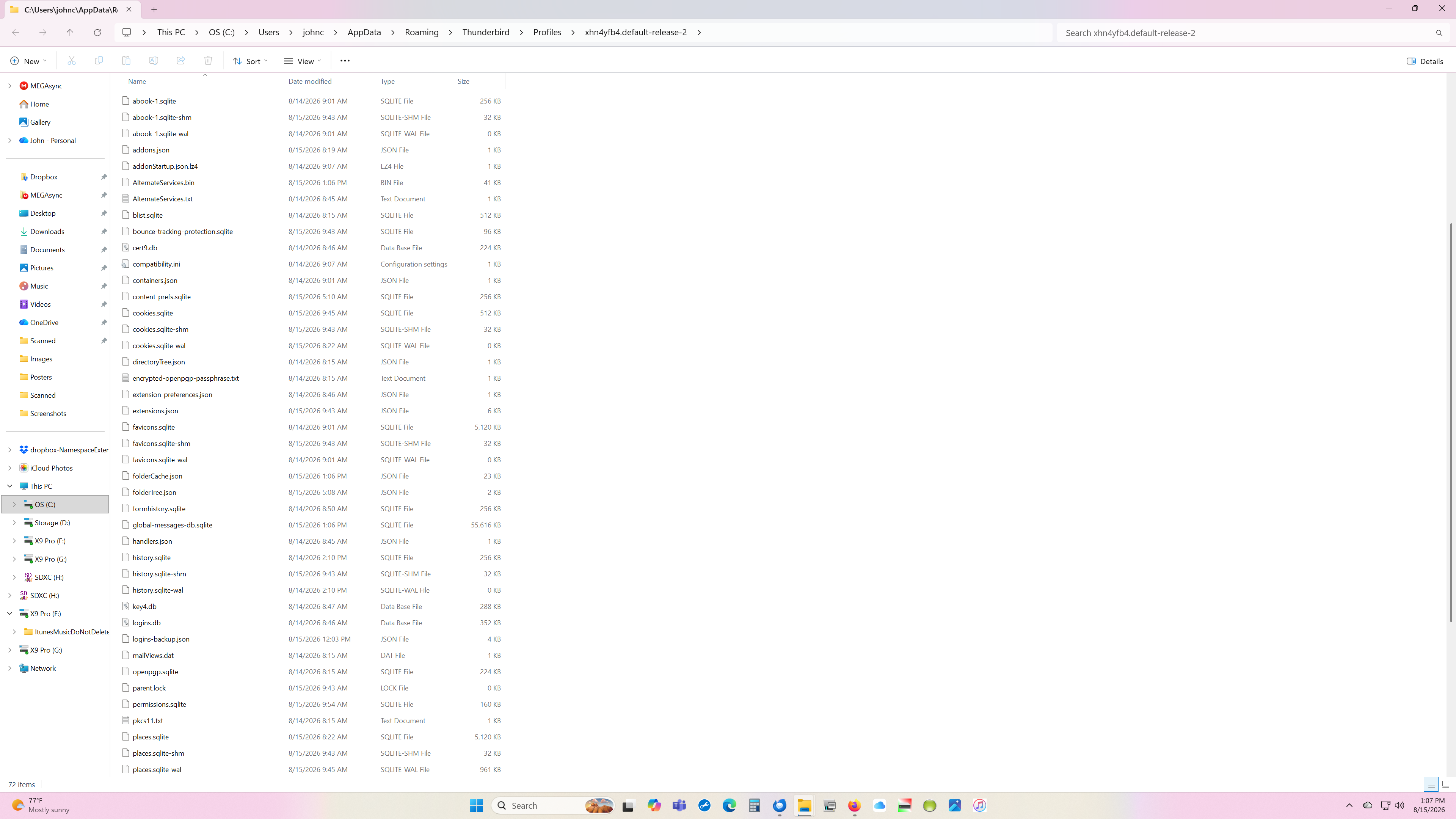
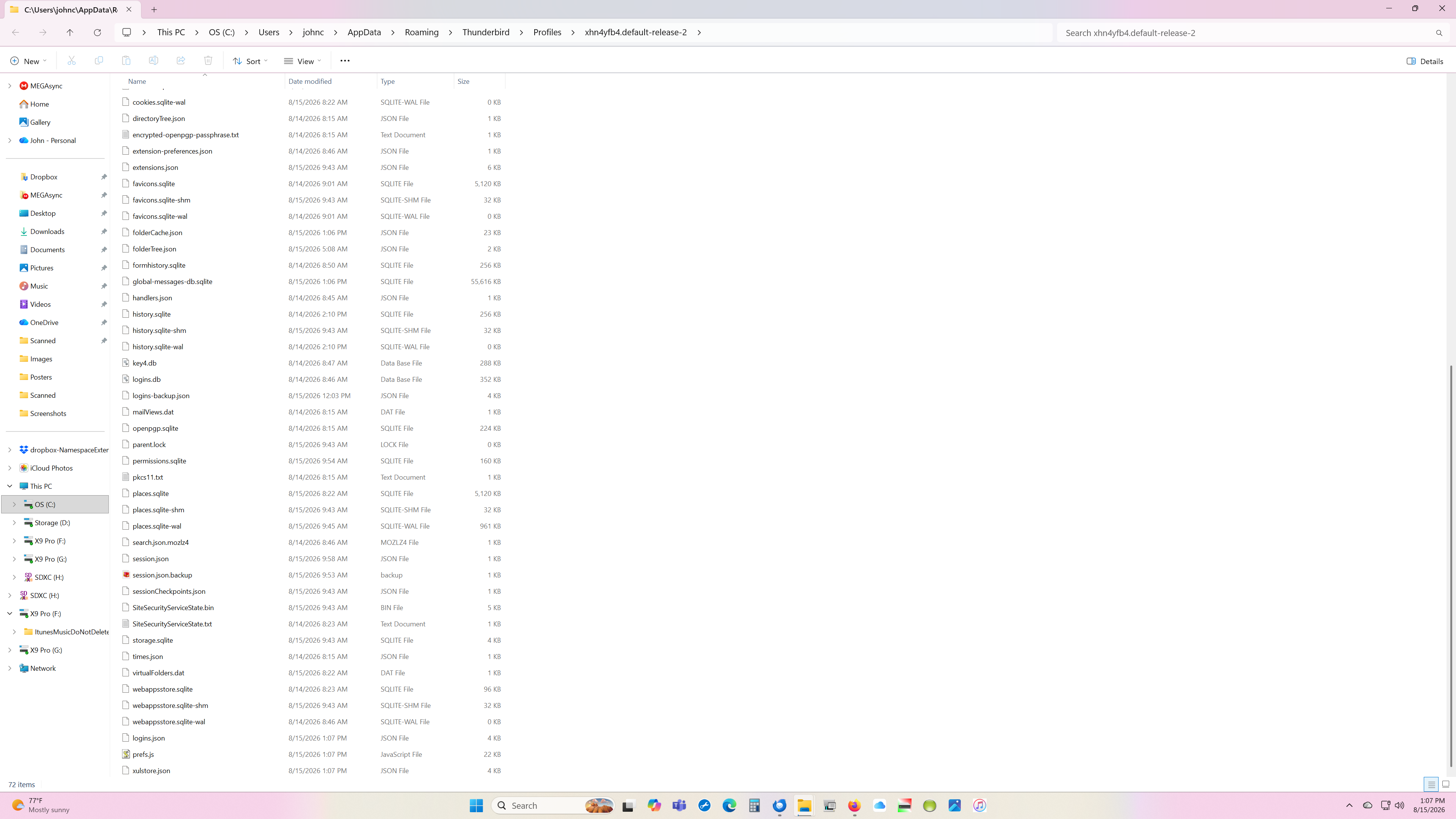
Are there other profiles in the appdata\roaming\thunderbird\profiles folder? Or just the one you showed?