


Lost shortcuts on new tab
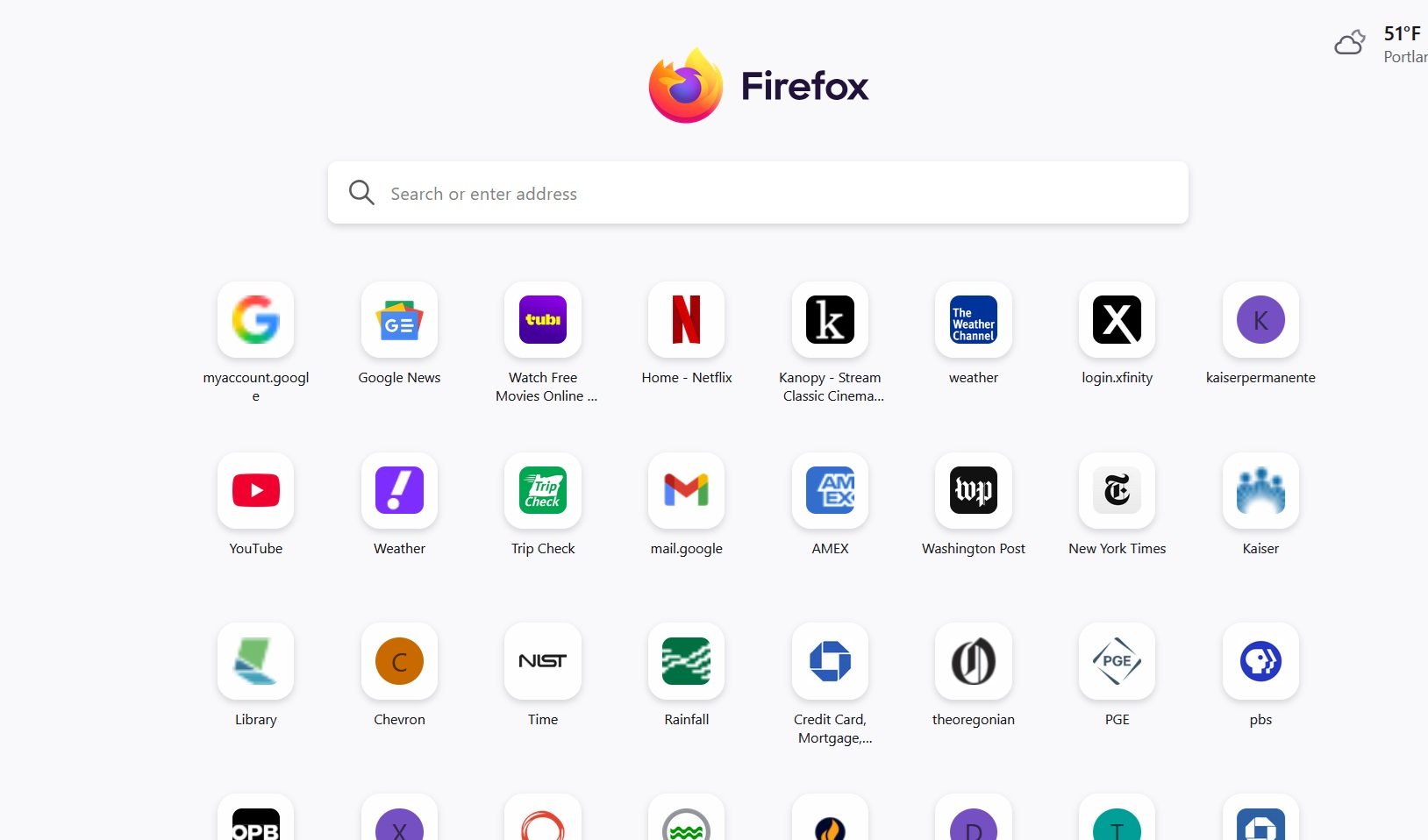
I set up my new tab (after the Home page which was Google News for my profile) to show shortcuts in four rows. Clicking on these shortcuts opened the URL for an account or webpage. I "pinned" or "dismissed' these shortcuts over time. Somehow, I lost every shortcut and cannot seem to figure out how to recreate this.
Alla svar (3)
Hi Gary
It looks from your screenshot that the top sites are still there. What seems to be the problem?
No, those shortcuts are on my laptop. The desktop computer tab (not the home page) is totally blank with just some shortcuts in the bookmarks bar. The rest of the page is pure white.
I solved the problem. Apparently Firefox was corrupted by a download of webpage addresses from an Atlantic Magazine article regarding the CIA discontinuing "Worldfacts" which is a huge volume of information amassed by the CIA over the years. In this case the download corrupted Firefox by eliminating the means of designing tabs (not the home page) with shortcuts, other items, etc. So, I uninstalled Firefox and then reinstalled, and voila, it works, and I now have my desired page of shortcuts in four rows which I use quite often.