

Kjo rrjedhë është arkivuar.
Ju lutemi, bëni një pyetje të re, nëse keni nevojë për ndihmë.

Arkivuar
Links won't open

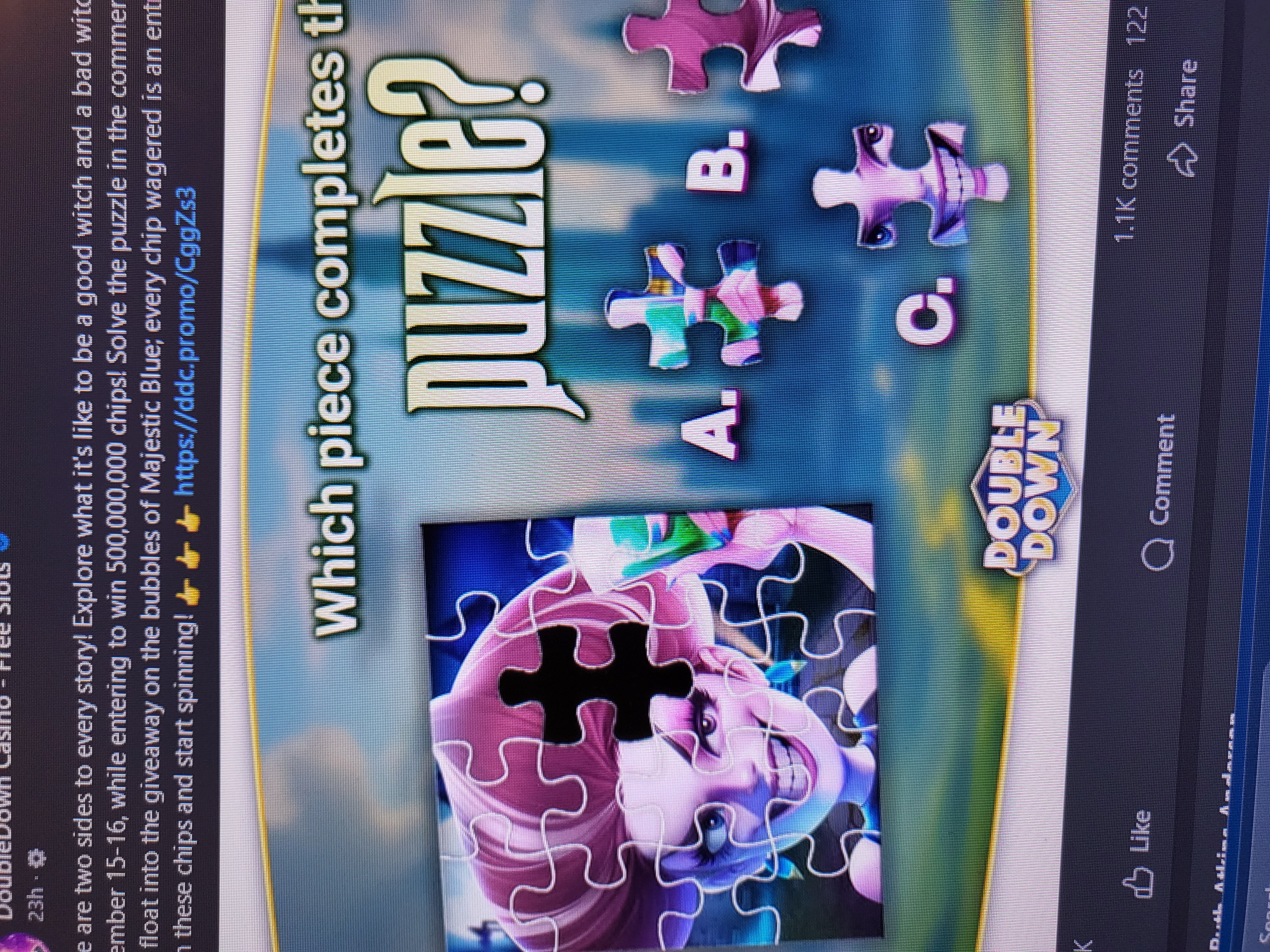
On Facebook I get posts from DoubleDown casino that have internal links to acquire free credits/points. When I click on the link, DoubleDown begins to open but goes "grey" and shows a rotating/pulsating circle but never opens. Any idea why? What do I need to do to get the links to open. No problem with Google.
On Facebook I get posts from DoubleDown casino that have internal links to acquire free credits/points. When I click on the link, DoubleDown begins to open but goes "grey" and shows a rotating/pulsating circle but never opens.
Any idea why?
What do I need to do to get the links to open. No problem with Google.
Krejt Përgjigjet (1)
Hi,
Sorry to hear that the page doesn't work as expected. In order to look for the root cause, please follow the steps below and provide us with more information to troubleshoot your issue.
- Please check if you have Enhanced Tracking Protection (ETP) enabled. You can do that by clicking the shield
 icon at the left of the address bar.
- If ETP is enabled, try disabling it. Does the problem persist?
- If the problem is not fixed, try clearing Firefox cache. Does it help?
- If it does not help, also try clearing cookies and data for the website you experience troubles with (warning: you will be logged out on this website). Does it help?
- If it also does not help, try running Firefox in Troubleshoot Mode. Does the problem persist?
Looking forward to your update!