


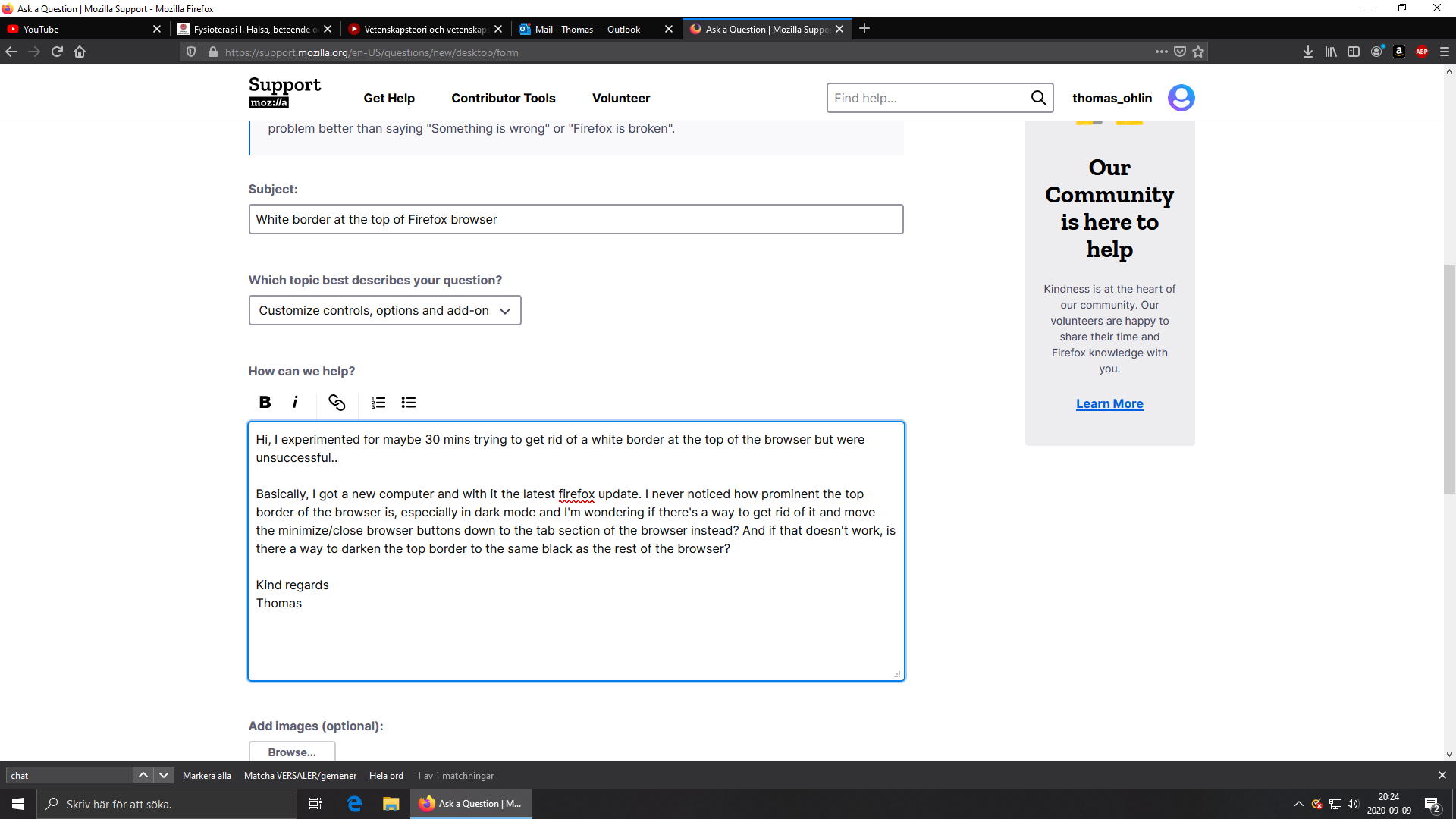
White border at the top of Firefox browser
Hi, I experimented for maybe 30 mins trying to get rid of a white border at the top of the browser but were unsuccessful and the others mentioning border problems seems to suffer more from a white thick line surrounding all sides...
Basically, I got a new computer and with it the latest firefox update. I never noticed how prominent the top border of the browser is, especially in dark mode and I'm wondering if there's a way to get rid of it and move the minimize/close browser buttons down to the tab section of the browser instead? And if that doesn't work, is there a way to darken the top border to the same black as the rest of the browser?
Kind regards Thomas
Penyelesaian terpilih
hi, it should be possible to disable that bar when you go into the firefox menu ≡ > customize... panel and uncheck the titlebar option that's listed in the bottom left of that panel.
Baca jawapan ini dalam konteks 👍 0All Replies (1)
Penyelesaian Terpilih
hi, it should be possible to disable that bar when you go into the firefox menu ≡ > customize... panel and uncheck the titlebar option that's listed in the bottom left of that panel.