


Open
Unable to follow video to prepare to transfer Thunderbird to new computer

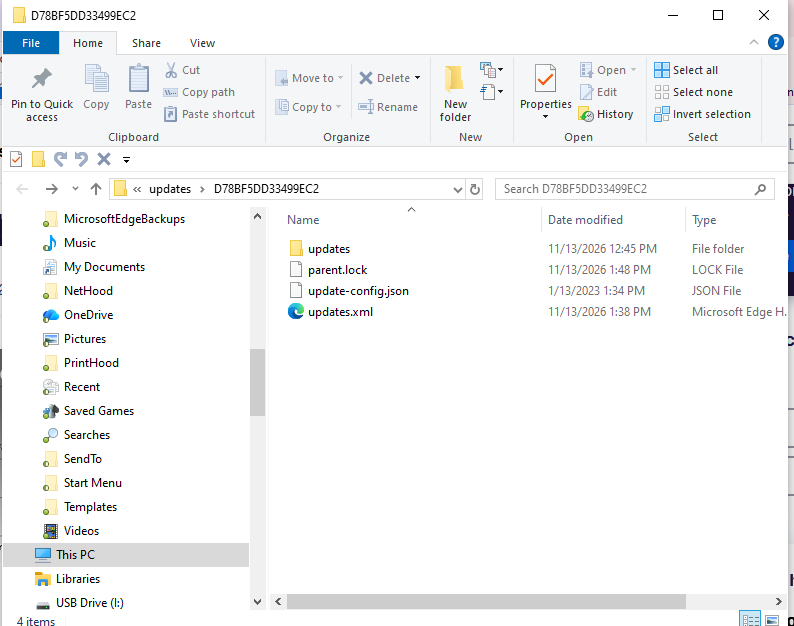
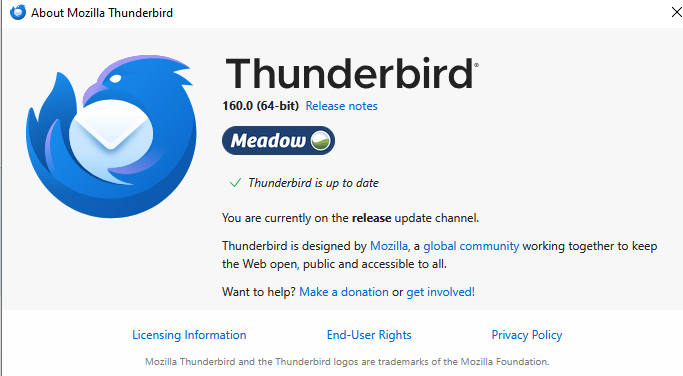
When I follow the instructions to save the files necessary to transfer Thunderbird to a new PC, this attached file explorer window is what displays. Going up 3 levels does not get me to where I need to be. Is there some other way, or do I need to upgrade Thunderbird on the old PC first?
I am computer challenged, shall I say. Thank you for your time and trouble, Dave Frank
When I follow the instructions to save the files necessary to transfer Thunderbird to a new PC, this attached file explorer window is what displays.
Going up 3 levels does not get me to where I need to be.
Is there some other way, or do I need to upgrade Thunderbird on the old PC first?
I am computer challenged, shall I say.
Thank you for your time and trouble,
Dave Frank
എല്ലാ മറുപടികളും (1)
Try this approach instead. Let me know of any problems and on which step the problem happened
BACKUP
- ensure thunderbird is not running on old PC
- enter %appdata% in search window on task bar and press Enter key
- this should open windows file explorer in Appdata\roaming folder
- highlight the Thunderbird folder and copy to external media
RESTORE
- ensure thunderbird is installed, run once, and NOT running on new PC (it appears you have already done this step)
- enter %appdata% in search window on task bar and press Enter key
- delete the thunderbird folder
- you should be in Appdata\roaming folder , copy&paste the exported Thunderbird folder there.
- start thunderbird and all should be there