Why did Firefox stop showing any Mouser Electronics Components pages, but shows them in private mode

In the first week of November, Firefox stopped showing any pages for Mouser Electronics Components - www.mouser.com. No issues at all until then.
No changes at my end at all; no software updates/installs, no change in Operating SYstem, no hardware changes at all, no change in Intenet connection. Just no connection to Mouser.
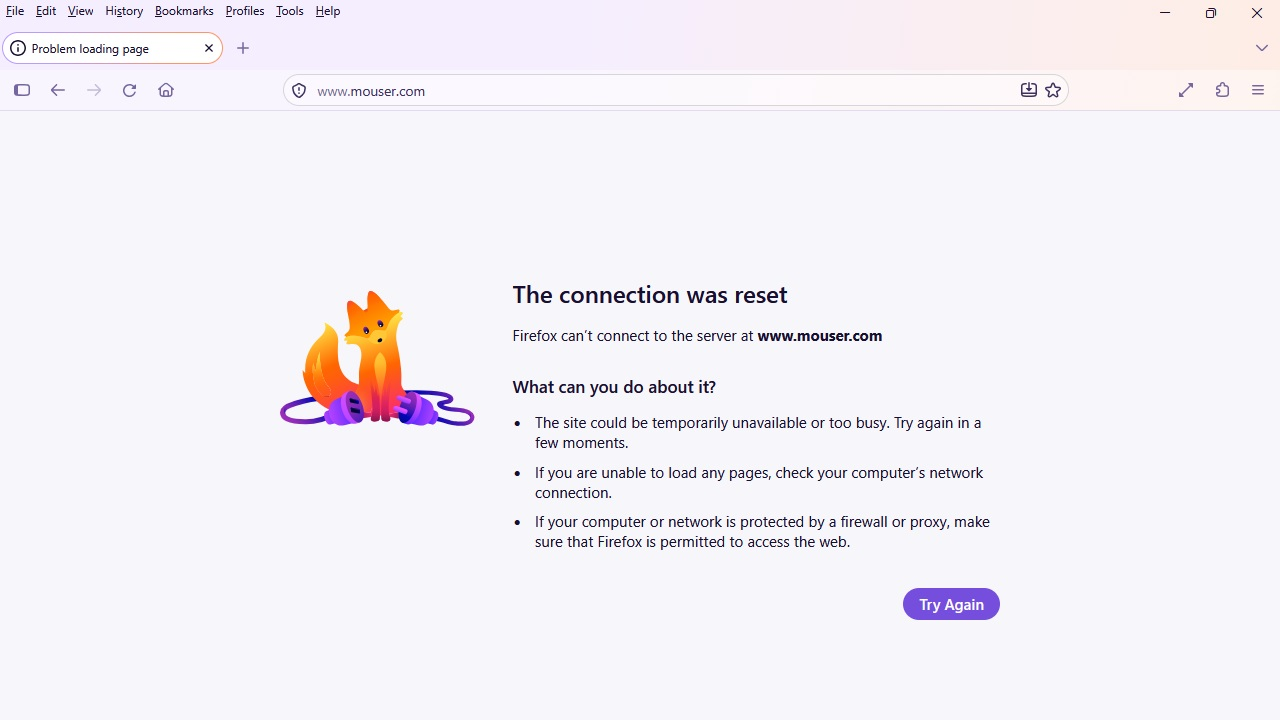
I get the message in the image about "Connection was Reset", and "Firefox can't connect to the server". I attached a screenshot of the error page I get.
I discovered that, weirdly enough, Firefox connects fine to www.mouser.com in "private mode".
I did all the cookie/cache clearing routines, updated Firefox to make sure I was current but nothing worked. Firefox still won't display the pages.
Every other website I go to, works normally. www.mouser.com is the ONLY one with this odd issue.
Any suggestions would be really appreciated. Thanks.
എല്ലാ മറുപടികളും (2)
Hi
That website appears to open fine in Firefox.
Do you have any add-ons installed?
Hi Paul, Thanks for the reply.
I have friends that also say they can get to Mouser's site, but I just tried it again and still can't get there.
No add-ons other than the two that I have been running for over a year - and they were not updated or changed. In fact, nothing was changed on my end. No software additions/changes of any kind. No hardware changes at all. One day it worked and the next day it didn't. Cleared cookies, caches, temporary files - all that but no joy. At that time, I did go ahead and update Firefox, but still can't get to Mouser's site.
Again though, "Private Mode" in Firefox will get there. So I'm not dead in the water when it comes to ordering components, but this is really strange and I would love to know why it is happening.
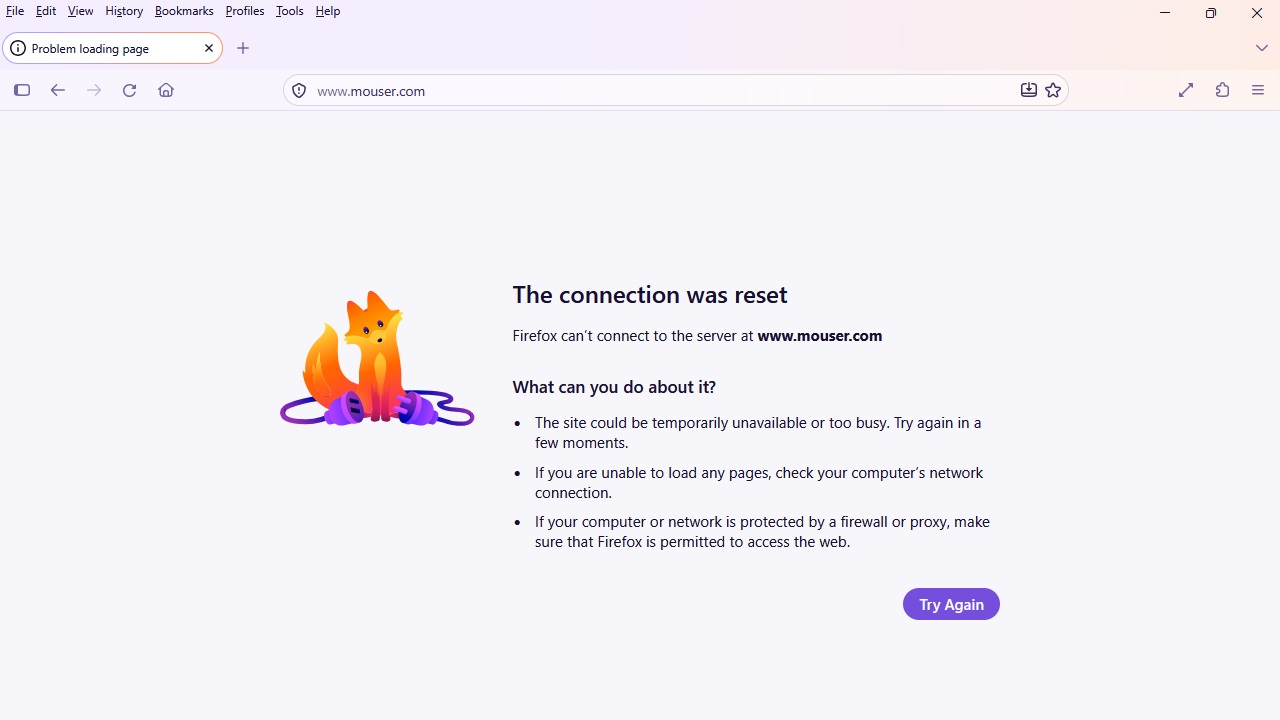
I still get the exact same page as the screenshot I posted. I wish the page Firefox shows had some kind of information about what the actual issue is so that I can address it better but that is all I get.