


What is "thundermail" and why is it in my way?
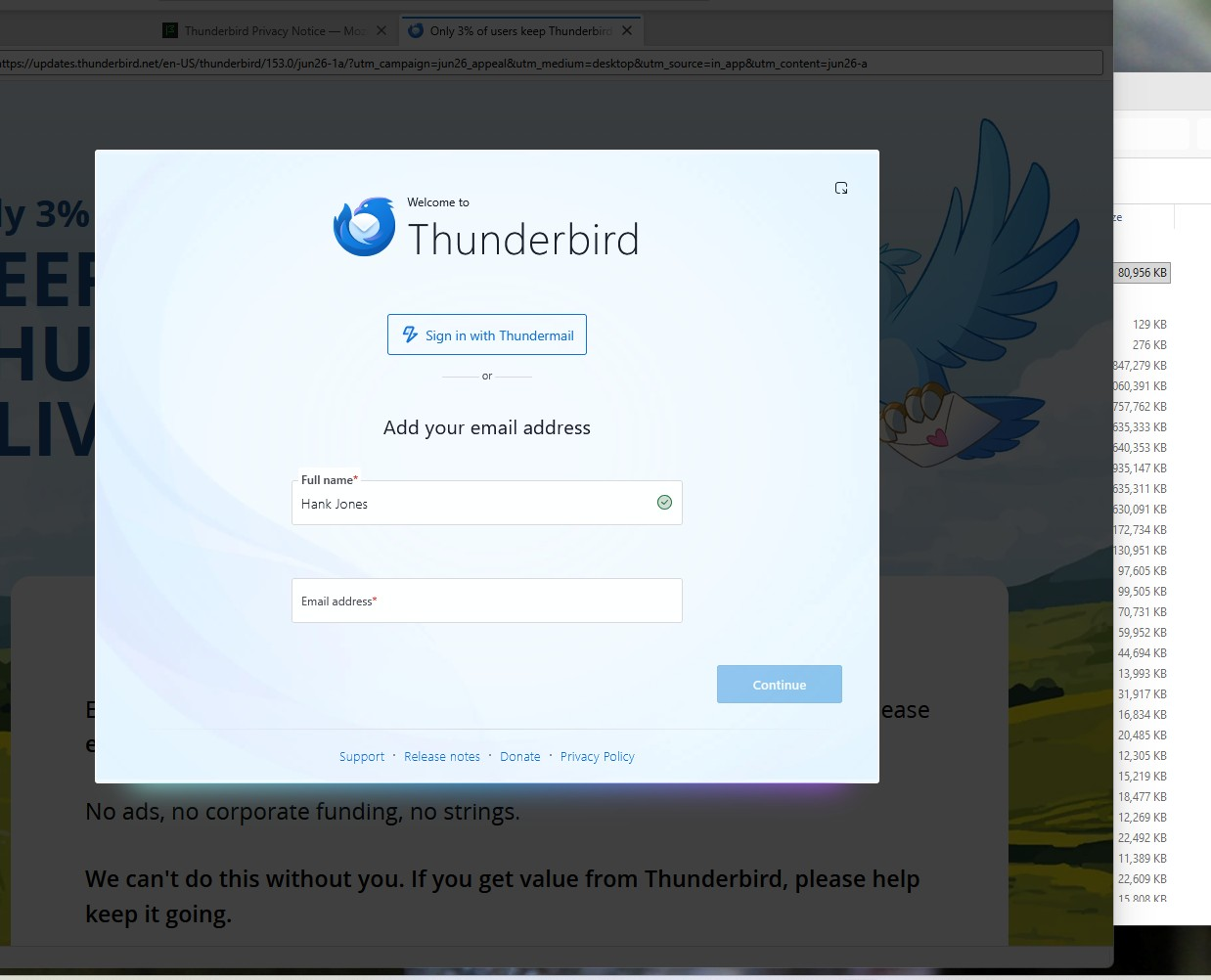
Installed Thunderbird Setup 153.0.3 and npw when running t-bird get a prompt asking abut a 'thundermail" address. Please advise..
എല്ലാ മറുപടികളും (3)

"Thundermail" is Thunderbird's upcoming commercial email hosting service. Here's a description:
https://blog.thunderbird.net/2025/04/thundermail-and-thunderbird-pro-services/
It's not available yet, but you can sign up for the waiting list here if you're interested.
It's said that the service will be tightly integrated with Thunderbird (the familiar email app,) but of course, Thunderbird will always be able to be used with other email services as it is now.
Thanks for the update. I will likely subscribe to Thundermail; the $72 annual price works for me.
I do have a problem with Thunderbird 153.0.3. It does not appear to use data files from older versions of Thunderbird, which means all email accounts have to be entered again.
It also seems that there is no automatic conversion of the older data files to the new 153.0.3 format.
Please advise on how I can migrate my existing Thunderbird data and accounts to version 153.0.3.
Thanks.
Thunderbird 153.0.3 DOES happily use data from previous versions. You should have no need to set things up again. If it looks like you're being prompted to do so there's some other issue. It's usually that Thunderbird is confused about the location of your Profile, which is the folder that holds all your accounts, messages, passwords, folders, everything. This can be fixed.
- What is your operating system? If Windows, did you install it from an installer downloaded from the official source ( https://www.thunderbird.net/en-US/thunderbird/all/ ) or from a "store" like Microsoft's or Apple's?
- What error messages or setup prompts do you see? Please quote them precisely and in full. Screen shots would be best.