


Windows 10 reached EOS (end of support) on October 14, 2025. If you are on Windows 10, see this article.

Search Support

Avoid support scams. We will never ask you to call or text a phone number or share personal information. Please report suspicious activity using the “Report Abuse” option.

കൂടുതലറിയുക
Open

pop-up errors about a long index file path - Failed to open the index file for 'Inbox on [email]'. A disk error may have occurred, or the full path exceeds the maximum allowed length.

scottebert1939

I have over 200 email accounts in Thunderbird, and I am getting constant pop-up error messages that say: "Не удалось открыть индексный файл для 'Входящие на [email]'. Возможно, произошла ошибка на диске или полный путь превышает допустимую длину."

I don't need help fixing the emails themselves, but I need to permanently disable these pop-up alert windows because I will soon have over 2000 accounts and I don't want 2000 errors popping up.

I am using the latest version of Thunderbird. I have tried looking for "about:config" or the "Navigation Toolbar" to change the settings to "false", but my interface is heavily customized and I cannot find the menu or the address bar. I need a step-by-step guide on how to disable these error alerts, preferably using the Windows Registry or a configuration file if the menu is hidden.
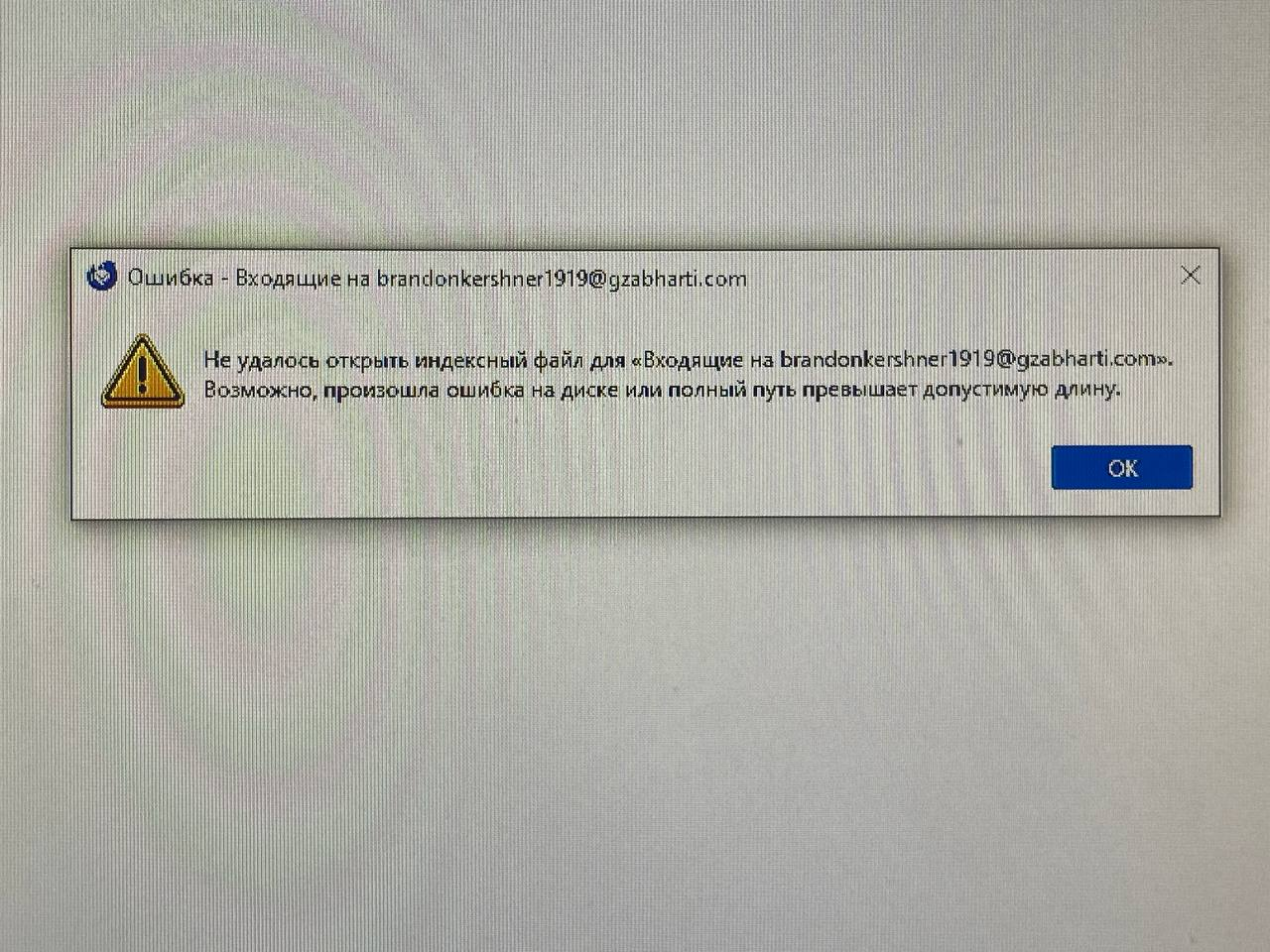
I have over 200 email accounts in Thunderbird, and I am getting constant pop-up error messages that say: "Не удалось открыть индексный файл для 'Входящие на [email]'. Возможно, произошла ошибка на диске или полный путь превышает допустимую длину." I don't need help fixing the emails themselves, but I need to permanently disable these pop-up alert windows because I will soon have over 2000 accounts and I don't want 2000 errors popping up. I am using the latest version of Thunderbird. I have tried looking for "about:config" or the "Navigation Toolbar" to change the settings to "false", but my interface is heavily customized and I cannot find the menu or the address bar. I need a step-by-step guide on how to disable these error alerts, preferably using the Windows Registry or a configuration file if the menu is hidden.
Attached screenshots

Modified by Wayne Mery

എല്ലാ മറുപടികളും (1)

Try using short folder names.

Ask a question

You must log in to your account to reply to posts. Please start a new question, if you do not have an account yet.