Can't save drafts

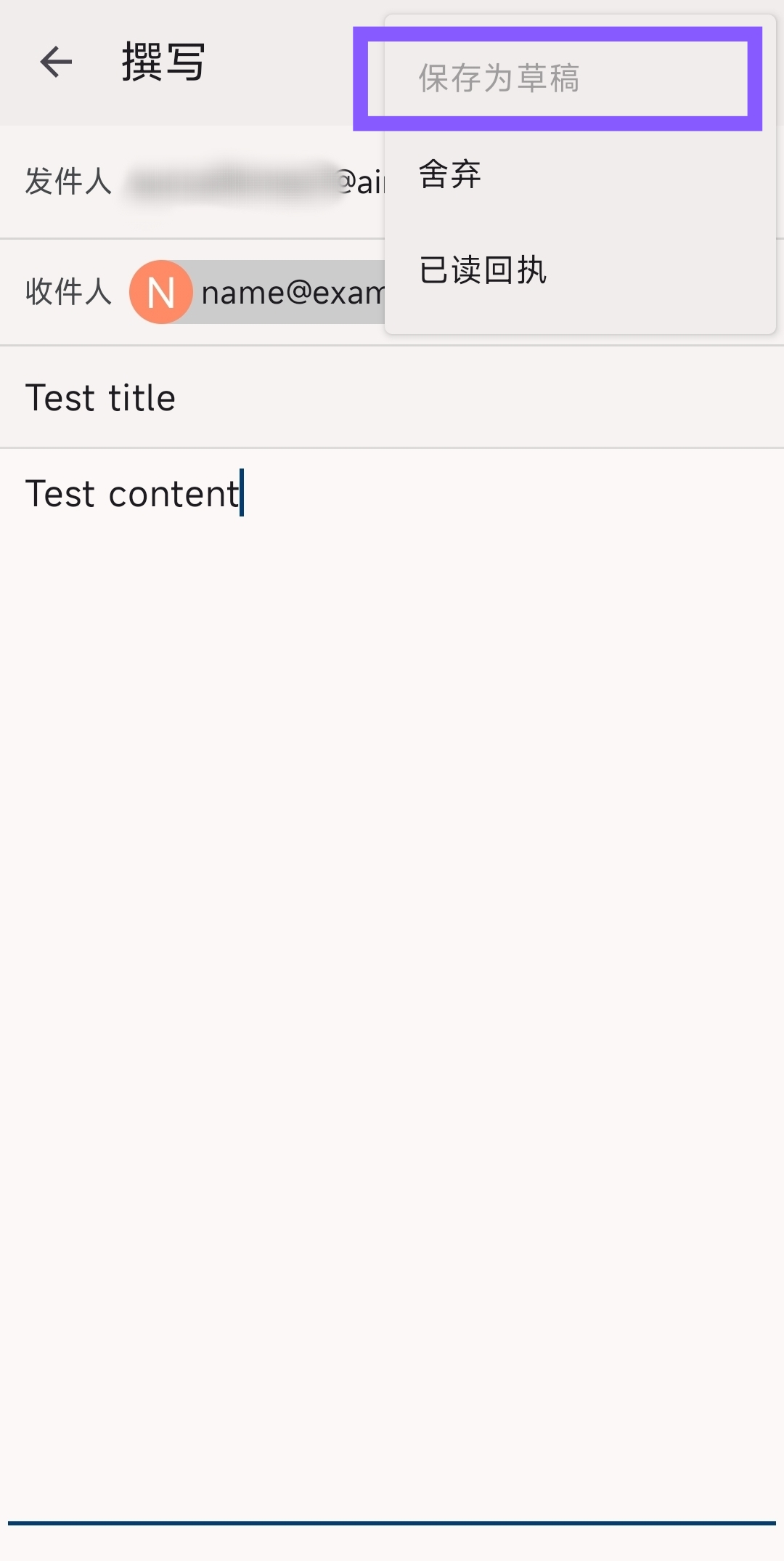
I'm using a cock[dot]li email and have pretty much accepted the default settings. I can't save drafts; that option is simply disabled.
Chosen solution
Thanks for confirming Imap is used.
You advise automatic(none) is assigned to the draft folder under settings > account > folders. If 'Draft' is unavailable for selection in the drop down folder list, can you login to your providers webmail settings. There's two options you can check / try.
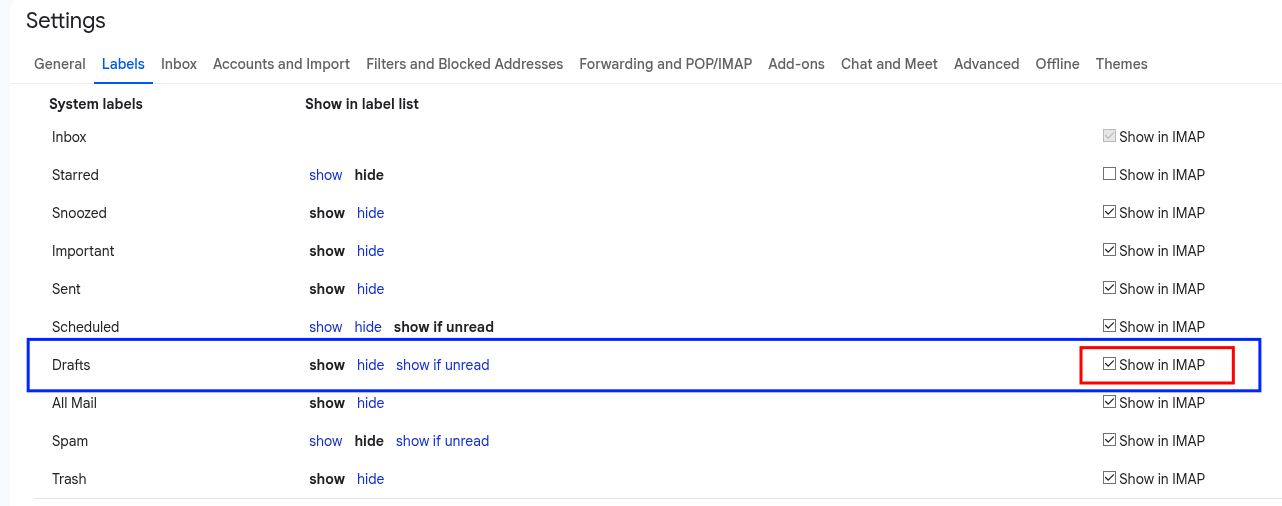
1. Some providers have a setting allowing you to enable and disable which folders are available via imap. If cock.li provides the option, you should enable for the draft folder. I've attached a screen shot from gmail as example.
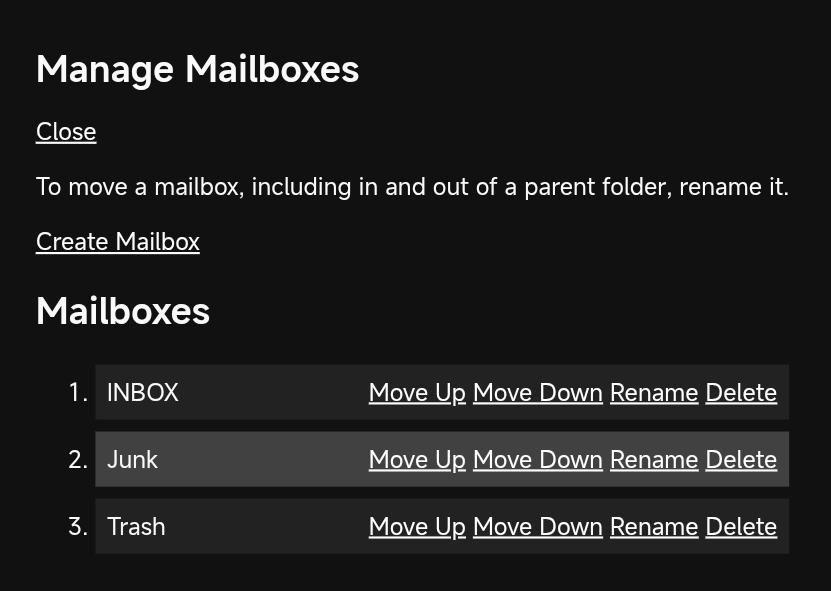
2. If your webmail doesn't have a 'Draft' special folder, try creating a folder or label named 'draft' and enable it to show in imap.
Once completed, refresh the Thunderbird folder list ...
- Open Thunderbird for Android
- Open the account list
- tap your cock.li account
- tap 'manage folders' (bottom of list)
- tap 'refresh folders'
3. Navigate to settings > account > folders > draft folder and select the 'Draft' folder.
Read this answer in context 👍 0എല്ലാ മറുപടികളും (6)

Are you using an imap or pop3 connection to the server?
For imap, you can check your draft folder is correctly assigned. Navigate to settings > account > folders You should see "Draft Folder" = automatic (Drafts)
Platform34 说
Are you using an imap or pop3 connection to the server?
Can you give me a screenshot where I can find this?
Platform34 说
For imap, you can check your draft folder is correctly assigned. Navigate to settings > account > folders You should see "Draft Folder" = automatic (Drafts)
The "automatic" option says "(None)"
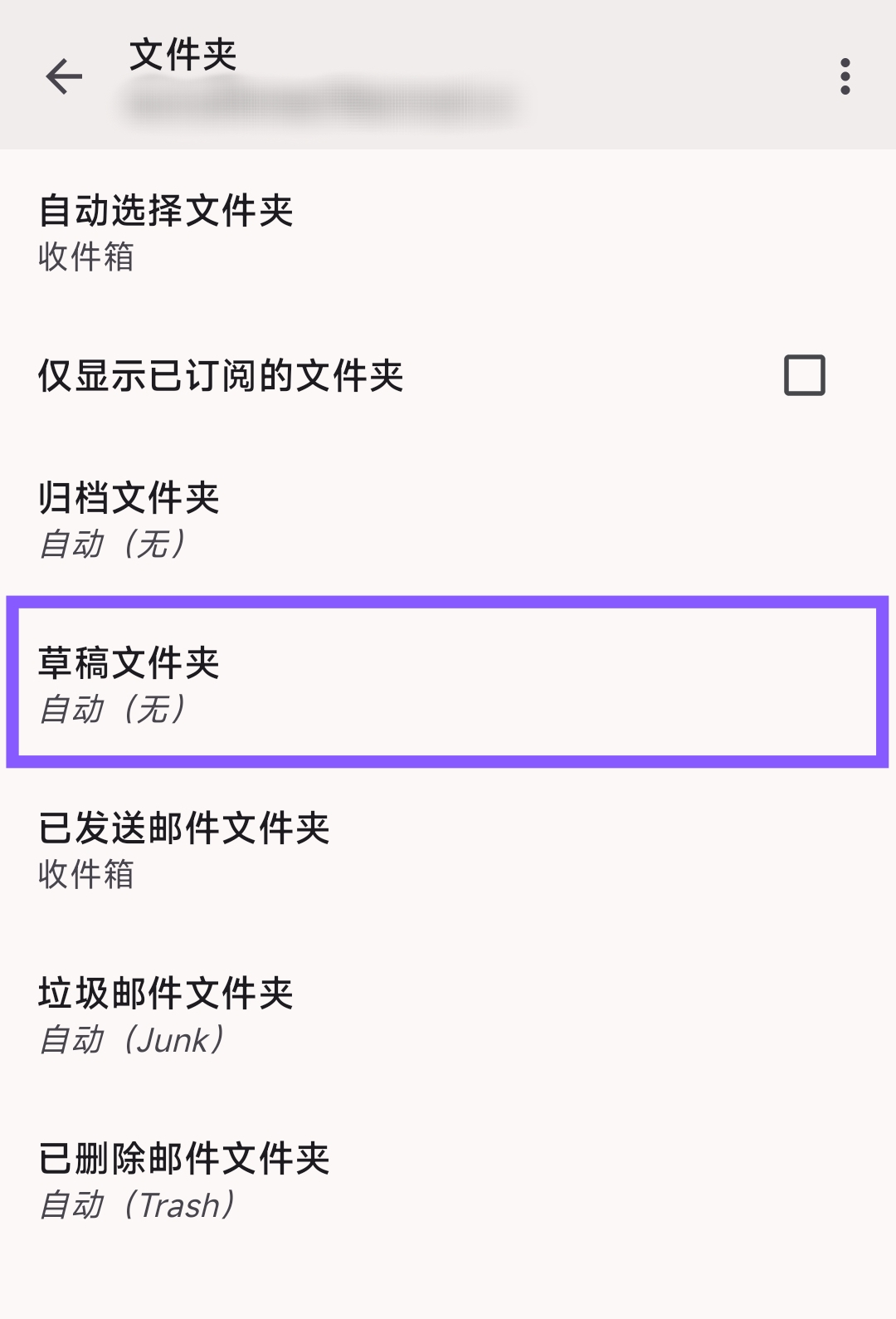
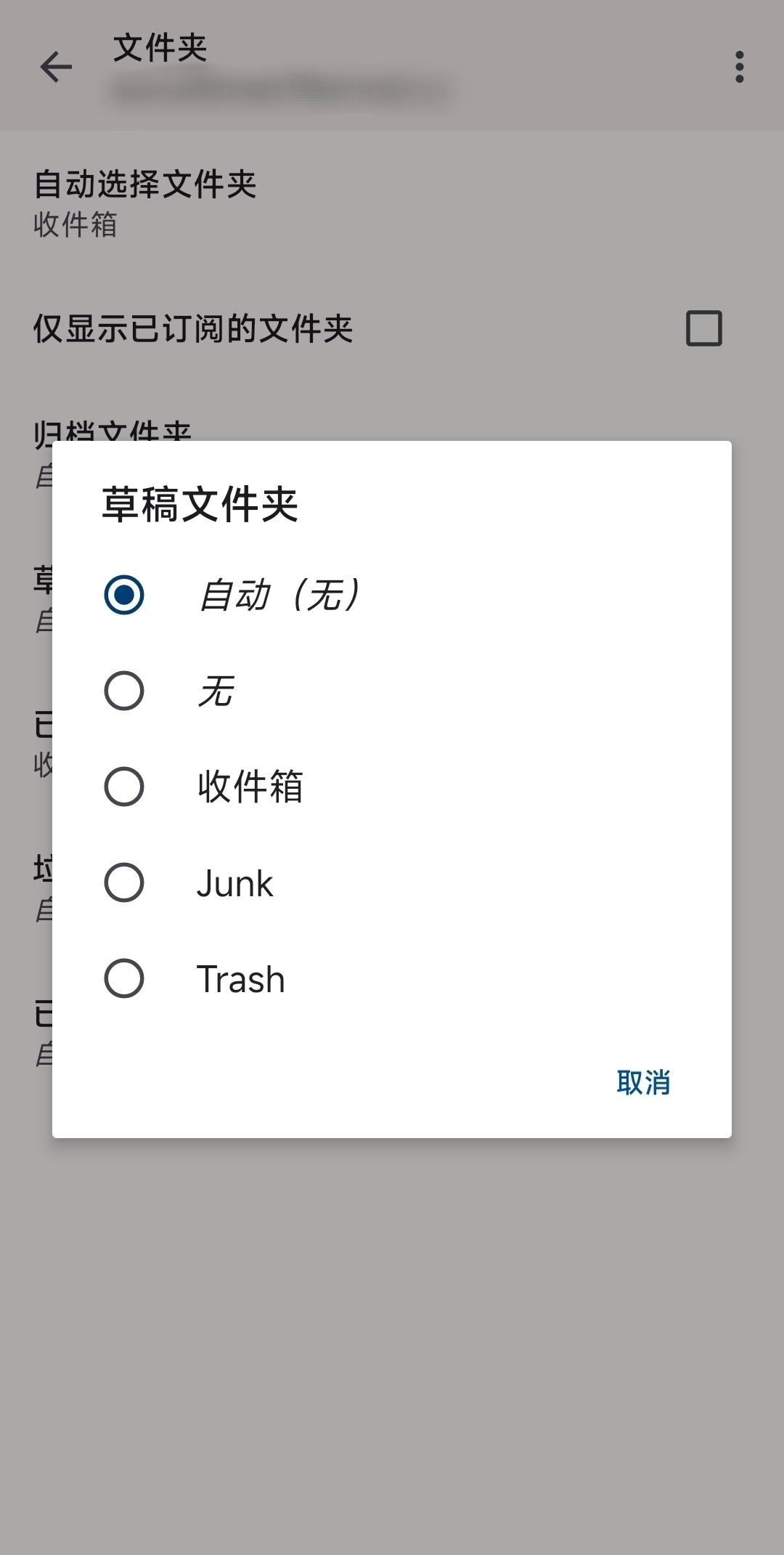
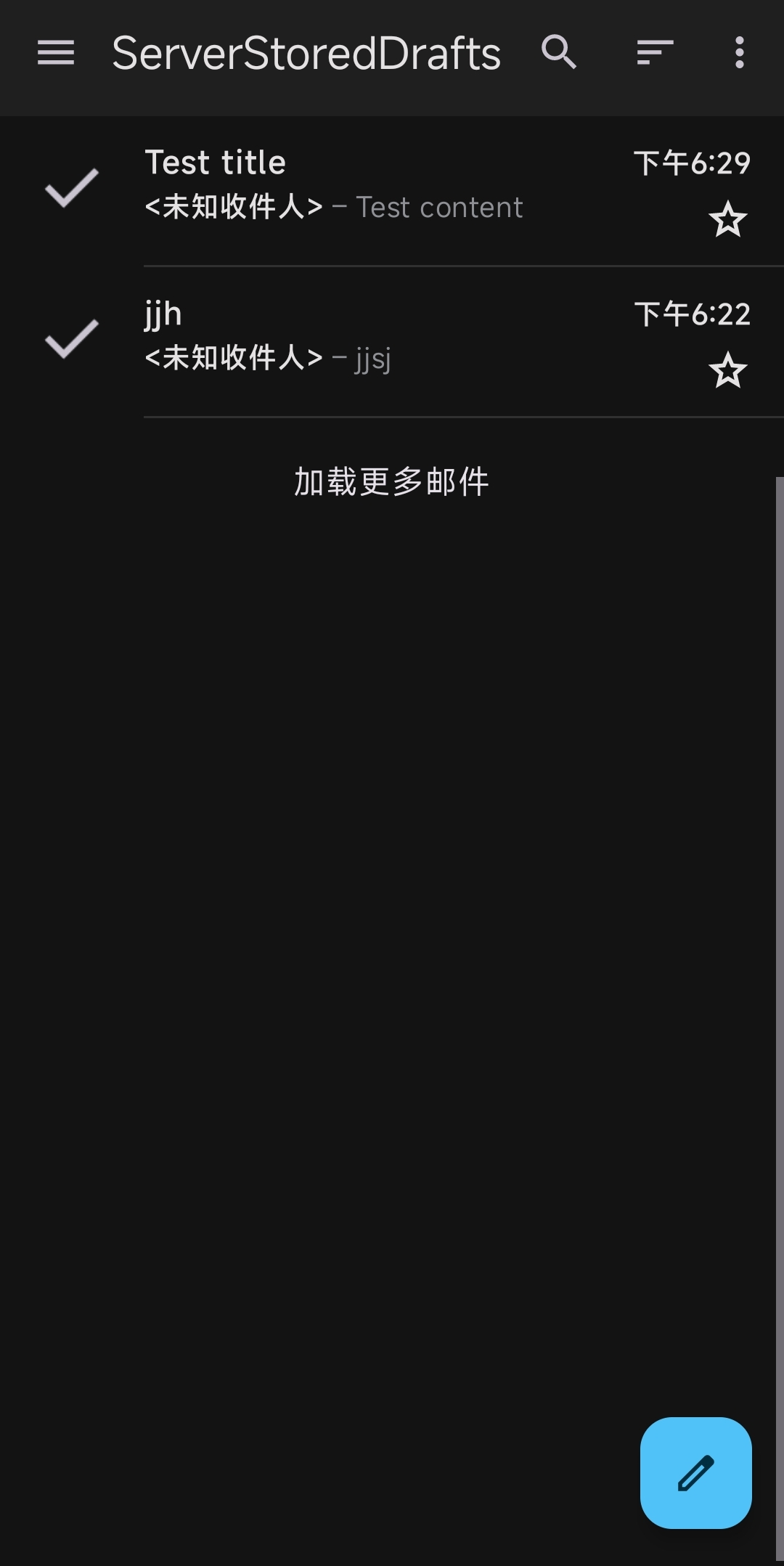
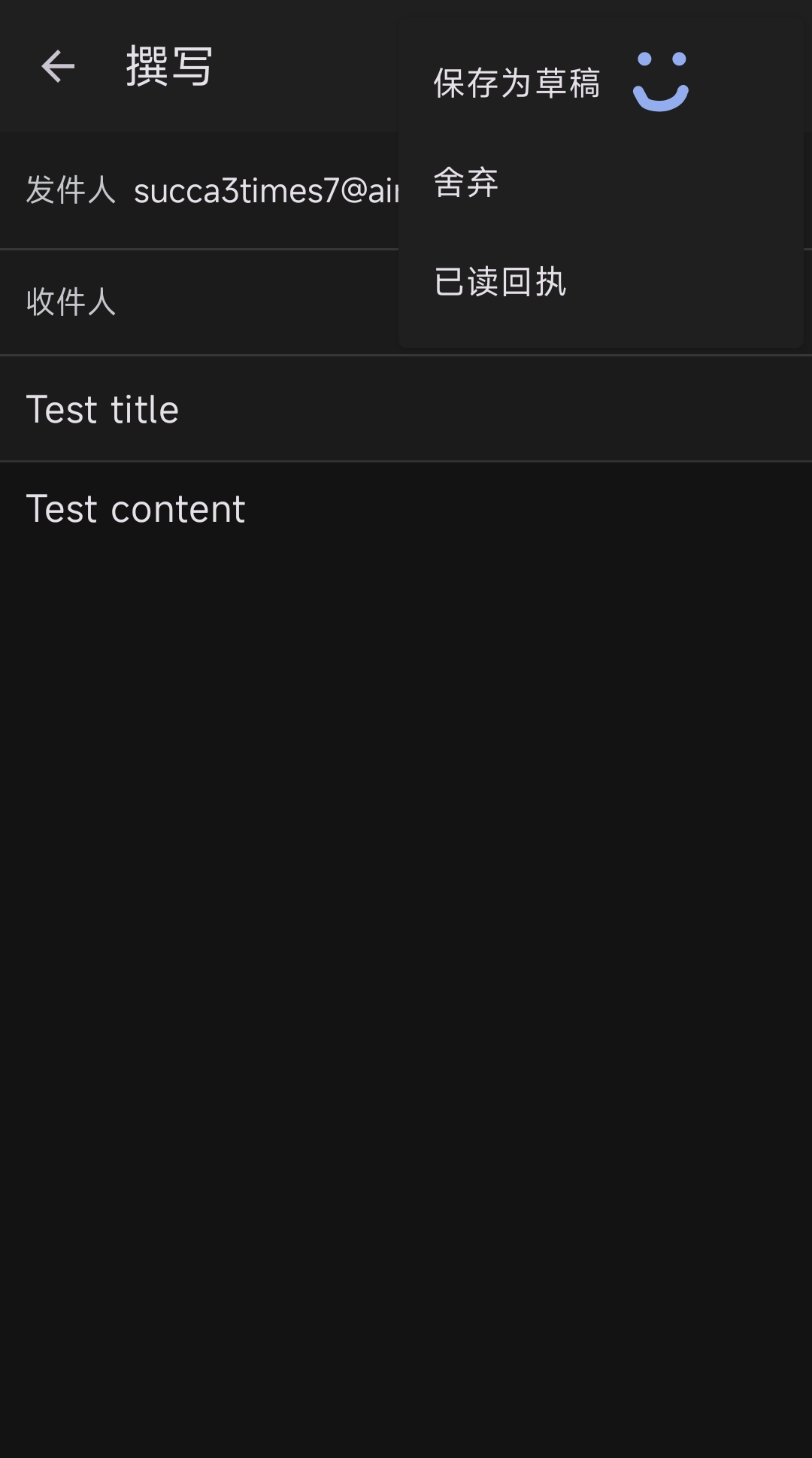
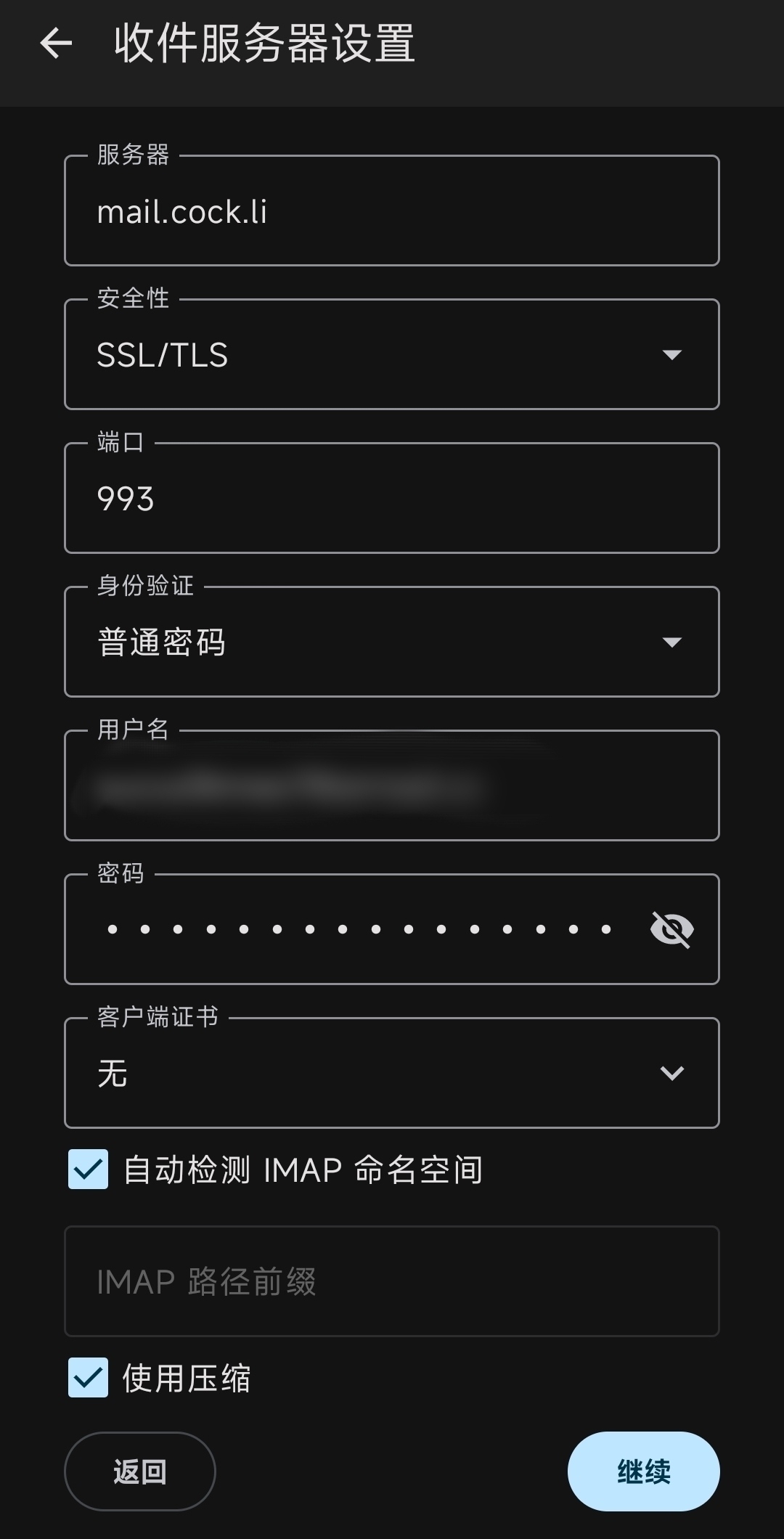
Screen shots attached.
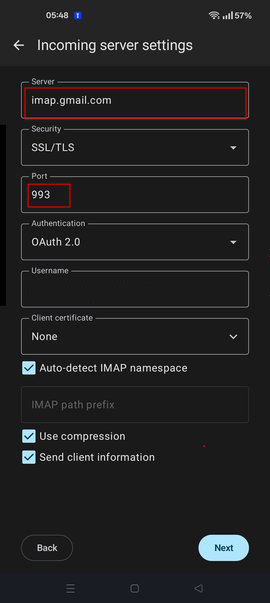
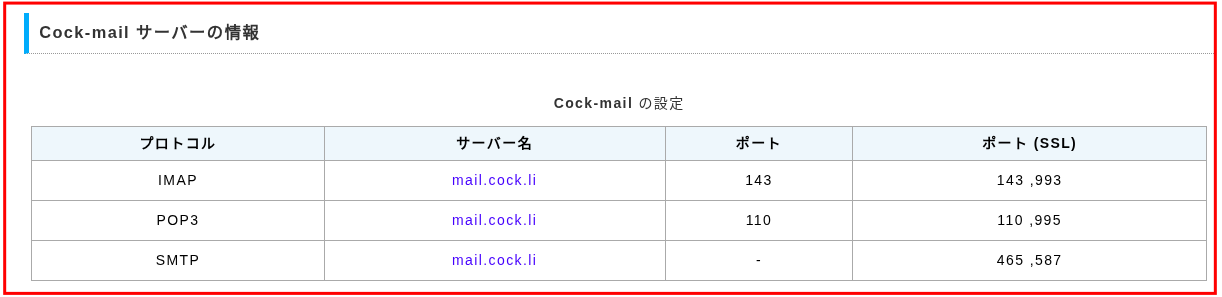
To confirm Imap or pop, navigate to settings > account > fetching mail > incoming server. Port 993 = imap, port 995 = pop3
Chosen Solution
Thanks for confirming Imap is used.
You advise automatic(none) is assigned to the draft folder under settings > account > folders. If 'Draft' is unavailable for selection in the drop down folder list, can you login to your providers webmail settings. There's two options you can check / try.
1. Some providers have a setting allowing you to enable and disable which folders are available via imap. If cock.li provides the option, you should enable for the draft folder. I've attached a screen shot from gmail as example.
2. If your webmail doesn't have a 'Draft' special folder, try creating a folder or label named 'draft' and enable it to show in imap.
Once completed, refresh the Thunderbird folder list ...
- Open Thunderbird for Android
- Open the account list
- tap your cock.li account
- tap 'manage folders' (bottom of list)
- tap 'refresh folders'
3. Navigate to settings > account > folders > draft folder and select the 'Draft' folder.